How To Create A Process Flow Using Visio Free Ppt Templates Process Flow How To Create An Awesome Workflow Diagram and Why You Should Nulab How To Add Another Attribute In Visio On Mac Passlzing How To Select Multiple Flowchart Shapes In Excel Downloadsitekyahac Out Of This World Visio Organization Chart From Excel Price Comparison Template Easily create professional flowcharts with Microsoft Visio Click here to learn how to create flowcharts with Microsoft Visio https support microsoft e
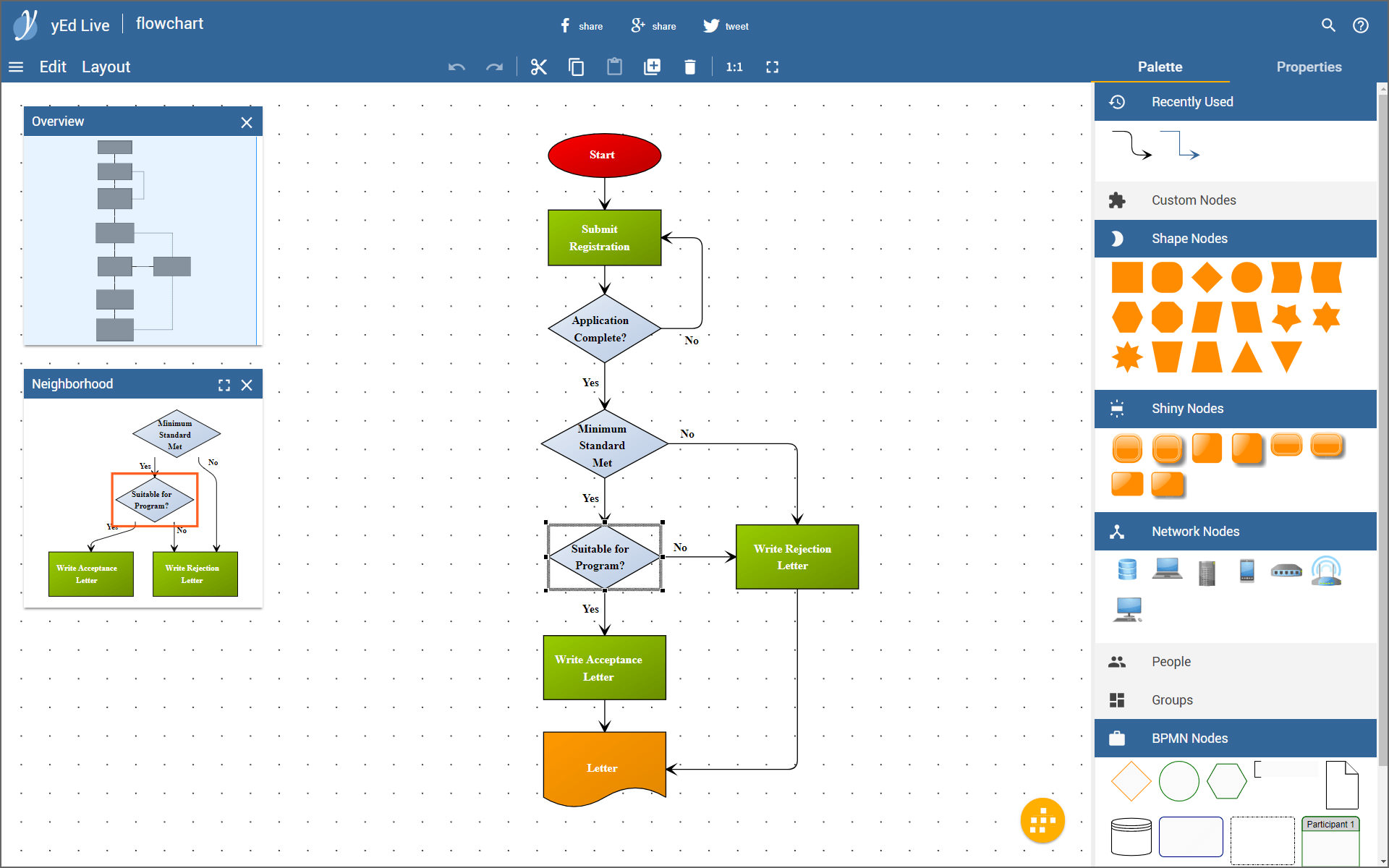
From the menu at the top select Visio From the list of Visio templates select Basic Flow BPMN Diagram Important Visio warns you that files from the Internet could harm your device If you are comfortable select YES on the warning message The Visio designer opens Use the BPMN basic shapes to design your workflow A Simple Flowchart is a diagram that uses basic shapes like rectangles diamonds and circles to represent the steps in a process They are commonly used to
Out Of This World Visio Organization Chart From Excel Price Comparison Template Free Visio Flowchart Templates Of Flow Charts Examples In Visio Pdf Heritagechristiancollege Microsoft Visio Download 10 Crm Workflow Diagram IdilNicholas Dreamme See Any Visio Diagram For Free DIAGRAM Process Flow Diagram Examples Visio FULL Version HD Quality Examples Visio EZDIAGRAM 31 Using Visio For Process Mapping ShehzadEoghann Microsoft Visio Flowchart Lenacore How To Simplify Flow Charting Cross functional Flowchart
How To Create A Process Flow Using Visio
 How To Create A Process Flow Using Visio
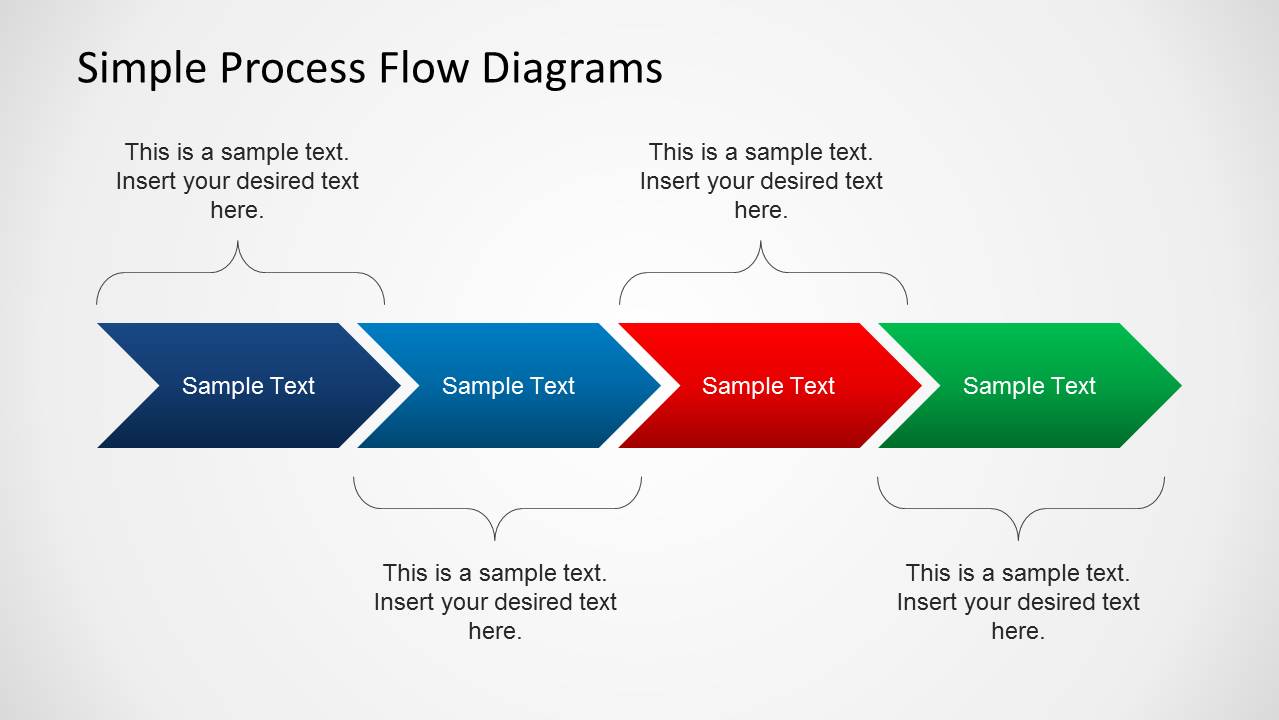
https://slidemodel.com/wp-content/uploads/6058-01-chevron-process-flow-3.jpg
Define your process visually Take the confusion out of any process by mapping out the details Choose from an array of professional templates to build everything from a basic sequence to a methodology based process diagram Control process quality through collaboration Share edit and view your process map from any browser or device
Pre-crafted templates provide a time-saving solution for developing a varied variety of files and files. These pre-designed formats and layouts can be used for various individual and expert jobs, consisting of resumes, invitations, flyers, newsletters, reports, discussions, and more, enhancing the content development procedure.
How To Create A Process Flow Using Visio

Using Visio To Create Process Maps Makeflowchart
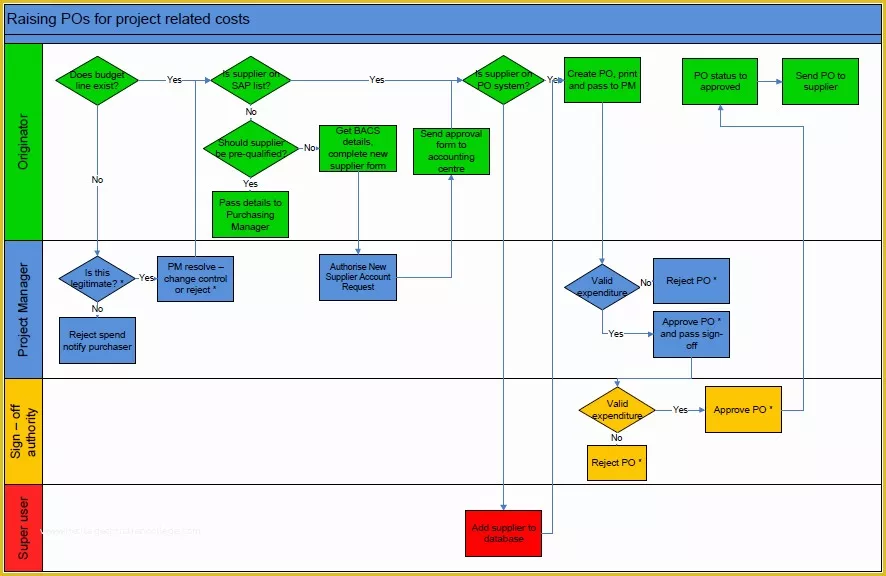
Free Visio Flowchart Templates Of Flow Charts Examples In Visio Pdf Heritagechristiancollege
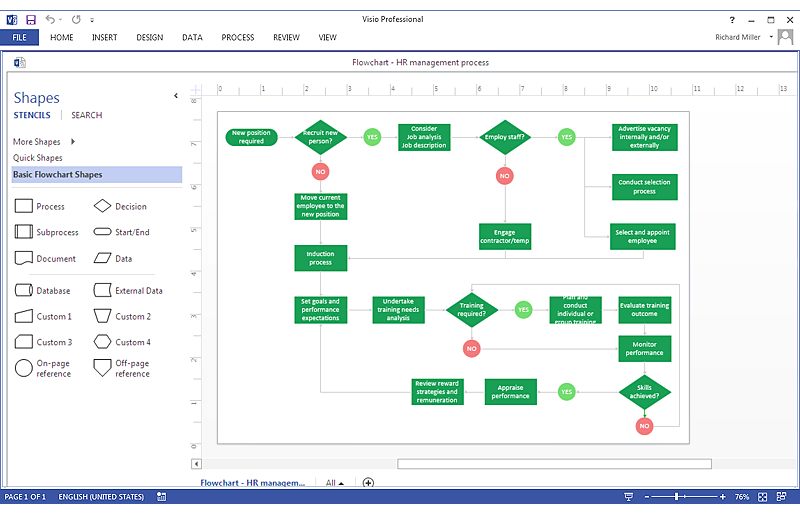
Microsoft Visio Download
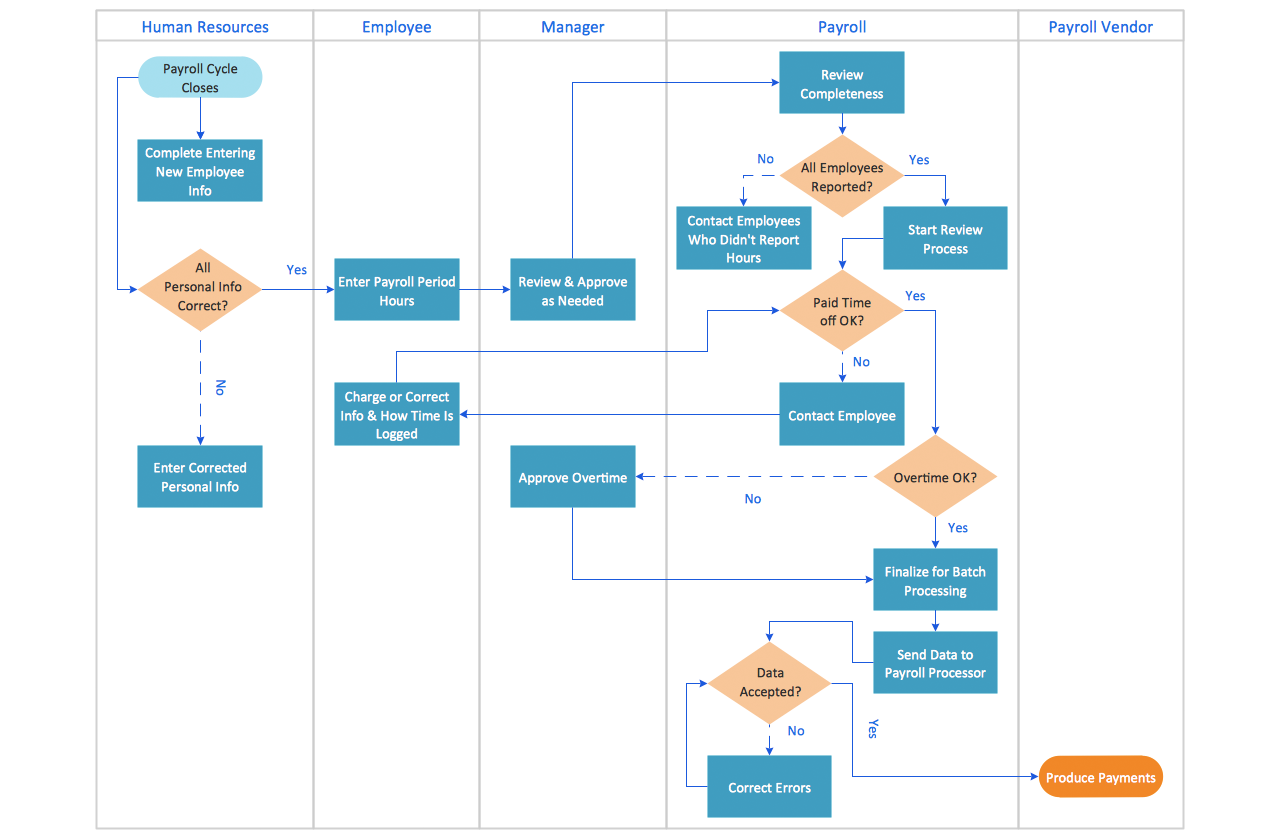
10 Crm Workflow Diagram IdilNicholas
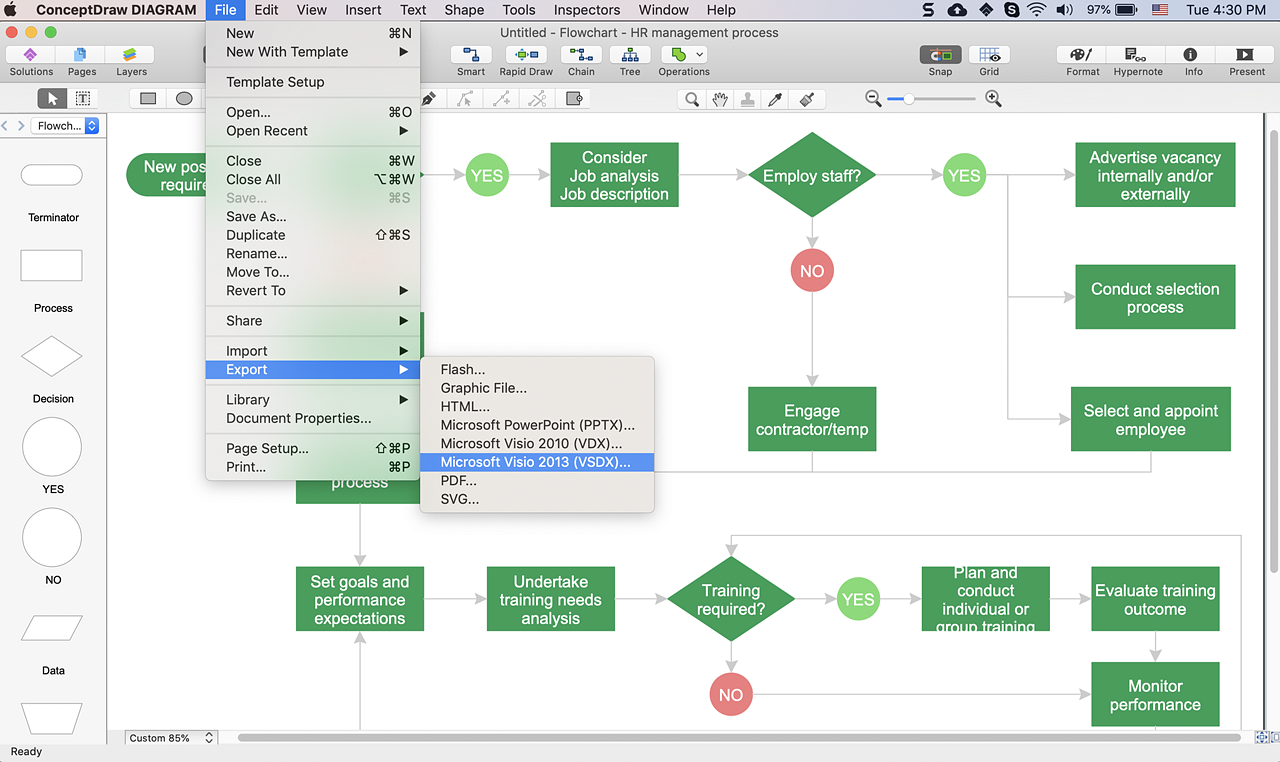
DIAGRAM Process Flow Diagram Examples Visio FULL Version HD Quality Examples Visio EZDIAGRAM

31 Using Visio For Process Mapping ShehzadEoghann
Try Process AI free The AI powered process platform for Teams Try for free No credit card required Why Is a Process Flow Diagram Important Why Is a Process Flow Diagram Important A process flow diagram is crucial as it visually illustrates the steps and sequences of a process making it easier to comprehend analyze and enhance

Flowcharts Create a basic flowchart in Visio Create a basic flowchart in Visio Visio Plan 2 Visio in Microsoft 365 Visio Plan 1 Visio Professional 2021 More Flowcharts are diagrams that show the steps in a process Basic flowcharts are easy to create and because the shapes are simple and visual they are easy to understand
Notes Not sure what version of Visio you re using Select File Account About Visio to see what plan you have If you re an Microsoft 365 subscriber make sure you have the latest version of Office

Click the File tab Click New Click Flowchart Basic Flowchart The Basic Flowchart template is useful for a broad range of business processes where each step can be represented using simple geometric shapes Cross Functional Flowchart

How to Draw Visio Process Flow Diagram YouTube 0 00 6 10 Introduction How to Draw Visio Process Flow Diagram Online Training for Everyone 315K subscribers Join Subscribe Subscribed 2 4K
Gen AI Home Productivity Software Microsoft 365 Microsoft 365 cheat sheets Microsoft Visio cheat sheet How to get started Visio in Microsoft 365 is an excellent tool for creating custom 2 Gather Information and Data Conduct interviews with participants in the interview process to gather valuable insights Gather relevant documents flowcharts and existing process maps
Creating a Flowchart in Microsoft Visio MyExcelOnline 130K subscribers Subscribe Subscribed 1 2 3 4 5 6 7 8 9 0 1 2 3 4 5 6 7 8 9 0 1 2 3 4 5 6 7 8 9 1 2