How To Change Shell In Visual Studio Code How To Install Visual Studio Code On Mac How To Create A New File In Visual Studio Code YouTube Visual Studio Code Microsoft Learn ReactJS Tutorial 2 How To Create First React App In Visual Studio Visual Studio Code September 2022 WEB Dec 24 2021 nbsp 0183 32 By default Visual Studio Code will open a PowerShell session when you launch a new terminal window But what if you want something else instead Well you re in luck because in this article I ll show you how you can easily change the default shell in Visual Studio Code
WEB Jan 9 2019 nbsp 0183 32 Close the window and re launch visual studio code Start using your customised and preferred terminal shell WEB Let s quickly have a look at how to integrate Git Bash as the default integrated terminal in Visual Studio Code By default VS Code comes with Powershell as the default terminal if you re on Windows Let s change that and set Git Bash instead
Visual Studio Code September 2022 Visual Studio Code Para Scripts Do Office vers o Pr via Office Visual Studio Code Download For Windows 11 10 8 Linux Mac MiniTool Pin On Merkzettel Get Started With C On Linux In Visual Studio Code LinuxWays How To Change The Background Image In Visual Studio Code By C mo Utilizar SQL Server En Visual Studio Code Top Visual Studio Code Extensions For Developers In 2022 Solved How To Format Code In Visual Studio Code On 9to5Answer
How To Change Shell In Visual Studio Code
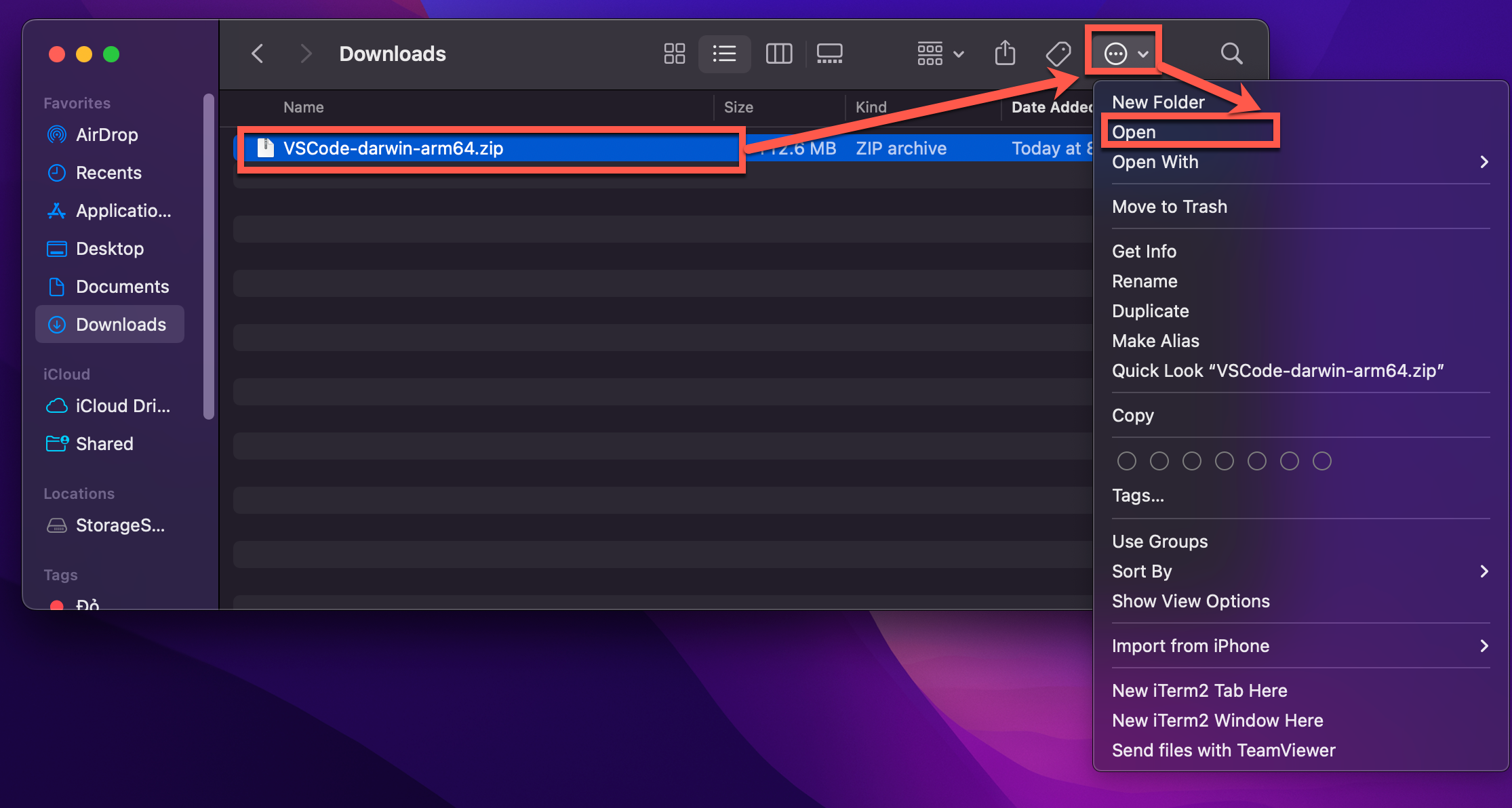 How To Change Shell In Visual Studio Code
https://adamtheautomator.com/wp-content/uploads/2022/10/image-158.png
WEB Configure your default profile by running the Terminal Select Default Profile command which is also accessible via the new terminal dropdown The default terminal profile shell defaults to SHELL on Linux and macOS and PowerShell on Windows VS Code will automatically detect most standard shells that can then be configured as the default
Templates are pre-designed documents or files that can be used for numerous functions. They can conserve effort and time by offering a ready-made format and design for developing various kinds of content. Templates can be utilized for individual or professional projects, such as resumes, invitations, leaflets, newsletters, reports, discussions, and more.
How To Change Shell In Visual Studio Code

Visual Studio Code Comment And Uncomment Code Shortcut Or Hotkeys
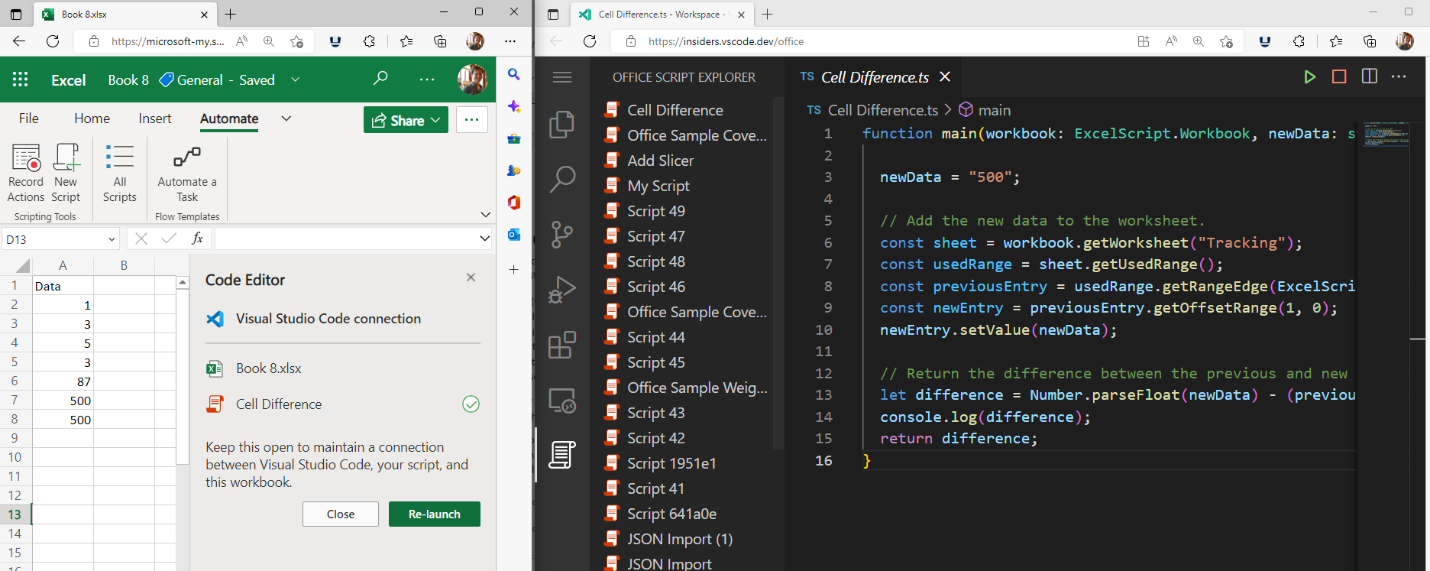
Visual Studio Code Para Scripts Do Office vers o Pr via Office
Visual Studio Code Download For Windows 11 10 8 Linux Mac MiniTool

Pin On Merkzettel
How To Change The Background Image In Visual Studio Code By
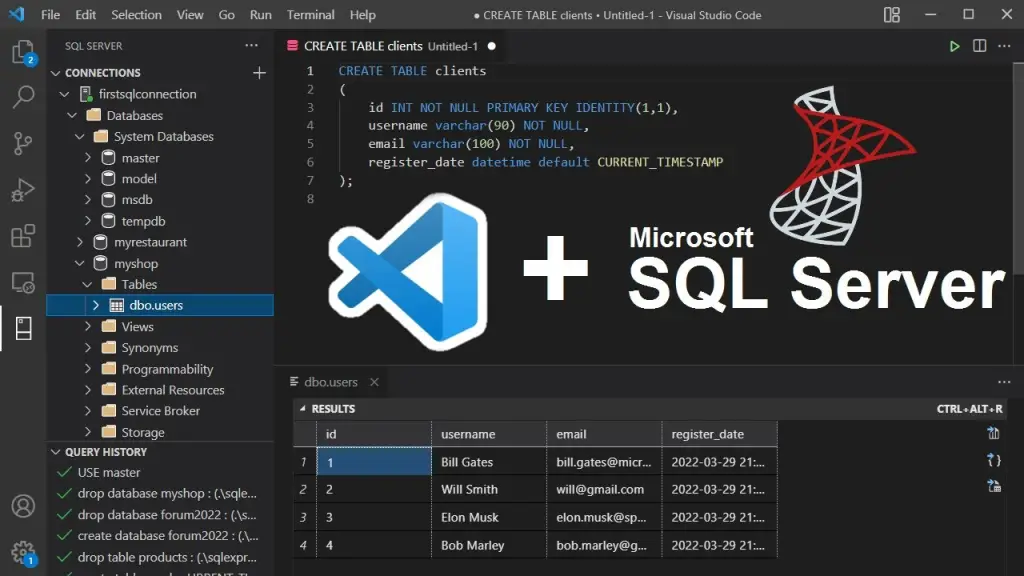
C mo Utilizar SQL Server En Visual Studio Code
WEB Jun 8 2017 nbsp 0183 32 To change the default terminal for your project in Visual Studio Code Create a folder by name of vscode Create a settings json file in this folder Write the settings you want For example if you are a Windows user and want to set quot Command Prompt quot as the default terminal you can write quot terminal integrated defaultProfile windows quot quot Command
WEB Mar 5 2017 nbsp 0183 32 The easiest way now at least from Visual Studio Code 1 22 on is to type Shift Ctrl P to open the Command Palette and type Select Default Shell Now you can easily select your preferred shell between the ones found in your path For shells that aren t in your PATH see the other answers

WEB The method explained in the accepted answer has been deprecated and now the new recommended way to configure your default shell is by creating a terminal profile in terminal integrated profiles windows and setting its profile name as the default in terminal integrated defaultProfile windows

WEB How to Change the default Terminal in Visual Studio Code Changing the default terminal with the Launch Profile icon Switching between shells in VS Code by issuing a command Changing your default terminal within the Settings UI
WEB The integrated terminal can use various shells installed on your machine with the default being pulled from your system defaults Shells are detected and presented in the terminal profiles dropdown You can learn more about configuring terminal shells in the terminal profiles article Managing terminals
WEB May 19 2021 nbsp 0183 32 This is deprecated the new recommended way to configure your default shell is by creating a terminal profile in terminal integrated profiles osx and setting its profile name as the default in terminal integrated defaultProfile osx WEB Jun 8 2021 nbsp 0183 32 If you re using Windows Subsystem for Linux WSL in tandem with Visual Studio Code you might be wondering how to change your default integrated terminal from PowerShell to WSL
WEB May 11 2021 nbsp 0183 32 Use VSCode to customize your Terminal prompt and integrated terminal in Visual Code Studio by giving elements of your prompt different colors