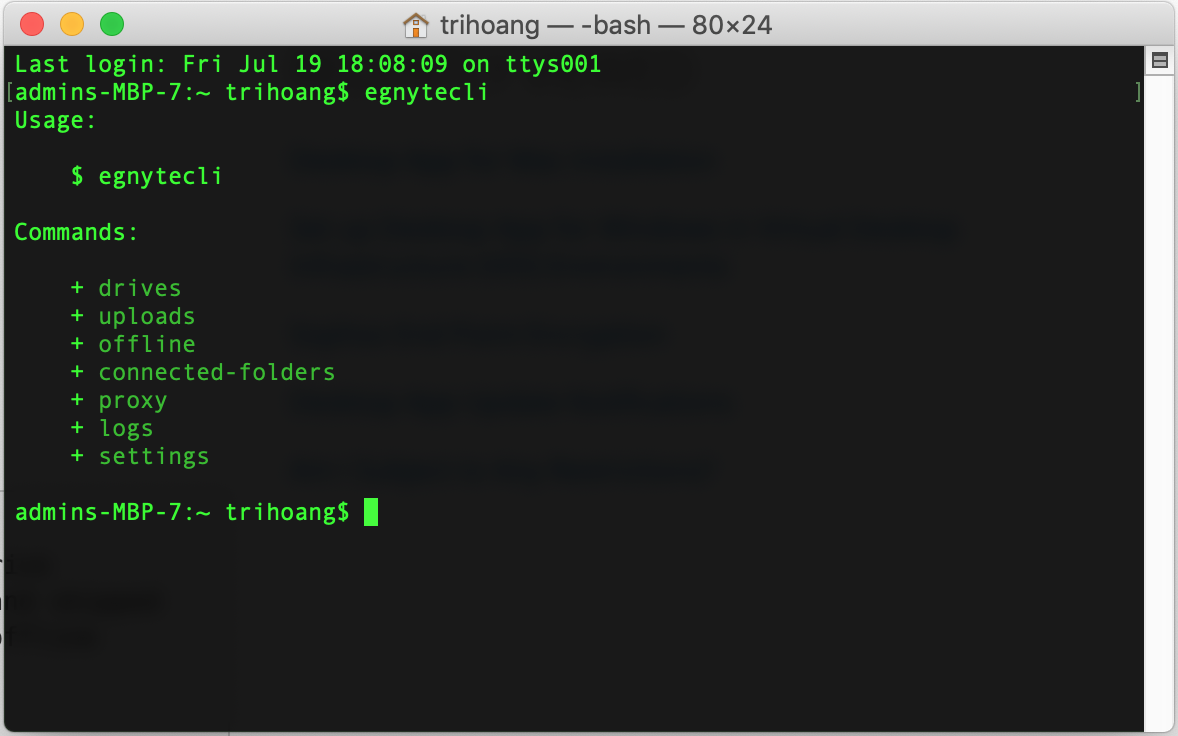
Authenticate Github Command Line Mac GitHub Launches Its Command Line Interface GitHub CLI For Windows Mac Command Line Interface For Desktop App Egnyte GitHub Error Authentication Failed From The Command Line Easy Cloud GitHub Command Line Git YouTube Git Client Mac Command Line Premierserre Web To authenticate to GitHub in the browser type your GitHub credentials and click Sign in Alternatively if you were already signed in to GitHub follow the prompts to return to GitHub Desktop to finish authenticating
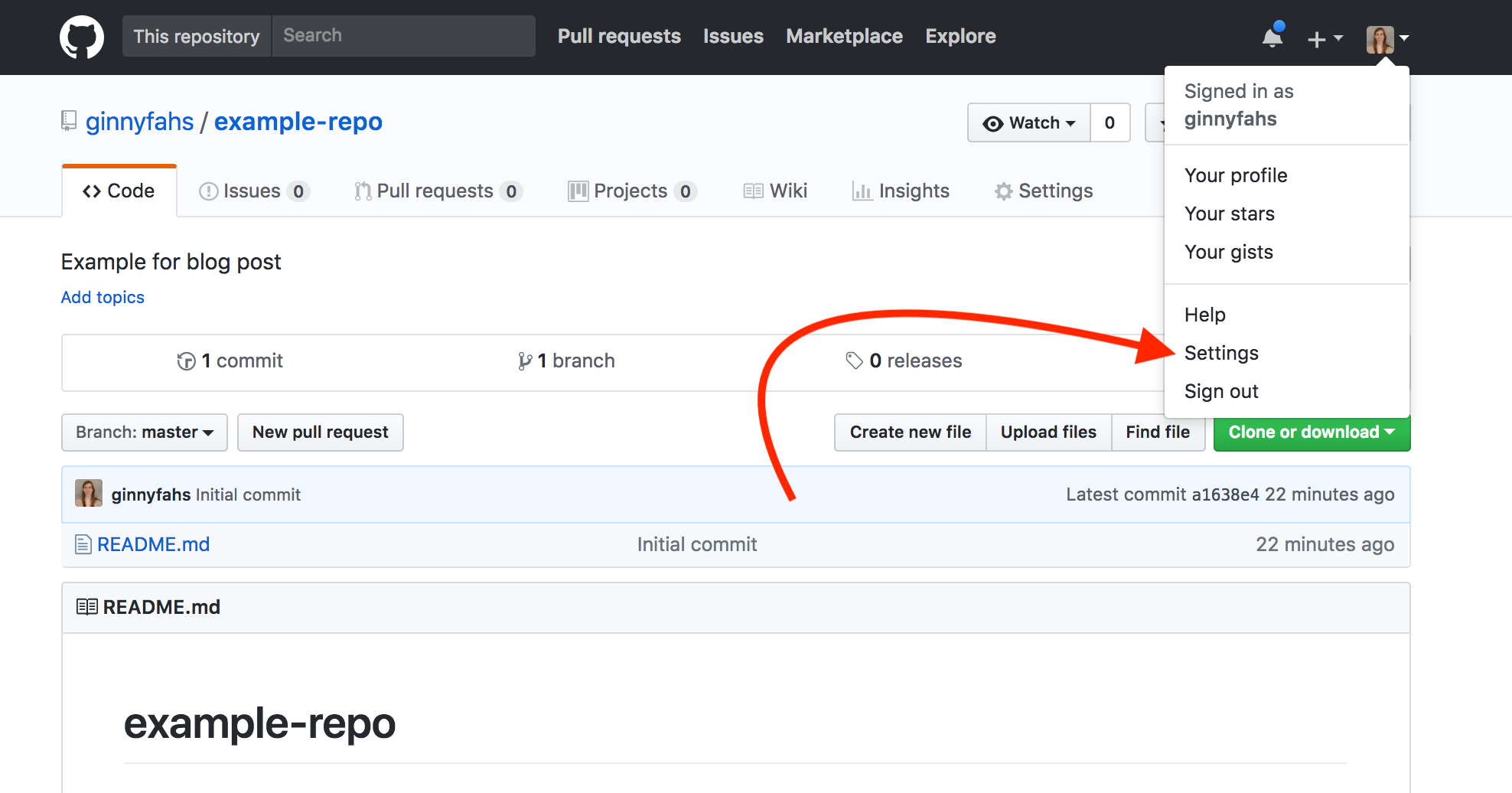
Web Password based authentication for Git has been removed in favor of more secure authentication methods For more information see quot Managing your personal access tokens quot Updating your credentials via Keychain Access Click on the Spotlight icon magnifying glass on the right side of the menu bar Web In the command line authenticate to GitHub Replace HOSTNAME with the name of GitHub For example octo inc ghe gh auth login Start working with GitHub in the command line For example find an issue to work on with gh issue status or gh issue list assignee me Create a pull request with gh pr create
Git Client Mac Command Line Premierserre Start Using Git On The Command Line Like A Pro In Five Minutes Introduction To The Mac OS X Command Line Learn To Code Code Meaning Installing Git From GitHub For Mac The GitHub Blog Git Client Mac Command Line Premierserre Github Mac Command Line Tutorial Roomresort Git Command Line Color Settings How To Fork A Git Repository How To Run Git Bash On Mac Lokasincreditcard
Authenticate Github Command Line Mac
 Authenticate Github Command Line Mac
https://www.xda-developers.com/files/2020/09/GitHub-CLI-1.0-launch-featured.jpg
Web When you clone GitHub repositories using HTTPS you will need to authenticate your credentials Git will prompt you to enter your GitHub username and password This authentication
Pre-crafted templates offer a time-saving option for developing a diverse variety of files and files. These pre-designed formats and layouts can be made use of for various individual and professional projects, consisting of resumes, invitations, flyers, newsletters, reports, presentations, and more, streamlining the material development process.
Authenticate Github Command Line Mac
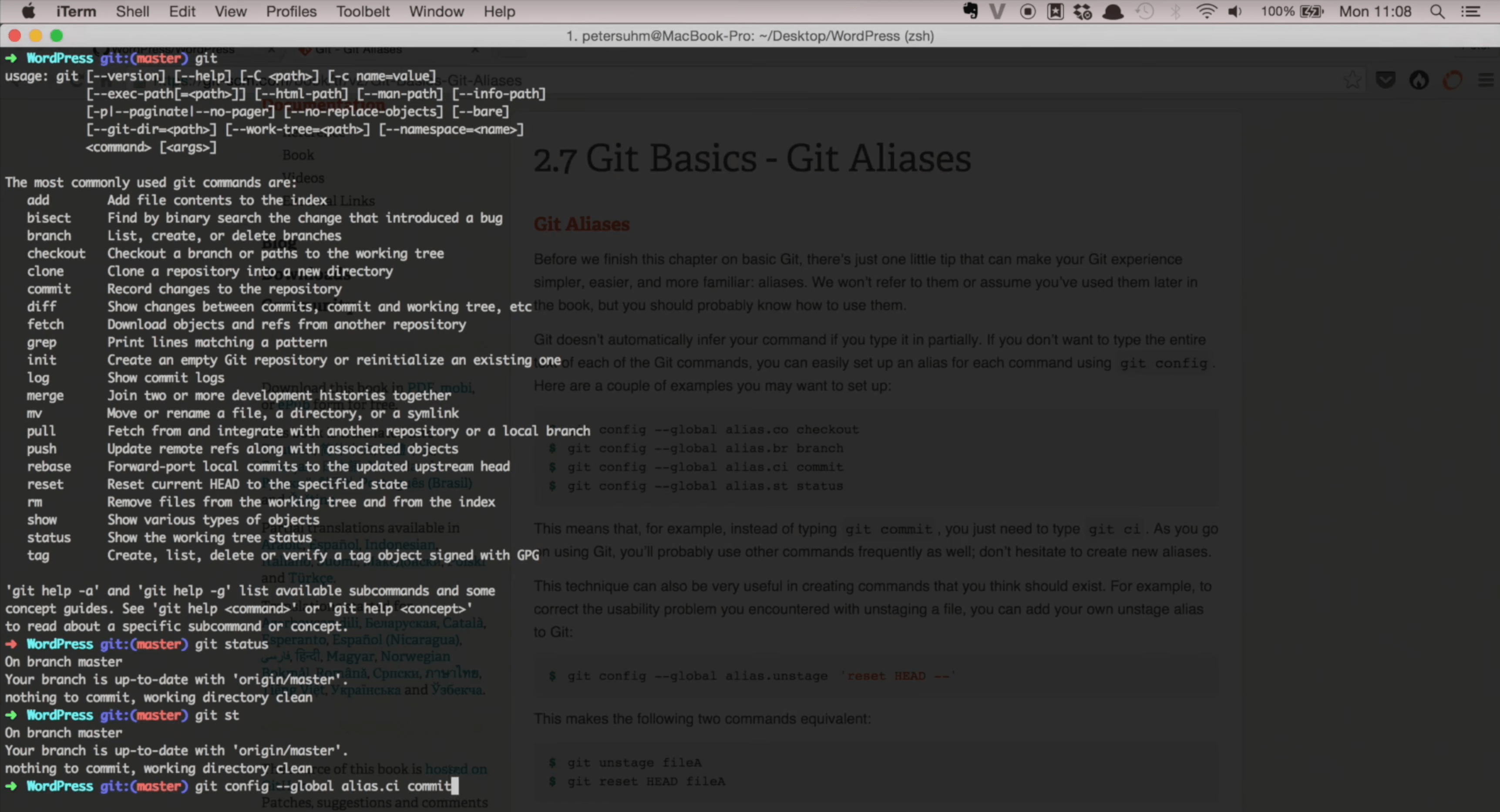
Embrace The Command Line

Start Using Git On The Command Line Like A Pro In Five Minutes

Introduction To The Mac OS X Command Line Learn To Code Code Meaning
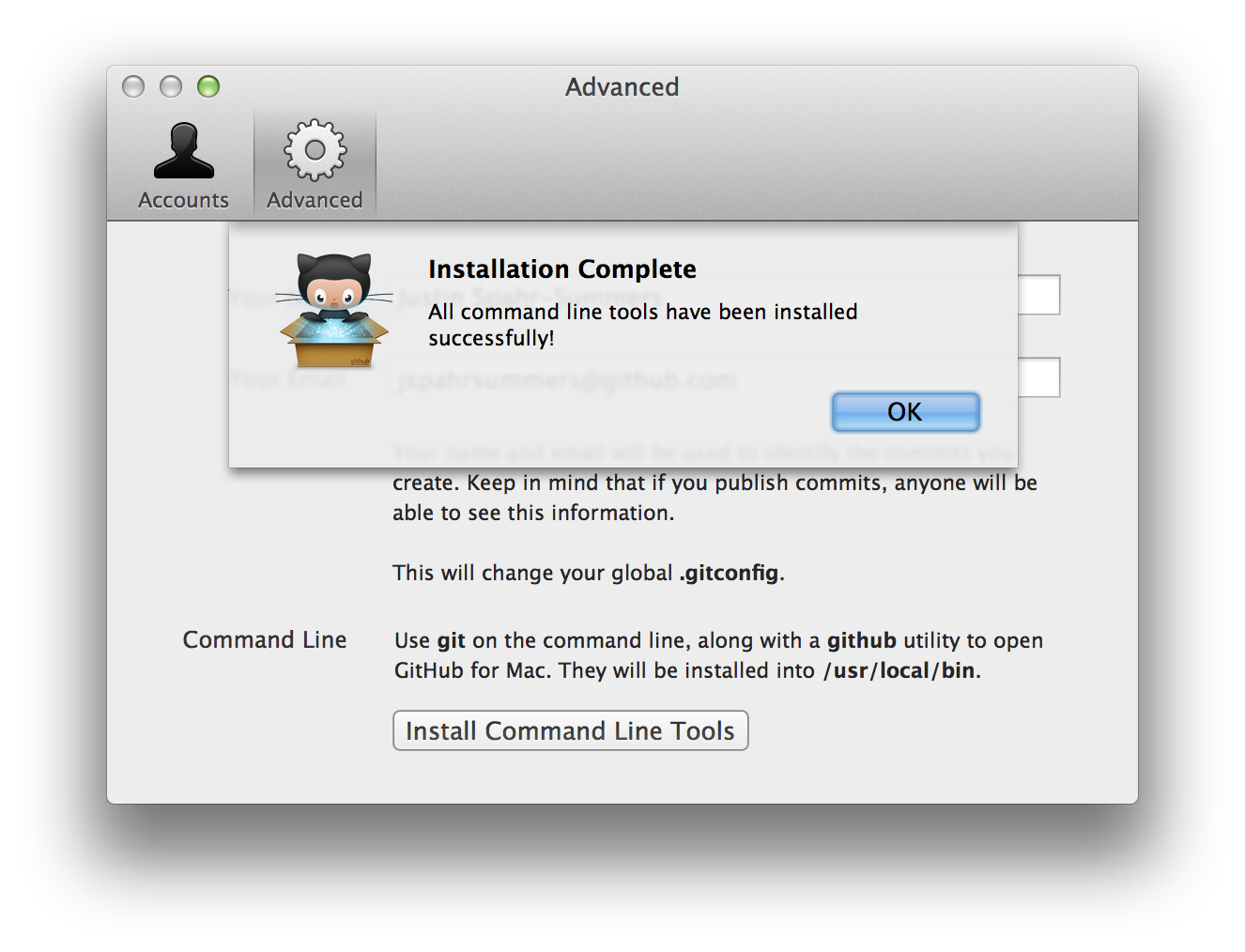
Installing Git From GitHub For Mac The GitHub Blog
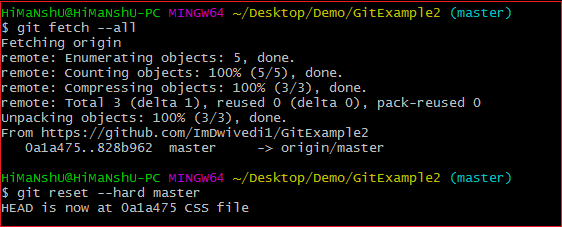
Github Mac Command Line Tutorial Roomresort
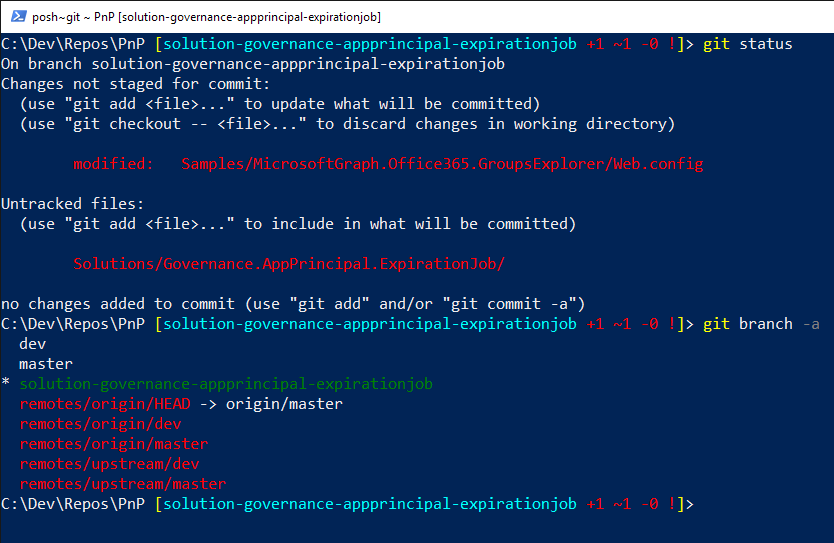
Git Command Line Color Settings

Web Authenticate with a GitHub host The default authentication mode is a web based browser flow After completion an authentication token will be stored internally Alternatively use with token to pass in a token on standard input The minimum required scopes for the token are quot repo quot quot read org quot
Web When you connect to a GitHub repository from Git you will need to authenticate with GitHub using either HTTPS or SSH Note You can authenticate to GitHub using GitHub CLI for either HTTP or SSH For more information see gh auth login Connecting over HTTPS recommended
Web 21 mei 2021 nbsp 0183 32 The below command worked for me on mac as mentioned in https gist github jonjack bf295d4170edeb00e96fb158f9b1ba3c security delete internet password l github After running this command in terminal run a git clone command and it will ask you the username and password

Web 21 nov 2021 nbsp 0183 32 Set up GitHub authentication so you can use it from VS Code or the command line I normally use the GitHub Desktop app to interact with my GitHub account the only place I use for Git repositories
Web Permanently authenticating with Git repositories Run the following command to enable credential caching git config credential helper store git push https github owner repo git Username for https github lt USERNAME gt Password for https USERNAME github lt PASSWORD gt
Web Connecting to GitHub with SSH You can connect to GitHub using the Secure Shell Protocol SSH which provides a secure channel over an unsecured network About SSH Using SSH agent forwarding Managing deploy keys Checking for existing SSH keys Generating a new SSH key and adding it to the ssh agent Web Here is the link to the documentation that explains how to login to github using a variety of methods https docs github en github authenticating to github keeping your account and data secure about authentication to github If you are using a Mac you may also have to remove any cached credentials
Web Git normally authenticates you via SSH so you have to either copy your SSH private key from the other machine to your new client or create a new key pair and add the public part to your github profile