How Do I Remove A Button In Excel How To Insert A Button In Excel How Do I Remove A Button From The Chat Menu PBHS Support How To Link Button In Excel YouTube Fortnite Mobile But Every Kill I Remove A Button YouTube Toggle Visible Items Using A Button In Excel VBA Version YouTube WEB When it comes to managing command buttons in Excel there are alternative methods for deleting them besides the traditional click and delete approach In this tutorial we will
WEB I m using excel 2010 and below VBA code worked fine for a Form Button It removes the assigned macro from the button and assign in next command To disable WEB The Developer tab in Excel VBA code and manual deletion are all methods for removing radio buttons from a spreadsheet Following a step by step guide and understanding the
Toggle Visible Items Using A Button In Excel VBA Version YouTube Excel Add Ins 2016 Graymasop Insert A Macro Button In Excel 2010 avi YouTube Excel Insert Button How To Insert A Button In Excel With Examples Create A Button In Excel That Opens Another Document Tecadmin How To Hide Subsequent Rows Using A Button In Excel YouTube Run A Macro When You Click A Button In Excel Excel Quickie 67 YouTube How To Remove Default Table Format In Excel After Double Clicking In How To Remove Blank Rows In Excel 6 Simple Methods
How Do I Remove A Button In Excel
 How Do I Remove A Button In Excel
https://www.spreadsheetweb.com/wp-content/uploads/2021/07/How-to-insert-a-button-in-Excel-00-min.png
WEB In Excel 2011 Mac how do I 1 edit the text in a macro button bold it size it etc 2 remove a macro button placed on a work sheet The problem seems to be one of being
Templates are pre-designed documents or files that can be utilized for numerous functions. They can conserve effort and time by supplying a ready-made format and design for creating various type of content. Templates can be utilized for individual or professional tasks, such as resumes, invitations, leaflets, newsletters, reports, discussions, and more.
How Do I Remove A Button In Excel

How To Show Or Hide Multiple Rows In Excel Using A Button HubPages
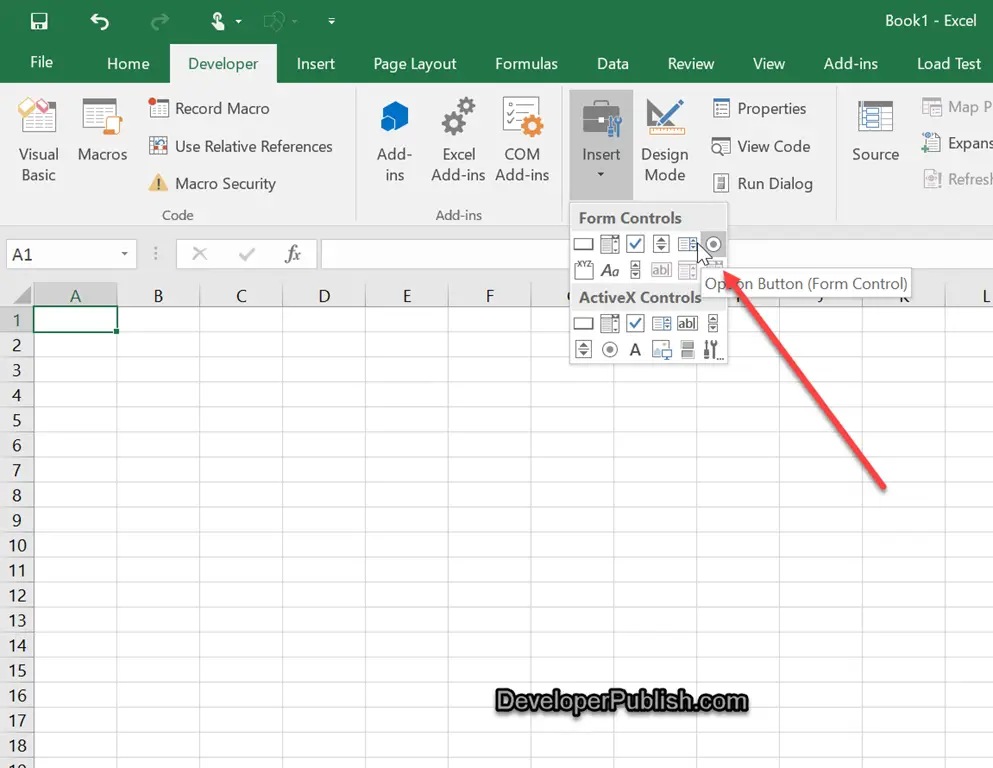
Excel Add Ins 2016 Graymasop
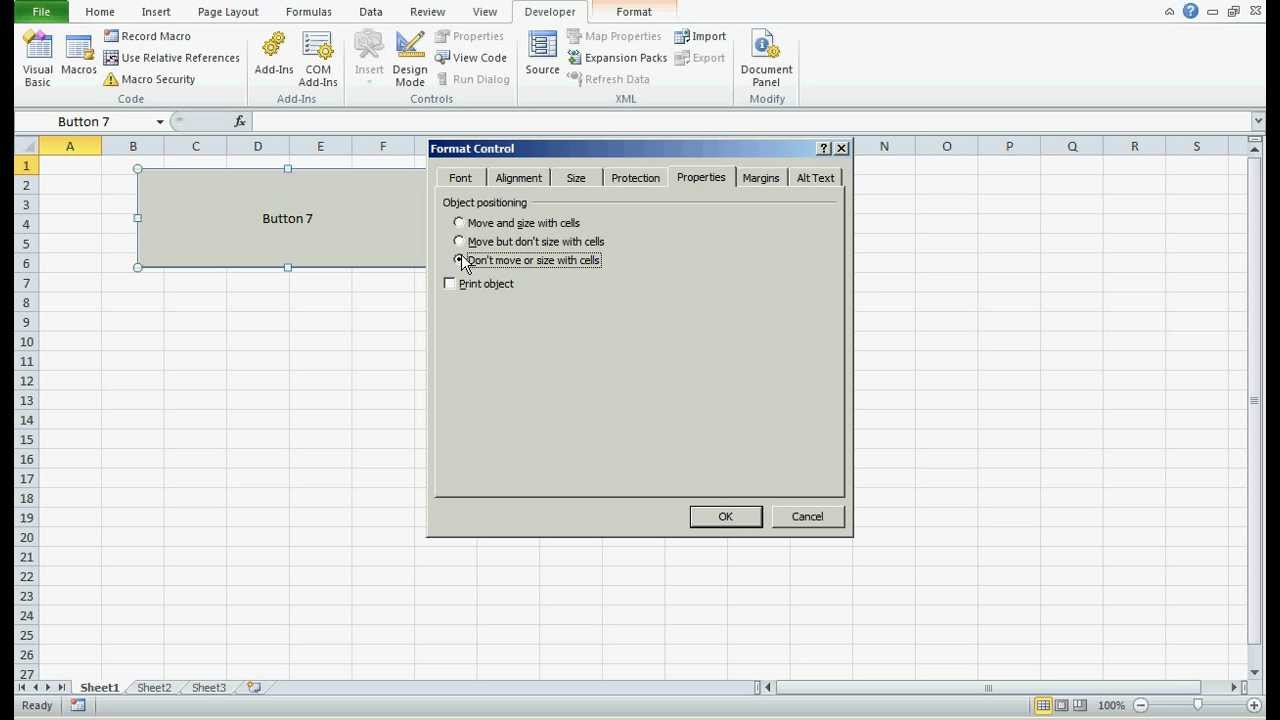
Insert A Macro Button In Excel 2010 avi YouTube
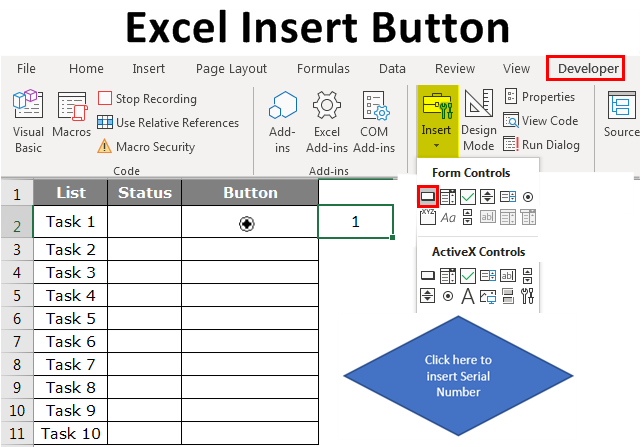
Excel Insert Button How To Insert A Button In Excel With Examples
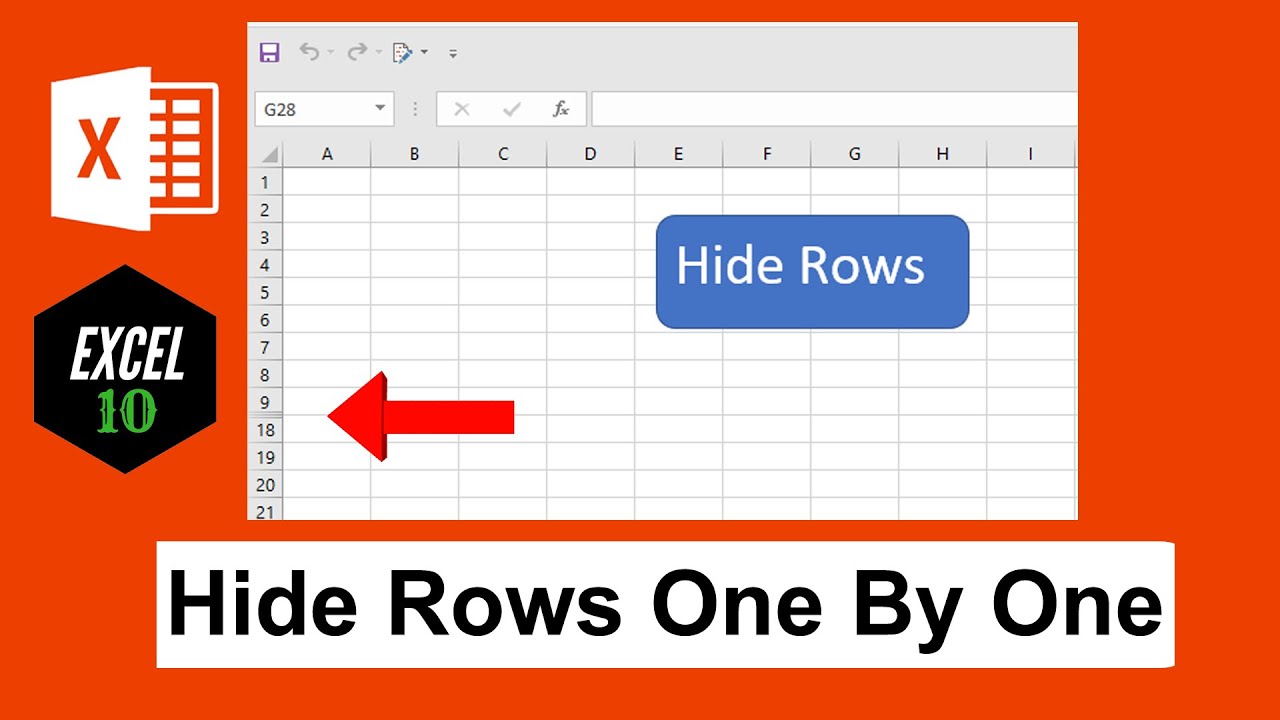
How To Hide Subsequent Rows Using A Button In Excel YouTube
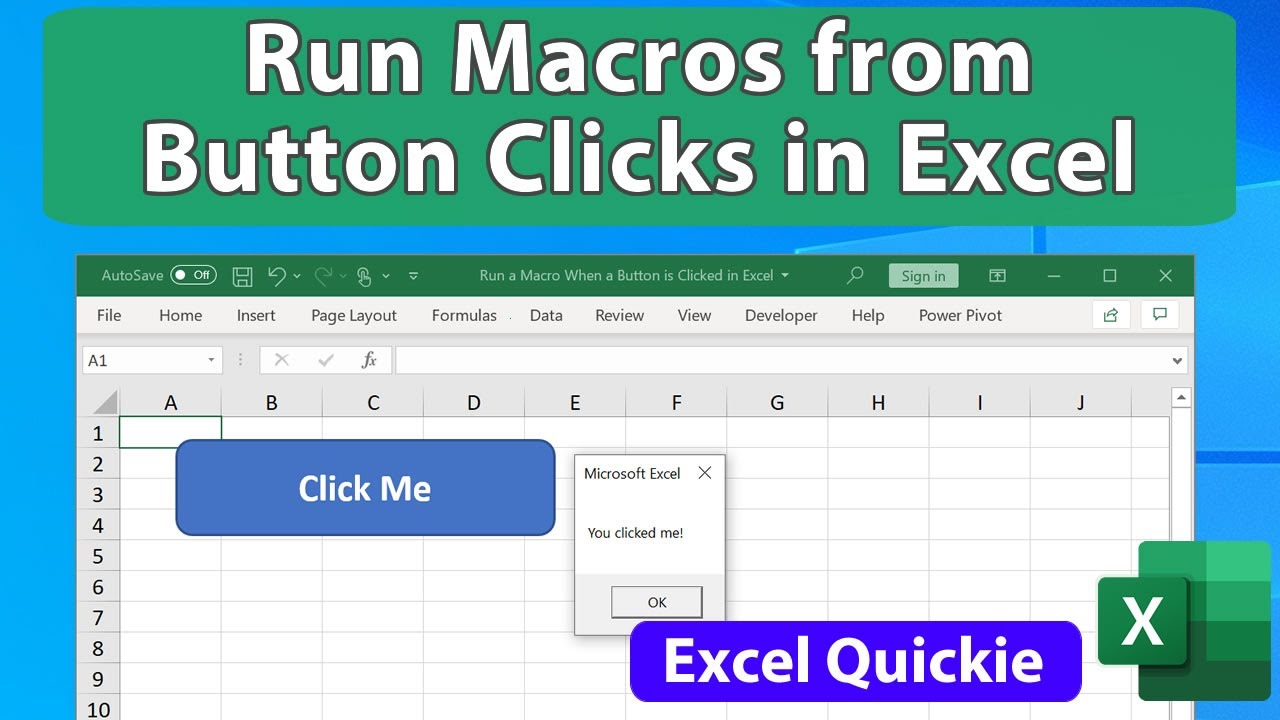
Run A Macro When You Click A Button In Excel Excel Quickie 67 YouTube

WEB On the Developer tab in the Controls group turn on Design Mode Select the control or controls that you want to delete For more information see Select or deselect controls on
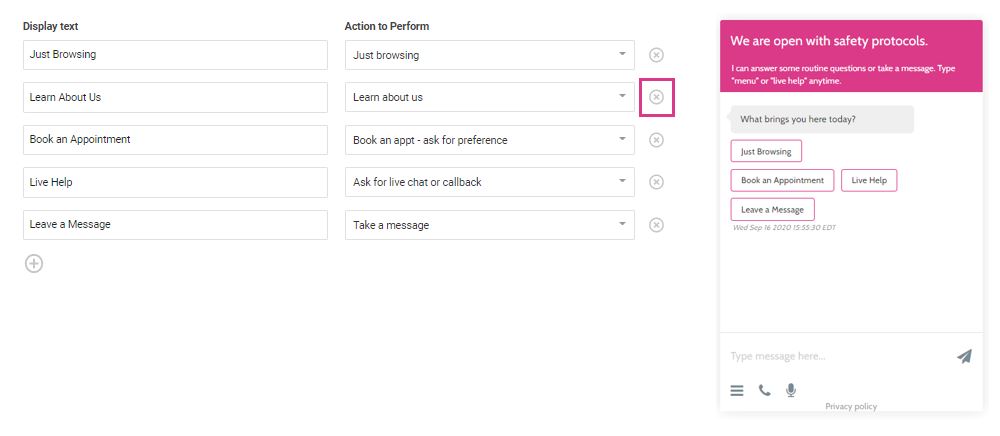
WEB Jul 21 2020 nbsp 0183 32 Please do as follows to remove all buttons including form control buttons and command buttons from active worksheet 1 Enable the Design Mode by clicking Developer gt Design Mode See
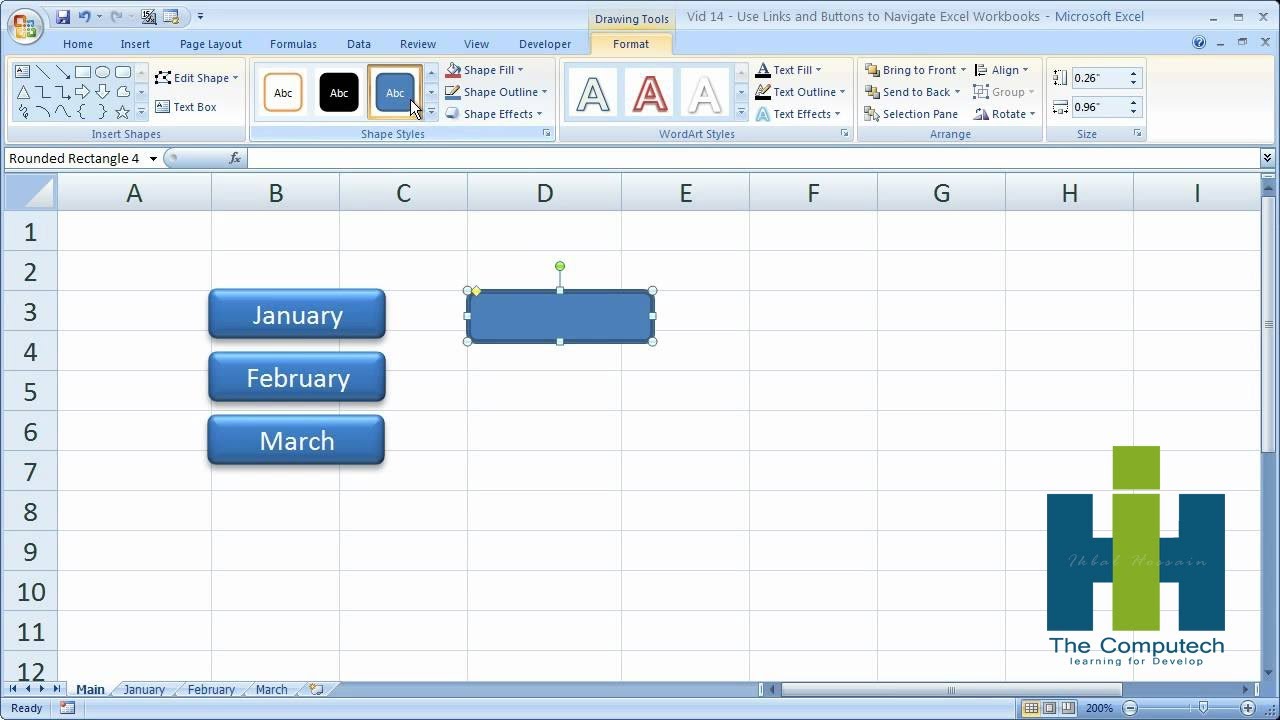
WEB In this tutorial we will guide you through the steps to delete a button in Excel along with alternative methods and ensuring that the button is permanently removed from the

WEB Mar 13 2024 nbsp 0183 32 Deleting a button in Excel is a simple task that can help you clean up your spreadsheets and get rid of any unnecessary elements Whether you re streamlining
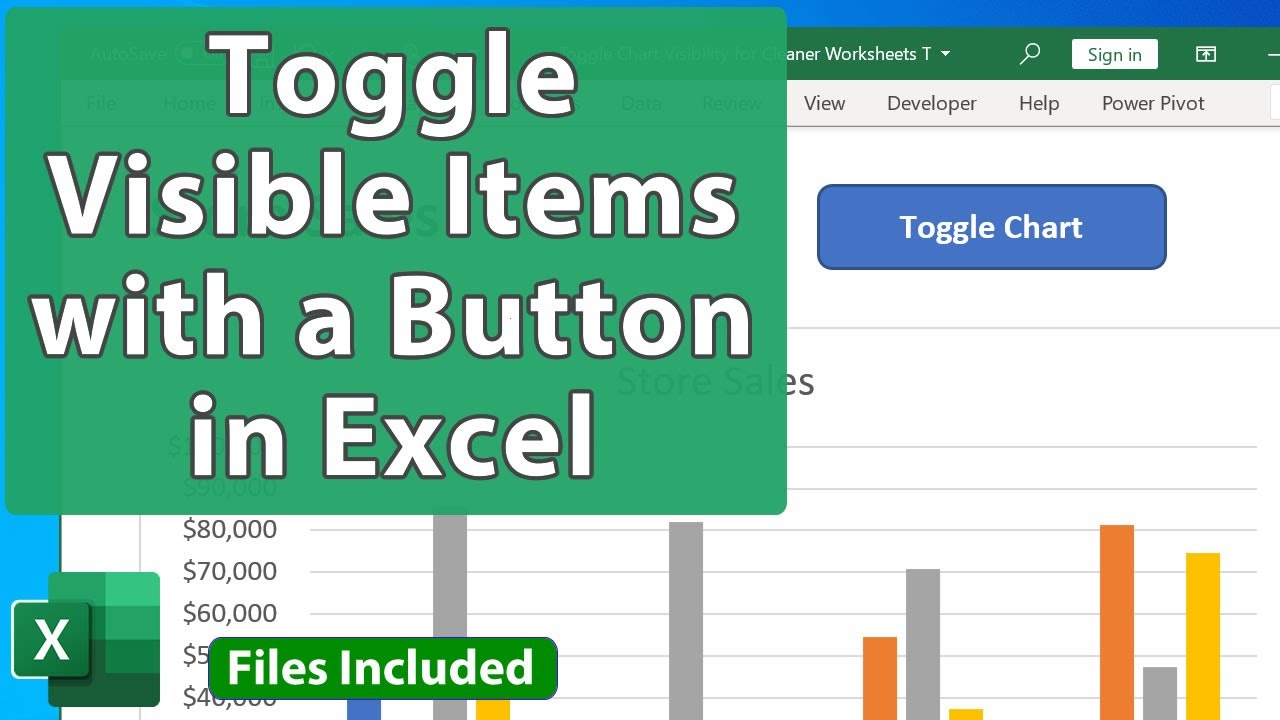
WEB Dec 19 2023 nbsp 0183 32 This article shows how to remove a form control in Excel Here we ll use Find amp Select Go To option and VBA code remove Form Controls
WEB Knowing how to enable and disable a button isn t very useful unless you know how to make something trigger that Here I ll show you how to have a button disabled until a WEB Jul 1 2020 nbsp 0183 32 You can run the below VBA code to hide or unhide a Command Button based on specified cell value in Excel 1 Right click the sheet tab which contains the Command
WEB Jan 3 2023 nbsp 0183 32 If you want to automate that use Workbook BeforeSave and save the current state visible or hidden hide the button and let the file save Then use