Hard Reset 7841 Factor Reset Cisco 7841 YouTube File Blue Linckia Starfish JPG Wikipedia The Free Encyclopedia File Green anaconda jpg Wikipedia The Free Encyclopedia Google Fa Arrestare I Dipendenti Che Protestano Contro I Suoi Legami Per Una Liberazione Da Ogni Oppressione La Lettera Di Yara Reset the Phone to the Factory Settings from the Phone Keypad You can reset the phone to the factory settings The reset clears all the phone parameters Procedure Step 1 Remove power from the phone in one of these ways Unplug the power adapter Unplug the LAN cable Step 2 Wait for 5 seconds
Use these steps to reset the phone to factory default settings using the phone keypad Before you begin You must know if your phone is an original hardware release or if the hardware has been updated and re released Procedure Step 1 Unplug the phone If using PoE unplug the LAN cable The phone is CP 7841 you can try this tutorial if you have IP phone issues Have fun everyone
Per Una Liberazione Da Ogni Oppressione La Lettera Di Yara File SixHardDriveFormFactors jpg Wikipedia The Free Encyclopedia How To Reset Network Settings On 7841 Series Phone YouTube How To Perform Factory Reset On 7841 Phone Using Keypad YouTube We Love Sport TENIS Cel Mai Bun Meci De Tenis Pe Hard Din 2022 Din NEW STANDARD Reset Low top Sneakers Farfetch Voice Feedback Phone Accessibility Option Indian River County Free Images Steering Wheel Storage Product Hard Disk Open Hard Drip 2 hard Mac Miller Tumblr Pics
Hard Reset 7841
 Hard Reset 7841
https://i.ytimg.com/vi/tIkyUFZ_0Bc/maxresdefault.jpg
A hard factory reset resets all of the parameters of the phone including network and security settings This is sometimes necessary for troubleshooting or resolving phone issues Unplug the Ethernet cable from your Cisco IP phone Wait 5 seconds Press and hold Plug the Ethernet cord into your phone The green headset and speaker buttons
Pre-crafted templates offer a time-saving option for creating a varied series of documents and files. These pre-designed formats and designs can be made use of for numerous individual and expert jobs, consisting of resumes, invitations, flyers, newsletters, reports, discussions, and more, streamlining the content creation process.
Hard Reset 7841

Kim Basinger Wikipedia
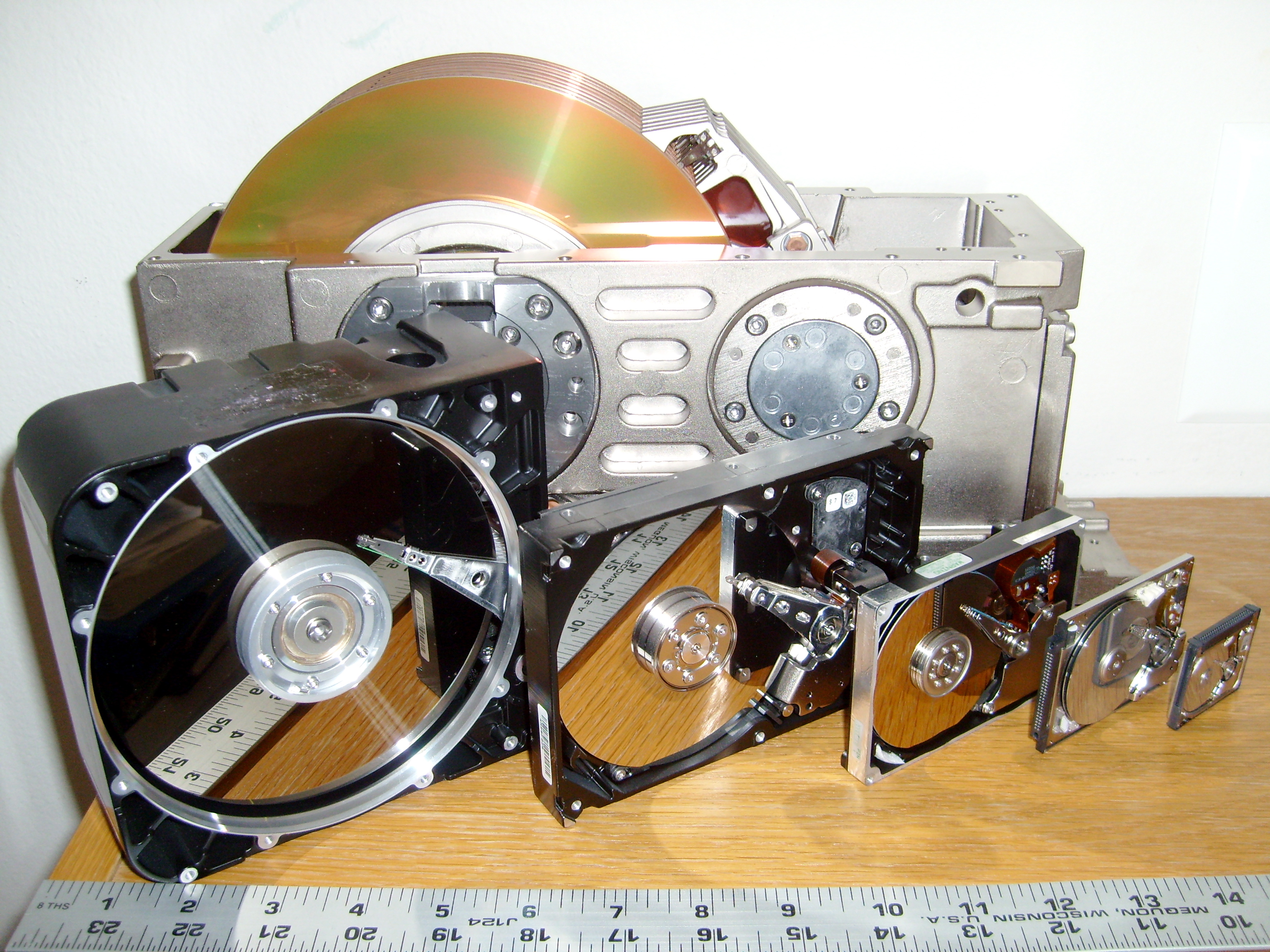
File SixHardDriveFormFactors jpg Wikipedia The Free Encyclopedia

How To Reset Network Settings On 7841 Series Phone YouTube
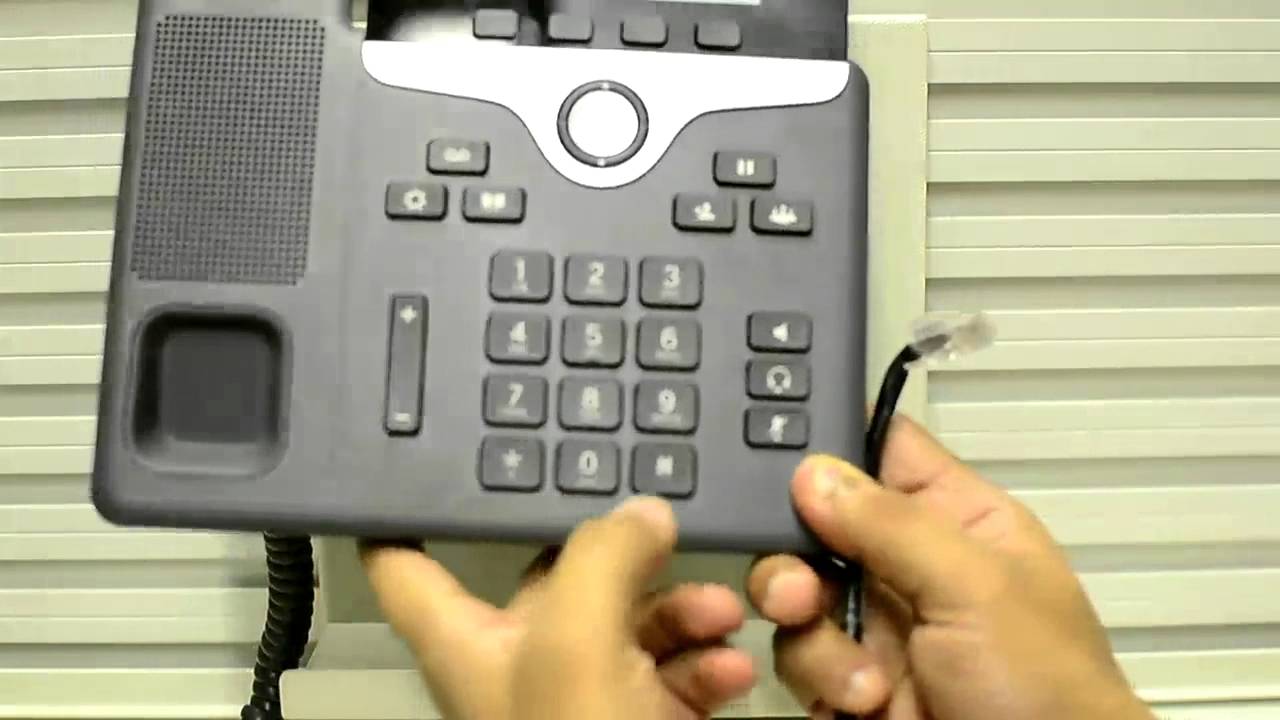
How To Perform Factory Reset On 7841 Phone Using Keypad YouTube

NEW STANDARD Reset Low top Sneakers Farfetch

Voice Feedback Phone Accessibility Option Indian River County

A factory reset may be recommended by your technical support agent as part of the troubleshooting process You can also factory reset the phone using the phone menu Step 1 Unplug the phone s LAN cable Step 2 Wait 5 seconds Step 3 Press and hold button while plugging the phone back in Step 4

Factory Reset the IP Phone from the Phone Menu Step 1 Press the Applications button on the front of the phone Step 2 Scroll down and select Device administration Select To scroll down you use the Navigation button as shown here Step 3 Scroll down and select Factory Reset Select Step 4

Option 1 Pull the network cord out of the phone and plug it back in physically resetting the unit Immediately press and hold the key and while the Headset Mute and Speaker buttons begin to flash in sequence release the key you may have to hold the for 30 seconds

Press the Sign In softkey Go to Reset Settings by pressing the number 4 Select All by pressing the number 1 Push the Reset softkey to confirm factory installed defaults The device should Delete and Reboot The following guide will help you factory reset your Cisco IP 7841 Phone A factory reset may be recommended by your technical

Suyash Pal Singh is a customer support engineer in Cisco TAC team for Unified Communications technology based in Bangalore His areas of expertise include Ci
Cisco Phone Factory Reset Cisco 7841 Reset Cisco Phone The Cisco IP Phones 7811 7821 7841 and 7861 deliver easy to use highly secure voice communications Table 1 You can also access some functions with softkeys or the associated hard button factory reset command that you need to enter in the phone web page to factory reset your phone
Try booting the phone then go into settings and then do and then choose the erase soft key Be really careful I have seen this sequence do both a factory reset good and I have seen it wipe firmware leaving the phone with a boot loader only bad Make sure you have the first version of the phones firmware not the current version the