Hard Reset 7 Google Fa Arrestare I Dipendenti Che Protestano Contro I Suoi Legami How To Force Restart A Frozen Apple Watch Apple World Today The Easy Guide To Restarting Your Dell Laptop Infetech Tech How To Hard Reset IPhone 7 IPhone 7 Plus Lenovo ISchool Knowledge Base 1 Press and hold the Volume Down button and Sleep Wake button The Volume Down button is on the left side of the iPhone and the Sleep Wake button is on the top most edge Continue holding these buttons down until the Apple logo appears 5 2 Release the buttons when you see the Apple logo
A hard reset basically force reboots your iPhone which is useful if the device is freezing throwing up errors or has stopped responding completely DFU mode on the other hand restores an 1 Press and release the volume up button you don t need to hold for a long time just a regular press will do 2 Press and release the volume down button 3 Press and hold the power button
Lenovo ISchool Knowledge Base File SixHardDriveFormFactors jpg Wikipedia The Free Encyclopedia How To Factory Reset Your Phone Beginners Guide Droid Life Verve 2 Stagger Trek Bikes FI How To Force Restart Or Hard Reset The IPhone 7 MacRumors Hard Reset Motorola One 5G Ace Factory Reset Remove Pattern Lock How To Reset An Iphone Without Password Propu tanje Remisija Misao Hard Reset Laptop Christian Dokaz Za titni Znak IPhone X Hard Reset Neue Tastenkombination F r Neustart YouTube
Hard Reset 7
 Hard Reset 7
https://bacheca.scienzacoscienza.com/wp-content/uploads/2024/04/GLaag9NW0AAd2QP-1.jpg
Learn how you can hard reset the iPhone 7 back to factory default FOLLOW US ON TWITTER http bit ly 10Glst1LIKE US ON FACEBOOK http on fb me ZKP4nUFOLLO
Templates are pre-designed documents or files that can be utilized for various purposes. They can save effort and time by offering a ready-made format and layout for developing various type of material. Templates can be used for individual or professional jobs, such as resumes, invitations, leaflets, newsletters, reports, discussions, and more.
Hard Reset 7

Per Una Liberazione Da Ogni Oppressione La Lettera Di Yara

File SixHardDriveFormFactors jpg Wikipedia The Free Encyclopedia
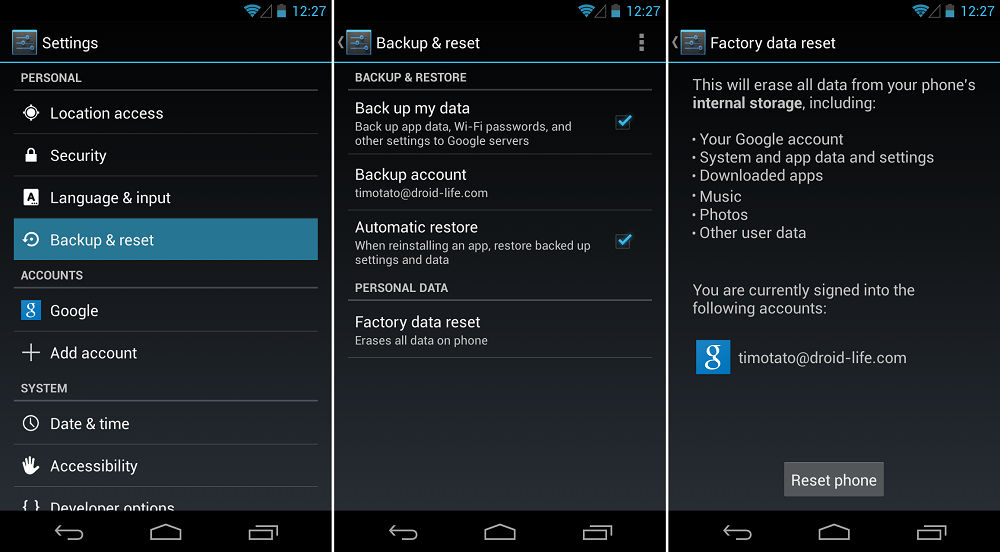
How To Factory Reset Your Phone Beginners Guide Droid Life

Verve 2 Stagger Trek Bikes FI
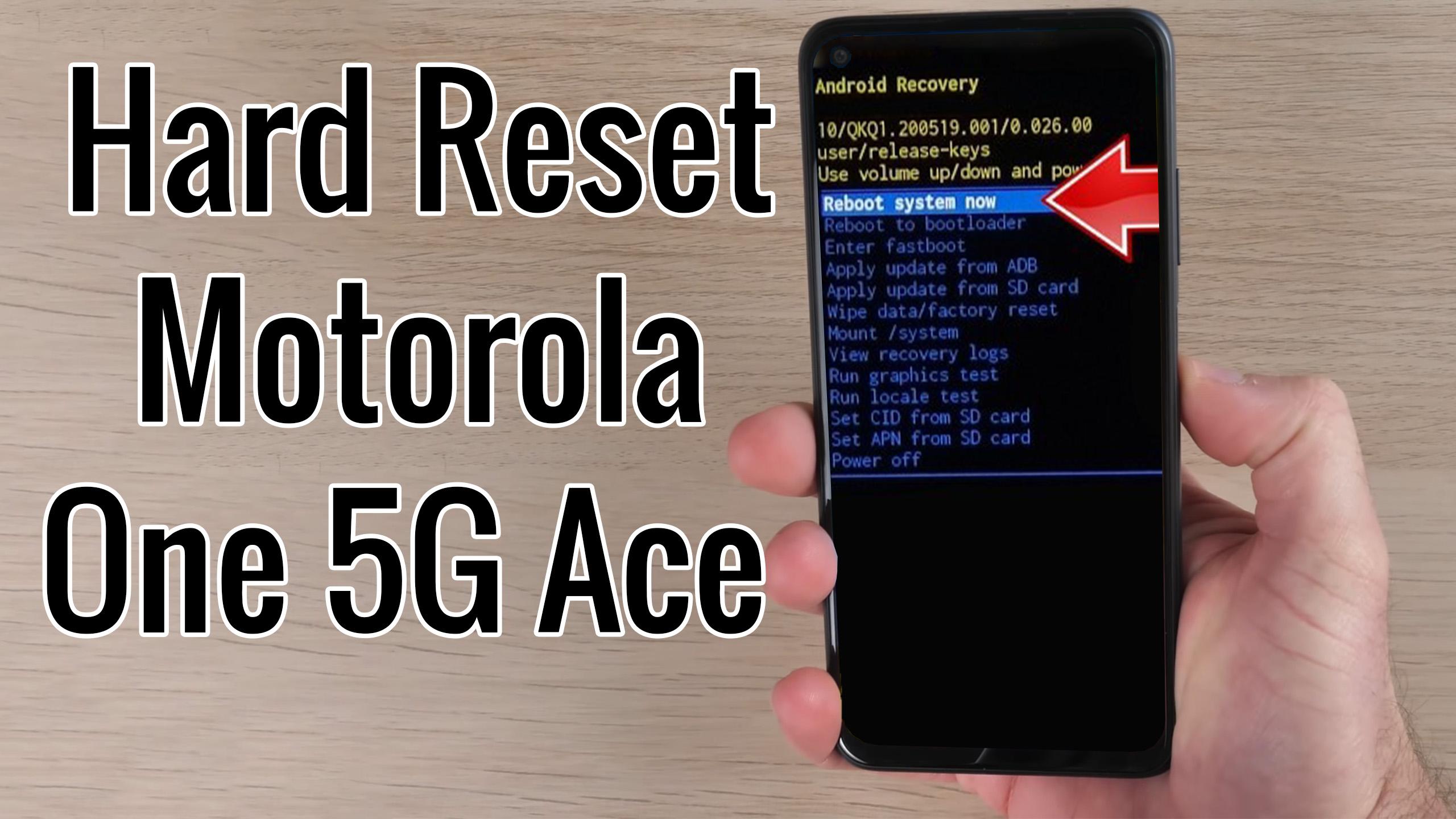
Hard Reset Motorola One 5G Ace Factory Reset Remove Pattern Lock
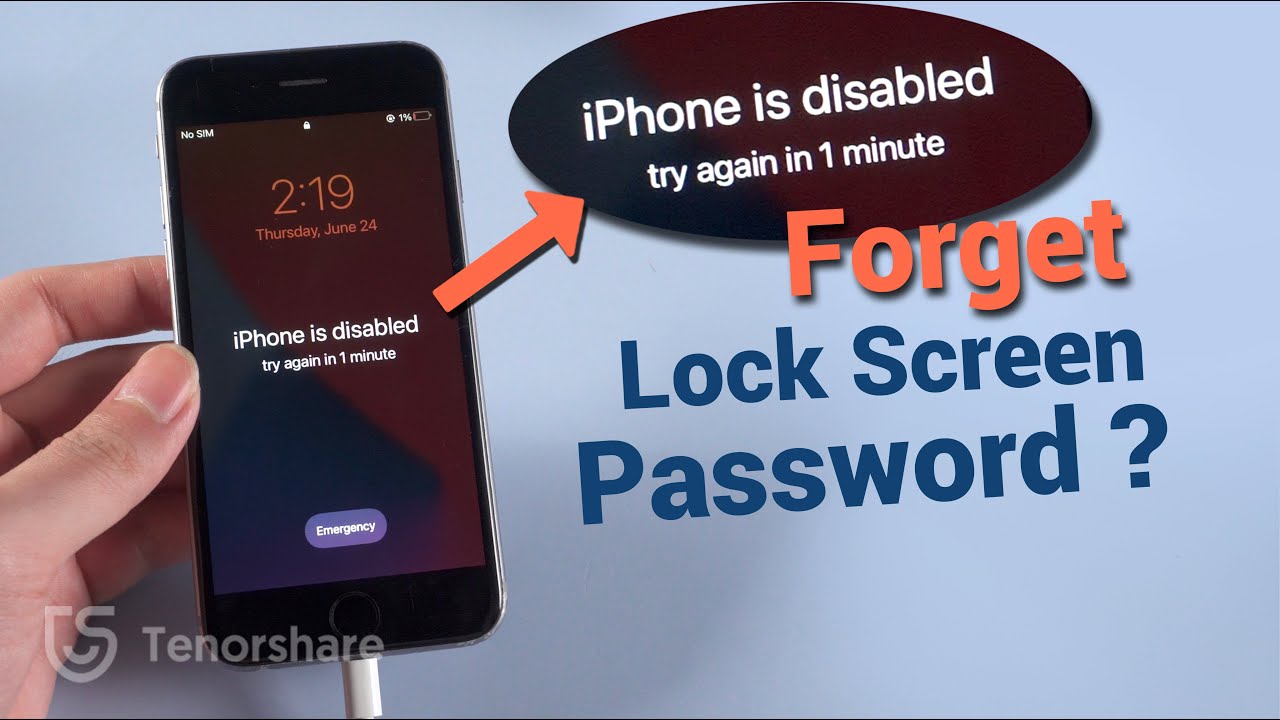
How To Reset An Iphone Without Password

Google Pixel 7 7 Pro Factory Data Reset Powered Off Verizon Support Google Google Pixel 7 Was this helpful Google Pixel 7 7 Pro Factory Data Reset Powered Off Perform a factory data reset only if necessary as it removes your Google account and all data including system data app data and media
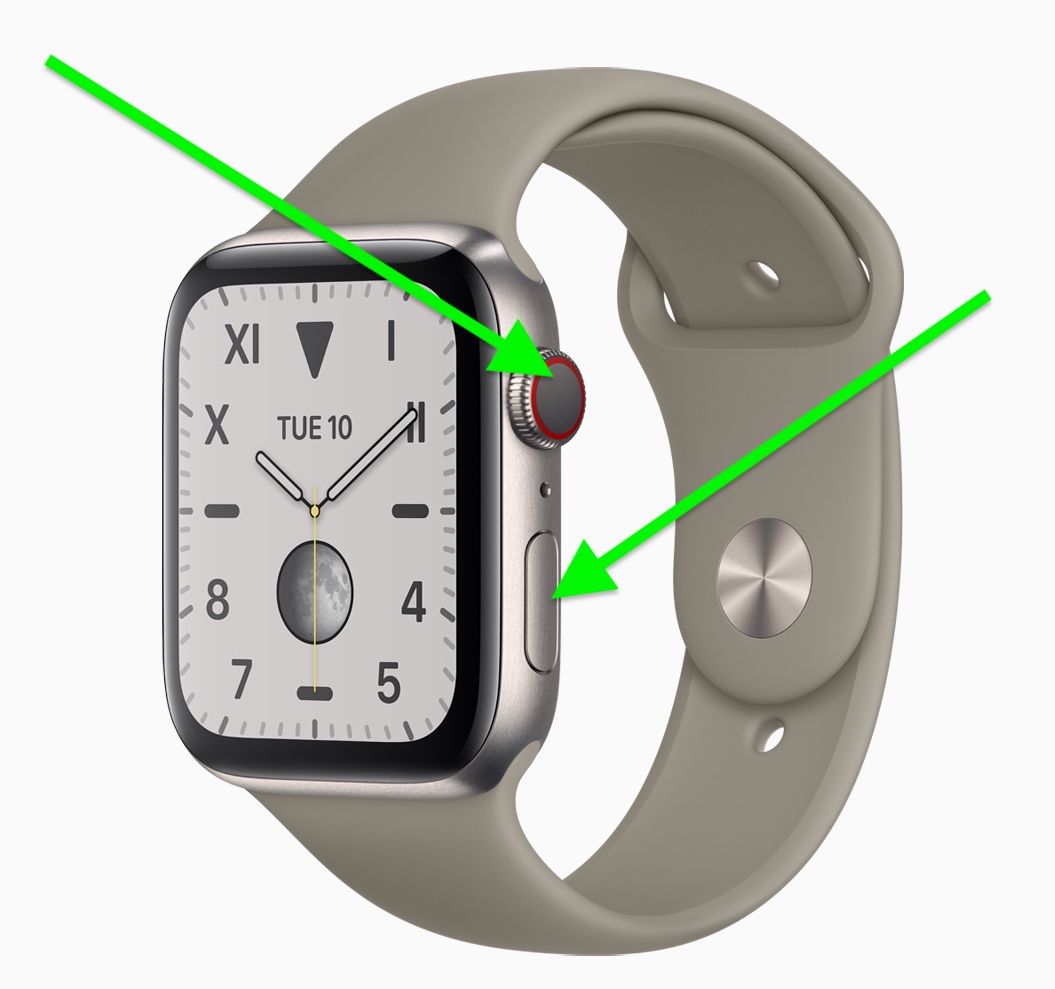
Force restart iPhone If iPhone isn t responding and you can t turn it off then on try forcing it to restart Press and quickly release the volume up button Press and quickly release the volume down button Press and hold the side button When the Apple logo appears release the side button

To force restart hard reset the iPhone 7 press and hold the Sleep Wake button Volume Down button for 10 seconds Because of the Home button change it s been replaced by the Volume Down

How to Hard Reset the iPhone 7 In order to force restart your iPhone 7 or iPhone 7 Plus you need to use a simple button combination You can watch the video or simply follow the steps

The following tutorial shows all methods of master reset GOOGLE Pixel 7 Check out how to accomplish Hard Reset by hardware keys and Android 13 settings As a result your GOOGLE Pixel 7 will be as new and your Google Tensor G2 GS201 cores will run faster How to hard reset GOOGLE Pixel 7
How to hard reset GOOGLE Pixel 7 Pro Press the Power button and the Volume up together then power off your mobile device Push down the Power key and Volume down button together for a few moments Release all buttons when Bootloader mode appears on the screen All you need to do is follow below simple steps to perform a hard reset on iPhone 7 Step 1 Long press and then hold back the Lock Wake button of your iPhone 7 that can be seen on the right of your device Step 2 Now simultaneously you need to press and then hold back the Volume Down button too of your iPhone 7
Method 1 Use the Windows 7 installation DVD or a drive with the operating system on it Method 2 If a recovery disc or partition came with your computer use it Method 3 If you backed up using the built in backup utility restore system image in Control Panel s Recovery area This article explains several methods for performing a Windows 7