Github Command Line Create Branch Interact With Replit Remotely With The Replit CLI GitHub Mlange 42 git graph Command Line Tool To Show Clear Git Graphs Arranged For Your Create A New Branch Github Command Line Hot Sex Picture Create A New Public Repository On GitHub Without Using The Command Line Github How To Create New Branch Using Git Command ItSolutionStuff The git branch command lets you create list rename and delete branches It doesn t let you switch between branches or put a forked history back together again For this reason git branch is tightly integrated with the git checkout and git merge commands Common options git branch List all of the branches in your repository
Under Branch source choose a source for your branch If your repository is a fork select the repository dropdown menu and click your fork or the upstream repository Select the branch dropdown menu and click a branch Click Create branch Creating a branch using the branch dropdown On GitHub navigate to the main page of the repository How to Create a New Branch in GitHub James Konik Last updated on September 12 2022 7 minute read Table of Contents Git Logs and Data Model The DAG The Git Branch Command The GitHub Online Interface Orphan Branches Other Git Branching Options Which Branching Strategy to Use Conclusion
Github How To Create New Branch Using Git Command ItSolutionStuff GIT Branch And Its Operations An Easy Understanding Digital Varys GdUnit4 Godot Asset Library Git Create Branch From Another Branch Console Lasopaireland Git Create Branch From Terminal Lasopachristian GitHub CLI GitHub From The Command Line In 2020 Github Command Line Git Create Branch And Checkout One Command Naxregg Git Add Remote Origin U Penjord Github Mac Command Line Tutorial Roomresort
Github Command Line Create Branch
 Github Command Line Create Branch
https://pythonawesome.com/content/images/2021/06/Replit-CLI.jpg
The following command will create a new Git branch off the M1 tag named charlie branch git branch charlie branch M1 Create a Git branch from a commit Similarly a developer can create a new Git branch from a commit To do so use the branch switch and provide the commit id after branch name The following command creates a new Git branch off
Pre-crafted templates provide a time-saving option for producing a varied series of documents and files. These pre-designed formats and designs can be made use of for various personal and professional jobs, including resumes, invitations, leaflets, newsletters, reports, discussions, and more, simplifying the material development procedure.
Github Command Line Create Branch
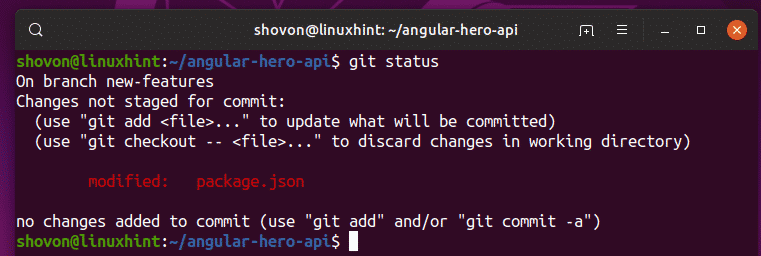
Git Create Branch From Current Local Branch Naxretalking

GIT Branch And Its Operations An Easy Understanding Digital Varys
GdUnit4 Godot Asset Library
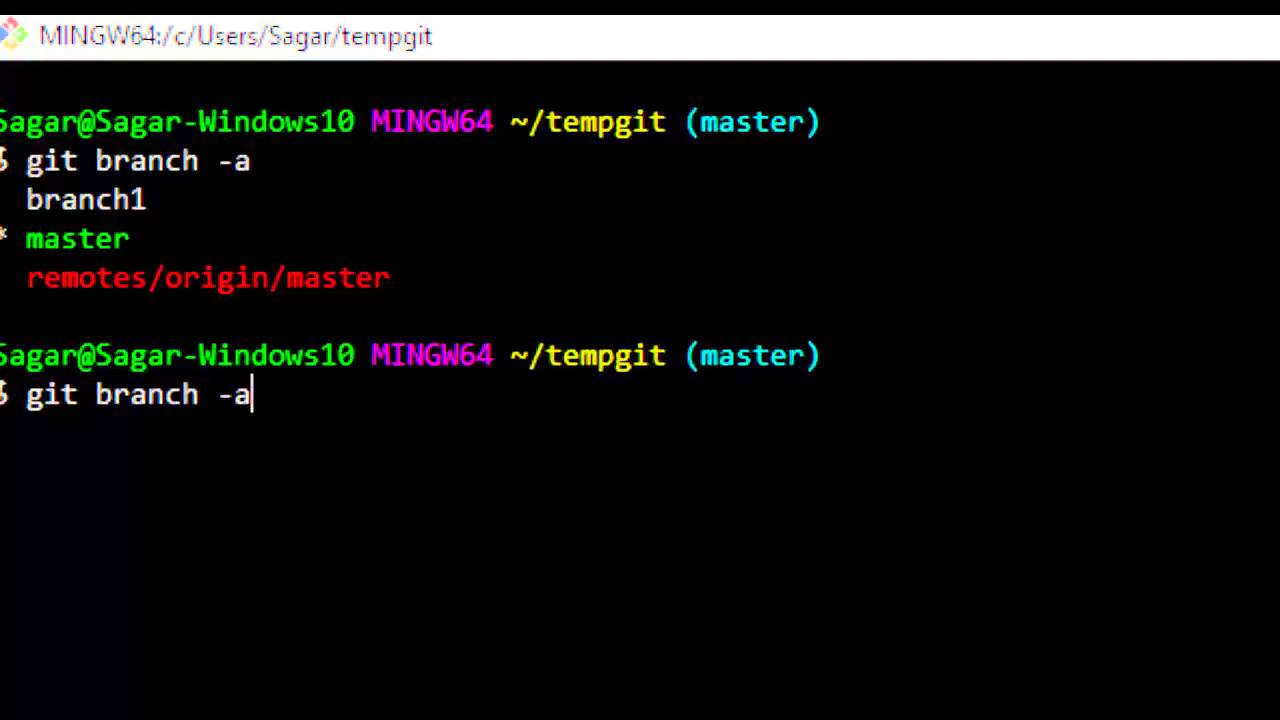
Git Create Branch From Another Branch Console Lasopaireland

GitHub CLI GitHub From The Command Line In 2020 Github Command Line

Git Create Branch And Checkout One Command Naxregg

Create a new branch Ask Question Asked 4 years 4 months ago Modified 1 year 2 months ago Viewed 44k times 4 I want to create new branch B Currently I have a master branch local and remote and feature branch A local Feature branch A is deleted in remote Also I have some files committed and unstaged files in my local feature branch
To create a new branch and switch to it at the same time you can run the git checkout command with the b switch git checkout b iss53 Switched to a new branch iss53 This is shorthand for git branch iss53 git checkout iss53 Figure 19 Creating a new branch pointer You work on your website and do some commits
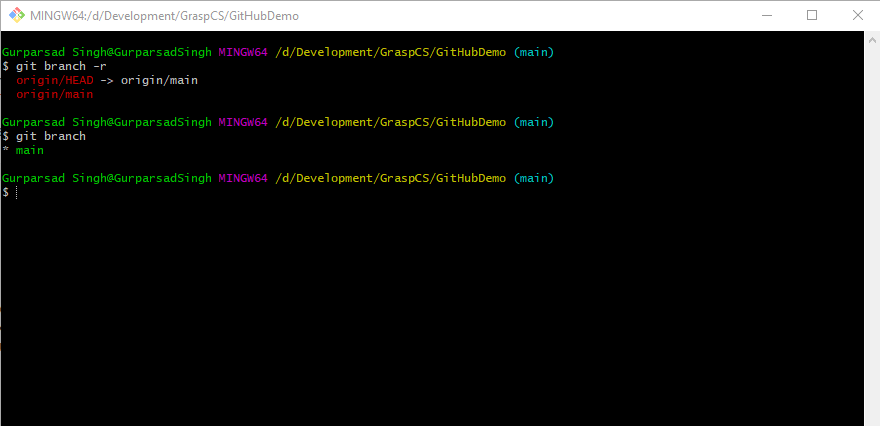
To create a new branch that is based on your currently checked out HEAD branch simply use git branch with the name of the new branch as the only parameter git branch new branch How do I create a new branch based on some existing one

The command has the following syntax git branch options branch name The options are not mandatory Running git branch without options performs basic operations like listing branches The git branch command has multiple uses including Creating new local branches
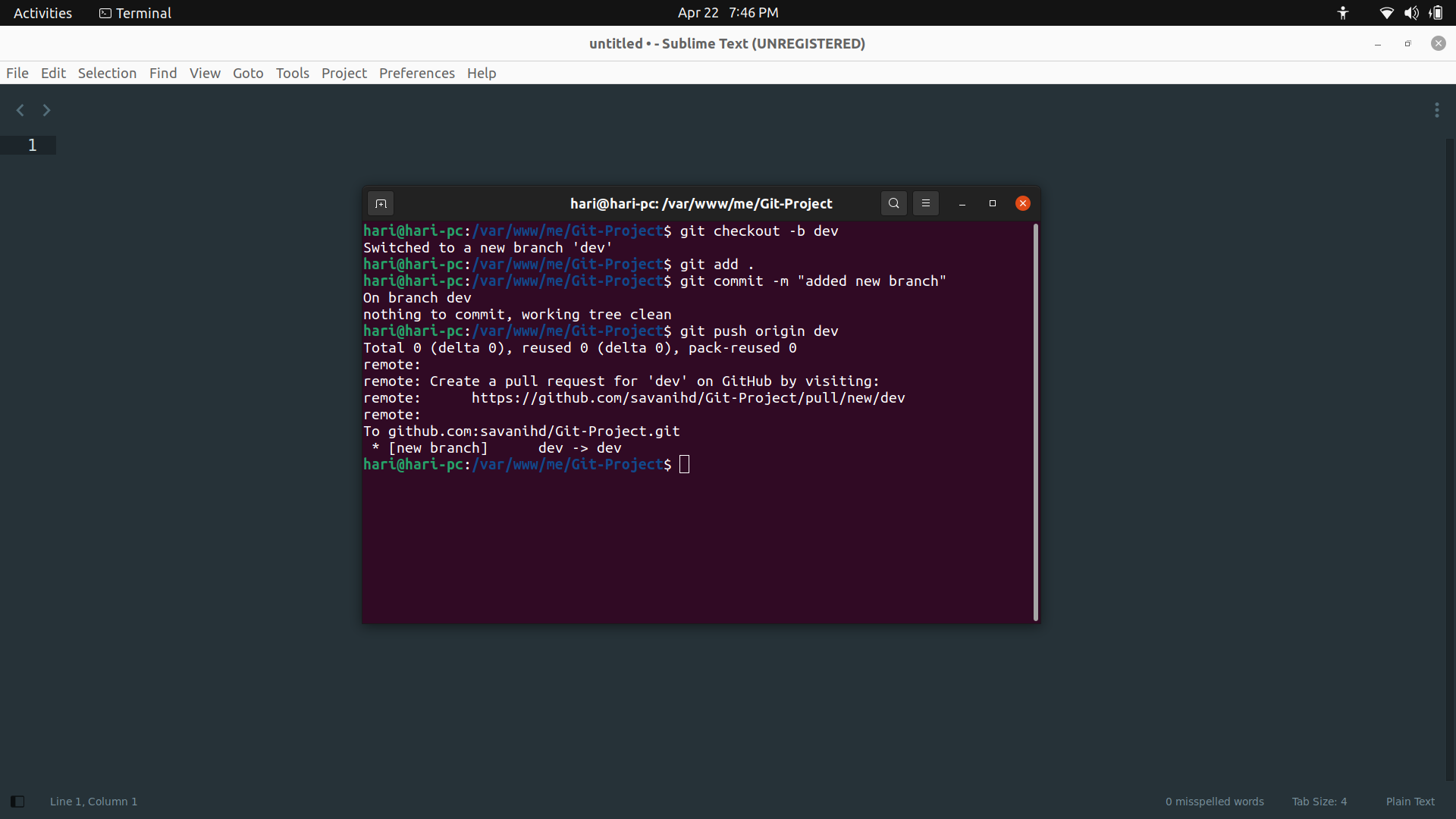
The easiest way to create a Git branch is to use the git checkout command with the b option for a new branch Next you just have to specify the name for the branch you want to create git checkout b branch name As an example let s say that you want to create a new Git branch from the master branch named feature
How to create a branch in Git If you re working in the terminal and you want to create a branch you might try git create branch my branch The syntax is intuitive short and unfortunately doesn t exist Instead you re left with this command git checkout b my branch When a local branch is started off a remote tracking branch Git sets up the branch specifically the branch name remote and branch name merge configuration entries so that git pull will appropriately merge from the remote tracking branch This behavior may be changed via the global branch autoSetupMerge configuration flag That setting can be overridden by using the track and no
We can create a new branch and switch to it using the git checkout command with the b option and branch name It looks like this git checkout b branch name Assume we want to create a new Git branch named pagination from the main branch