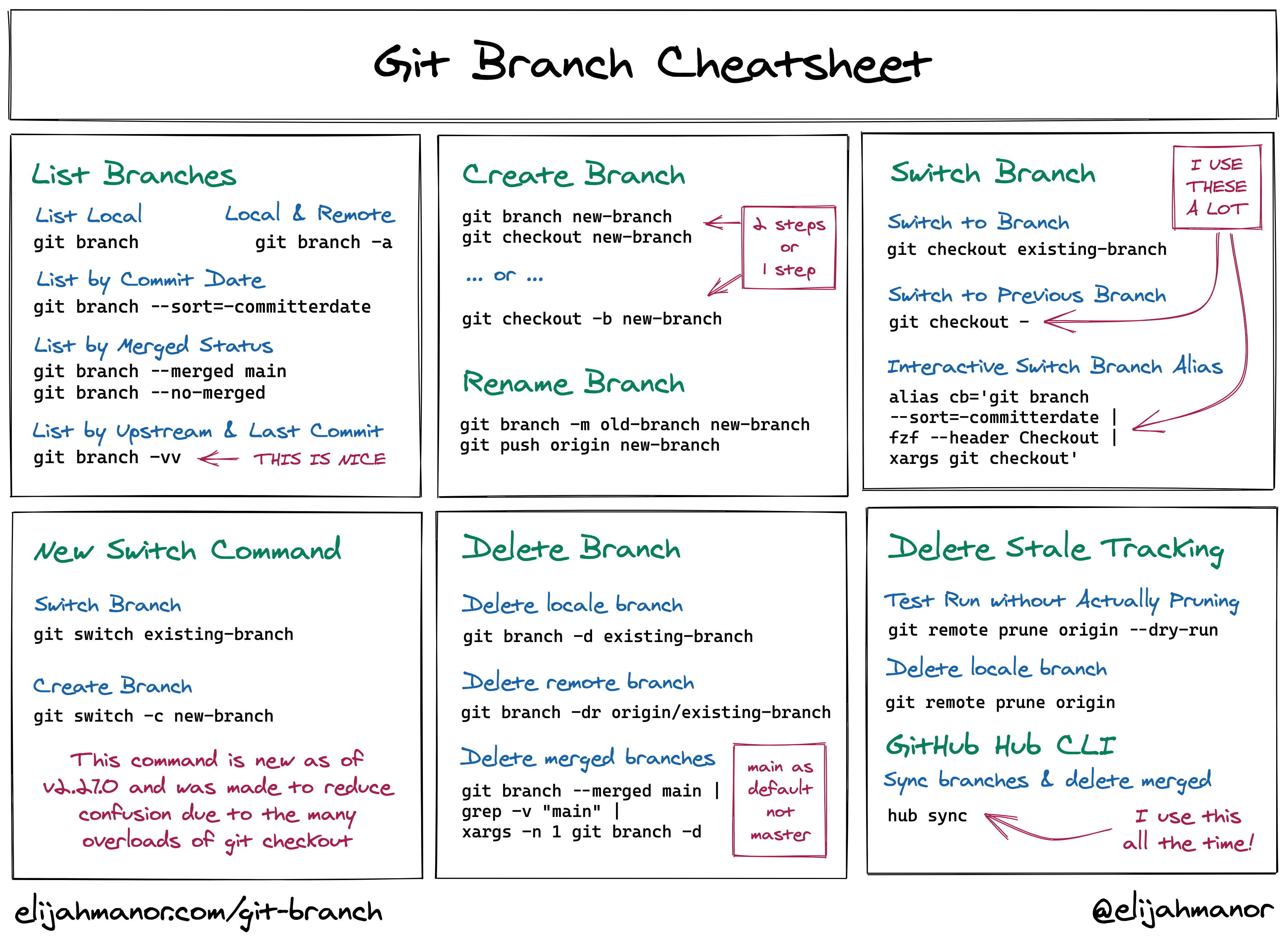
Git Command Line Create Branch Git Create Branch From Existing Branch Opechome How To Create A Git Branch Learn Git Create New Branch From Current Branch Junos Notes Git Create Branch From A Branch Vseraselling GIT Commands Basic To Advanced GIT Commands List That You Should Know Junos Notes Git Push Local Branch To Remote How To Publish A New Branch In Git Web Jul 13 2022 nbsp 0183 32 We can create a new branch and switch to it using the git checkout command with the b option and lt branch name gt It looks like this git checkout b lt branch name gt Assume we want to create a new
Web The quot branch quot command helps you create delete and list branches It s the go to command when it comes to managing any aspect of your branches no matter if in your local repository or on your remotes Important Options v a Provides more information about all your branches Web Oct 28 2016 nbsp 0183 32 You do these steps git checkout b your branch git push u origin your branch show all branches see result git branch Reference https git scm docs git branch
Git Push Local Branch To Remote How To Publish A New Branch In Git Create New Branch With Git Command Line Quick Git Create Branch With Current Changes Caqwemetrix Git Branches Tutorial Ihatetomatoes Create A Branch From A Previous Commit In Git Techie Delight Git Create Branch From Current Local Branch Naxretalking Git Create Branch From Another Branch Console Lasopaireland Git Create Branch From Terminal Lasopachristian Git Add Remote Origin U Penjord
Git Command Line Create Branch
 Git Command Line Create Branch
https://elijahmanor.com/images/git-branch/git-branch.png
Web The Command Line There are a lot of different ways to use Git There are the original command line tools and there are many graphical user interfaces of varying capabilities For this book we will be using Git on the command line
Templates are pre-designed files or files that can be used for different functions. They can conserve time and effort by supplying a ready-made format and layout for developing various type of content. Templates can be used for individual or expert tasks, such as resumes, invites, leaflets, newsletters, reports, discussions, and more.
Git Command Line Create Branch
Git Create Branch Local Vseraregistry
Create New Branch With Git Command Line Quick

Git Create Branch With Current Changes Caqwemetrix
Git Branches Tutorial Ihatetomatoes
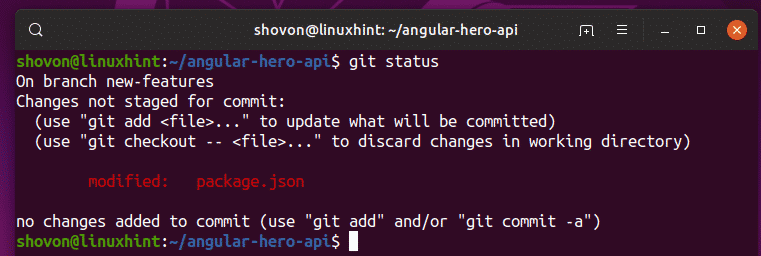
Git Create Branch From Current Local Branch Naxretalking
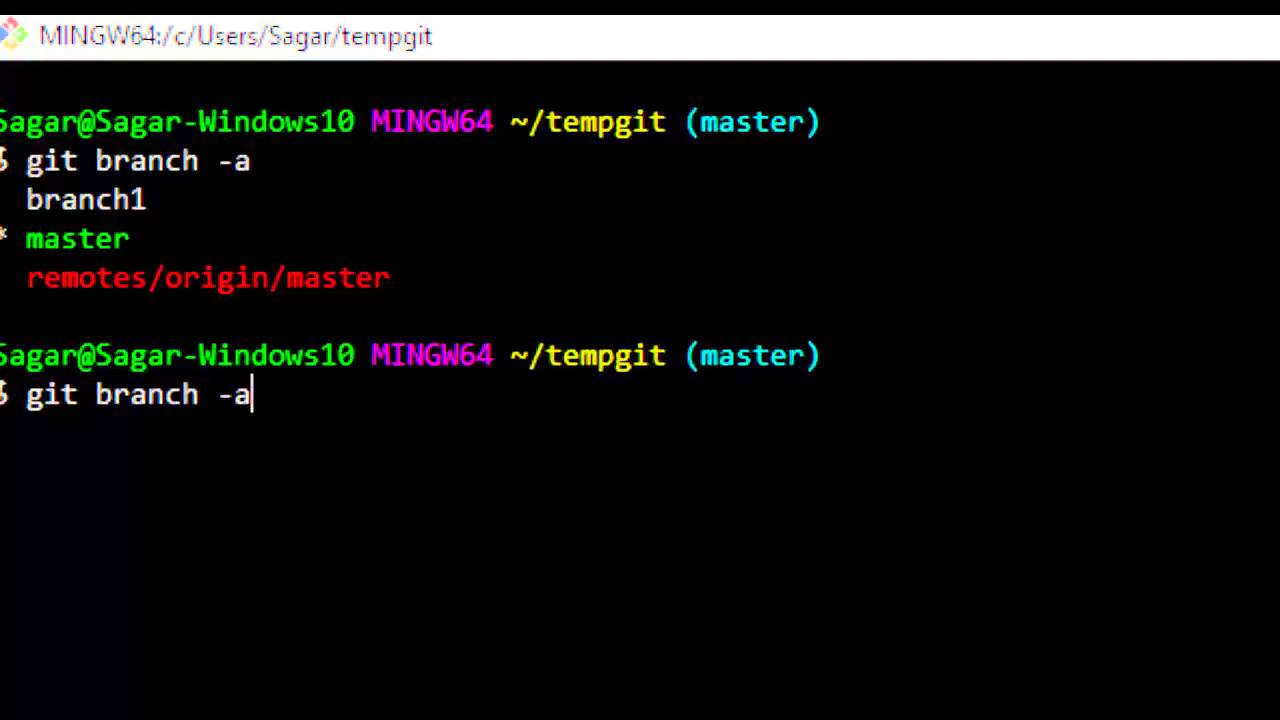
Git Create Branch From Another Branch Console Lasopaireland
Web To create a new branch and switch to it at the same time you can run the git checkout command with the b switch git checkout b iss53 Switched to a new branch quot iss53 quot This is shorthand for git branch iss53 git checkout iss53 Figure 19 Creating a new branch pointer You work on your website and do some commits
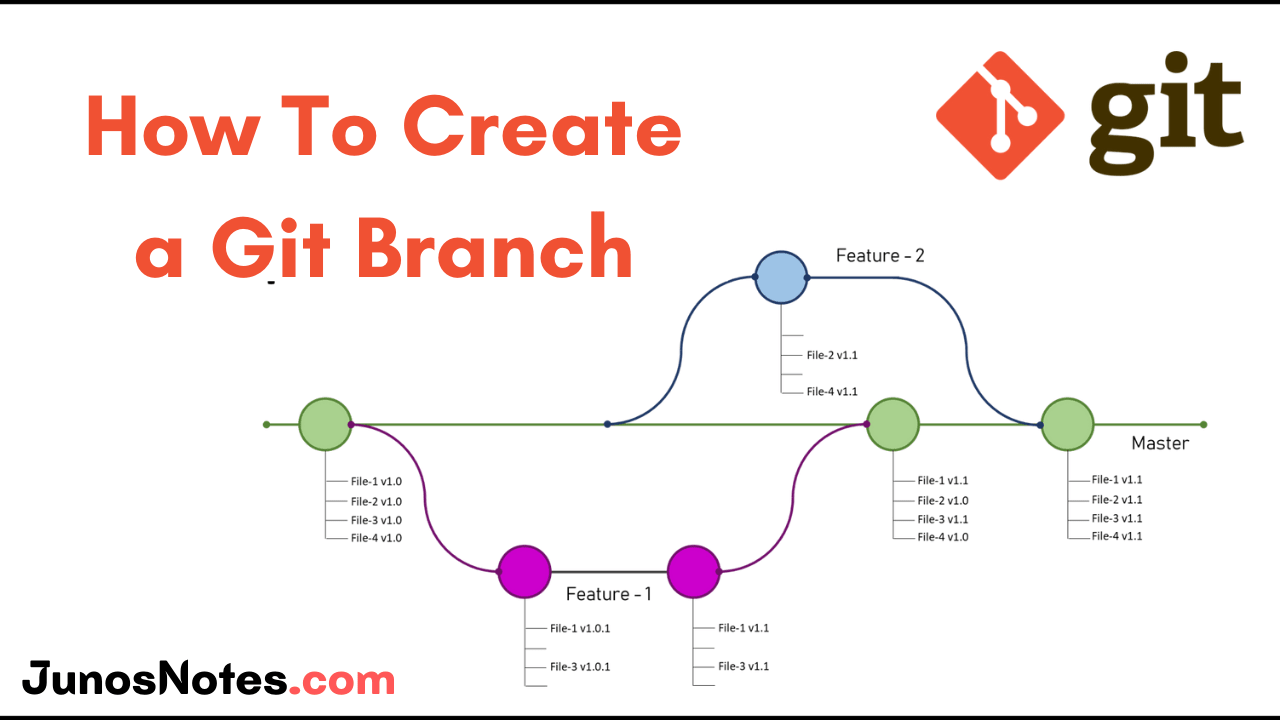
Web Nov 9 2022 nbsp 0183 32 The simple answer is to use the following to create a new branch from master without switching git branch newBranch master git branch accepts a second argument of the source branch Alternatively you can use git stash or more thoroughly git stash save quot name description quot to save your code in a pseudo commit
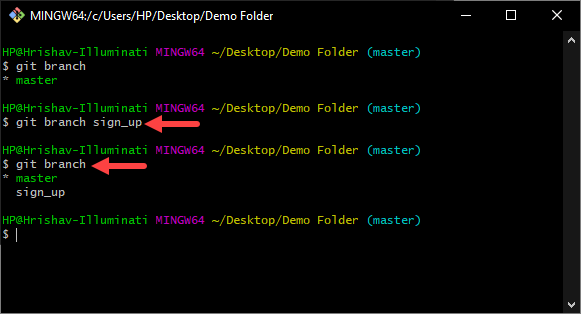
Web Feb 24 2022 nbsp 0183 32 One common method of creating a new branch is with the command git branch lt new branch name gt This doesn t automatically switch to that branch To switch Git branches enter the following command git checkout lt new branch name gt Note Instead of lt new branch name gt type the name for the new branch

Web The git branch command lets you create list rename and delete branches It doesn t let you switch between branches or put a forked history back together again For this reason git branch is tightly integrated with the git checkout and git merge commands

Web Dec 28 2019 nbsp 0183 32 In order to create a Git branch from a commit use the git checkout command with the b option and specify the branch name as well as the commit to create your branch from Alternatively you can use the git branch command with the branch name and the commit SHA for the new branch
[desc-11] [desc-12]
[desc-13]