Git Revert File To Origin Master Git Revert File Reverting A File To A Previous Commit Git Revert File Reverting A File To A Previous Commit Git Reset Revert VS Code Tips The Revert File Command YouTube Revert A File To A Previous Commit In Git Delft Stack Web Nov 14 2023 nbsp 0183 32 Avoiding History rewrite How to use here is the basic way to git revert git revert commit hash where the commit hash is the SHA1 hash of the commit that you want to revert Running this command will undo the changes introduced by the above commit Step By Step Guide on how to revert a commit
Web Firstly in case you need to list which files have changed between your active branch and master git diff name status master Then to revert the file to its state in master git checkout master path to file At this point the file will already be staged so if you need to unstage it git reset path to file Web Aug 18 2022 nbsp 0183 32 a5150af first commit Using this command alone would return all commits made on that project If you want to revert a particular file to a previous commit you must first see all commits made to that file To do this add the file name to the command git log oneline README md
Revert A File To A Previous Commit In Git Delft Stack Push To Origin master Was Rejected Idea gitee push How Can You Revert Files With DocBoss Meta Data Docboss How To Partially Revert A Commit In Git Link Intersystems Push To Origin master Was Rejected Idea gitee push Push To Origin master Was Rejected Push To Origin master Was Rejected Idea Rechazada Push Rechazado Push To Origin Master Fue Rechazado Al Git How To Revert A File To The Previous Commit Blog GitProtect io
Git Revert File To Origin Master
 Git Revert File To Origin Master
https://paper-attachments.dropbox.com/s_E7BE213D0AE03E619B0ABFE8B0450BCDCD832D2BDB3CB303964F1820DADBA52A_1660857327507_image.png
Web If you want to revert the file to its state in master git checkout origin master filename
Templates are pre-designed files or files that can be used for various purposes. They can conserve effort and time by offering a ready-made format and design for developing various type of content. Templates can be utilized for individual or professional tasks, such as resumes, invites, leaflets, newsletters, reports, discussions, and more.
Git Revert File To Origin Master

Git Push Master To Origin master Was Rejected By Remote
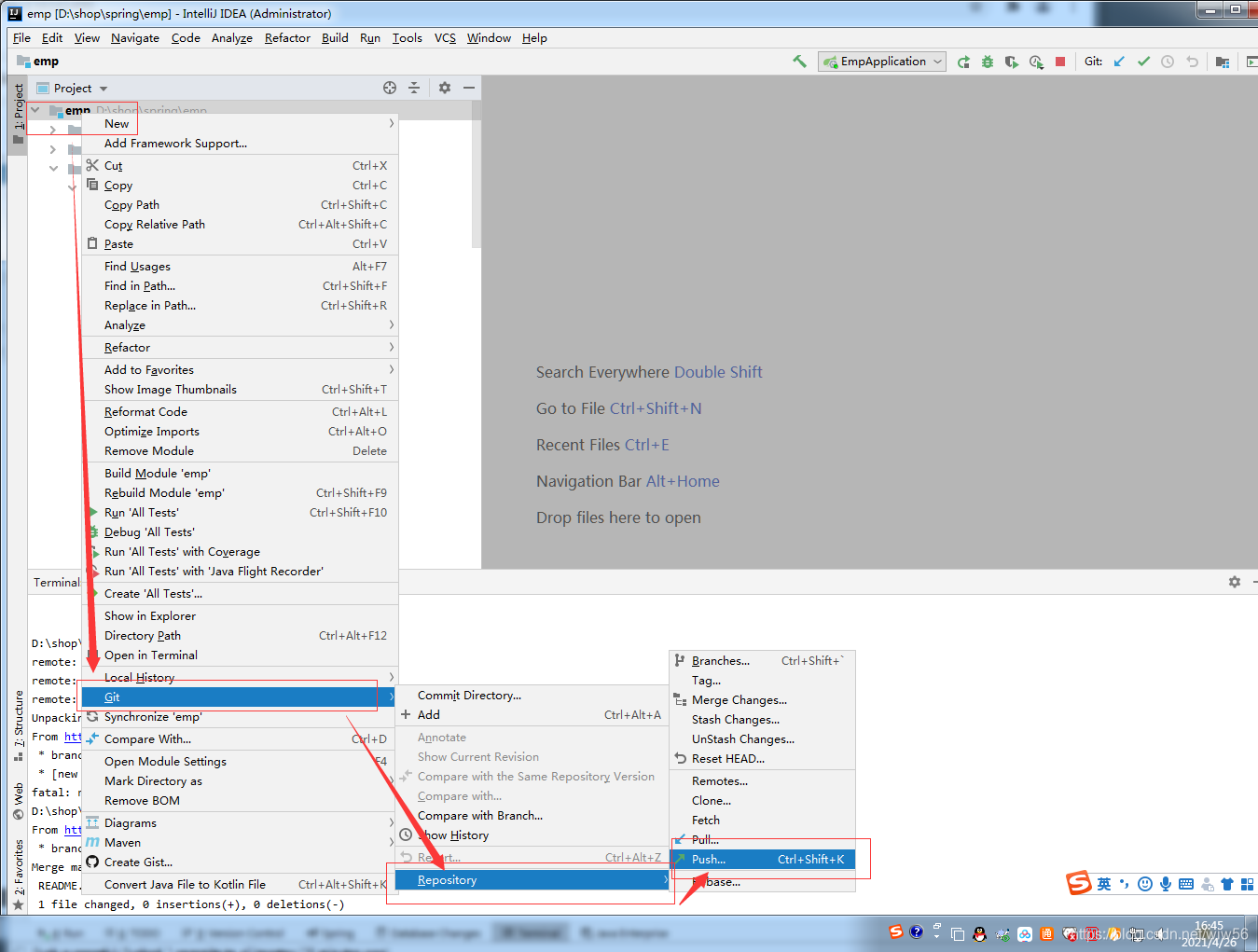
Push To Origin master Was Rejected Idea gitee push

How Can You Revert Files With DocBoss Meta Data Docboss
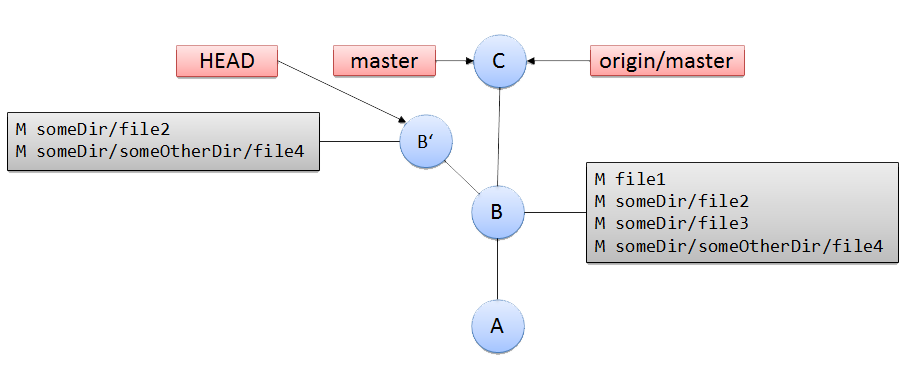
How To Partially Revert A Commit In Git Link Intersystems

Push To Origin master Was Rejected

Push To Origin master Was Rejected

Web May 23 2021 nbsp 0183 32 So to revert a file txt to the master branch version while checked out on a different dev branch run git checkout master lt full path to file gt file txt Share

Web Jul 25 2022 nbsp 0183 32 You need now the s source option since now you use master 2 and not master the default as you restore source git restore s master 2 pathTo MyFile You can also get the file from other branch git restore s my feature branch pathTo MyFile
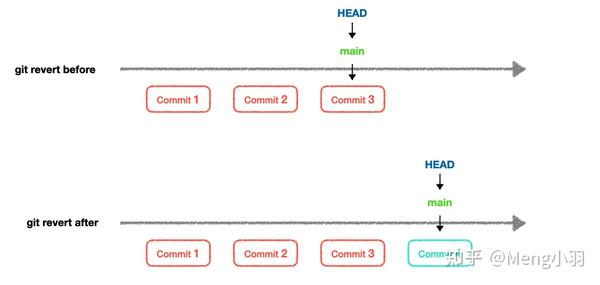
Web May 10 2017 nbsp 0183 32 4 Answers Sorted by 208 Git supports this command git checkout B master origin master Check out the origin master branch and then reset master branch there UPDATE Or you can use new switch command for that git switch C master origin master Share Improve this answer

Web Feb 2 2024 nbsp 0183 32 Step 1 Open a Terminal To get started open your terminal or command prompt We ll be using Git commands to reset files so having a terminal is essential Step 2 Navigate to Your Repository Use the cd command to navigate to your Git repository s directory For example cd path to your repo

Web Jun 8 2015 nbsp 0183 32 When you make a new commit Git stores a snapshot of your repository at that specific moment in time later you can use Git to go back to an earlier version of your project In this post I m going to take a look at some common scenarios where you might want to undo a change you ve made and the best way to do it using Git Undo a public
Web Jun 19 2018 nbsp 0183 32 These options include hard to reset the commit being pointed to in the repository populate the working directory with the contents of the commit and reset the staging area soft to only reset the pointer in the repository and mixed the default to reset the pointer and the staging area Web Jun 14 2020 nbsp 0183 32 First you need to go to the shared repository on GitHub and find the file that you want to revert Once you navigate to the file right above the file you should see this On the right hand side you can see a 7 digit commit ID and a date That is the commit ID for the most recent commit in which that file was modified
Web Oct 11 2019 nbsp 0183 32 Revert a commit or set of commits The following command lets you revert changes from a previous commit or commits and create a new commit git revert no edit n m parent number s S lt keyid gt lt commit gt git revert continue git revert quit git revert abort