Revert File To Origin Master Git Revert File Reverting A File To A Previous Commit Git Reset Revert Git Revert File Reverting A File To A Previous Commit Revert File Vs Revert File And Meta Data DocBoss VS Code Tips The Revert File Command YouTube Web Jun 14 2020 nbsp 0183 32 Introduction Once you start collaborating with other developer it s going to be important to know how to revert a single file to a certain commit This need arises because you sometimes need to change files not related to you re pull request in order to test the feature you re working on
Web Firstly in case you need to list which files have changed between your active branch and master git diff name status master Then to revert the file to its state in master git checkout master path to file At this point the file will already be staged so if you need to unstage it git reset path to file Web Jun 22 2022 nbsp 0183 32 Usually Git automatically assumes the remote repository s name is origin If you have a different remote name replace origin with the name you are using Reset Local Repository Now reset the local main branch to the remote repository using the following command git reset hard origin main Clean Up Any Untracked Changes This step is
VS Code Tips The Revert File Command YouTube Push To Origin master Was Rejected Idea gitee push How To Restore A File To A Previous Version On Windows Guide IDEA push push Mater To Origin master Was Rejected By Remote Push To Origin master Was Rejected Missing Search Tab In File Explore Microsoft Q A Push To Origin master Was Rejected Idea gitee push Git Revert File Undoing A Wrong Udemy Blog Push To Origin master Was Rejected
Revert File To Origin Master
 Revert File To Origin Master
https://www.freecodecamp.org/news/content/images/2022/08/cover-template--1-.png
Web Feb 28 2023 nbsp 0183 32 How To Revert a File or Commit Using the git revert Command Here s what the syntax for the git revert command looks like git revert commit ID Here s the code we ll be working with lt DOCTYPE html gt lt html lang quot en quot gt lt head gt lt title gt Document lt title gt lt head gt lt body gt lt h1 gt Hello World lt h1 gt lt body gt lt html gt
Templates are pre-designed documents or files that can be utilized for various functions. They can save effort and time by providing a ready-made format and design for creating various type of content. Templates can be used for personal or expert projects, such as resumes, invitations, flyers, newsletters, reports, presentations, and more.
Revert File To Origin Master
How To Reset GIT To Origin master
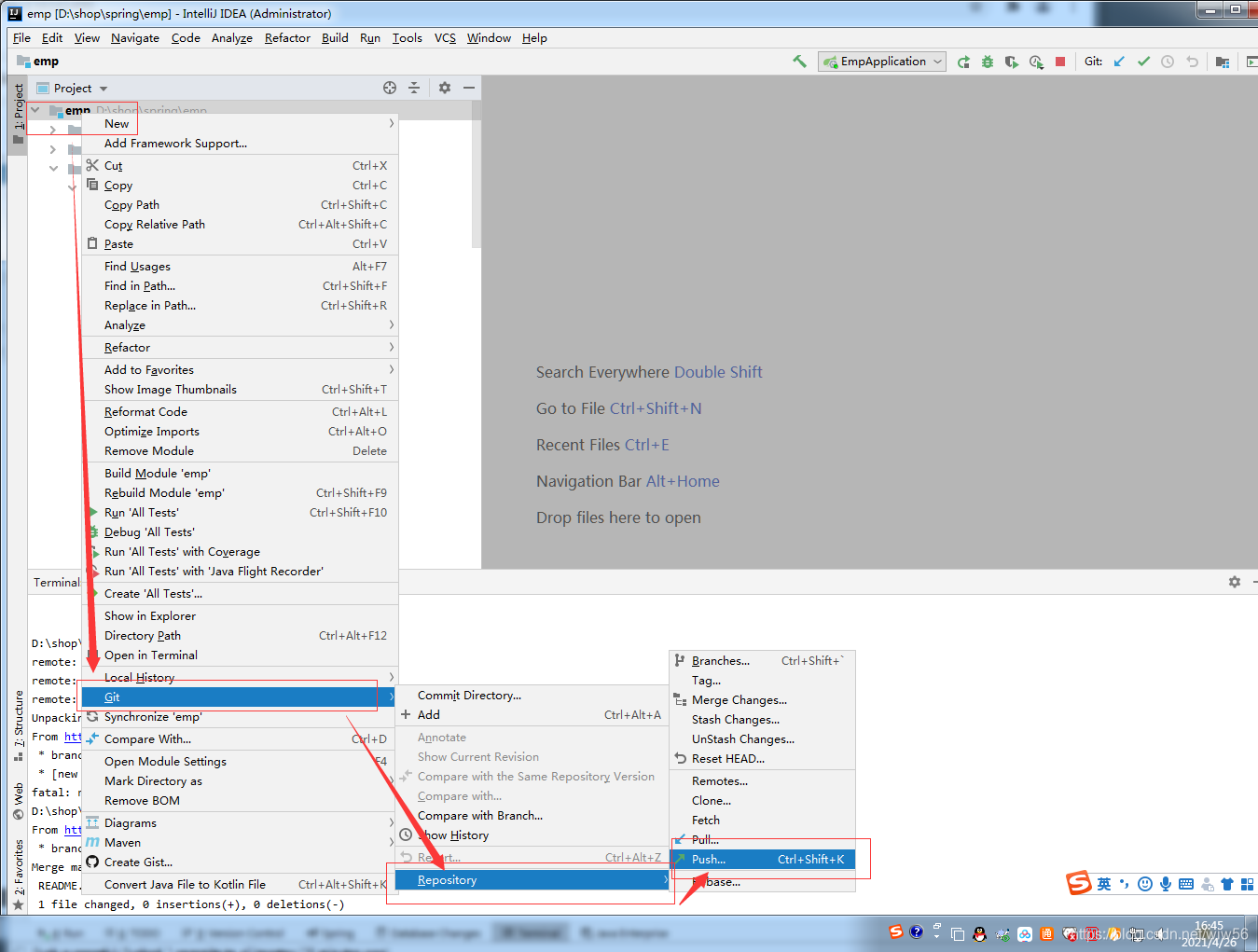
Push To Origin master Was Rejected Idea gitee push
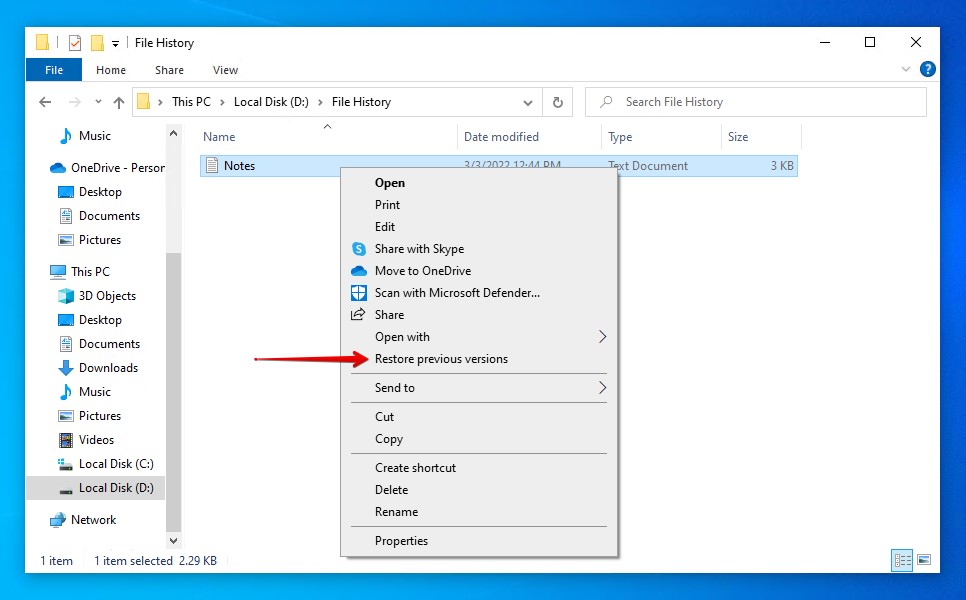
How To Restore A File To A Previous Version On Windows Guide

IDEA push push Mater To Origin master Was Rejected By Remote
Missing Search Tab In File Explore Microsoft Q A

Push To Origin master Was Rejected Idea gitee push

Web Aug 22 2011 nbsp 0183 32 If you want to get the changes from other commit you can go backwards on the commit history The below command will get MyFile two commits previous to the last one You need now the s source option since now you use master 2 and not master the default as you restore source git restore s master 2 pathTo MyFile
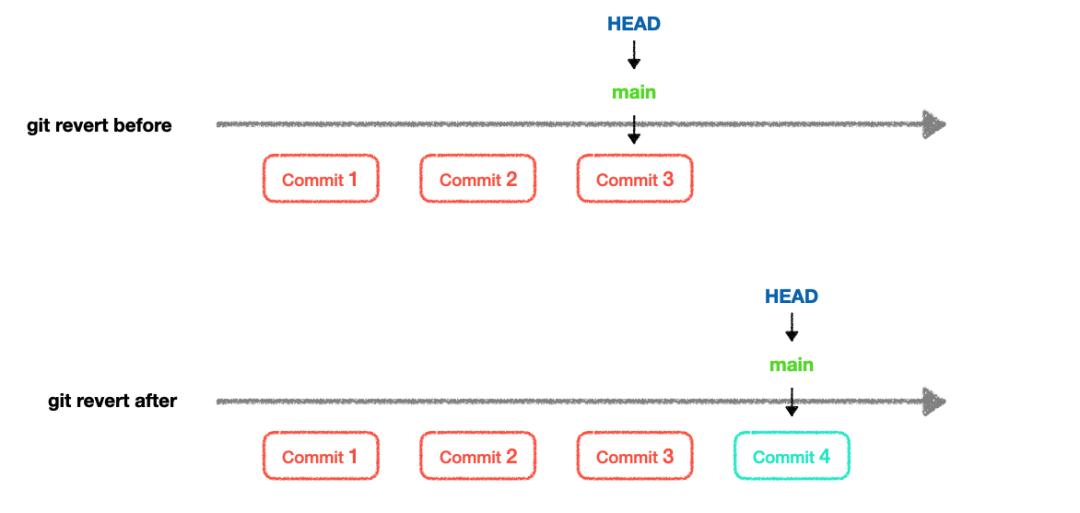
Web If you want to revert the file to its state in master git checkout origin master filename

Web Since Git 2 23 August 2019 since git checkout is too confusing the new still experimental command is git switch git switch C master origin master That is C lt new branch gt force create lt new branch gt Similar to create except that if lt new branch gt already exists it will be reset to lt start point gt

Web Feb 2 2024 nbsp 0183 32 Step 1 Open a Terminal To get started open your terminal or command prompt We ll be using Git commands to reset files so having a terminal is essential Step 2 Navigate to Your Repository Use the cd command to navigate to your Git repository s directory For example cd path to your repo

Web Aug 18 2022 nbsp 0183 32 Reverting the file is a much cleaner way to handle it There are many possible approaches but in this article you will learn the best approach the git checkout method If you are in a rush here is the command git checkout SHA HASH file file path But suppose you are not in a rush
Web SYNOPSIS git reset q lt tree ish gt lt pathspec gt git reset q pathspec from file lt file gt pathspec file nul lt tree ish gt git reset patch p lt tree ish gt lt pathspec gt git reset soft mixed N hard merge keep q lt commit gt DESCRIPTION Web SYNOPSIS git restore lt options gt source lt tree gt staged worktree lt pathspec gt git restore lt options gt source lt tree gt staged worktree pathspec from file lt file gt pathspec file nul git restore p patch lt options gt source lt tree gt staged worktree lt pathspec gt DESCRIPTION
Web Jun 8 2015 nbsp 0183 32 What s happening git revert will create a new commit that s the opposite or inverse of the given SHA If the old commit is matter the new commit is anti matter anything removed in the old commit will be added in the new commit and anything added in the old commit will be removed in the new commit