Git Reset Local Commits To Origin Git Submodule How To Reset Your Git Branch To A Previous Commit both Local And Git Push Force Explained With Examples GoLinuxCloud 036 Git Reset HEAD 3 GitFichas Git Commands Tutorials And Example Git Reset Git Revert ScmGalaxy Web On branch main Changes not staged for commit use quot git add quot to update what will be committed use quot git checkout quot to discard changes in working directory modified reset lifecycle file In our demo repository we modify and add some content to the reset lifecycle file
Web May 23 2017 nbsp 0183 32 See the git push and git reset documentation for more information on why Since you ve already pushed to origin your change has been published for others to see and pull from Because of this you probably do not want to rewrite the history So the best command to use is git revert Web DESCRIPTION In the first three forms copy entries from lt tree ish gt to the index In the last form set the current branch head HEAD to lt commit gt optionally modifying index and working tree to match The lt tree ish gt lt commit gt defaults to HEAD in all forms git reset q lt tree ish gt lt pathspec gt
Git Commands Tutorials And Example Git Reset Git Revert ScmGalaxy How To Git Reset To HEAD What Is Git HEAD How To Reset Git Head To Should You Require All Developers To Sign All Local Commits Undo Pushed Commits In Git With Reset And Revert Delft Stack Git Tutorial 28 How To Undo All Local Commits In A Branch To Reset To Git Reset Local Branch To Remote LOCALSD How To Undo The Most Recent Local Commits In Git Git Git Branch Management Solving Branch Merge Conflict Create And How To Reset A Local Git Branch To Remote Alpha Efficiency
Git Reset Local Commits To Origin
 Git Reset Local Commits To Origin
https://code84.com/wp-content/uploads/2022/03/3827973-2858cbf0bade85ef.png
Web Aug 12 2019 nbsp 0183 32 git reset head lt no of commits here start from 0 gt hard After resetting your head will be at your desired commit Then push it to origin You need to force push it git push origin lt branch name gt force Now your origin repo will be at the desired commit and then you can update your local repository by pulling from new origin
Templates are pre-designed documents or files that can be utilized for numerous purposes. They can save effort and time by providing a ready-made format and layout for developing various sort of material. Templates can be utilized for individual or professional jobs, such as resumes, invites, leaflets, newsletters, reports, presentations, and more.
Git Reset Local Commits To Origin

Appcmd Add Site Binding Level Up
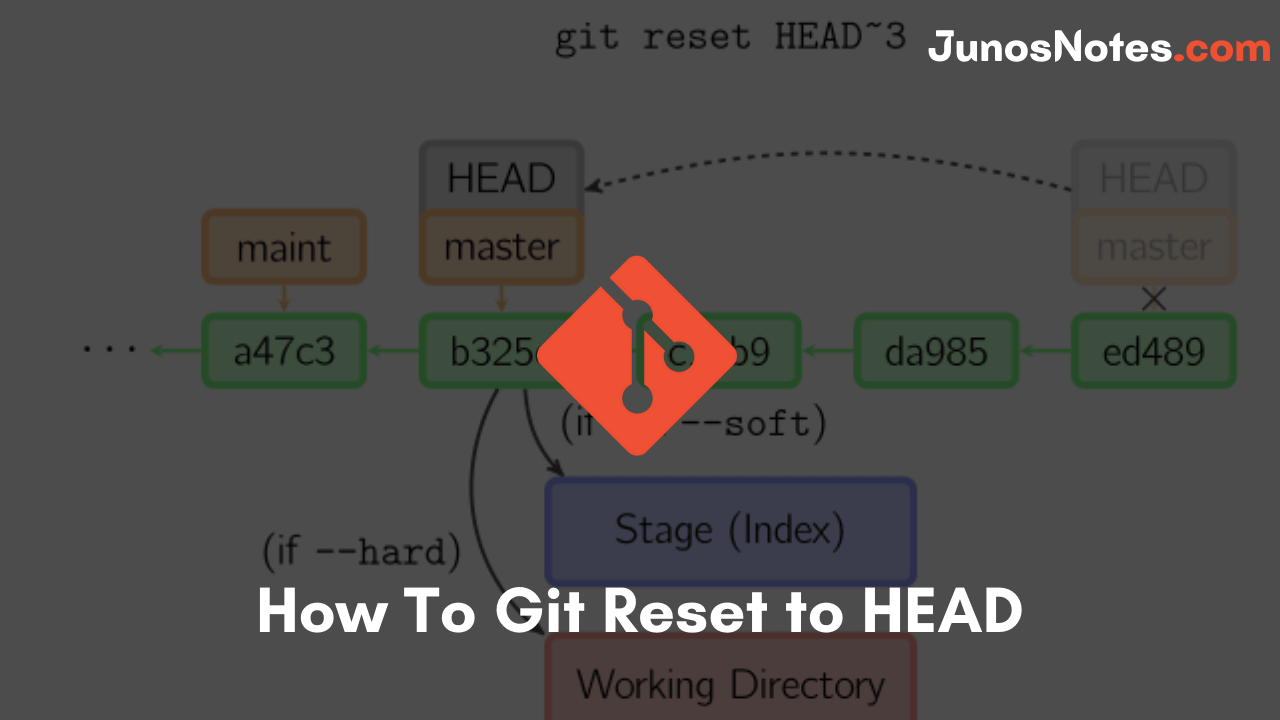
How To Git Reset To HEAD What Is Git HEAD How To Reset Git Head To

Should You Require All Developers To Sign All Local Commits
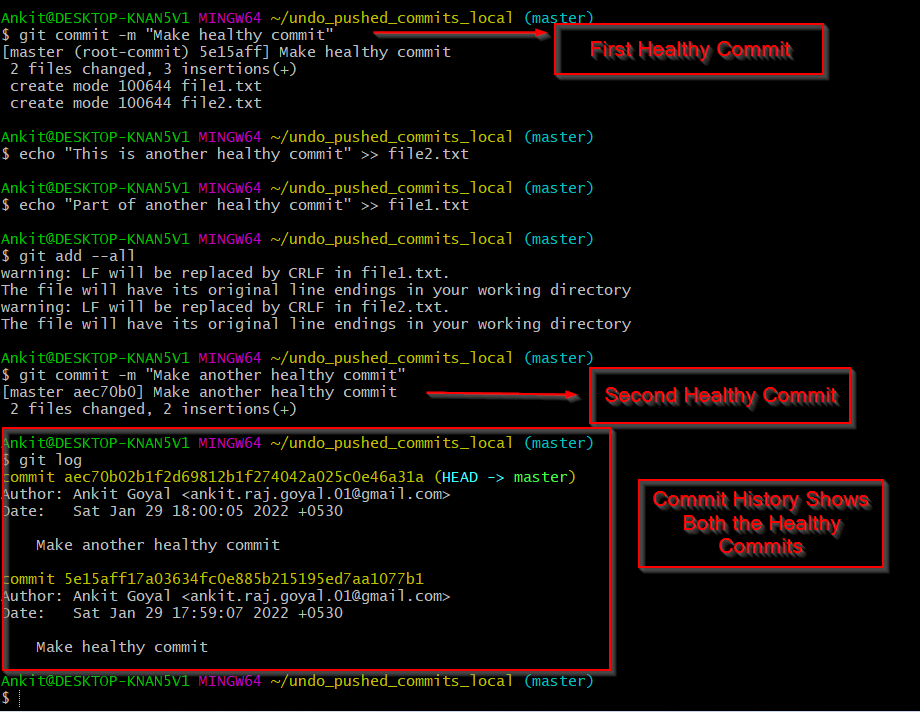
Undo Pushed Commits In Git With Reset And Revert Delft Stack

Git Reset Local Branch To Remote LOCALSD

How To Undo The Most Recent Local Commits In Git

Web I reset my local master to a commit by this command git reset hard e3f1e37 when I enter git status command terminal says On branch master Your branch is behind origin master by 7 commits and can be fast forwarded use quot git pull quot to update your local branch nothing to commit working directory clean
Web Oct 27 2009 nbsp 0183 32 Setting your branch to exactly match the remote branch can be done in two steps git fetch origin git reset hard origin master If you want to save your current branch s state before doing this just in case you can do git commit a m quot Saving my work just in case quot git branch my saved work

Web Oct 1 2015 nbsp 0183 32 In the SourceTree view my local repo top line is ahead of remote or quot origin master quot second line by 9 commits This is confirmed with git status Your branch is ahead of origin master by 9 commits use quot git push quot to publish your local commits nothing to commit working directory clean
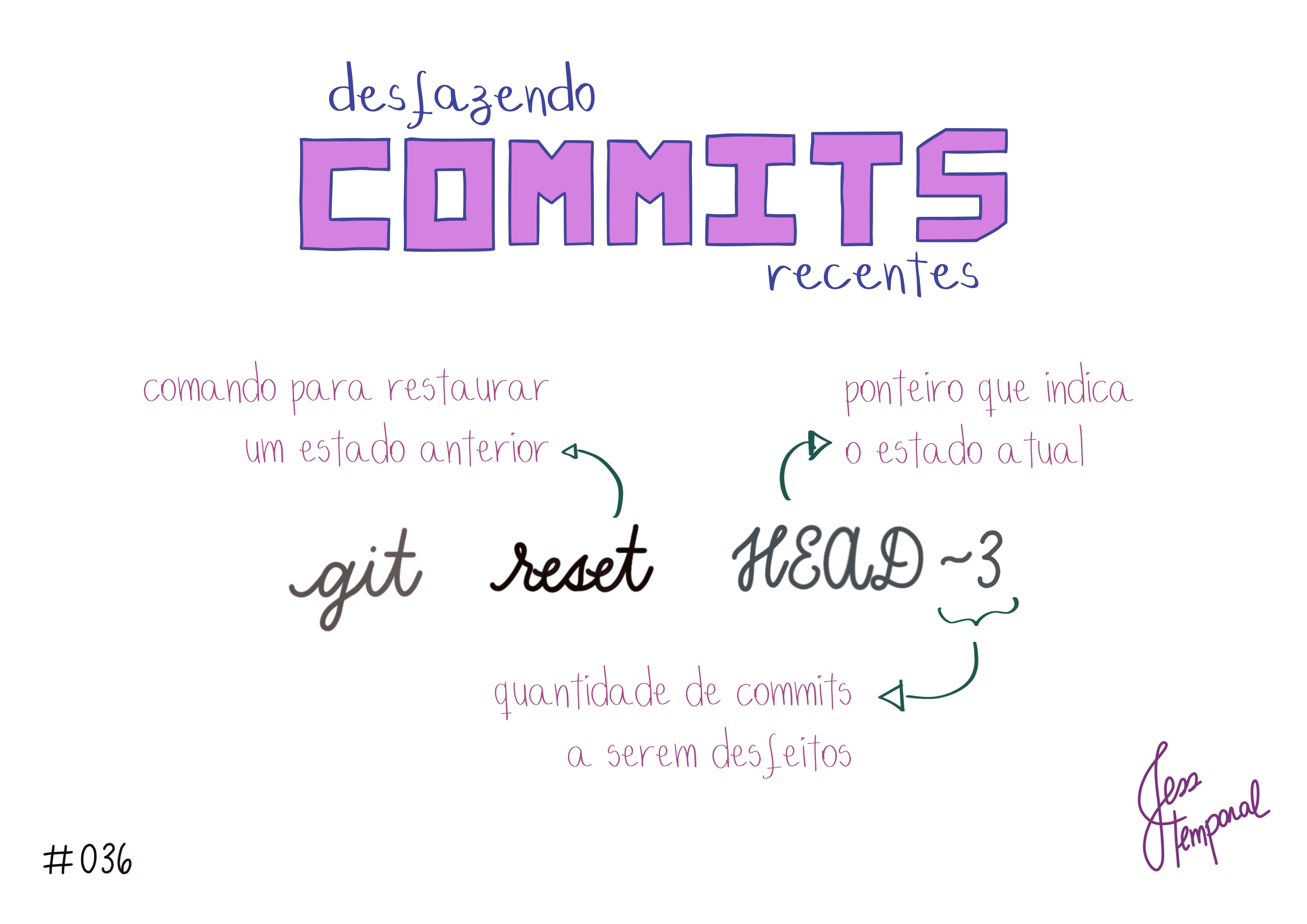
Web Feb 15 2012 nbsp 0183 32 5 Answers If you haven t pushed to origin yet you can reset your branch to the upstream branch with Make sure that you reference your latest commit in a separate branch like you mention in your question Note that just after the reset mybranch 1 refers to the old commit before reset

Web Jun 22 2022 nbsp 0183 32 If you have a different remote name replace origin with the name you are using Reset Local Repository Now reset the local main branch to the remote repository using the following command git reset hard origin main Clean Up Any Untracked Changes This step is optional After using the above commands you may end up with
[desc-11] [desc-12]
[desc-13]