Git Revert Local Changes To Origin How To Discard Your Local Changes In Git Example Undo Changes With Git Revert Reverse The Committed Change DataGenX Git Your Local Changes To The Following Files Would Be La Diferencia Entre Git Reset Git Checkout Y Git Revert AprenderWP How To Push Local Git Repository To Github YouTube Web Jun 22 2022 nbsp 0183 32 June 22 2022 Git Git Reset Origin How to Reset a Local Branch to Remote Tracking Branch Dionysia Lemonaki Git is a free and open source version control system It is the most popular version control system in use today Git keeps track of the changes made to a project over time
Web Oct 27 2009 nbsp 0183 32 git fetch git reset hard push It will reset the current local branch to the same remote branch which would be used for git push This is especially useful when git config push default current is configured For example when your branch is abc and remote is origin it will reset it to origin abc Web Apr 10 2014 nbsp 0183 32 If you feel sure about that and don t have any local uncommitted changes git reset hard origin master where origin master is the branch you had pushed to The ref log will still contain the reverted bits until a garbage collect expires them To revert the revert git reset hard HEAD 1
How To Push Local Git Repository To Github YouTube 10 Comandos De Git Que Debes Conocer R tablir Les Modifications Locales L tat Pr c dent Dans Git Delft How To Revert To Last Commit In Git YouTube 7 Insanely Powerful Git Commands That Almost Nobody Knows Thread your Local Changes To The Following Files Would Be Overwritten By Reverting Modified In 4 Stages In Git By Jianping Zeng Medium How Do Revert All Local Changes In Git DEV Community goland Pull You Local Changes Would Be Overwritten By Merge
Git Revert Local Changes To Origin
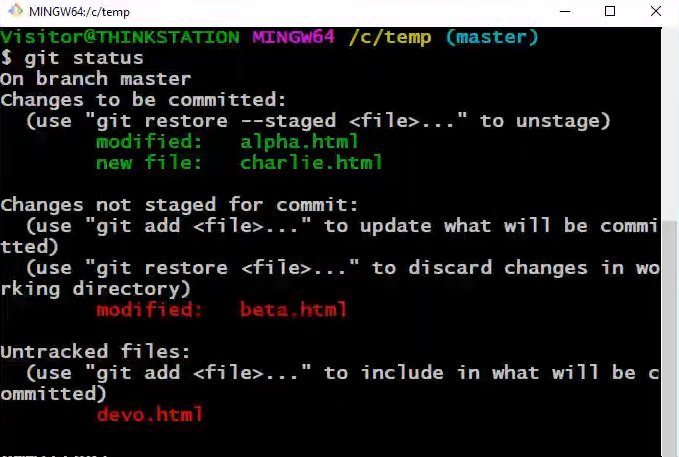 Git Revert Local Changes To Origin
https://itknowledgeexchange.techtarget.com/coffee-talk/files/2021/10/discard-local-changes-remove-git.jpg
Web May 29 2017 nbsp 0183 32 1 Answer Sorted by 698 You don t want git revert That undoes a previous commit You want git checkout to get git s version of the file from master git checkout filename txt In general when you want to perform a git operation on a single file use filename git checkout Documentation
Pre-crafted templates use a time-saving solution for creating a varied range of documents and files. These pre-designed formats and designs can be made use of for numerous individual and professional jobs, consisting of resumes, invitations, flyers, newsletters, reports, discussions, and more, streamlining the content production process.
Git Revert Local Changes To Origin
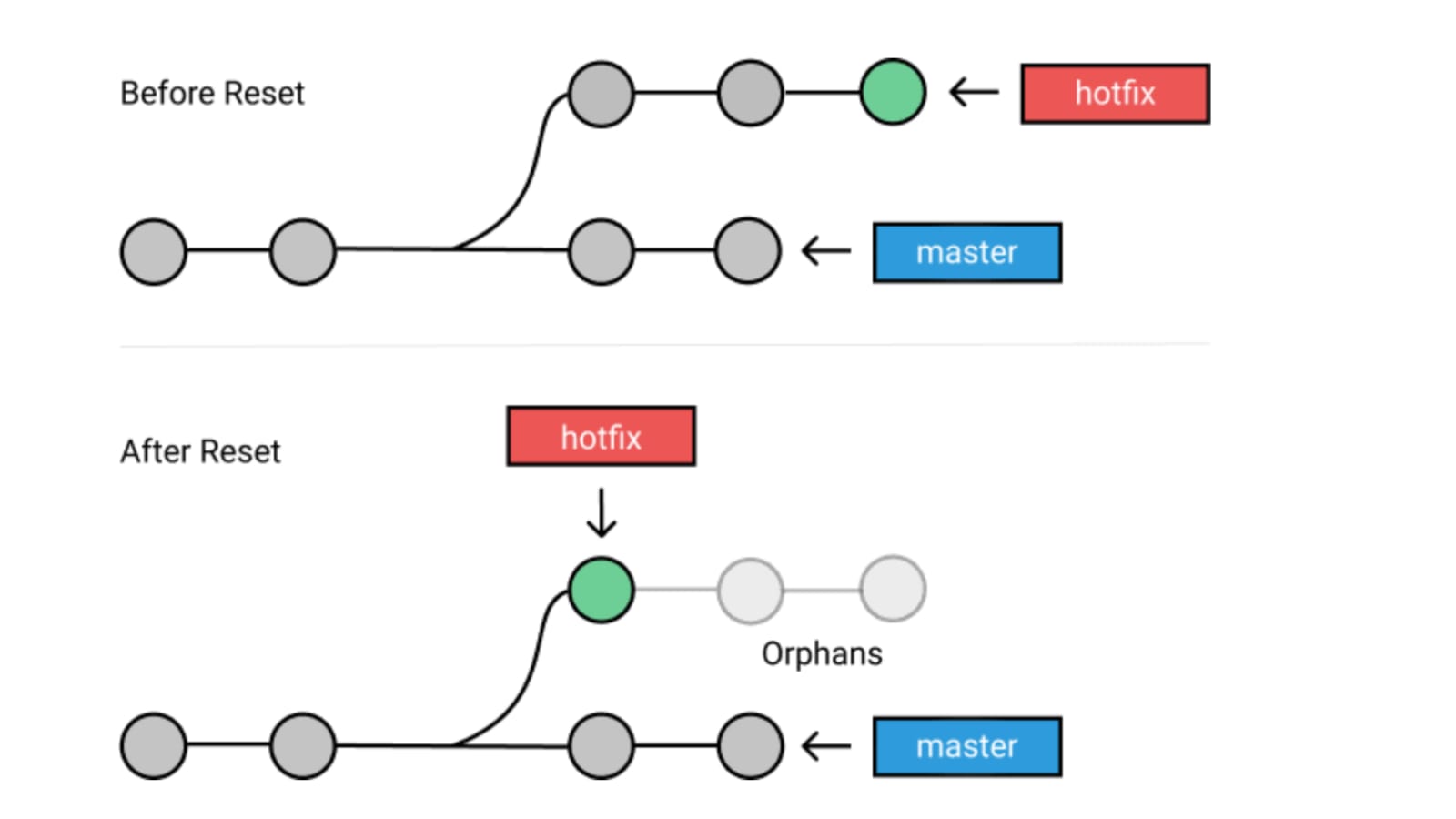
Git Commands Tutorials And Example Git Reset Git Revert ScmGalaxy
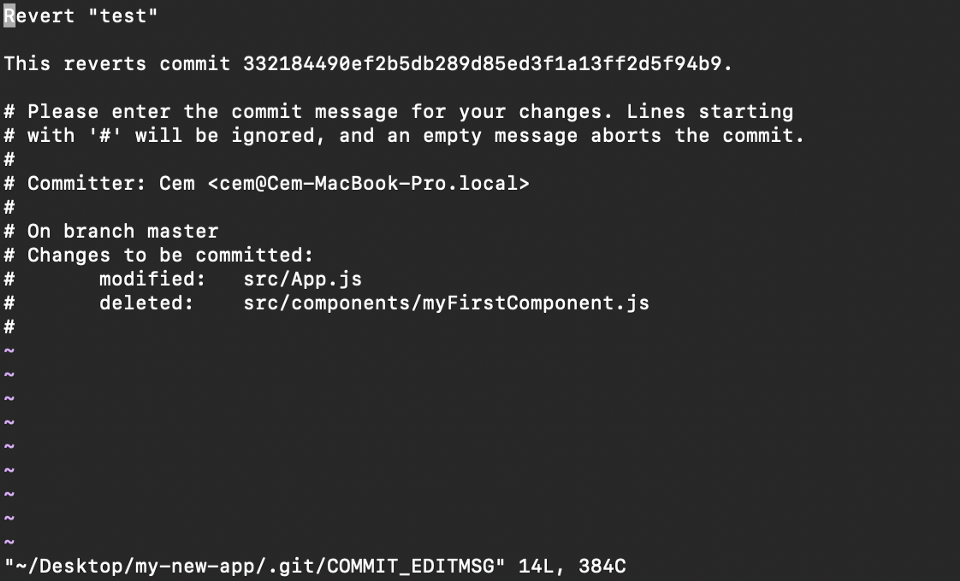
10 Comandos De Git Que Debes Conocer

R tablir Les Modifications Locales L tat Pr c dent Dans Git Delft
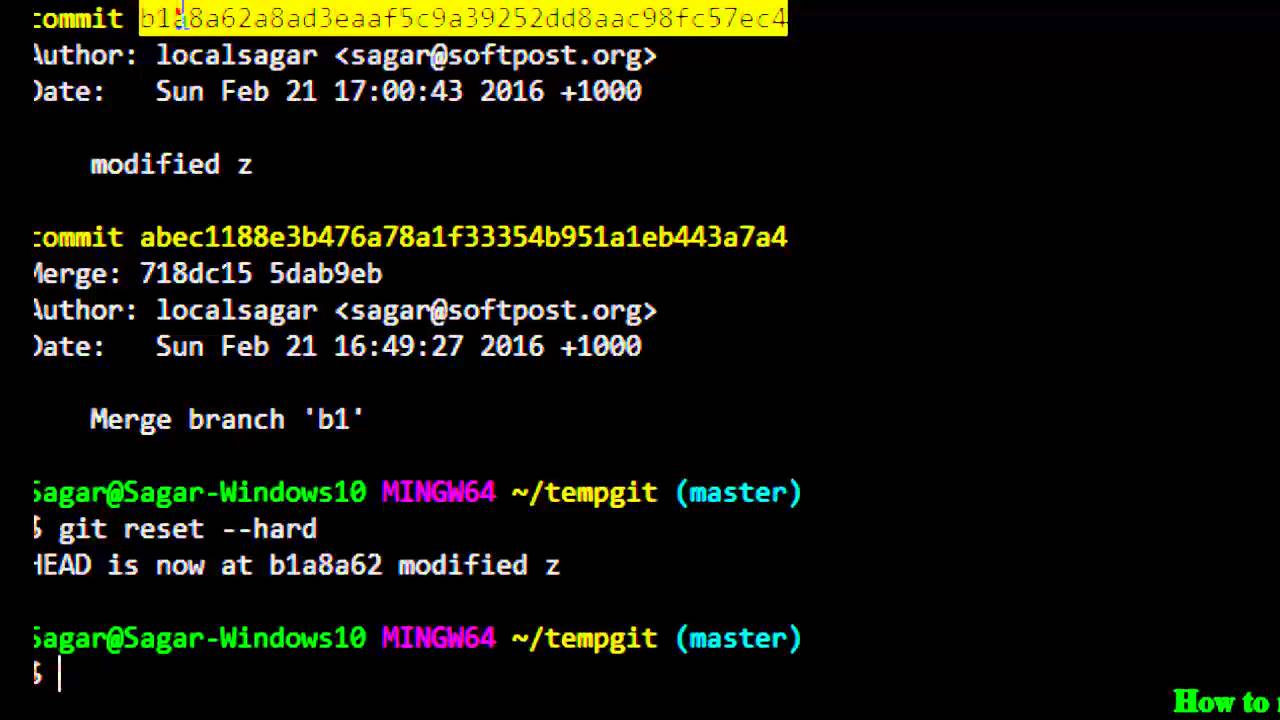
How To Revert To Last Commit In Git YouTube

your Local Changes To The Following Files Would Be Overwritten By
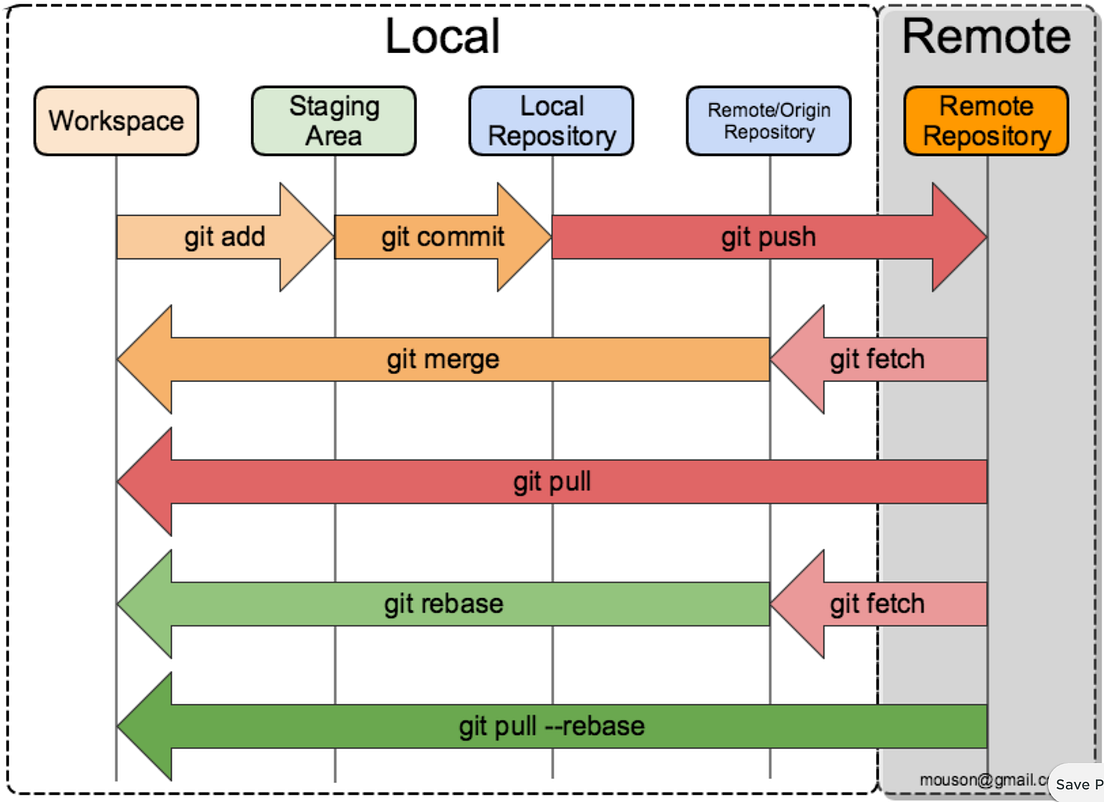
Reverting Modified In 4 Stages In Git By Jianping Zeng Medium
Web Jul 18 2009 nbsp 0183 32 but decided to throw away these local commits to go back to remote origin dev So did the below git reset hard origin dev Check git status On branch dev Your branch is up to date with origin dev nothing to commit working tree clean now local commits are lost back to the initial cloned state point 1 above

Web Feb 15 2012 nbsp 0183 32 I have used the git reset hard origin mybranch command several times when I didn t care about any local changes and just wanted a clean copy that matched the origin However today this didn t work I still had a handful of new unstaged files and git kept promising me that it was at HEAD

Web May 24 2016 nbsp 0183 32 get off the master branch like git checkout b oops fluke dang commit your changes there like git add u git commit go back the master branch like git checkout master Your changes will be saved in branch oops fluke dang master will
Web May 30 2019 nbsp 0183 32 git fetch quot remote origin quot amp amp git reset hard u The fetch gets the latest from the remote you can probably just do git fetch or git fetch origin while the reset sets the local branch to reference the same commit as the upstream branch u is a convenient shortcut for quot upstream quot Share
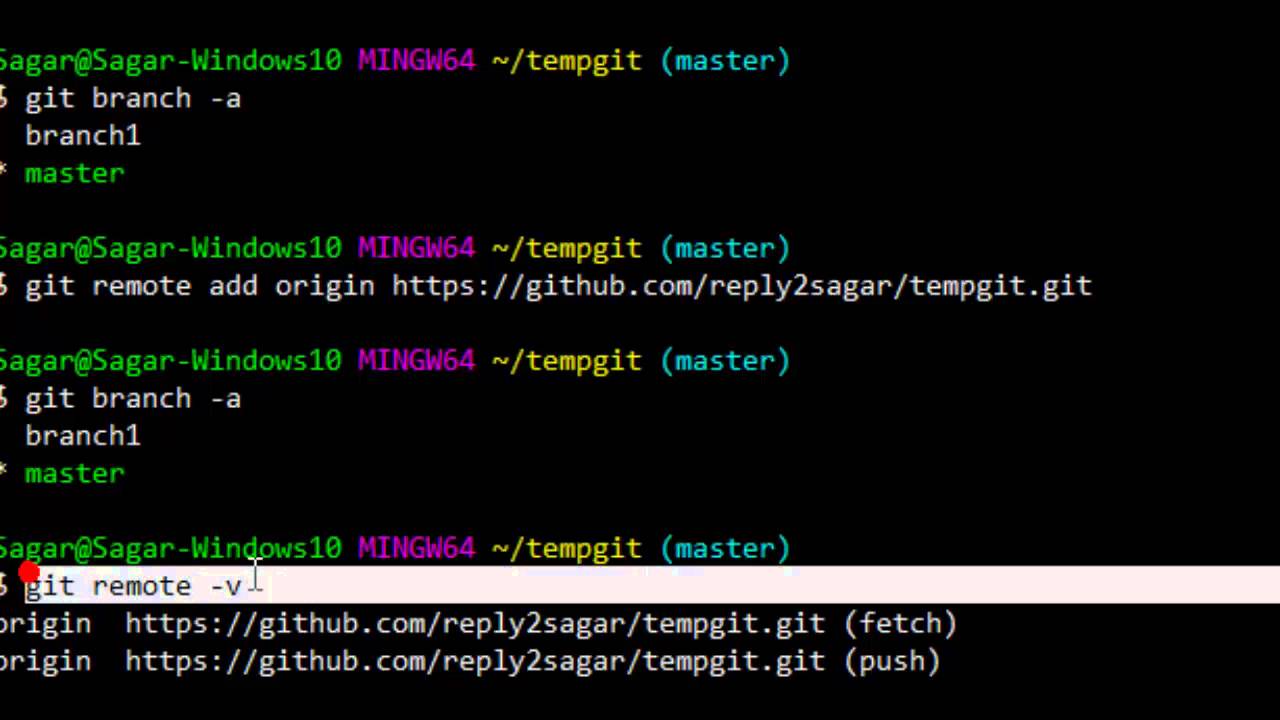
Web Mar 21 2012 nbsp 0183 32 For example if you wanted to revert a branch called quot test feature quot you could do this git checkout master git branch D test feature see note about D below git checkout test feature should track origin test feature NOTE D will force delete the branch and will suppress warnings about unmerged changes
Web Aug 17 2016 nbsp 0183 32 1 WARNING you will lose ALL your local changes 2 if you want a branch different than master you have to use git fetch all amp amp git reset hard origin BRANCH 3 you can split it in a pair of commands git fetch all git reset hard origin master Share Improve this answer Follow Web Git command to undo the last commit previous commits Warning Do Not use hard if you do not know what you are doing hard is too dangerous and it might delete your files Basic command to revert the commit in Git is git reset hard lt COMMIT ID gt or git reset hard HEAD lt n gt COMMIT ID ID for the commit
Web Assuming that your branch is called master both here and remotely and that your remote is called origin you could do git reset hard lt commit hash gt git push f origin master However you should avoid doing this if anyone else is working with your remote repository and has pulled your changes