Git Get Commit From Remote Branch Confirmaci n De Git En Visual Studio Microsoft Learn Learn How To Use Local And Remote Repositories In Git YouTube GIT Branch And Its Operations An Easy Understanding Digital Varys How Do You Correct A Commit Message In Git O Reilly To Write Git Vrogue Remove Last Commit From Remote Git Repository CoderSathi Web git pull rebase Update your local working branch with commits from the remote but rewrite history so any local commits occur after all new commits coming from the remote avoiding a merge commit
Web git remote show origin remote origin URL https github my org complex project Fetch URL https github my org complex project Push URL https github my org complex project HEAD branch master Remote branches master tracked dev branch tracked markdown strip tracked issue 43 new next fetch will Web Remote Branches Remote references are references pointers in your remote repositories including branches tags and so on You can get a full list of remote references explicitly with git ls remote lt remote gt or git remote show lt remote gt for remote branches as well as more information Nevertheless a more common way is to take
Remove Last Commit From Remote Git Repository CoderSathi Apuntes De Git David Poza How To Cherry Pick Git Commits When Use A Picking With Vs Code Part 2 Github How To Remove Remote Branch And Its Commit History From Git GIT 1 CodingBucks Dev Blog GIT Conventional Commits Diegofranca dev Git Bash Commit Message Git Why Does TortoiseGit Run Prepare commit Add Commit From Git Repository To GitHub Stack Overflow Git In Easy Steps Branch Quan Mai s Blog
Git Get Commit From Remote Branch
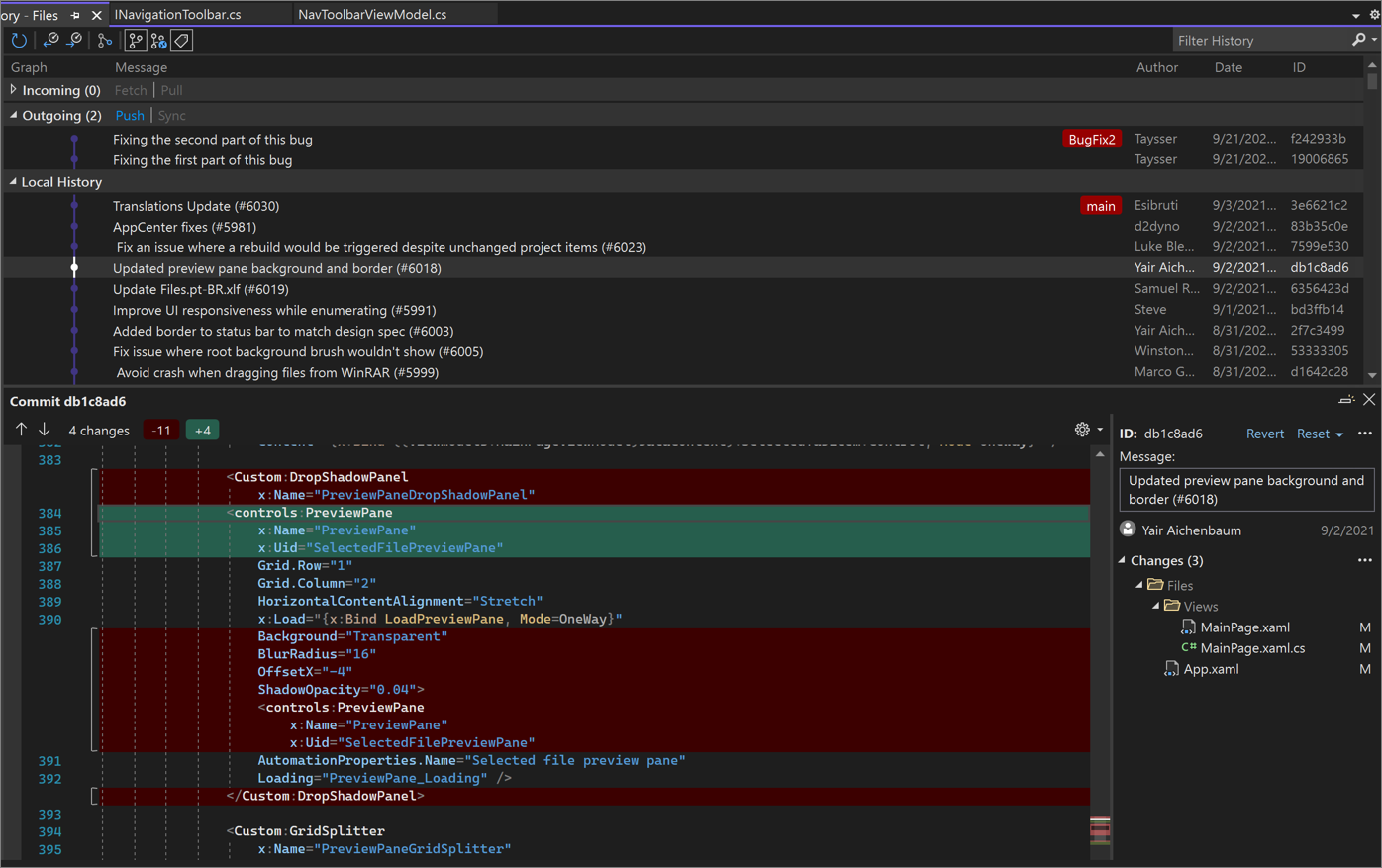 Git Get Commit From Remote Branch
https://learn.microsoft.com/es-es/visualstudio/version-control/media/vs-2022/git-branch-commit-details.png?view=vs-2022
Web Jan 12 2021 nbsp 0183 32 This is shown in the following example create a new branch git branch new branch change environment to the new branch git checkout new branch create a change touch new file js commit the change git add git commit m quot add new file quot push to a new branch git push set upstream origin new branch
Templates are pre-designed files or files that can be utilized for different functions. They can save time and effort by providing a ready-made format and layout for creating various sort of material. Templates can be utilized for individual or expert jobs, such as resumes, invitations, flyers, newsletters, reports, discussions, and more.
Git Get Commit From Remote Branch

Gits Lokales Repository Und Entferntes Repository Verwirrende
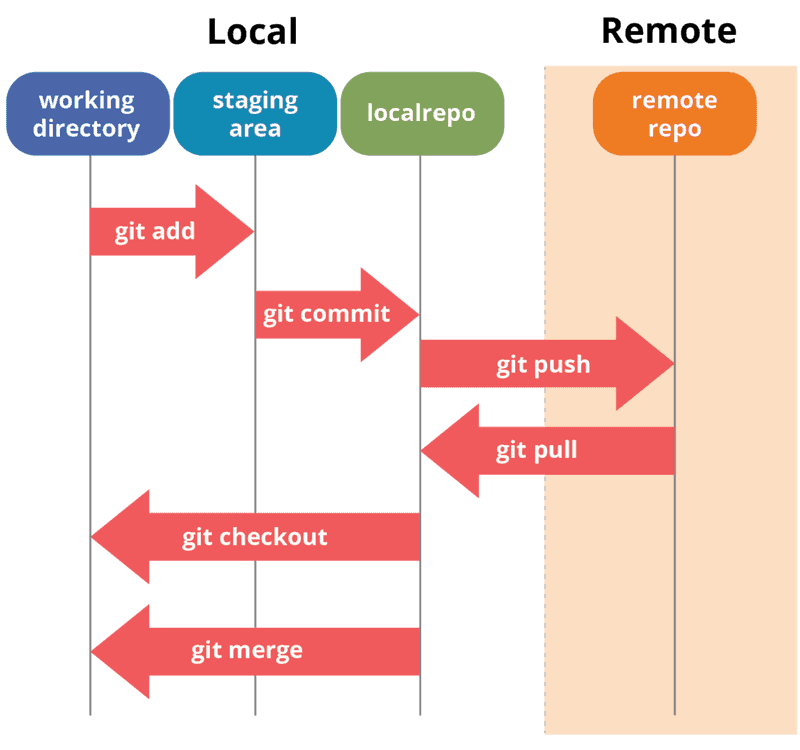
Apuntes De Git David Poza

How To Cherry Pick Git Commits When Use A Picking With Vs Code Part 2

Github How To Remove Remote Branch And Its Commit History From Git
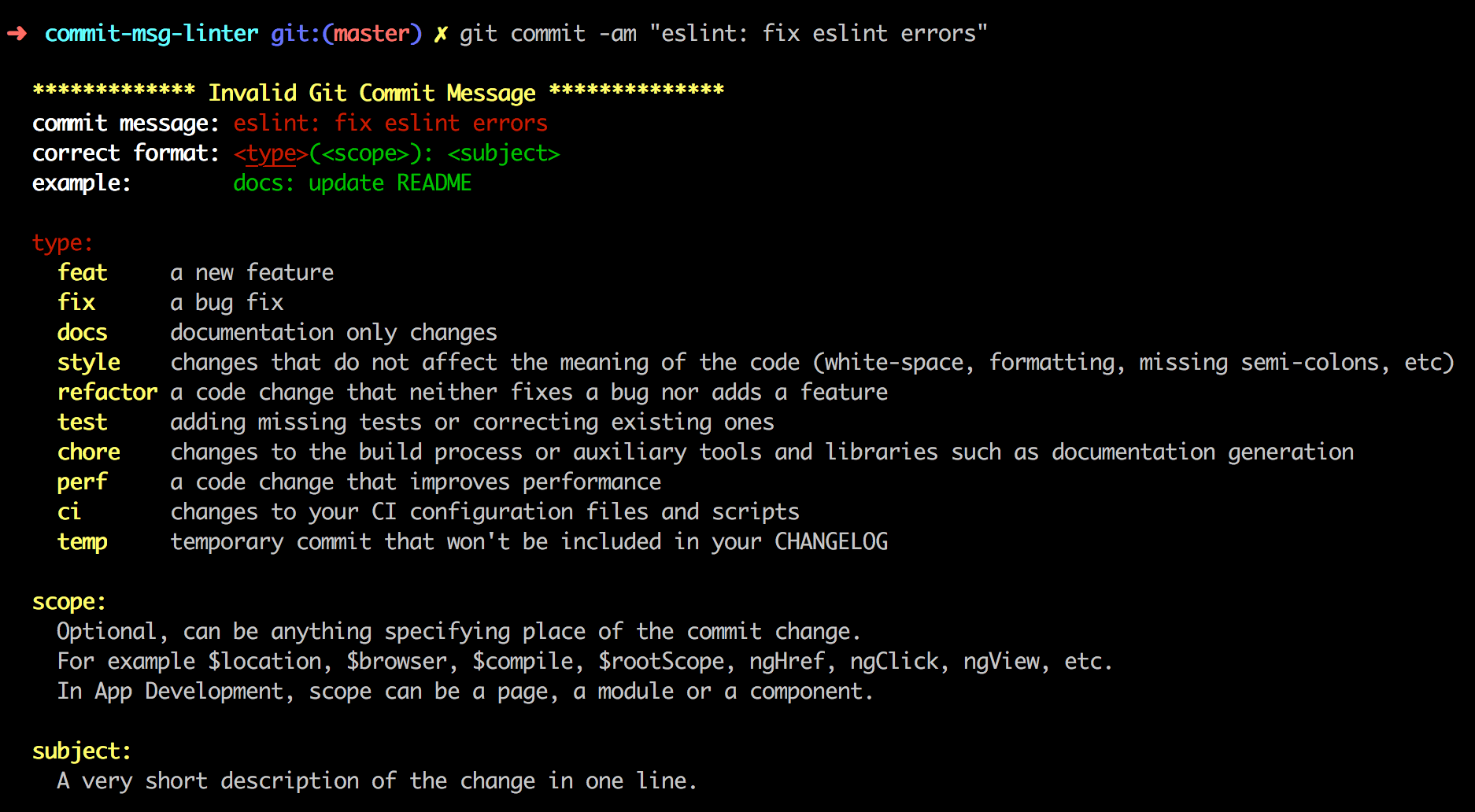
GIT Conventional Commits Diegofranca dev
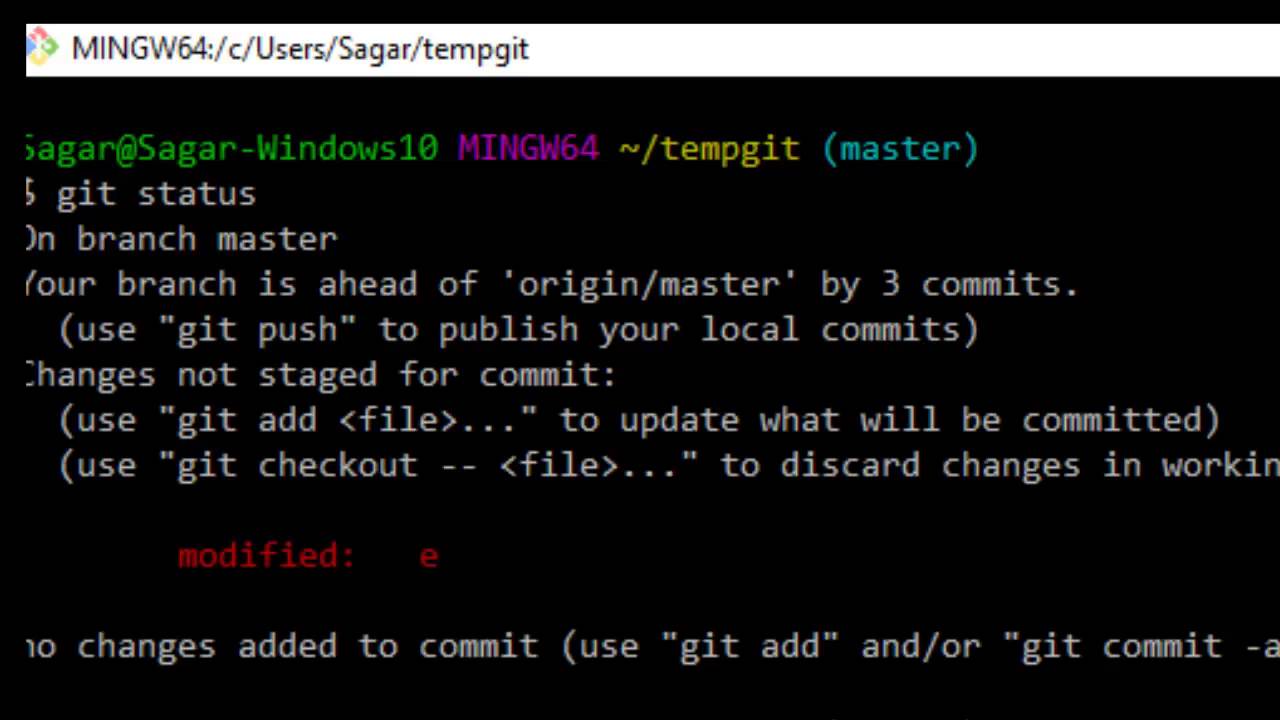
Git Bash Commit Message Git Why Does TortoiseGit Run Prepare commit

Web Nov 16 2015 nbsp 0183 32 git checkout b temp git add A git commit m quot WIP quot Get back to your branch and reset it to xyz git checkout lt branchname gt git fetch origin git reset hard xyz At this point your branch is now at xyz as per the remote and you can start afresh from there answered Nov 16 2015 at 16 22
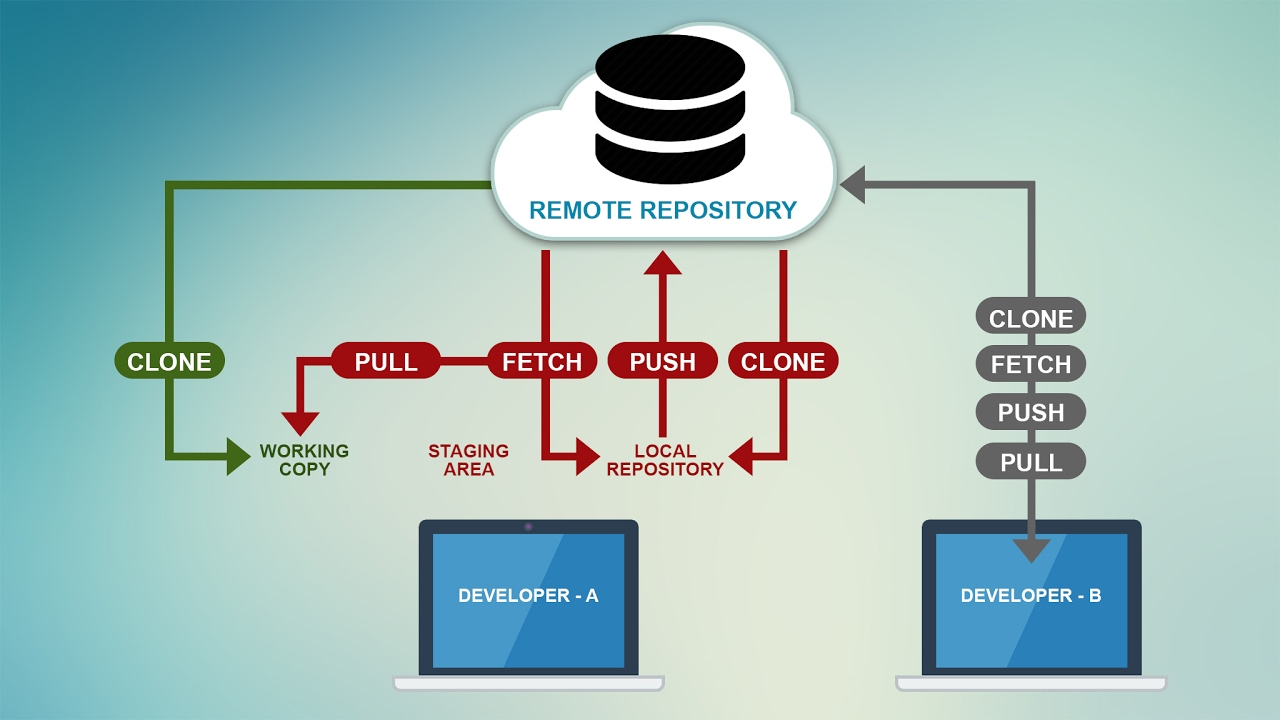
Web Aug 5 2016 nbsp 0183 32 git init bare q git remote add t master origin https github rust lang rust git git fetch depth 3 filter blob none q git log n 3 no decorate format oneline origin master Both are optimized for performance by restricting to exactly 3 commits of one branch into a minimal local copy without file contents and preventing

Web git pull is a convenient shortcut for completing both git fetch and git mergein the same command git pull REMOTE NAME BRANCH NAME Grabs online updates and merges them with your local work Because pull performs a merge on the retrieved changes you should ensure that your local work is committed before running the pull command
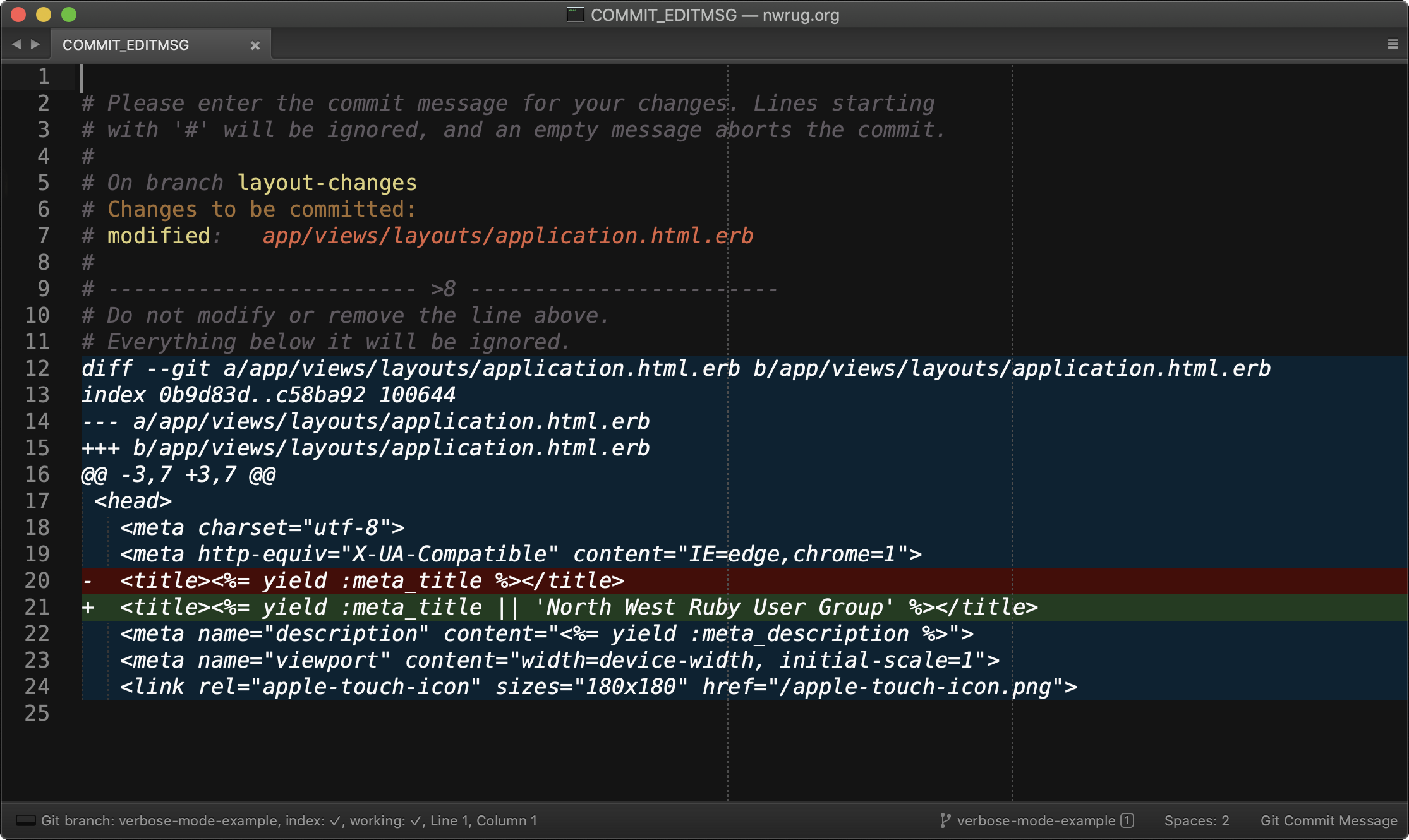
Web May 4 2023 nbsp 0183 32 If you want to fetch remote branches and merge them with your work or modify your current work you can use the git pull command To achieve this use the following command git pull all You can then run the git branch r to verify if the remote repository has been added Wrapping Up
Web Feb 2 2024 nbsp 0183 32 You can refer to the following steps Fetch Latest Changes to the Repo git fetch remote lt branch name gt The git fetch command fetches the changes from specified lt branch name gt Viewing Git Log to Grab Commit Hash to Merge git log
Web We use the git fetch remote name command to fetch all the branches commits and files of the remote connection git fetch origin remote Counting objects 2 done remote Compressing objects 100 2 2 done remote Total 2 delta 0 reused 0 delta 0 pack reused 0 Unpacking objects 100 2 2 done Web May 18 2017 nbsp 0183 32 Use git branch a both local and remote branches or git branch r only remote branches to see all the remotes and their branches You can then do a git checkout t remotes repo branch to the remote and create a local branch There is also a git ls remote command to see all the refs and tags for that remote
Web Jan 21 2023 nbsp 0183 32 To checkout a branch from a remote repository use the git fetch command and then git branch r to list the remote branches Pick the branch you need and use a command of the form git checkout b new branch name origin remote branch name