Firefox Android Hide Address Bar Auto Hide Navigation Bar Address Bar In Firefox 4 Just Like Chrome How To Hide Address Bar In Google Chrome Vrogue How To Hide The Address Bar And Bottom Bar In Webview Auth0 Community How To Hide Address Bar In Google Chrome Vrogue How To Hide Address Bar In Google Chrome Vrogue 3 I m trying to set up Firefox on Android as makeshift Kiosk to show a website as a simple display and I d like to remove the Tabs URL Bar I can do fancy scrolling to hide the URL Bar but I m worried a user will brush past it and cause the tabs to show I d really like them to be hard impossible to access
11 Answers Sorted by 34 The easiest way is to install relevant add ons in Firefox For any of the following setup install the respective add ons Firefox may need to restart but often unnecessary for Firefox Quantum The shortcut key if available can be changed from Add ons Manager Extensions for respective add on Completely Hide toolbar UI on Android Hello I ve serached a bit but I couldn t find anything Is there a way to completely hide the address bar toolbar on Firefox for Android There s an option to hide it when scrolling down but it ll appear again when scrolling up and I would like to maximize the vertical space when navigating on
How To Hide Address Bar In Google Chrome Vrogue How To Hide The URL Address Bar In Firefox In Windows 10 11 Hide Title Bar In Mozilla Firefox How To Hide Chrome Address Bar On Windows 10 MiniTool Partition Wizard How To Disable Address Bar Expansion In Mozilla Firefox 75 Super User SOLVED How To Properly Hide Address Bar From Firefox 96 0 Mozillians Mozilla Discourse How To Hide The Address Bar And The Tabs On Google Chrome TechHow Unable To Hide Address Bar Tabs In Fullscreen On Mac how To Firefox Support Forum Mozilla HOW TO HIDE TITLE BAR IN VERTICAL TAB MODE Microsoft Edge Browser Tips Windows 10 Explore Chrome Firefox Hide All All Except Address Bar Stack Overflow
Firefox Android Hide Address Bar
 Firefox Android Hide Address Bar
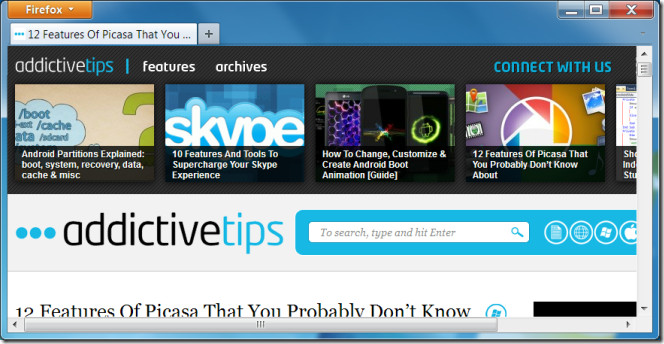
https://www.addictivetips.com/app/uploads/2011/05/Prospector-LessChrome-HD_thumb.jpg
Hide address bar in mobile device browser Asked 12 years 7 months ago Modified 2 years 11 months ago Viewed 59k times 27 I know 1 way of doing this body onload setTimeout function window scrollTo 0 1 100 body But this works only if the page is big enough to be scrolled
Pre-crafted templates use a time-saving option for developing a diverse series of documents and files. These pre-designed formats and designs can be used for various personal and professional projects, consisting of resumes, invites, flyers, newsletters, reports, presentations, and more, simplifying the content creation process.
Firefox Android Hide Address Bar

SOLVED How To Properly Hide Address Bar From Firefox 96 0 Mozillians Mozilla Discourse

How To Hide The URL Address Bar In Firefox In Windows 10 11 Hide Title Bar In Mozilla Firefox
How To Hide Chrome Address Bar On Windows 10 MiniTool Partition Wizard

How To Disable Address Bar Expansion In Mozilla Firefox 75 Super User

How To Hide The Address Bar And The Tabs On Google Chrome TechHow
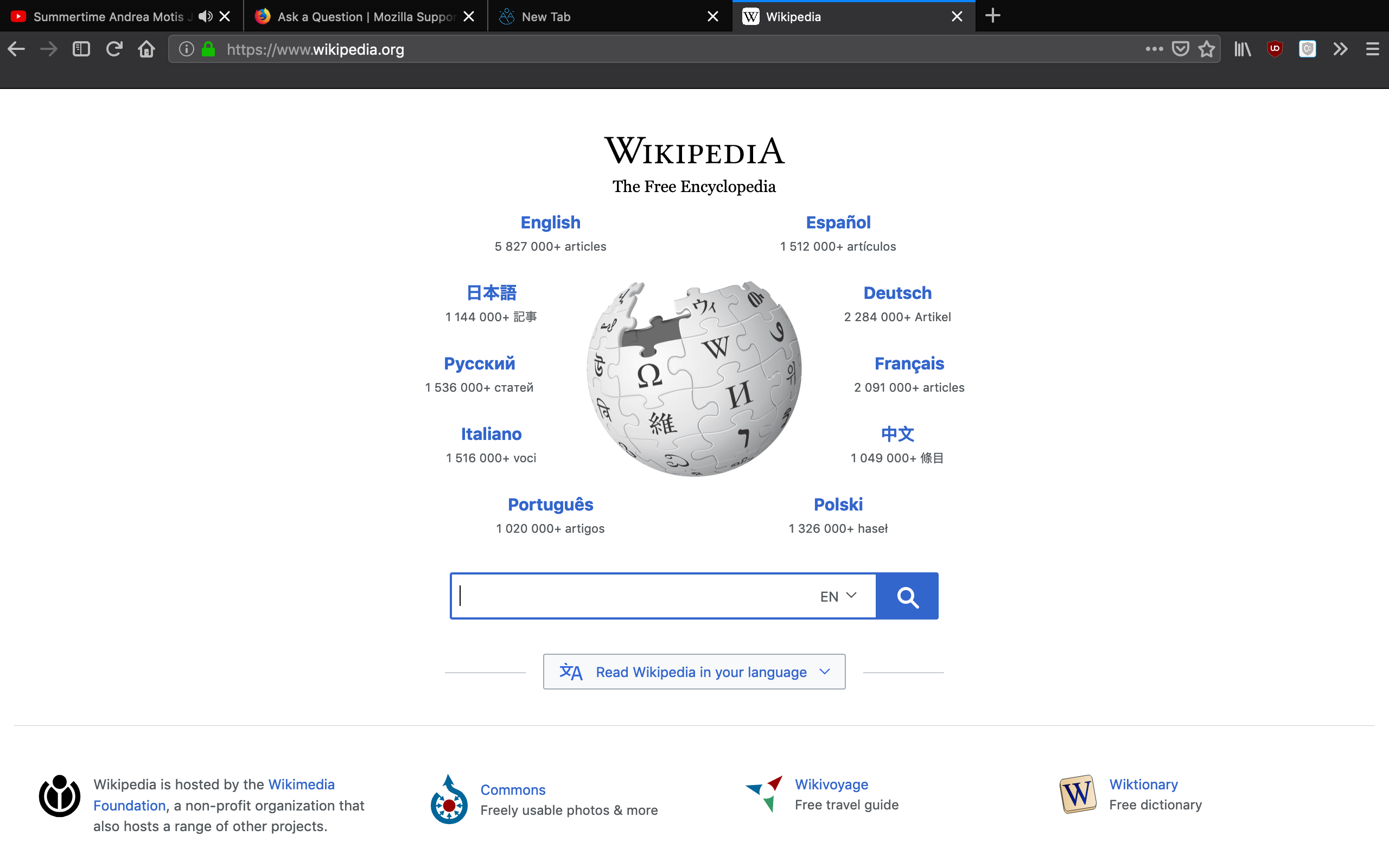
Unable To Hide Address Bar Tabs In Fullscreen On Mac how To Firefox Support Forum Mozilla
Locate the scroll to hide toolbar toggle on the page and flip it to set it to off it is displayed in gray if it is off Firefox won t hide the address bar anymore when you scroll from that moment on You can undo the change at anytime by repeating the process just make sure that the setting is set to on colored Closing Words

66 Safari and Chrome on mobile devices both include a visible address bar when a page loads As the body of the page scrolls these browsers will scroll the address bar off screen to give more real estate to the website as shown in this image I m running into a bit of an issue with my site allowing this

5 Title says it all I m trying to hide the address and tab bar in firefox such that it only shows up when I press Ctrl L Similar to the way it auto hides in full screen mode I found a whole bunch of discontinued extensions but no luck with something that still works Any ideas firefox firefox extensions Share Improve this question Follow
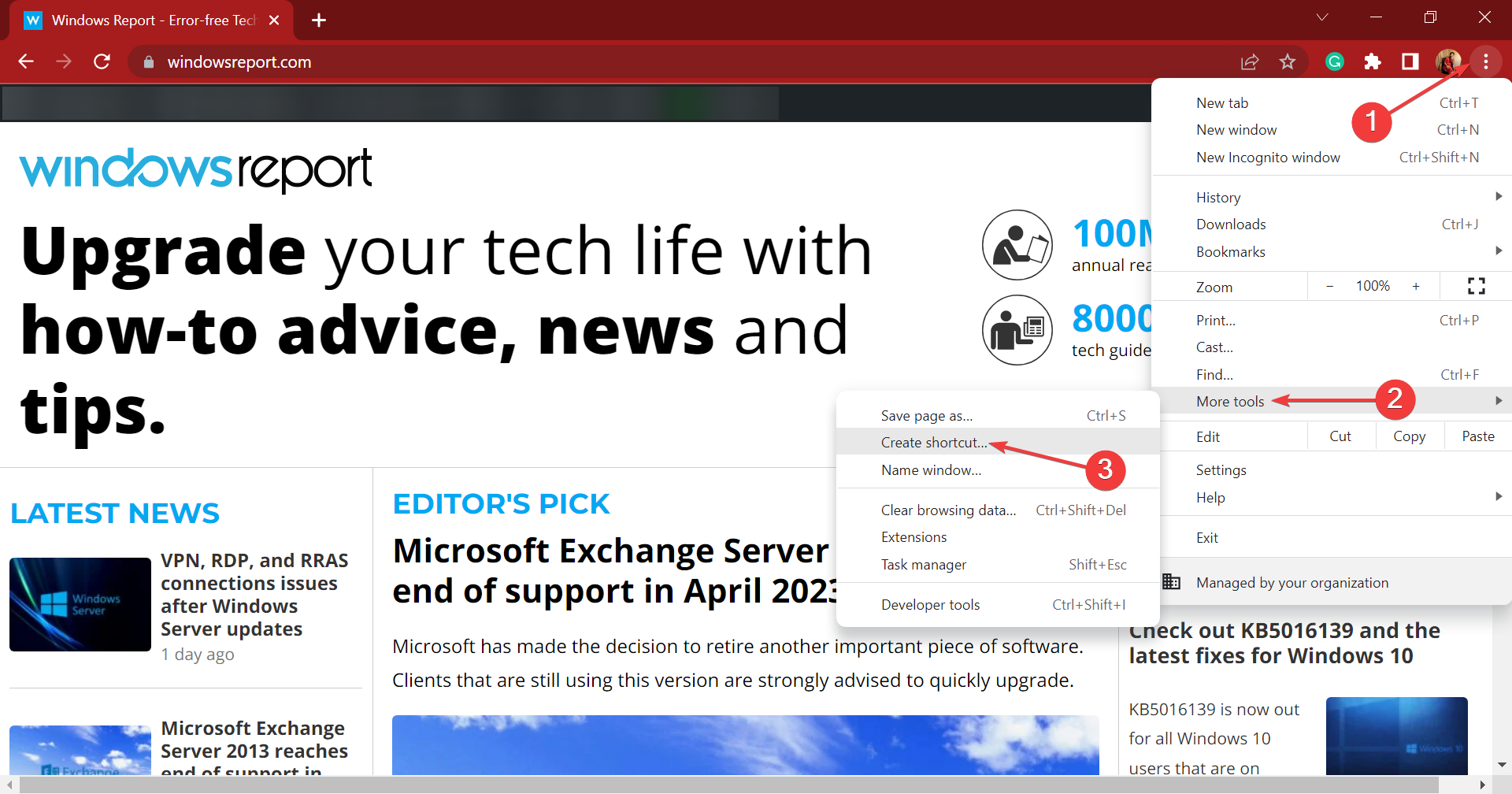
If you want to see the full address you can simply click on the lock icon Other details about the connection status may also be shown Don t be surprised about this change because Chromium
MPT Hide Browser UI is a helpful tool to make the current tab window go App Mode like Chrome To disable addon without the UI Press Ctrl Shift A in Keyboard and hit Disable close Firefox and open again to test Note This extension was developed for one of our Solutions and does not contain any tracking advertising or privacy infringement
2 Not really scroll I can move the page until the addressbar is hidden That triggers the window resize event as their is more vertical space after the address bar is hidden HTML Hiding the address bar in mobile Firefox Beautify Your Computer https www hows tech p recommended html HTML Hiding the address bar in mobil
Click on the Menu icon on the top right corner of the browser and then head over to Settings Alternatively you can click on Firefox in the menu bar and then select Preferences Now select the