Find And Replace Word For Mac How To Find And Replace Text In Word For Mac YouTube How To Set Timezone For Event Mac Calendar Collectionslasopa Coldplay List Of Albums Lasopatext Kkseosvseo Blog How Do I Access Advanced Find And Replace In Microsoft Word For Mac Ask Dave Taylor Finding and replacing text Microsoft Word for Mac YouTube Learn how to use Microsoft Word s Find and Replace option to quickly find a word s within your document and replace
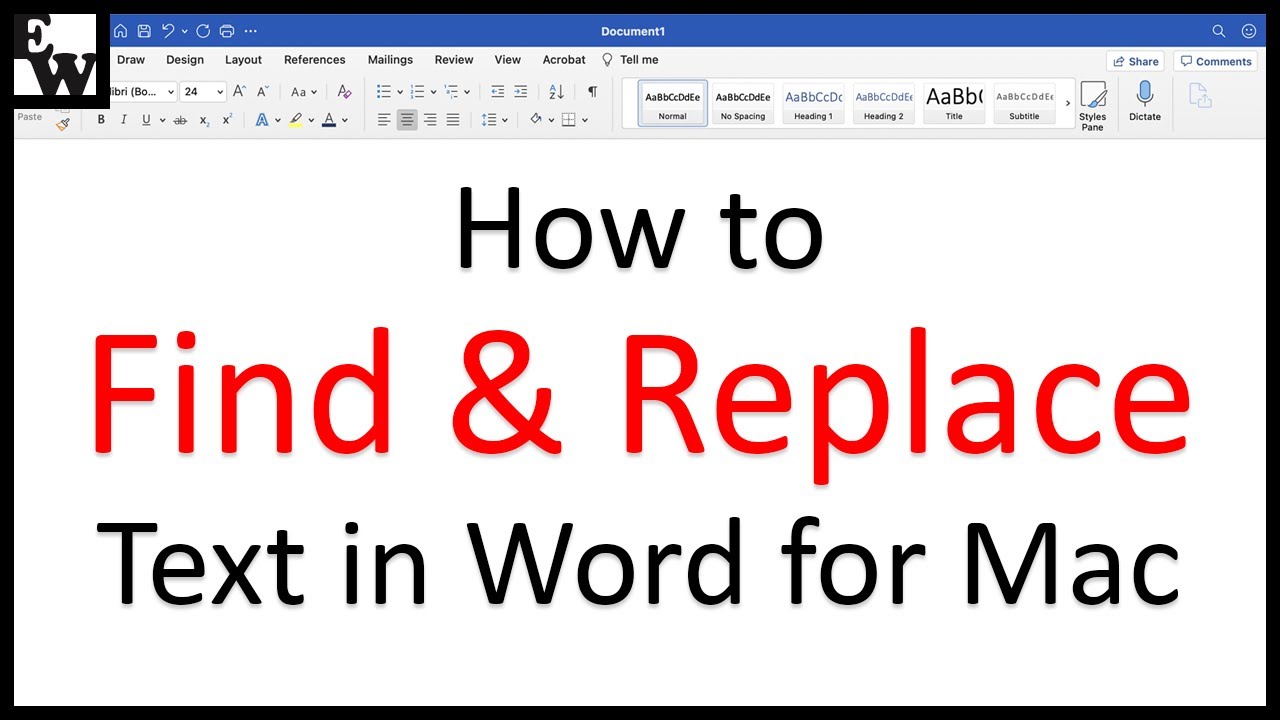
Learn two ways to find and replace text in Word for Mac First we will look at the basic method Then we will look at the advanced method with additional c Finding and replacing text in a document takes time and effort In this video learn how to use the Find and Replace function to find text quickly and replace it if needed
How Do I Access Advanced Find And Replace In Microsoft Word For Mac Ask Dave Taylor How To Find And Replace Word In Multiple Documents Words Advance Word Word Find Find And Replace Trong Word 2010 Jean Garce s Word Search 2011 Scion Tc Turbo Lasopatext Find And Replace On Mac Excel Ulsdao Missing Find And Replace On Mac Microsoft Word Find And Replace On Mac Words Hydroholden Word Mac Replace Herewup Find replace In Word For Mac 2008 Seoblseoos
Find And Replace Word For Mac
 Find And Replace Word For Mac
https://i.ytimg.com/vi/wdCR6ueaYcw/maxresdefault.jpg
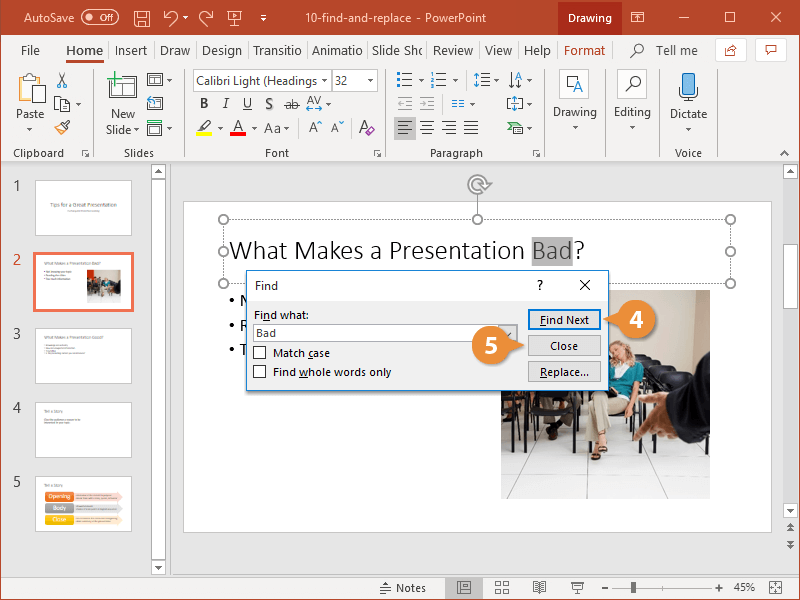
Select the replace button to navigate to the Find and Replace pane Source 2 Type the text you would like to locate in the Find text entry field 3 Type your new text in the Replace text entry field 4 Click the Find Next button until you locate the text that needs to be replaced
Pre-crafted templates use a time-saving service for producing a diverse variety of documents and files. These pre-designed formats and layouts can be utilized for different personal and professional jobs, consisting of resumes, invites, leaflets, newsletters, reports, discussions, and more, enhancing the content production process.
Find And Replace Word For Mac

FIND AND REPLACE TEXT MS Word 2007 Tutorial

How To Find And Replace Word In Multiple Documents Words Advance Word Word Find

Find And Replace Trong Word 2010 Jean Garce s Word Search

2011 Scion Tc Turbo Lasopatext

Missing Find And Replace On Mac Microsoft Word
Find And Replace On Mac Words Hydroholden
Find and replace Word for Mac Microsoft Community Skip to main content I d like to perform find and replace paragraph marks only for the text that i have highlighted At the moment it performs find and replace for the whole document Or i have to click find and then replace for each paragraph mark Is there a shorter way

Windows macOS Web Go to Home Replace Enter the word or phrase you want to replace in Find what Enter your new text in Replace with Choose Replace All to change all occurrences of the word or phrase Or select Find Next until you find the one you want to update and then choose Replace

Or hold shift command H on your keyboard Locate the find and replace option in the Edit tab Marissa Perino Insider This will open a side panel Enter what you d like to find in

In Pages on your Mac search for words phrases numbers and characters in a document and automatically replace text with new content
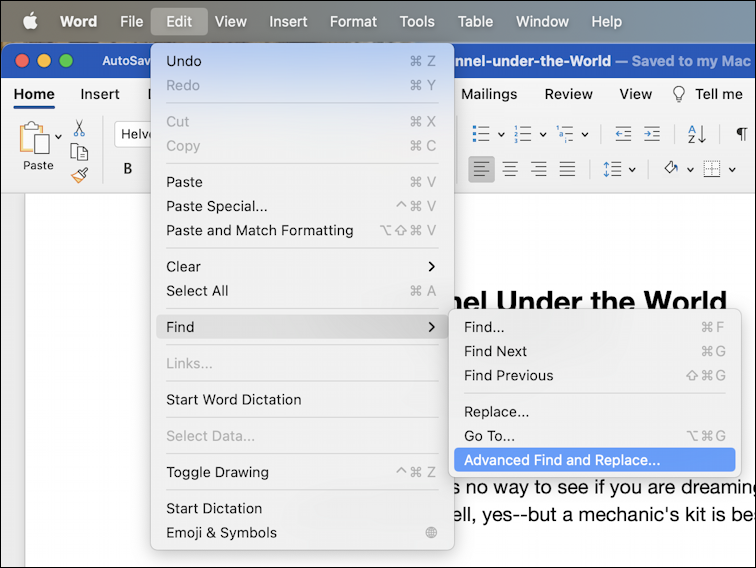
Choose Replace and the entire screen changes rather dramatically The document is automatically scrolled down to the first occurrence of the pattern in this case robot and the left side reveals the FIND AND REPLACE pane which has lots of useful info and options
Open the Microsoft Word document in the web version of Word Select the downward arrow next to Find and click Replace In the Search for text box enter the specific word or phrase you want to replace Next to Replace with enter the word you want it to be replaced by Click Replace or Replace All Windows macOS Web On the Home tab in the Editing group choose Replace In the Find what box enter the text you want to find and replace In the Replace with box enter the text you want to use as the replacement To search for the next occurrence of the text choose Find Next Do one of the following
261 Share 30K views 1 year ago How to in MAC Macbook Air and Macbook Pro Watch in this video how to find and replace in word on MAC Macbook air or MacBook pro You can easily