Find And Replace Word 365 Mac Microsoft Word Find And Replace Mac Alaskagase How Do I Access Advanced Find And Replace In Microsoft Word For Mac Find And Replace Text In Word Instructions And Video Lesson How To Replace Date In Excel Earn Excel How To Perform Find And Replace In MS Word Tables Using C File Web Oct 29 2021 nbsp 0183 32 To get to that option you ll need to click the More option in the Find and Replace dialog box Open the Find and Replace dialog box using your favorite method We prefer Ctrl H Click More Type the
Web Find and replace text From the course Word for Mac Essential Training Microsoft 365 Start my 1 month free trial Buy this course 34 99 Transcripts Exercise Files View Web Oct 17 2018 nbsp 0183 32 Finding and replacing text Microsoft Word for Mac YouTube Learn how to use Microsoft Word s Find and Replace option to quickly find a word s within your document and replace
How To Perform Find And Replace In MS Word Tables Using C File How To Do Find And Replace In Mac Word Perthebig Batch Word Find And Replace Word Find Replace Software Find And Using Find Replace Tools Word Microsoft 365 Windows Skillsoft Find And Replace In MS Word 2010 Coddicted How Do I Access Advanced Find And Replace In Microsoft Word For Mac Jesshift Blog Pin On TRAINING Missing Find And Replace On Mac Microsoft Word
Find And Replace Word 365 Mac
 Find And Replace Word 365 Mac
https://erinwrightwriting.com/wp-content/uploads/2022/12/Word-for-Mac-Edit-Menu-Find-Submenu-Advanced-Find-and-Replace-Option_v4.jpg
Web Dec 16 2022 nbsp 0183 32 Figure 1 Home tab Select Replace in the Editing group Figure 2 Replace button Type the text you want to find in the Find what text box in the Find and Replace
Templates are pre-designed files or files that can be utilized for different purposes. They can save effort and time by offering a ready-made format and design for producing different kinds of material. Templates can be utilized for personal or professional jobs, such as resumes, invitations, flyers, newsletters, reports, presentations, and more.
Find And Replace Word 365 Mac
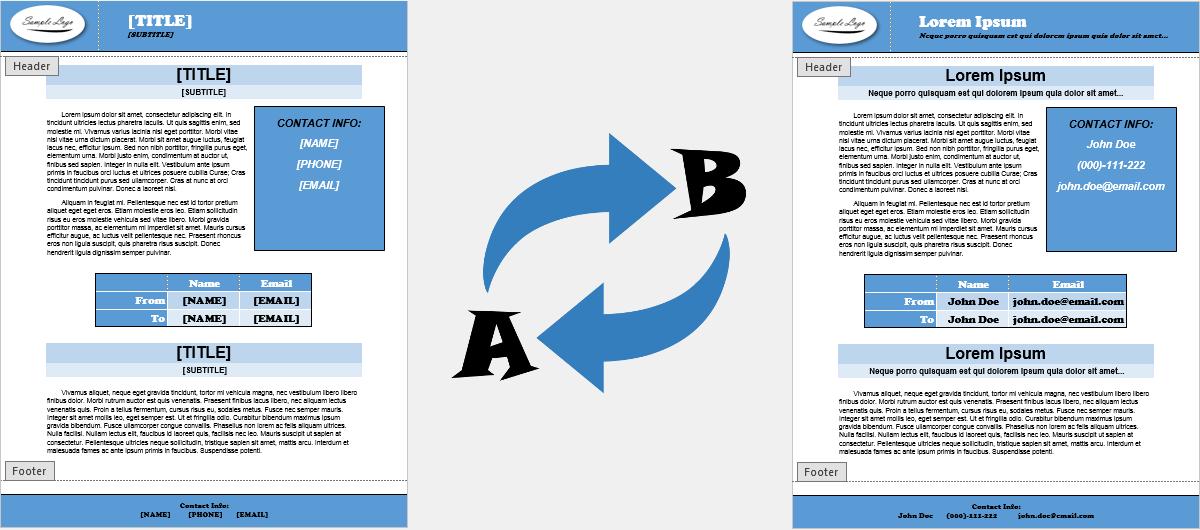
Find And Replace Text In A Word Document CodeProject

How To Do Find And Replace In Mac Word Perthebig
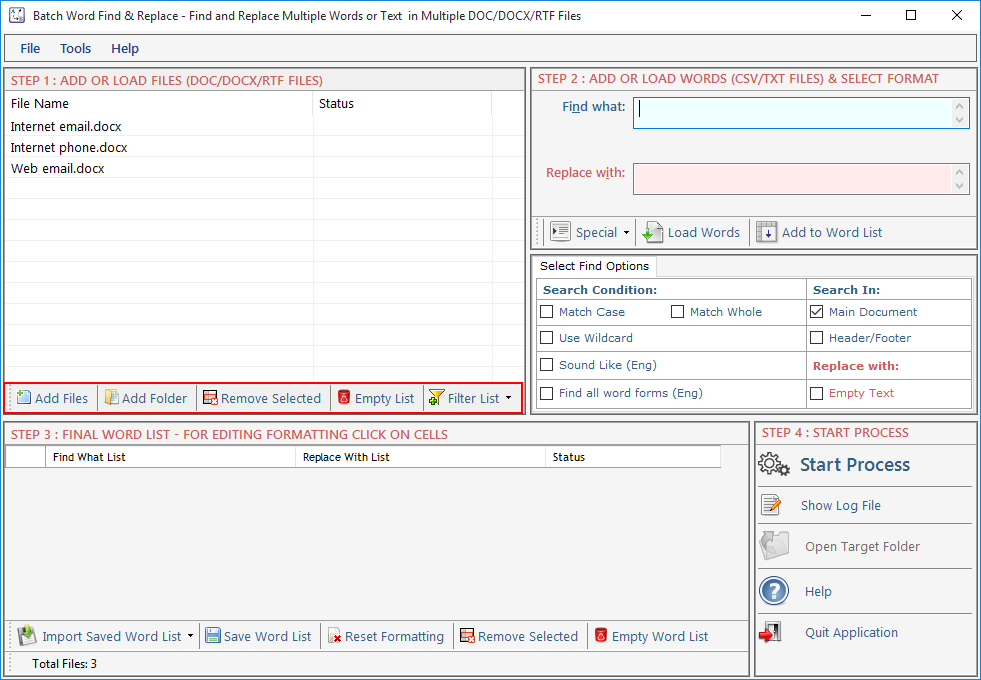
Batch Word Find And Replace Word Find Replace Software Find And

Using Find Replace Tools Word Microsoft 365 Windows Skillsoft
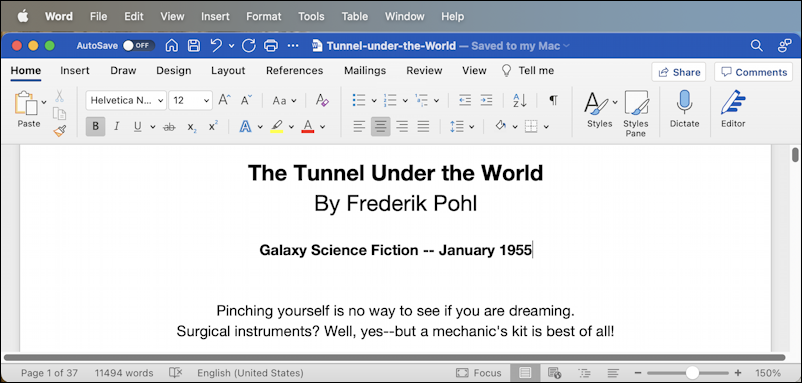
How Do I Access Advanced Find And Replace In Microsoft Word For Mac
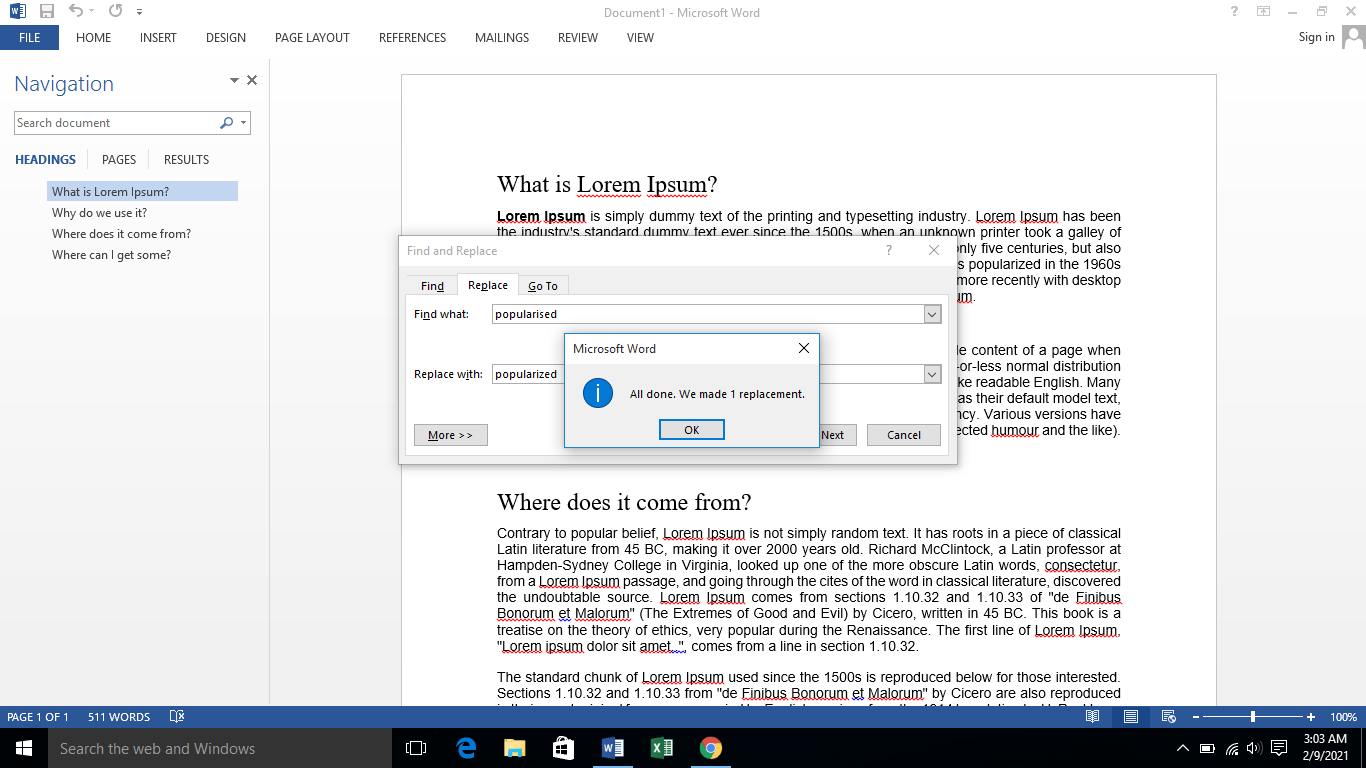
Jesshift Blog

Web Jul 12 2021 nbsp 0183 32 Answer When you initially go into the Advanced Find and Replace dialog on the Find pane tick the box for Highlight all items found in amp confirm that it shows Current
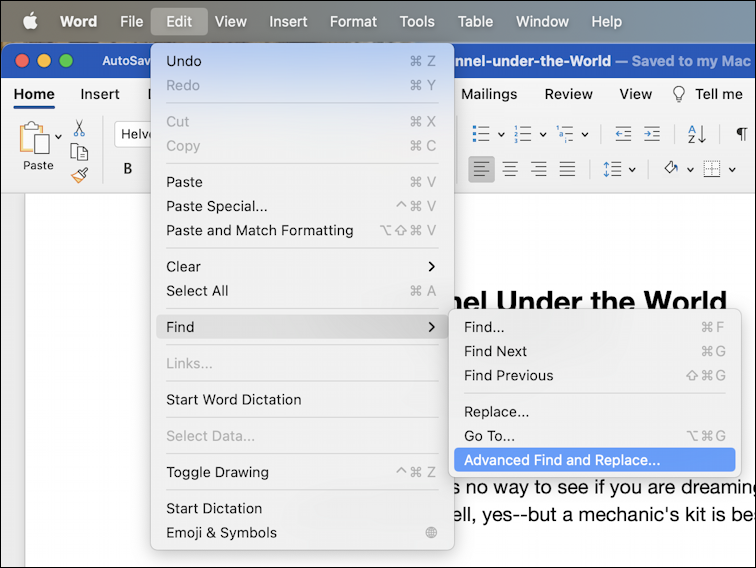
Web Apr 14 2021 nbsp 0183 32 Open Microsoft Word on your Mac Click or hover over the quot Edit quot tab found in the top toolbar Click or hover over quot Find quot from the dropdown menu Click quot Advanced Find and Replace quot Open

Web Aug 20 2022 nbsp 0183 32 It turns out that since you re using the Mac version of Microsoft Word there are two completely different versions of Find and Replace available It s confusing but I

Web Mar 1 2017 nbsp 0183 32 Accessibility center Training Use Find and Replace for words or phrases in your document

Web Aug 29 2018 nbsp 0183 32 Switch over to the quot Home quot tab on Word s Ribbon and then click the quot Replace quot button This opens Word s Find and Replace window In the quot Find What quot box type the word or phrase you want to locate If
Web Word for Microsoft 365 Word for Microsoft 365 for Mac Word for the web More Many users find that using an external keyboard with keyboard shortcuts for Word helps them Web Nov 23 2021 nbsp 0183 32 Finding a specific word or phrase in a Word document is half the battle when attempting to use the Find and Replace tool There are two methods that may be
Web Windows macOS Web On the Home tab in the Editing group choose Replace In the Find what box enter the text you want to find and replace In the Replace with box enter the