Excel Stop Text To Columns Excel Tutorial Text To Columns YouTube Excel Stop Auto Text To Columns 1383 YouTube How To Split Text Into Multiple Columns Using Text To Column In Excel 7 Amazing Things Excel Text To Columns Can Do For You In 2021 Excel How To Use Text To Columns In Excel Set all automatic formatting options at once If you want to review and change automatic formatting options all at once you can do that in the AutoCorrect dialog box Click File Options In the Excel Options box click Proofing AutoCorrect Options On the AutoFormat As You Type tab check the boxes for the auto formatting you want to use
1 Has anyone else had this problem After using the Text to Columns Function the worksheet continues to split any text that I now copy and paste into a single cell How does one turn it off so that text copied from a single cell pastes into a single cell Thanks in advance Regards Derek Excel Facts Excel Joke Click here to reveal answer 1 Answer Sorted by 8 Select any cell with a value and run Data Text to Columns Delimited Turn off all delimiters and click Finish Subsequent pasting of information into a worksheet will not use remembered delimiters since there are none Share Improve this answer
How To Use Text To Columns In Excel MS Excel Text To Columns Lecture 10 YouTube Download Microsoft Excel Split Cells Gantt Chart Excel Template How To Use Text To Column In Excel Earn Excel How To Use Text To Columns In Excel YouTube Stop Excel Overlapping Columns On Second Axis For 3 Series YouTube Text To Columns Excel YouTube Text To Columns In Microsoft Excel Using Shortcut Keys YouTube Text To Columns In Excel Split Column Text Date ExcelDemy
Excel Stop Text To Columns
 Excel Stop Text To Columns
https://i.ytimg.com/vi/PetiUFJfxc8/maxresdefault.jpg
The text to column feature works as designed Any time after this initial conversion when I copy from any document into Excel it pastes the data into several columns using the text to column formatting
Pre-crafted templates use a time-saving service for developing a varied variety of documents and files. These pre-designed formats and layouts can be made use of for different individual and professional jobs, including resumes, invitations, flyers, newsletters, reports, discussions, and more, enhancing the content creation procedure.
Excel Stop Text To Columns

How To Move Columns In Microsoft Excel Gadgetswright

MS Excel Text To Columns Lecture 10 YouTube
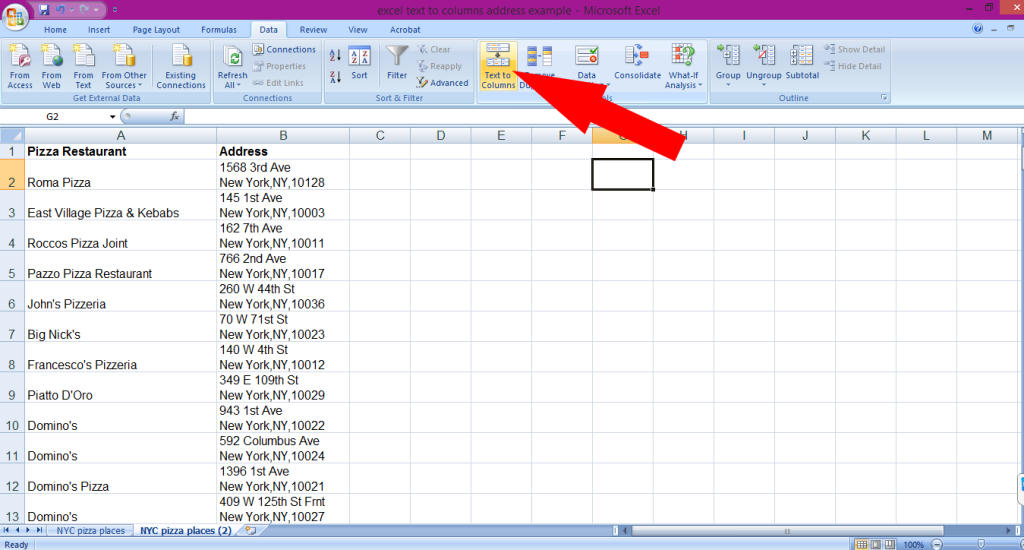
Download Microsoft Excel Split Cells Gantt Chart Excel Template

How To Use Text To Column In Excel Earn Excel
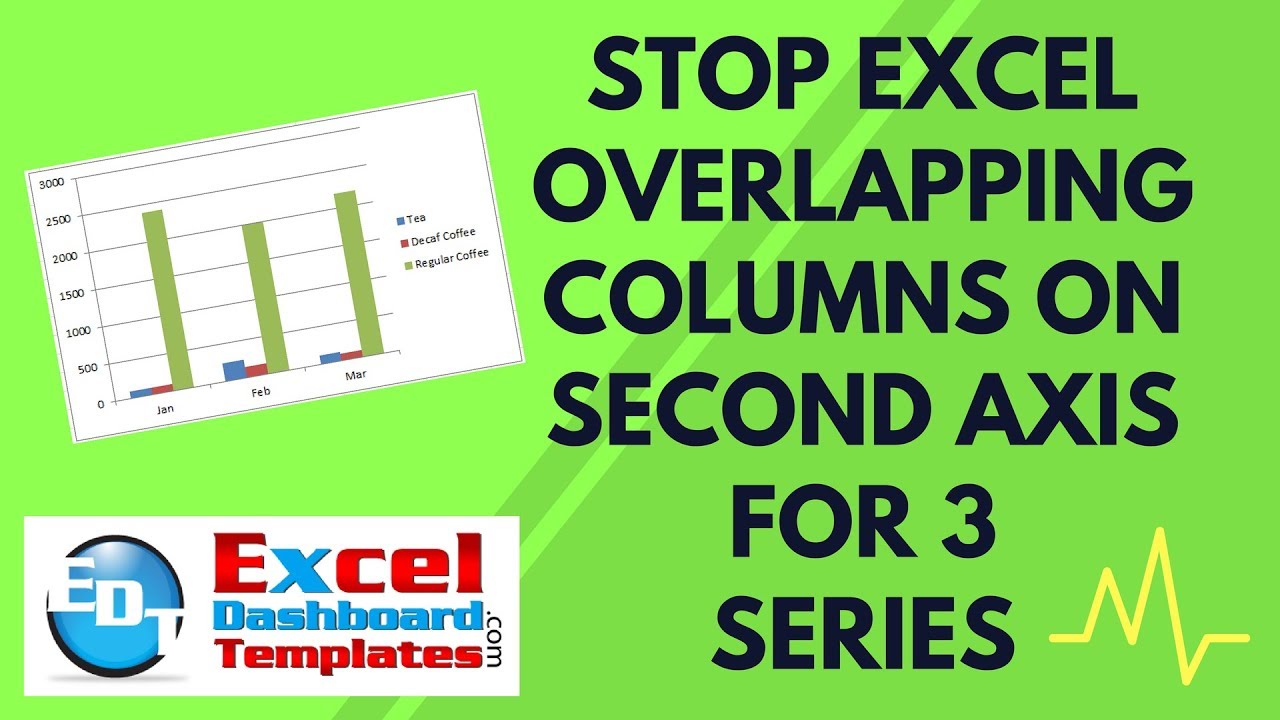
Stop Excel Overlapping Columns On Second Axis For 3 Series YouTube
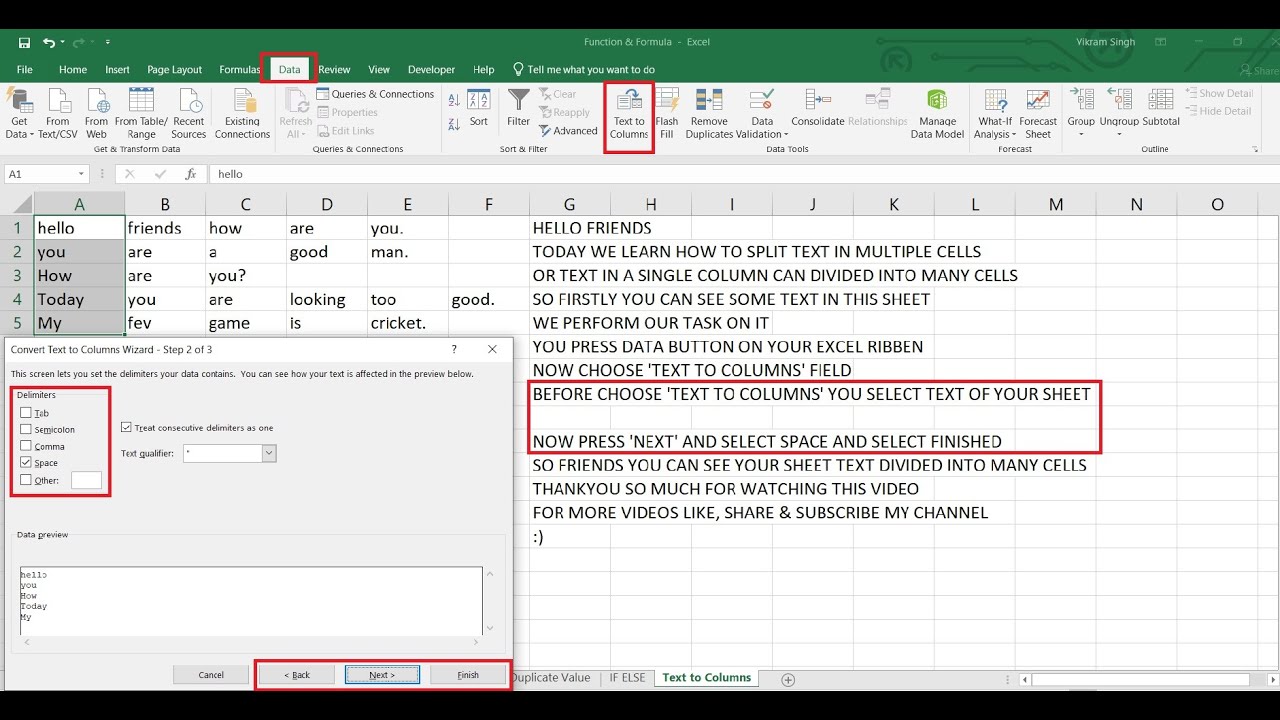
Text To Columns Excel YouTube

Answer Dave Peterson Replied on September 8 2010 Report abuse The one that occurs when you re pasting text but after you ve run a text to columns before If yes to both You can close excel and restart yech You could do a dummy text to columns Put something asdf in an empty cell Data text to columns delimited

1 When I m using Excel to parse multiple documents and I need to control the import Text not General on column import settings being the most notable example how can I prevent Excel from automatically running the text to column import wizard for me automatically
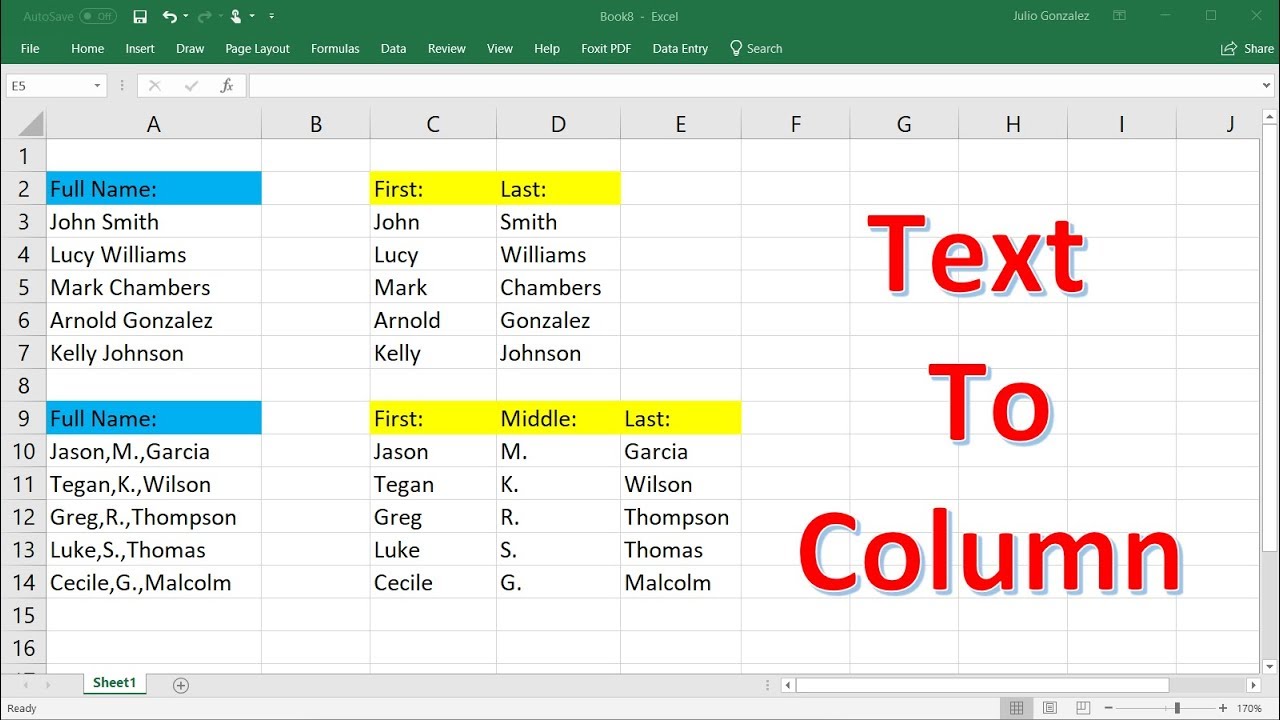
Just select a blank cell then type any data in it then select it and click Data Text to Columns See screenshot 2 In the Text to Columns dialog check Delimited option and click Next to go to next step then in next step dialog keep all options unchecked in Delimiters section See screenshot 3 Click Finish

1 Using Ampersand Operator The Ampersand operator in Excel works to join several texts as a single string This feature is very helpful to undo text to columns in Excel Let us see how to apply this Steps First double click on cell D5 and type in the following formula B5 C5

Text To Columns remembers your last parse settings but you can only run it on a nonempty range Follow these steps to reset the parse settings Enter foo into an unused cell say Z1 With Z1 selected click Text To Columns from the Data ribbon and choose Delimited Uncheck each delimiter and click Finish Your next paste won t automatically parse
Splits text strings by using column and row delimiters The TEXTSPLIT function works the same as the Text to Columns wizard but in formula form It allows you to split across columns or down by rows It is the inverse of the TEXTJOIN function Syntax TEXTSPLIT text col delimiter row delimiter ignore empty match mode pad with Try it Select the cell or column that contains the text you want to split Select Data Text to Columns In the Convert Text to Columns Wizard select Delimited Next Select the Delimiters for your data For example Comma and Space You can see a preview of your data in the Data preview window Select Next
How to stop text spilling over in Excel Excel prevent text from spilling over into next cells by Svetlana Cheusheva updated on March 13 2023 In this post you ll learn what causes data to overflow into the next columns and how to keep text from spilling over in Excel