Excel Merge Cells With Same Value How To Merge And Center In Excel Mac Grammertq Excel Merge Cells Combine Columns And Rows In A Second With No Values Www vrogue co Python Merge Cells With Same Value In Excel How Do You Merge Cells In Excel And Keep All Data Holdenbeat Merging Two Cells In Excel Web Merge cells Select the cells to merge Select Merge amp Center Important When you merge multiple cells the contents of only one cell the upper left cell for left to right languages or the upper right cell for right to left languages appear in the merged cell
Web Step 1 Select your table Step 2 Choose key columns with duplicate records Step 3 Pick columns with the values to merge Scenarios Related links Video How to work with Merge Duplicates Before you start Before running the add in take account of the following Web Aug 8 2013 nbsp 0183 32 merge two rows in excel worksheet where one cell has same content but other cells have different content Super User My problem is that in my excel worksheet of several thousand entries the item eg widget a is included in more than one row with different attributes listed in the different rows Aside from the Stack Exchange Network
Merging Two Cells In Excel How To Merge Rows With Same Value In Excel 5 Quick Ways VBA Quickly Merge Cells With Same Values In Excel Midwesttomatofest Excel Merge Cells With Same Year In A Row Stack Overflow How To Remove Table Format In Excel Shortcut Keys Echosexi MS Excel How To Combine Multiple Cells Text Into One Cell Easy YouTube Merging Cells In Excel Means Watcherbetta Solved Excel Merge Cells With Same Text In One Column 9to5Answer How To Merge Cells With Same Value In Excel How To Unmerge Cells And Fill With Duplicate Values
Excel Merge Cells With Same Value
 Excel Merge Cells With Same Value
https://i.stack.imgur.com/UNrfy.jpg
Web Nov 30 2022 nbsp 0183 32 Merge Rows and Sum Single Value in Excel Asked 10 months ago Modified 10 months ago Viewed 359 times 0 I want to merge rows with mostly similar data but sum their quantity values using the unique quot id quot value while keeping the rest of the data in the row intact The raw output looks like this Original Data
Templates are pre-designed files or files that can be utilized for different functions. They can conserve effort and time by providing a ready-made format and layout for creating various sort of material. Templates can be used for personal or expert projects, such as resumes, invites, leaflets, newsletters, reports, presentations, and more.
Excel Merge Cells With Same Value
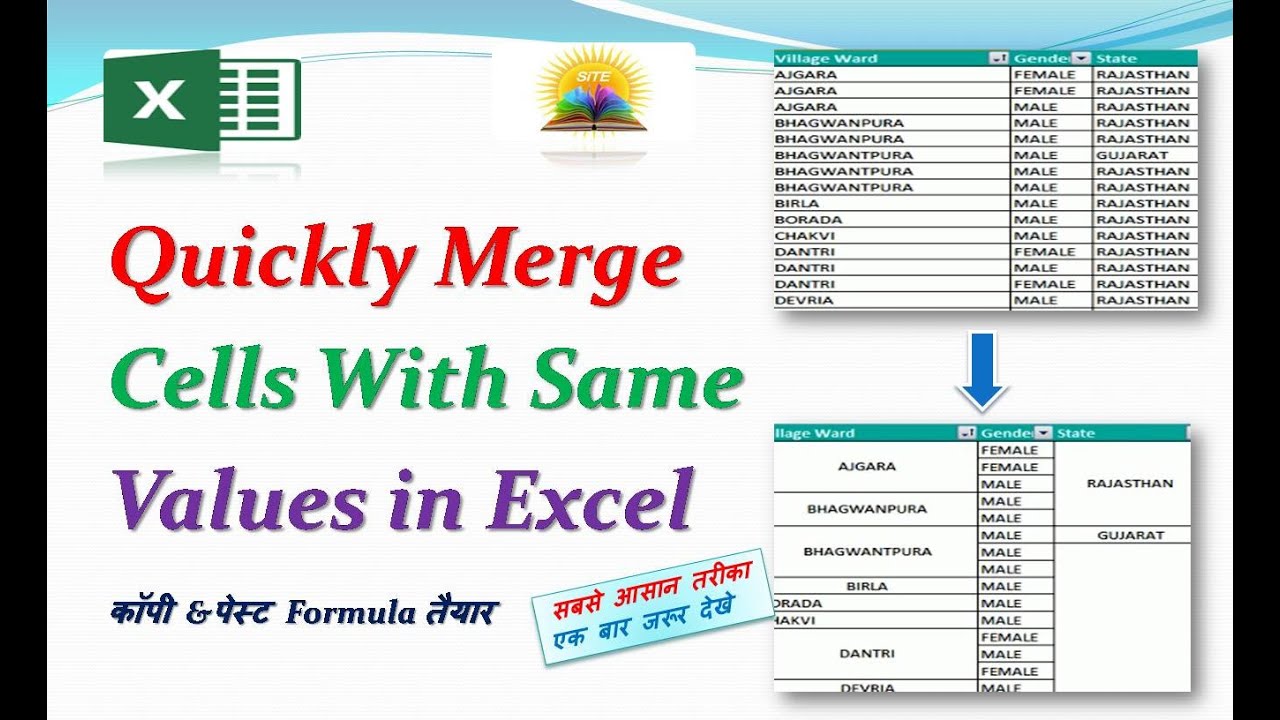
Quickly Merge Cells With Same Values In Excel II Excel All Cell Data Merge YouTube
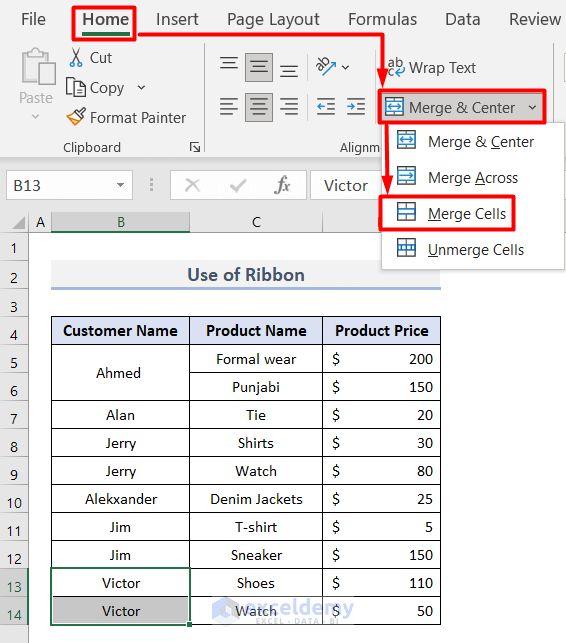
How To Merge Rows With Same Value In Excel 5 Quick Ways
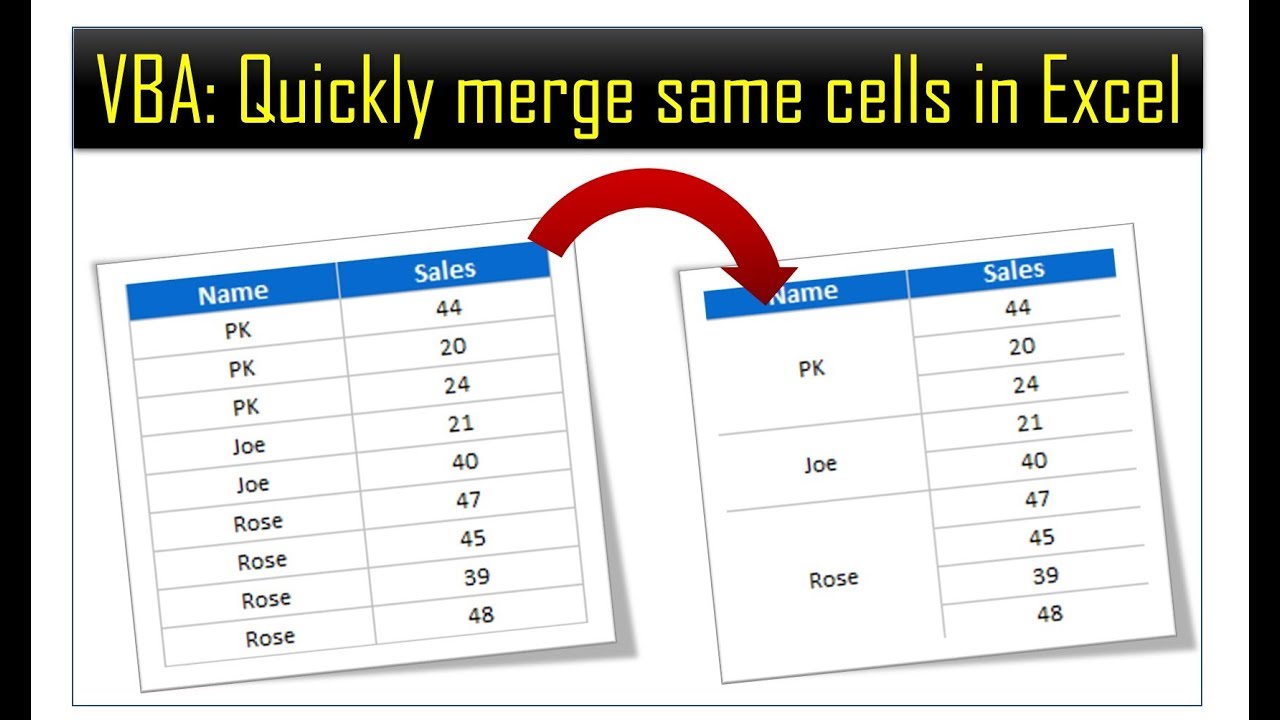
VBA Quickly Merge Cells With Same Values In Excel Midwesttomatofest

Excel Merge Cells With Same Year In A Row Stack Overflow
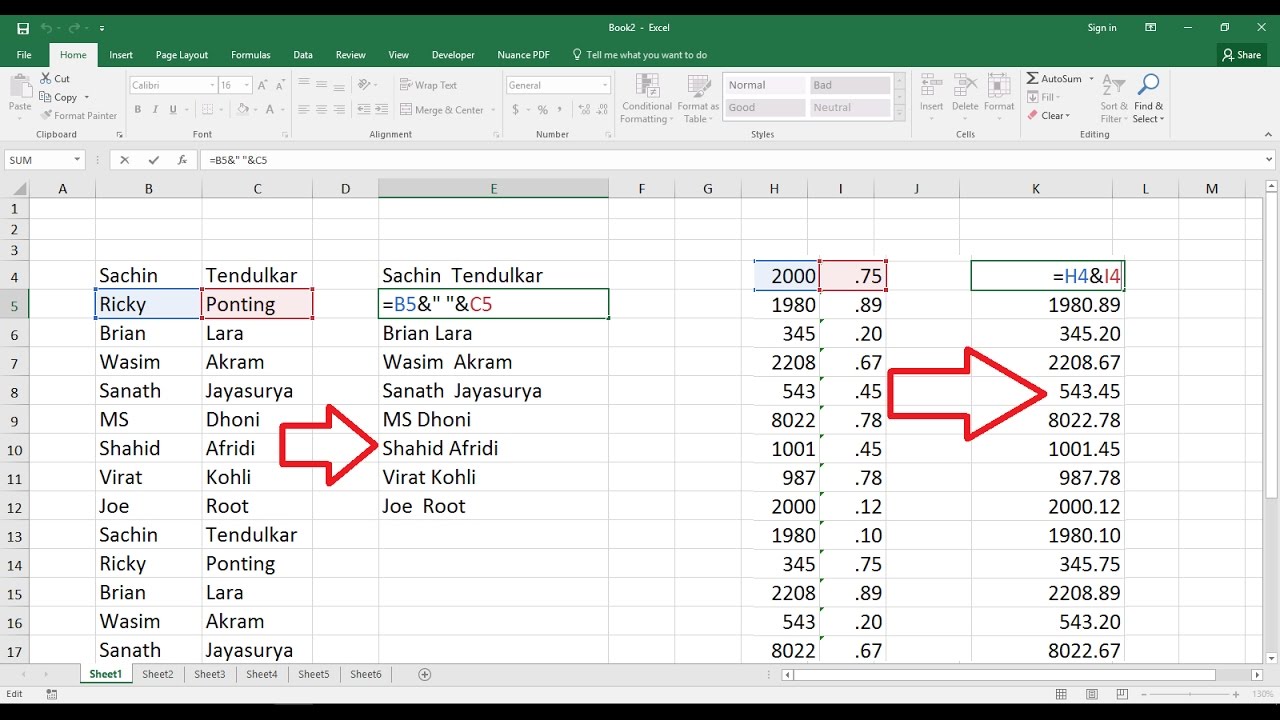
MS Excel How To Combine Multiple Cells Text Into One Cell Easy YouTube
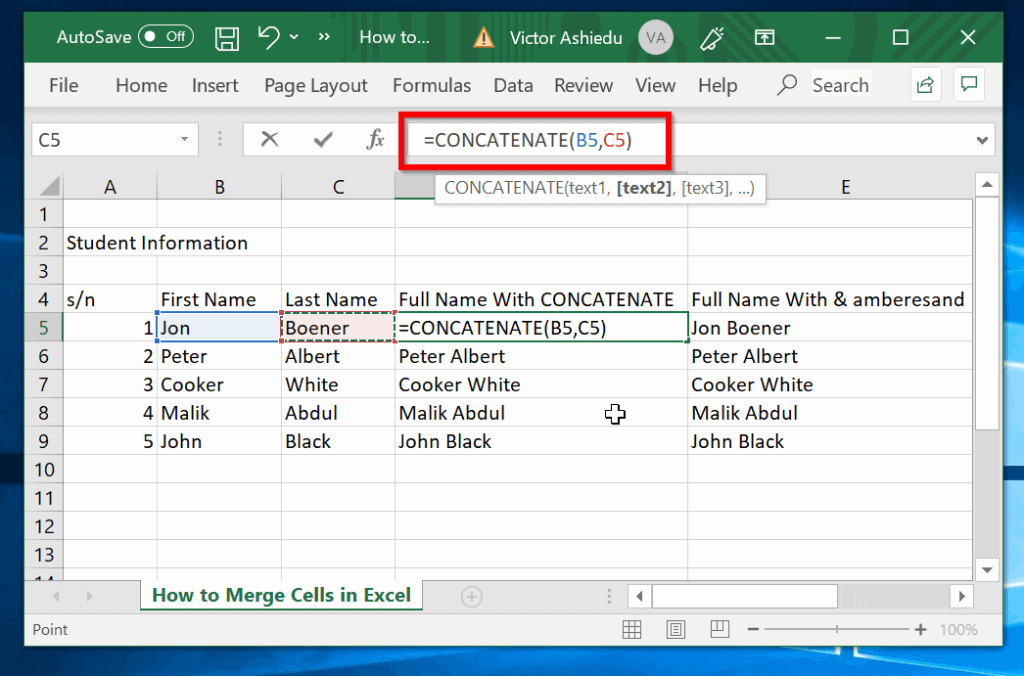
Merging Cells In Excel Means Watcherbetta

Web Sep 19 2023 nbsp 0183 32 3 Methods to Combine Cells with Same Value in Excel 1 Using IF amp CONCATENATE Functions in Excel to Combine Cells with Same Value First I will show you how to combine cells with the same value using the IF and the CONCATENATE functions together
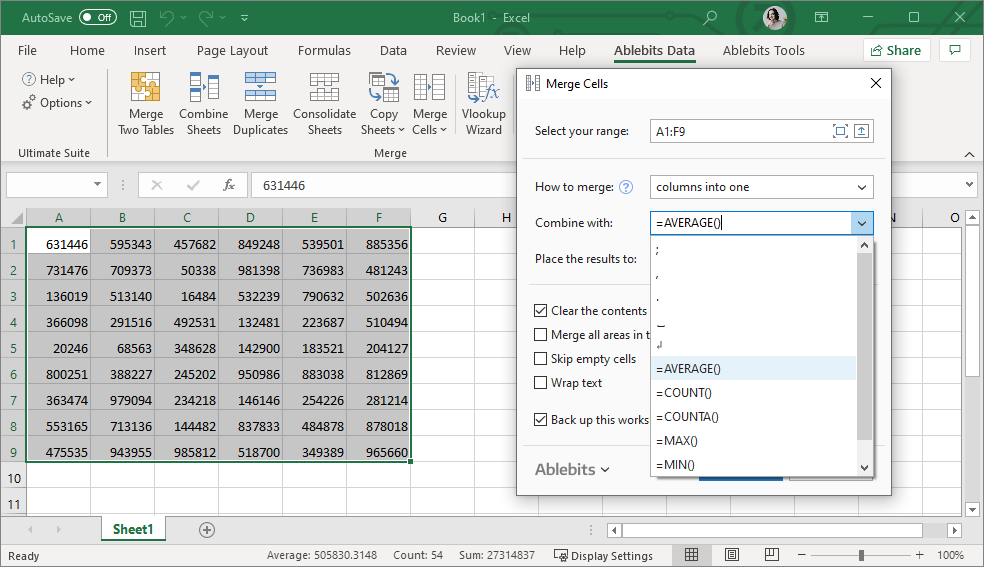
Web Mar 21 2023 nbsp 0183 32 by Svetlana Cheusheva updated on March 21 2023 The tutorial demonstrates different techniques to quickly merge two cells in Excel and combine multiple cells row by row or column by column without losing data in Excel 365 Excel 2021 2019 2016 2013 2010 and lower In your Excel worksheets you may often need to

Web Sep 7 2021 nbsp 0183 32 The easiest way to merge cells is using the command found in the Home tab Select the cells you want to merge together Go to the Home tab Click on the Merge amp Center command found in the Alignment section
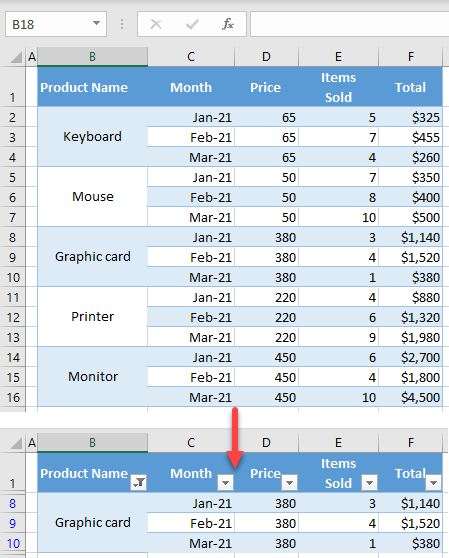
Web Select the cell where you want to put the combined data Type CONCAT Select the cell you want to combine first Use commas to separate the cells you are combining and use quotation marks to add spaces commas or other text Close the formula with a parenthesis and press Enter

Web Try this Code Sub MergeSameCell Dim Rng As Range xCell As Range Dim xRows As Integer xTitleId quot KutoolsforExcel quot Set WorkRng Application Selection Set WorkRng Application InputBox quot Range quot xTitleId WorkRng Address Type 8 Application ScreenUpdating False Application DisplayAlerts False xRows
Web 21 6k 11 60 90 asked Feb 28 2012 at 22 05 Greg R 1 834 3 17 17 Add a comment 5 Answers Sorted by 6 This is VBA or a macro you can run on your sheet You must hit alt F11 to bring up the Visual Basic for Application prompt go to your workbook and right click insert module and paste this code in there Web Jul 9 2018 nbsp 0183 32 Excel Merge cells if other cell matches Ask Question Asked 11 years 8 months ago Modified 11 years 8 months ago Viewed 42k times 1 Merge cells if another cell has two or more of same value My data has two or more records that are the same except for one cell example A1 Name Joe A2 Joe but B1 Tuesday B2 Wednesday
Web Jul 15 2022 nbsp 0183 32 One option would be to create a pivot table based on the data Another option let s say the data are in A1 B5 In D1 enter the formula UNIQUE A1 A5 In E1 enter the formula SUMIF A1 A5 D1 B1 B5 0 Likes Reply