Excel Function Absolute Cell Reference An Absolute Cell Reference Is A Cell Address That Contains A Dollar How To Use Absolute Cell Reference In Excel Excel Formula Tricks Absolute Reference Learn Excel Now Excel Formula Tricks Absolute Reference Learn Excel Now Ovocn Sad Patent Choroba Excel Fixed Cell Reference Odevzdat Odezn t Select a cell where you want to create an absolute cell reference Suppose cell A1 A1 It is a relative reference by default However we must add a dollar sign before the column or row coordinates to create an absolute reference A1 If a dollar sign is placed before the column coordinate A it will only lock the column
To create an absolute reference in Excel add a dollar sign before the row and column For example an absolute reference to A1 looks like this A 1 An absolute reference for the range A1 A10 looks like this A 1 A 10 Example In the example shown the formula in D5 will change like this when copied down column D Select the cell that contains the cell reference that you want to change In the formula bar click the cell reference that you want to change Press T to move through the combinations The following table summarizes what happens if a formula in cell A1 which contains a reference is copied Specifically the formula is copied two cells
Ovocn Sad Patent Choroba Excel Fixed Cell Reference Odevzdat Odezn t Absolute Cell Reference In Excel Hindi YouTube VLOOKUP 4 Using Absolute Cell Reference YouTube Absolute Cell Reference Shortcut In Excel 4 Useful Examples Varyant Varsay mlar Varsay mlar Tahmin Suikast Excel Fixed Cell Turn Off Excel Table Formulas Structured References KING OF EXCEL Excel Absolute Reference Cell Referencing Example Excel Absolute Reference Exceljet How To Make Absolute Reference In Excel Earn Excel
Excel Function Absolute Cell Reference
 Excel Function Absolute Cell Reference
https://i.pinimg.com/736x/f1/bd/d5/f1bdd50c1d941b7907751c7db5e772f2.jpg
Click the cell in which you want to enter the formula In the formula bar type equal sign Do one of the following select the cell that contains the value you want or type its cell reference You can refer to a single cell a range of cells a location in another worksheet or a location in another workbook
Pre-crafted templates provide a time-saving service for developing a diverse range of documents and files. These pre-designed formats and layouts can be used for various personal and expert tasks, consisting of resumes, invitations, leaflets, newsletters, reports, presentations, and more, improving the material production procedure.
Excel Function Absolute Cell Reference
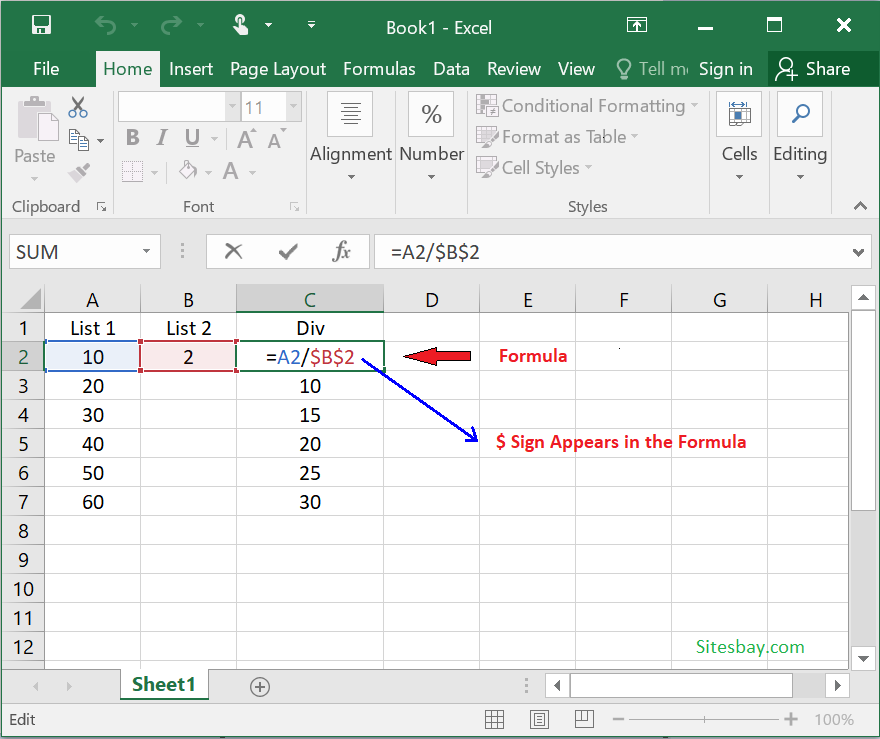
How To Use Absolute References In Excel Bank2home
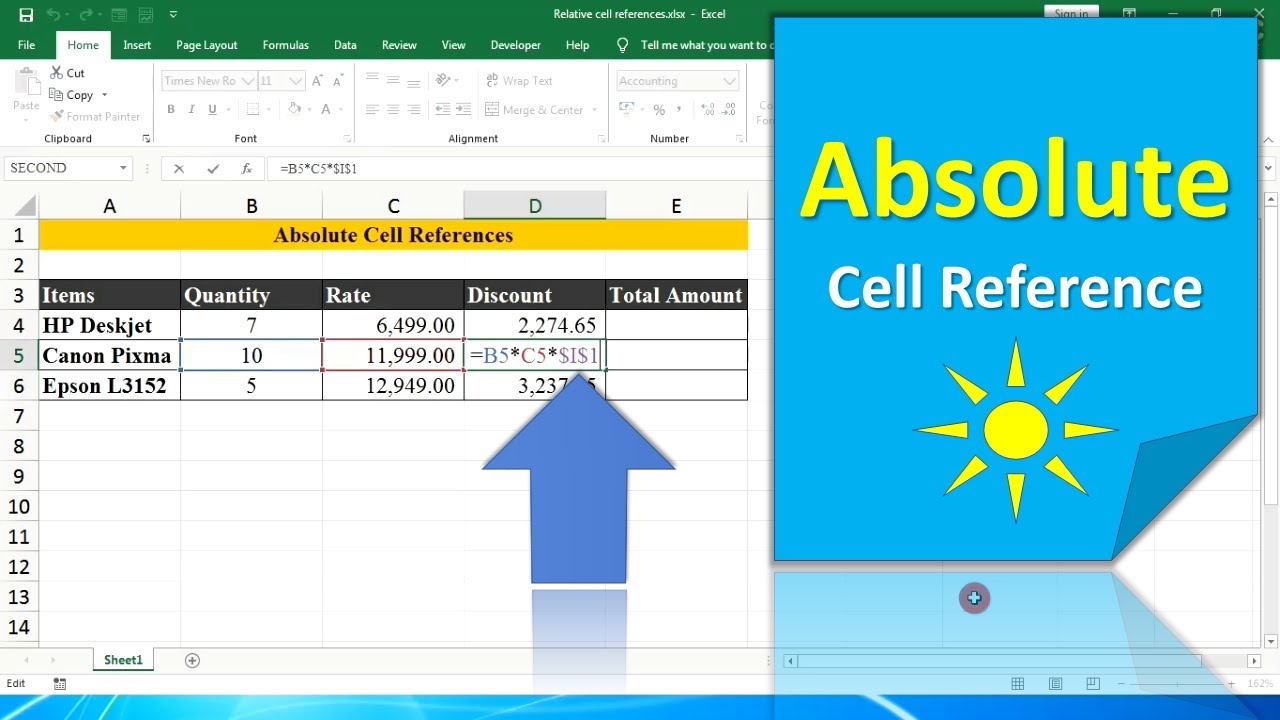
Absolute Cell Reference In Excel Hindi YouTube
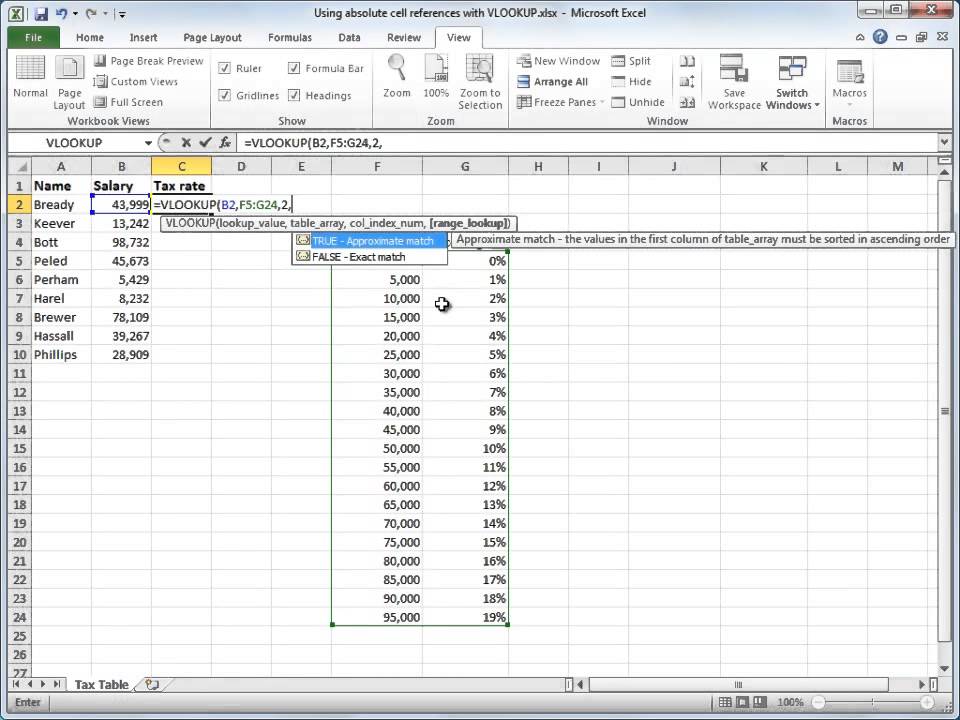
VLOOKUP 4 Using Absolute Cell Reference YouTube
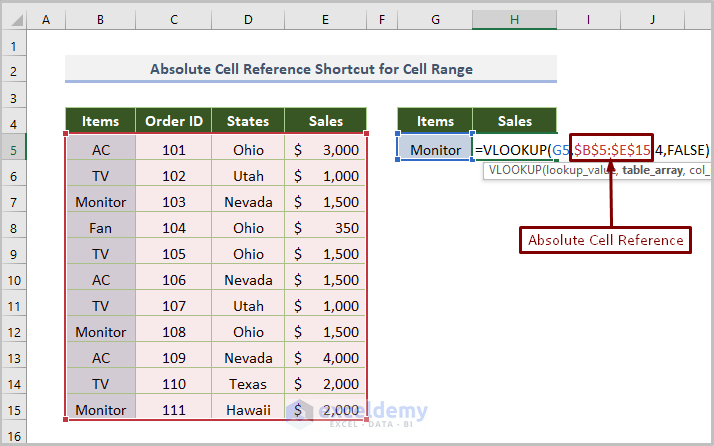
Absolute Cell Reference Shortcut In Excel 4 Useful Examples
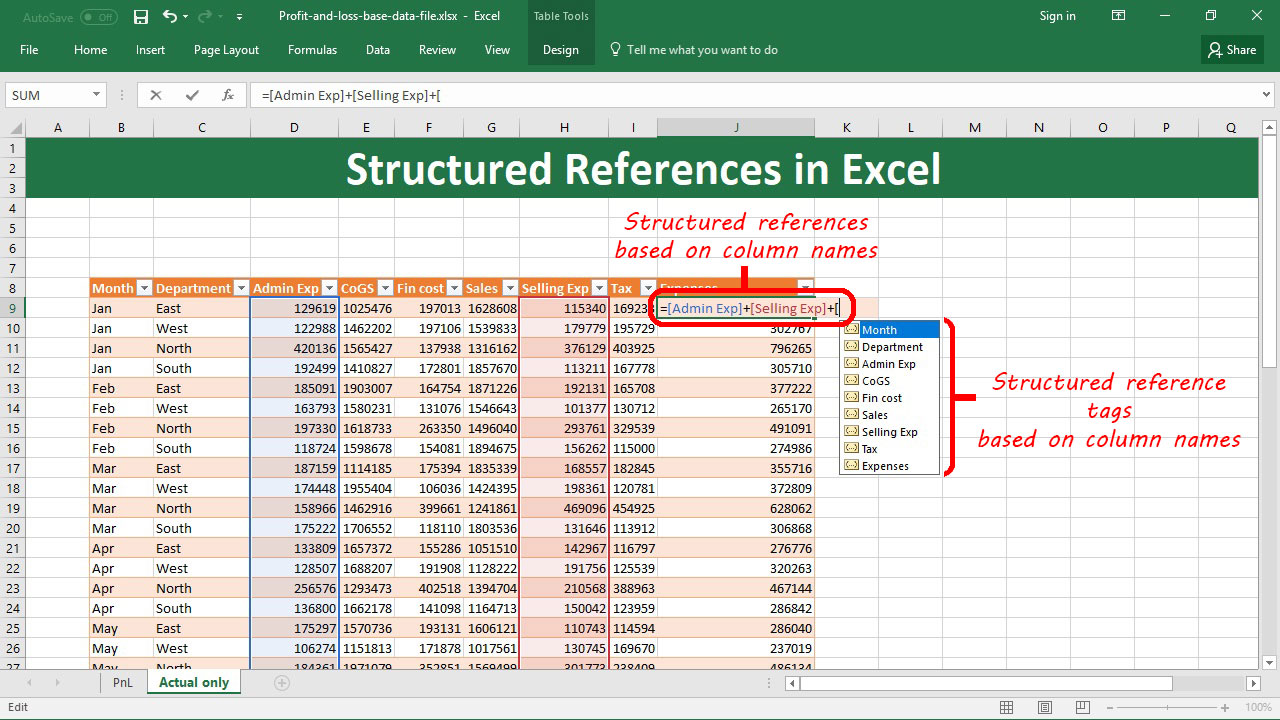
Turn Off Excel Table Formulas Structured References KING OF EXCEL
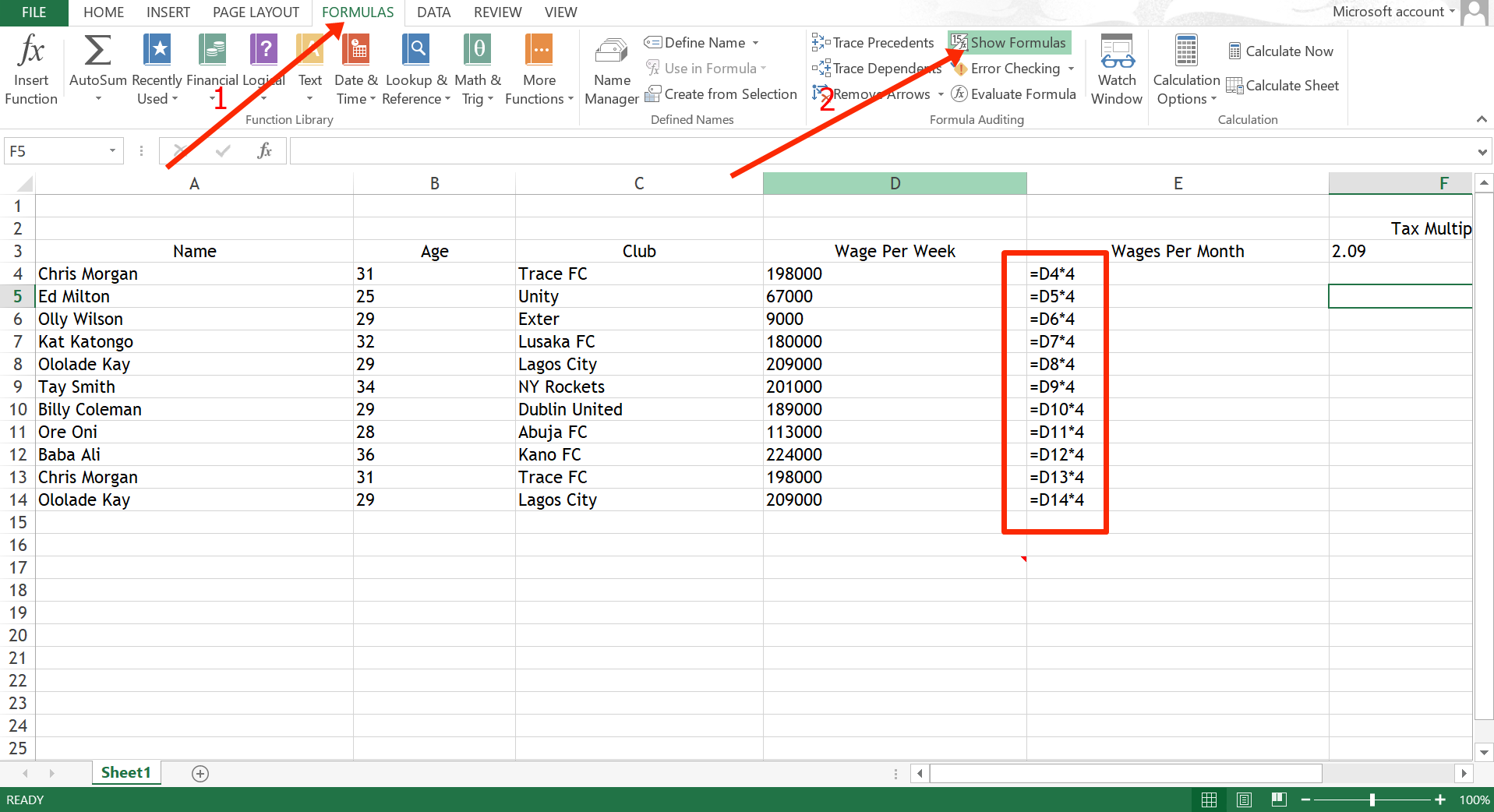
Excel Absolute Reference Cell Referencing Example

Absolute Reference Cell Range Named Range F4 An absolute reference in Excel refers to a fixed location on a worksheet When you copy a formula an absolute reference never changes Cell Let s start with fixing a reference to a cell 1 Cell C2 below refers to cell B2 and cell E2 Both references are relative 2
Introduction There are two types of cell references relative and absolute Relative and absolute references behave differently when copied and filled to other cells Relative references change when a formula is copied to another cell Absolute references on the other hand remain constant no matter where they are copied
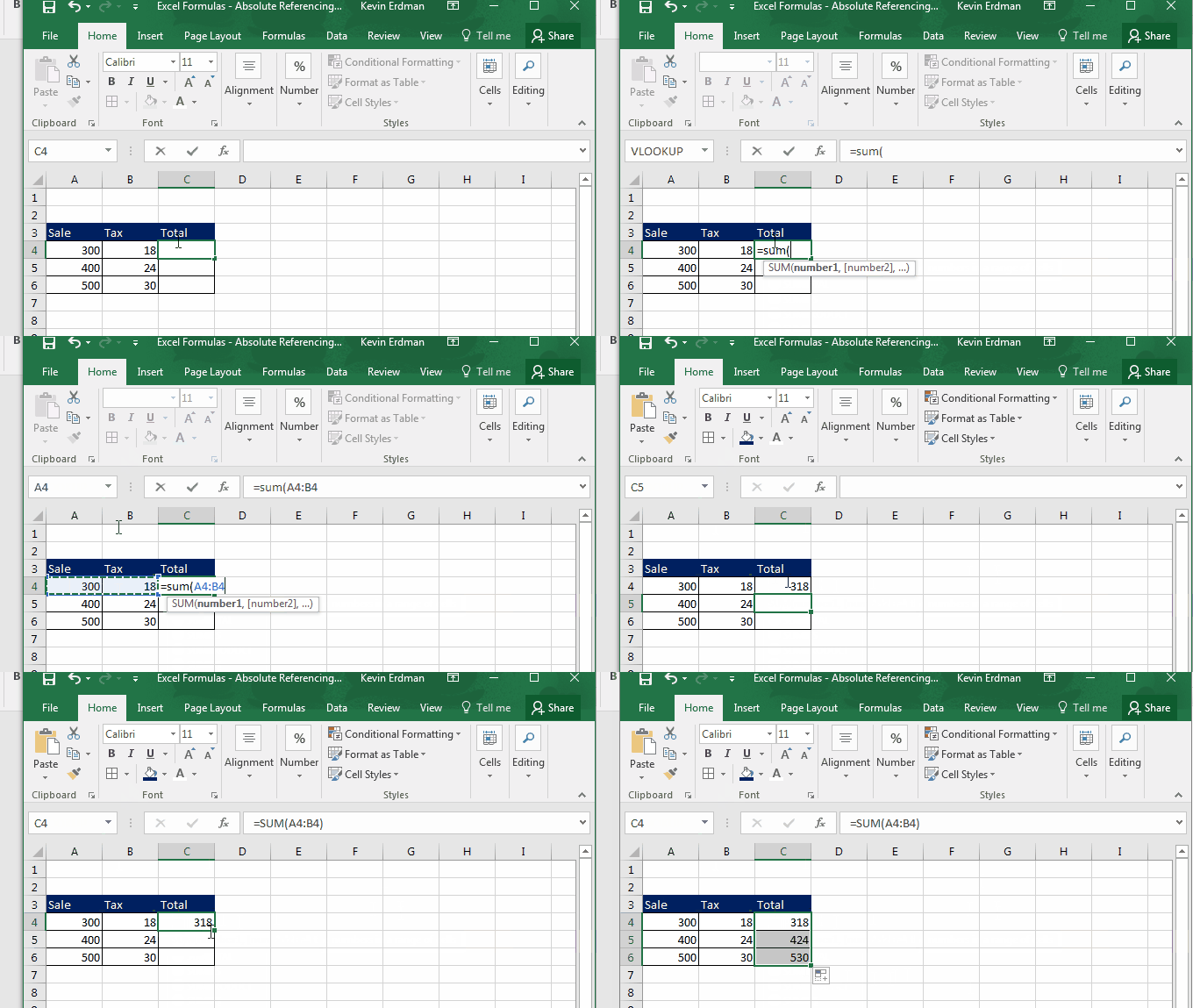
To change the type of cell reference Select the cell that contains the cell reference that you want to change In the formula bar click the cell reference that you want to change Press T to move through the combinations The following table summarizes what happens if a formula in cell A1 which contains a reference is copied
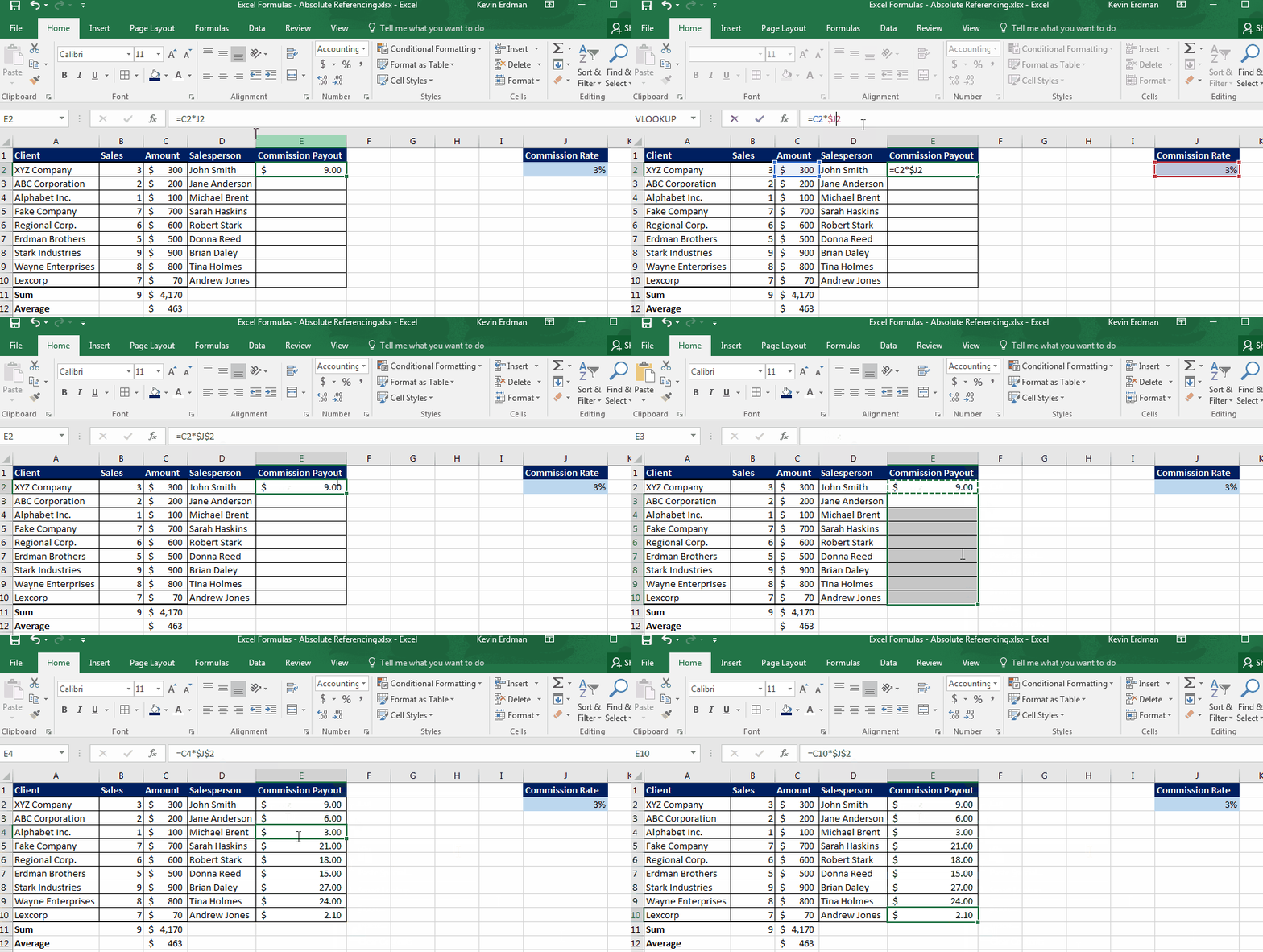
What Is an Absolute Cell Reference in Excel There are two types of ways to reference a cell inside a formula in Excel You can use a relative cell reference or an absolute cell reference Relative cell reference A cell address which doesn t contain the symbol in front of the row or column coordinates

A relative reference in Excel is a cell address without the sign in the row and column coordinates like A1 When a formula with relative cell references in copied to another cell the reference changes based on a relative position of rows and columns By default all references in Excel are relative
When working with excel formulas it can be important to make a cell an absolute reference This ensures that the cell reference does not change when the formula is copied to other cells Here is a step by step guide to making a cell an absolute reference in excel A Selecting the cell for the absolute reference Select the cell Absolute cell reference is a method of writing a formula in a spreadsheet document so copying that formula to another cell does not change the cell its formula references Using an absolute reference allows you to lock the column you reference the row you reference or both
A absolute reference is excel is a cell reference wherein the column and row coordinates remain fixed on copying a formula from one cell to the other To fix the coordinates a dollar sign is placed before them For example D 2 is an absolute reference that refers to cell D2 Shortcut to Absolute Reference in excel is the key F4