Enable Secure Boot Windows 10 How To Enable Secure Boot For Windows 11 Addictivetips 2022 Www vrogue co Enable Or Disable Secure Boot On Windows 10 PC Tutorials How To Enable Secure Boot For Windows 11 Addictivetips 2022 Www vrogue co How To Disable Secure Boot In Windows 10 2019 YouTube How To Enable Disable Secure Boot In Windows 8 8 1 And 10 Web Learn Windows Security Secure the Windows boot process Article 08 11 2023 3 contributors Applies to Windows 11 Windows 10 Feedback In this article The threat rootkits The countermeasures Secure Boot Trusted Boot Show 3 more Windows has many features to help protect you from malware and it does an amazingly good job
Web Jan 5 2024 nbsp 0183 32 Go to Secure Boot gt Secure Boot Enable gt Check Secure Boot Enable Click Apply gt click Exit gt Save the changes Web Oct 30 2023 nbsp 0183 32 Learn Windows Security Secure Boot and Trusted Boot Article 10 30 2023 1 contributor Applies to Windows 11 Feedback In this article Secure Boot Trusted Boot Windows edition and licensing requirements See also This article describes Secure Boot and Trusted Boot security measures built into Windows 11
How To Enable Disable Secure Boot In Windows 8 8 1 And 10 How To Enable Disable Secure Boot In Windows 10 InFormation WelFare How To Enable Disable Secure Boot In Windows 8 8 How To Enable Secure Boot On PC To Install Windows 11 Windows Central How To Disable Uefi Secure Boot In Windows 10 Check If Secure Boot Is Enabled Or Disabled In Windows 10 Tutorials Securing Windows 10 With Secure Boot And TPM Get Ready For Windows 11 How To Enable Disable Secure Boot In Windows 10 8 1 8 7 How To Disable UEFI Secure Boot In Windows 8 1 8
Enable Secure Boot Windows 10
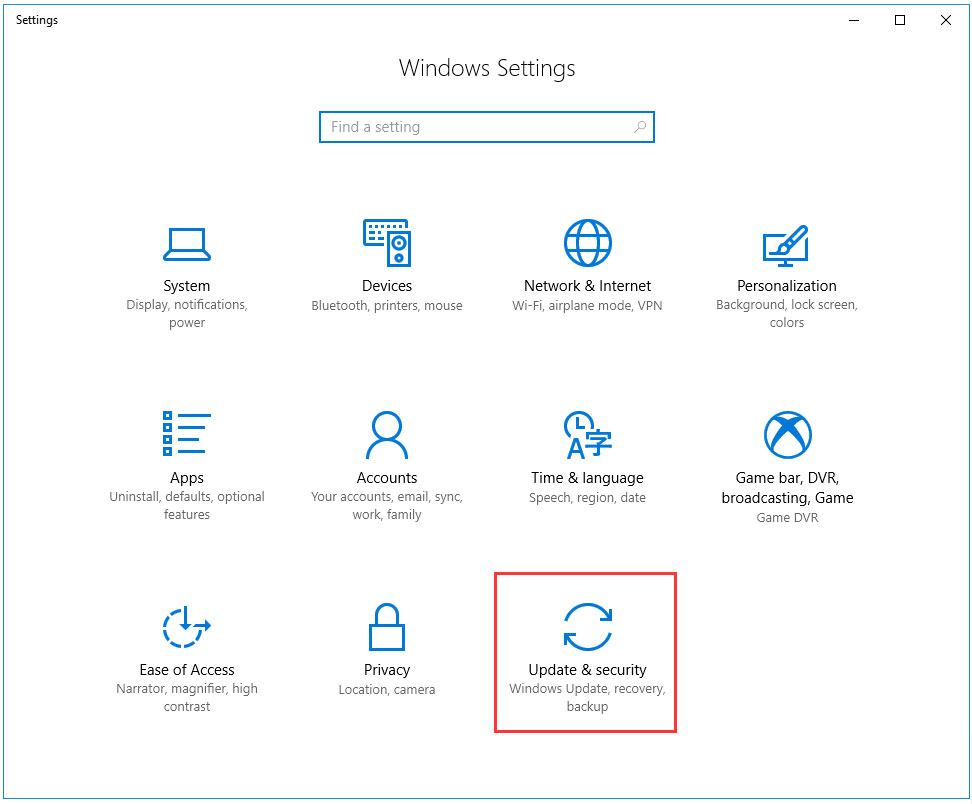 Enable Secure Boot Windows 10
https://www.minitool.com/images/uploads/lib/2019/06/secure-boot/secure-boot-2.jpg
Web Disabling UEFI secure boot mode in Windows 10 may be necessary to enable your graphics card or to boot the PC with an unrecognizable USB drive or CD For example while booting it with a Linux distribution your PC manufacturer may discourage you from using unsecure mode for booting
Pre-crafted templates offer a time-saving solution for developing a varied variety of files and files. These pre-designed formats and layouts can be made use of for various individual and professional tasks, including resumes, invitations, flyers, newsletters, reports, presentations, and more, improving the content creation process.
Enable Secure Boot Windows 10
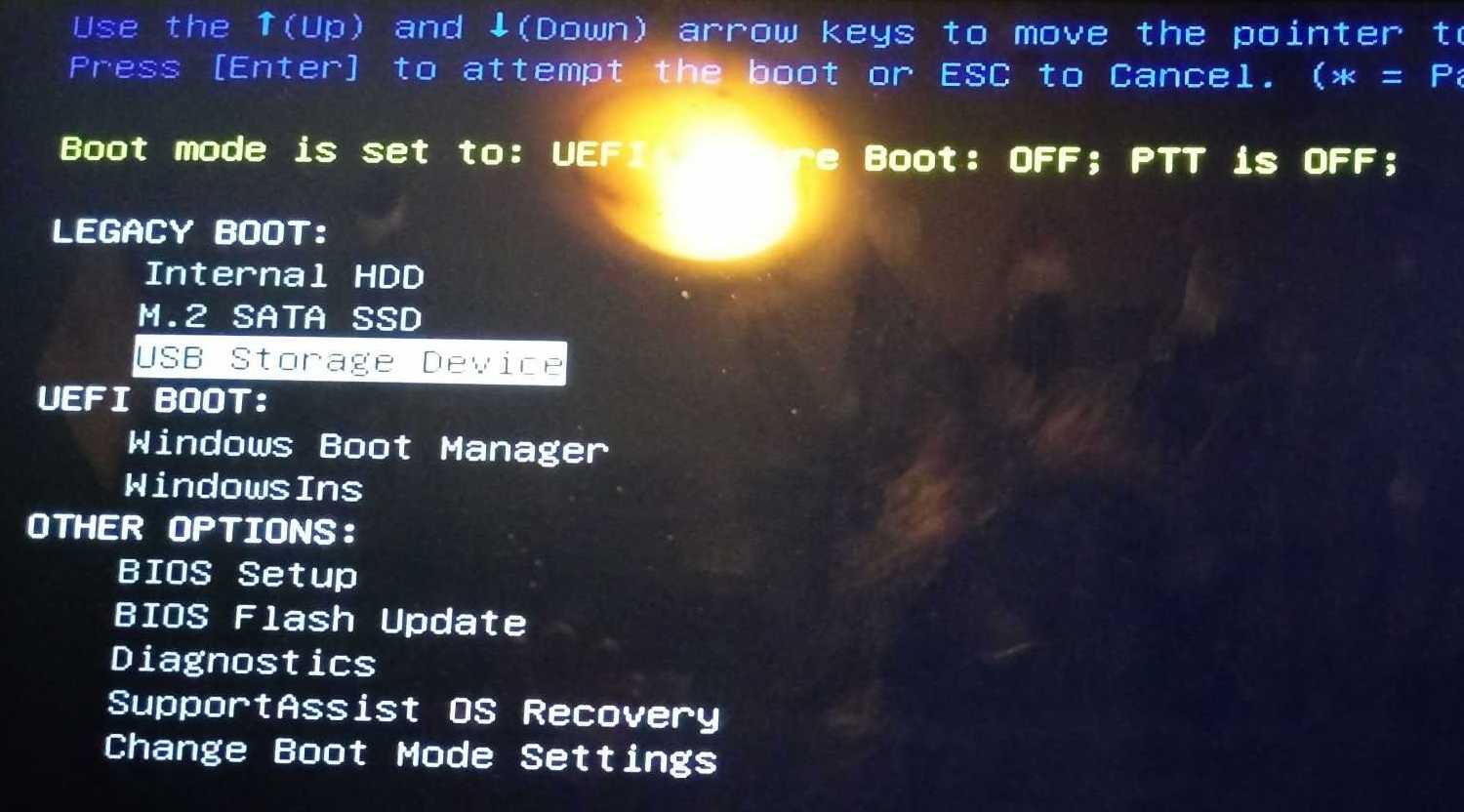
Enable Or Disable Secure Boot On Windows 10 PC Tutorials
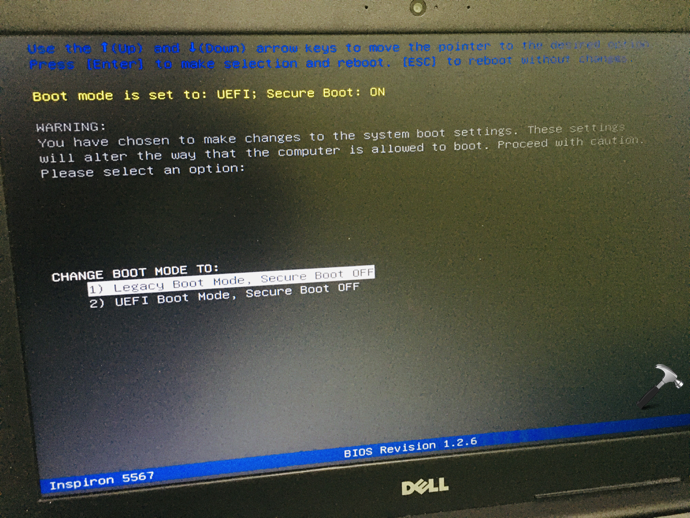
How To Enable Disable Secure Boot In Windows 10
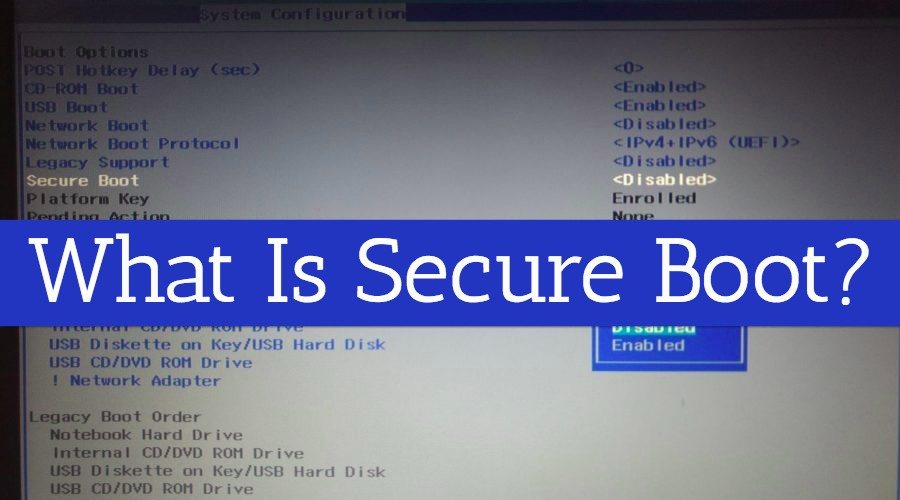
InFormation WelFare How To Enable Disable Secure Boot In Windows 8 8
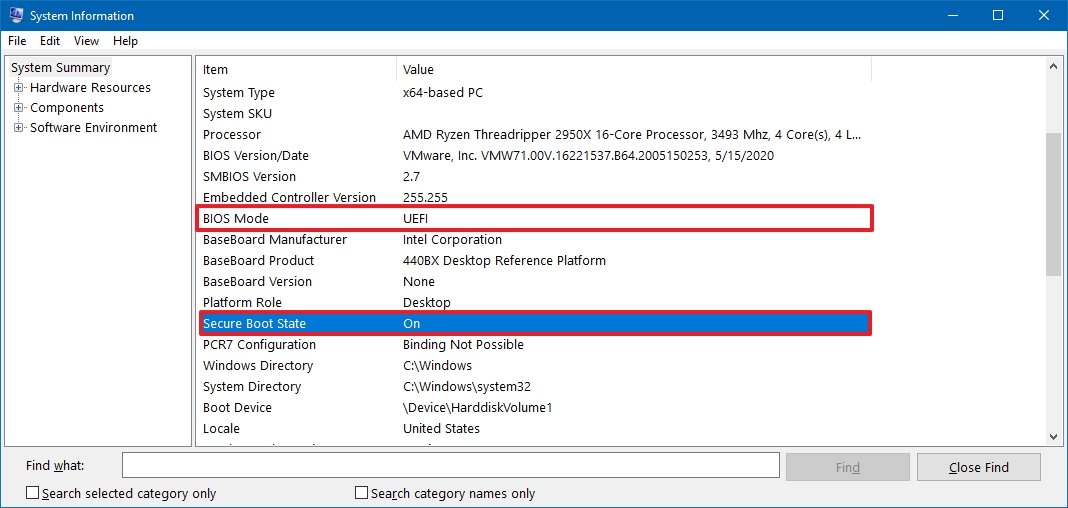
How To Enable Secure Boot On PC To Install Windows 11 Windows Central
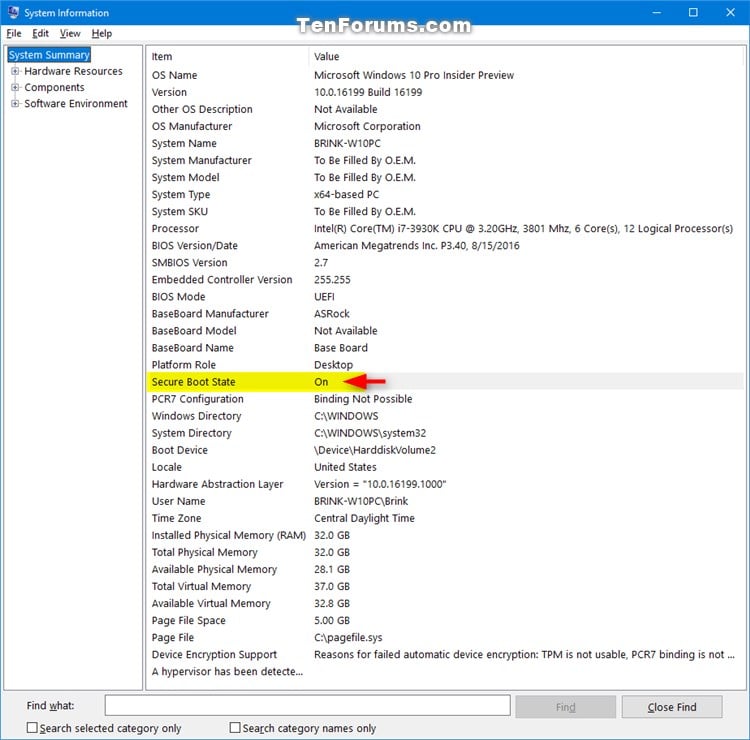
Check If Secure Boot Is Enabled Or Disabled In Windows 10 Tutorials

Securing Windows 10 With Secure Boot And TPM Get Ready For Windows 11
Web Jun 26 2021 nbsp 0183 32 How to Check if Secure Boot is Enabled in Windows 10 You can check the status of Secure Boot very quickly on your Windows 10 computer To do so first press Windows R on your keyboard to bring up Run Command on your screen

Web Aug 29 2023 nbsp 0183 32 A Click tap on the Security menu icon and select Enabled for the Secure Boot setting see screenshot below B If you haven t already click tap on the Install default Secure Boot keys link and click tap on Yes to confirm see screenshots below C Go to step 5 below 4 To Disable Secure Boot

Web Jul 15 2021 nbsp 0183 32 Running your Windows 10 PC with TPM and Secure Boot active is a prerequisite for Windows 11 You can activate the security protocols now with a few settings changes

Web Dec 25 2023 nbsp 0183 32 To enable Secure Boot on Windows 11 10 take these steps Open Windows Settings and go to Settings gt Update amp Security gt Recovery gt Advanced Startup options and on restart select

Web Any PC sold with Windows 10 is Secure Boot capable Your BIOS settings might cause your computer to appear to not be Secure Boot capable To upgrade to Windows 11 you must disable Legacy Boot and enable UEFI BIOS
[desc-11] [desc-12]
[desc-13]