Enable Secure Boot Windows 10 Bios Bios Can t Enable Secure Boot In Windows 11 Super User Enable Secure Boot Chillblast How To Enable Secure Boot On Gigabyte Motherboard Techozu Bios Can t Enable Secure Boot In Windows 11 Super User Gigabyte Secure Boot Error Enable Secure Boot For Windows 11 Error Web 1 Click the Power icon on login screen Hold on Shift key on computer keyboard and click Restart button on login screen 2 Next select Troubleshoot Advanced options UEFI Firmware Settings You would successfully enter UEFI BIOS in Windows 10 8 1 8 computer Step 2 Disable secure boot in UEFI firmware settings
Web While the requirement to upgrade a Windows 10 device to Windows 11 is only that the PC be Secure Boot capable by having UEFI BIOS enabled you may also consider enabling or turning Secure Boot on for better security Web Sep 12 2022 nbsp 0183 32 Click on System Summary on the left pane Check the quot Secure Boot State quot information On the feature is enabled Off the feature is disabled or not supported Image credit Future Check
Gigabyte Secure Boot Error Enable Secure Boot For Windows 11 Error 2017 How To Turn ON OFF Secure Boot From Inside Windows 10 August How To Enable Secure Boot On Gigabyte Motherboards AMD And Intel How To Install Linux On A Windows Machine With UEFI Secure Boot Linux How To Disable Secure Boot Windows 10 In Bios Jawercasa What Is Secure Boot How To Enable And Disable It In Windows MiniTool So Aktivieren Sie TPM 2 0 Und Secure Boot Zum Upgrade Auf Windows 11 How To Enable Secure Boot For MSI How To Enable How To Enable Secure Boot On Windows 7 How To Enable
Enable Secure Boot Windows 10 Bios
 Enable Secure Boot Windows 10 Bios
https://i.stack.imgur.com/3CJvG.jpg
Web 1 Condition 1 Your PC will then reboot into BIOS Click on the Security then select the Secure Boot option gt Now enable the Secure Boot by toggling the option to On gt Hit F10 to save the changes and exit BIOS gt After the system reboots restart the Windows 11 installation process
Templates are pre-designed documents or files that can be used for different purposes. They can save time and effort by offering a ready-made format and design for producing different kinds of content. Templates can be used for personal or expert tasks, such as resumes, invites, leaflets, newsletters, reports, presentations, and more.
Enable Secure Boot Windows 10 Bios

Bios Setting For Windows 10

2017 How To Turn ON OFF Secure Boot From Inside Windows 10 August

How To Enable Secure Boot On Gigabyte Motherboards AMD And Intel
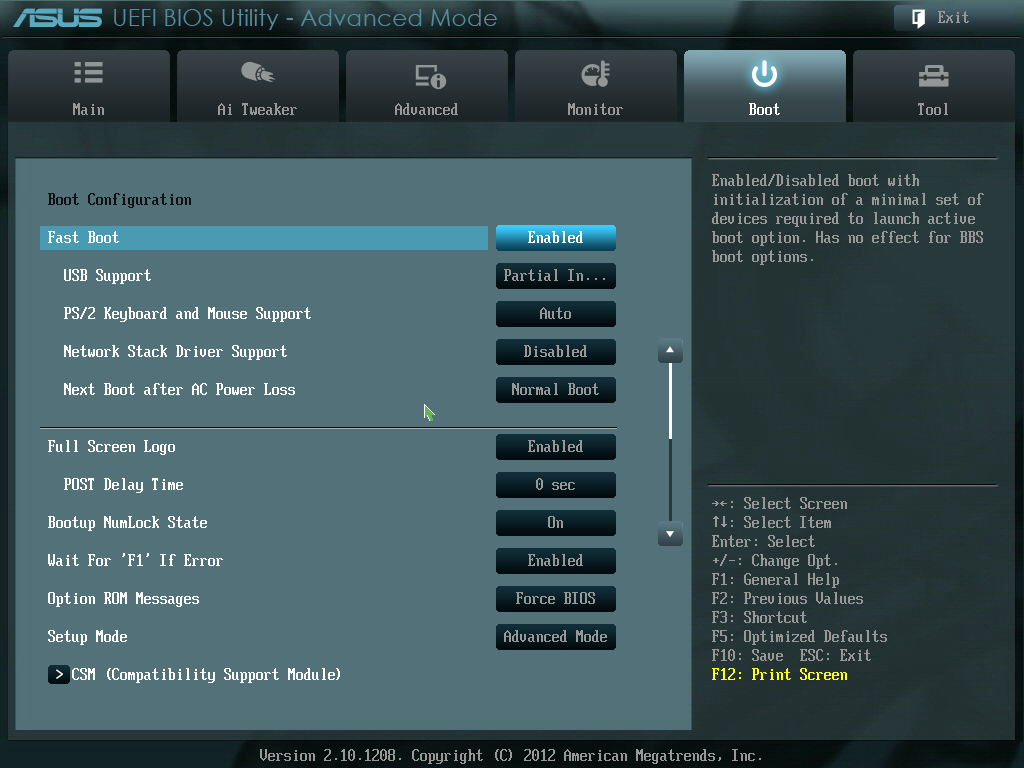
How To Install Linux On A Windows Machine With UEFI Secure Boot Linux
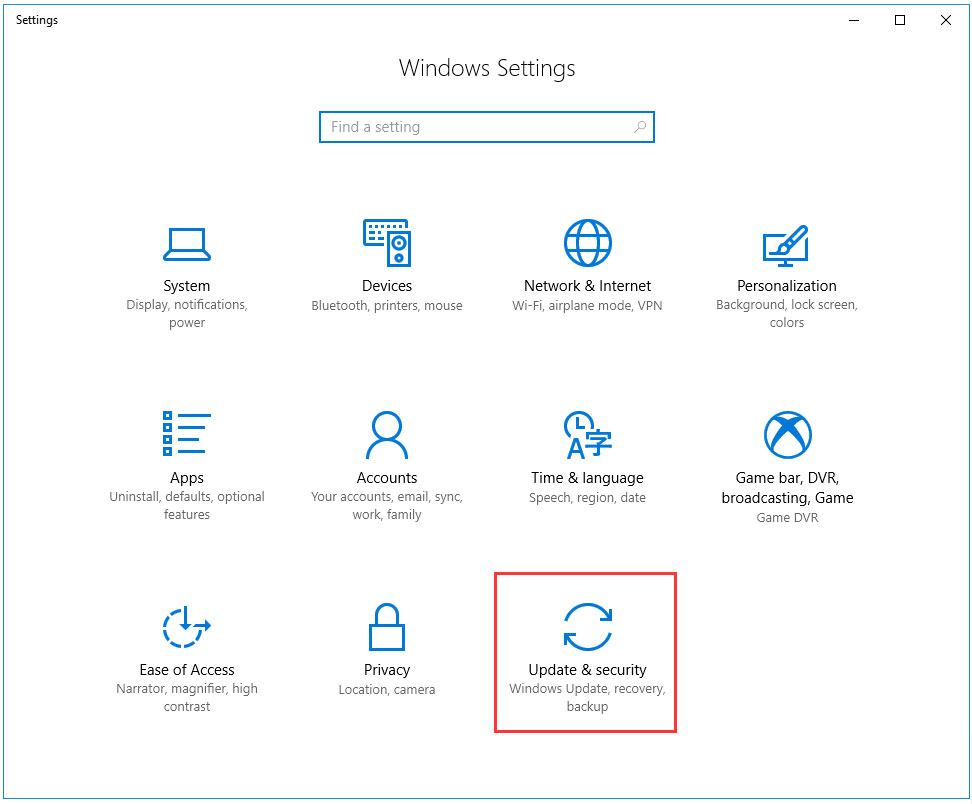
What Is Secure Boot How To Enable And Disable It In Windows MiniTool

So Aktivieren Sie TPM 2 0 Und Secure Boot Zum Upgrade Auf Windows 11

Web Jun 26 2021 nbsp 0183 32 How to Enable Secure Boot from BIOS Settings Note Hotkeys listed in this section to access the BIOS Menu are for Dell systems Various manufacturers have different hotkeys to access and navigate the menu please refer to your PC s manual or check the manufacturer s website to know keys specific to your machine
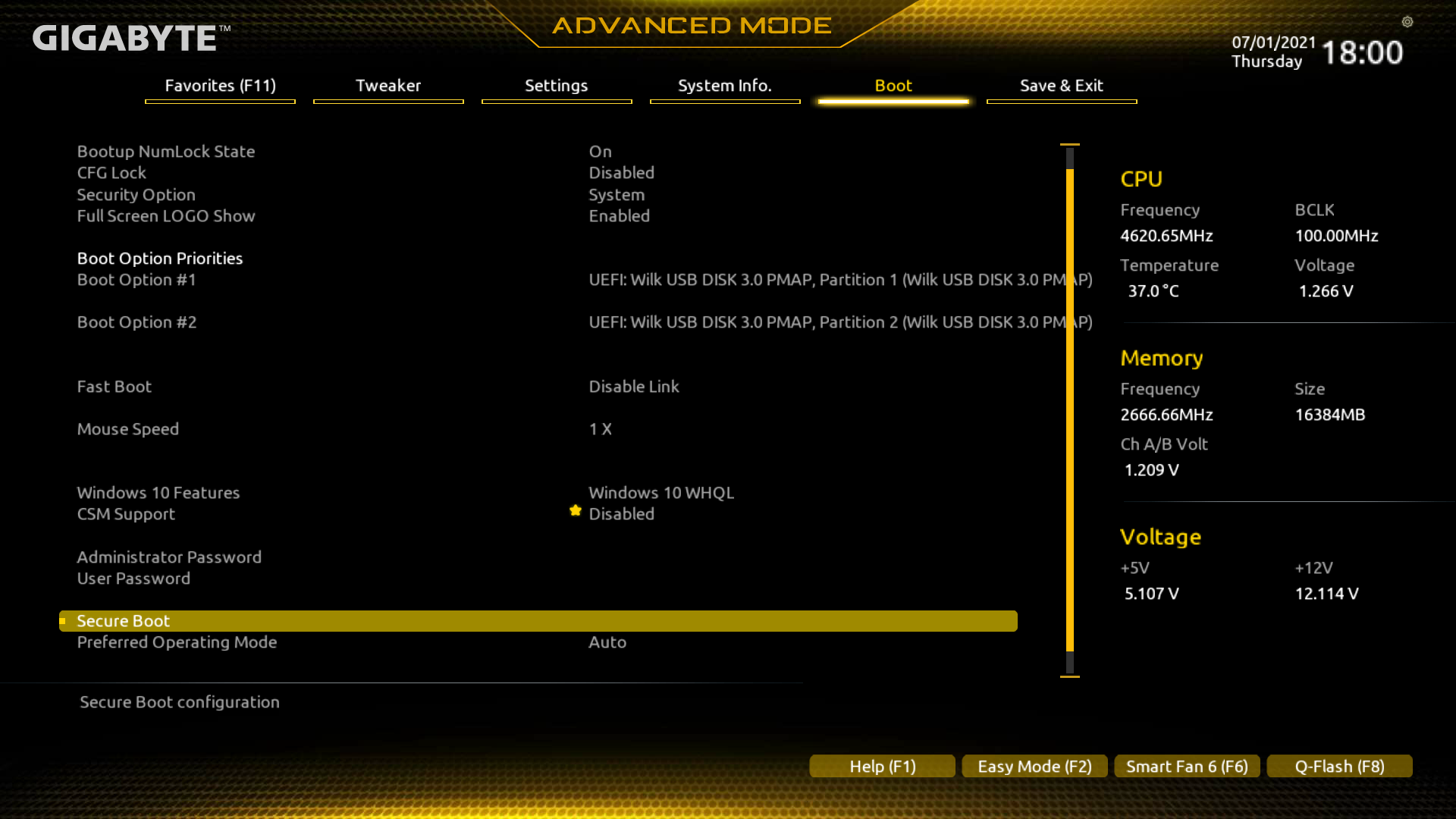
Web Dec 21 2020 nbsp 0183 32 29 Aug 2023 How to Enable or Disable Secure Boot on Windows 10 PC Secure Boot is a security standard developed by members of the PC industry to help make sure that your PC boots using only software that is trusted by the PC manufacturer Support for Secure Boot was introduced in Windows 8 and also supported by Windows 10
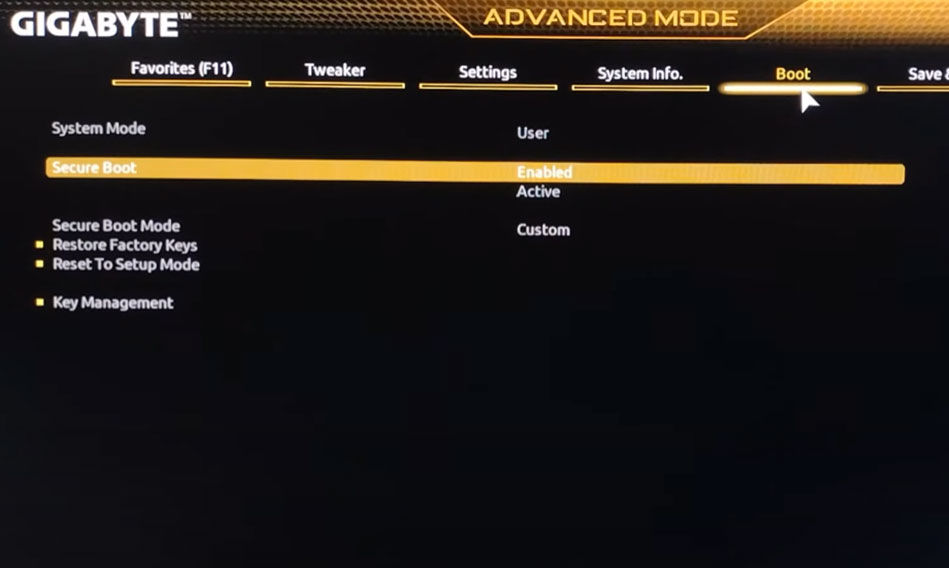
Web Aug 15 2023 nbsp 0183 32 Secure Boot is controlled by the computer firmware BIOS and can be enabled with a few simple steps Boot your computer Tap the F2 key when the Dell logo appears to enter the BIOS The following steps can vary based on your computer model

Web Jul 15 2021 nbsp 0183 32 Once the hardware is activated through the UEFI and Windows 10 has completed its boot process open a command prompt Windows Key R and type this command into the dialog box tpm msc

Web Oct 1 2021 nbsp 0183 32 Also the Secure Boot requirement for Windows 11 seems new open system information in the search bar search for bios mode it should be UEFI if it is Legacy then you will need to reinstall windows I was following instructions to make my PC ready for Windows 11 by enabling my TPM and Sevure boot
Web Sep 21 2022 nbsp 0183 32 During startup immediately press the F2 or Del key depending on which your BIOS key is to get to BIOS You may need to press it multiple times to get the timing right On UEFI mode press F7 to enter Advanced Mode You don t need this step for Legacy mode Go to Security gt Secure Boot Select Secure Boot Control and set it to Disabled Web Follow the steps given below to disable secure boot in American Megatrends BIOS Step 1 Enter BIOS from your computer Step 2 From the BIOS go to Settings Advanced Windows OS Configuration Secure Boot Step 3 Now click on Secure Boot Support and select the Disabled option for it
Web Jan 2 2023 nbsp 0183 32 Select the TPM 2 0 option and choose the Enabled option If the motherboard doesn t have a TPM chip and you are running an AMD processor the module it s may be built into the processor and the option will appear as fTPM firmware based TPM 2 0 or AMD fTPM switch