Edit Pdf Field Names Ayeee By Joyce Graal Gfx Repeat The Field Names On All Pages Coste Portal CSV Files DbFace Documentation Adobe Acrobat Add Text Company Names Field Pdf Form Education Forms Visually Identify Name Of Field In PDF Form To do so open your PDF file in Adobe Acrobat then click on the Edit PDF tool in the toolbar on the right When you re in form editing mode you can make several types of changes to the PDF file You can edit text alter a field name or add new text and fillable fields You can also choose different fonts
Step 1 Open the Tool With a PDF containing interactive form fields open in Acrobat select Plug Ins Form Tools Rename Form Fields By Text Search to open this tool Step 2 Perform a Search and Replace Operation Use this dialog to rename PDF form fields in the currently open document via a search and replace operation After you convert your document to a PDF form do one of the following Choose a form field from the toolbar Right click the page and select a field Your cursor becomes a crosshair and displays a preview of the field On the page click where you want to add the field to create a field with the default size
Forms Visually Identify Name Of Field In PDF Form Creating A PDF Form Filler Via Automated Script Edit Mate MoonGraal The Friendly Python Applying Automation To Media Archive Management Repeat The Field Names On All Pages Coste Portal Filling In PDF Forms Using Flow Word PDF Adobe Illustrator Edit Pdf Vicamiami Gray Hottie Angelic Creations USA Track Field Names Eight Washingtonians To Pan Am Games Squad
Edit Pdf Field Names
 Edit Pdf Field Names
https://joyce681.files.wordpress.com/2016/10/beareditblink.gif
Place a copy of your PDF file into the same folder as the script naming it myForm pdf Double click the script file to run
Templates are pre-designed documents or files that can be used for different purposes. They can conserve time and effort by providing a ready-made format and layout for creating different sort of content. Templates can be utilized for personal or expert jobs, such as resumes, invites, leaflets, newsletters, reports, discussions, and more.
Edit Pdf Field Names

Cortney Zamzow

Creating A PDF Form Filler Via Automated Script

Edit Mate MoonGraal

The Friendly Python Applying Automation To Media Archive Management

Filling In PDF Forms Using Flow Word PDF
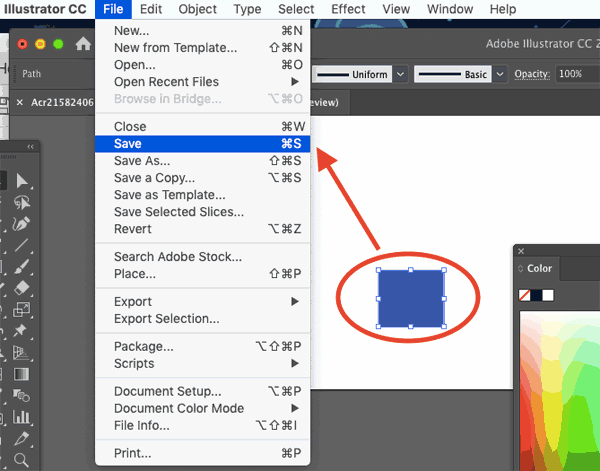
Adobe Illustrator Edit Pdf Vicamiami

Open the document in Acrobat and select Edit Prepare a form Create form to convert your document to a PDF form Choose a form field from the left pane Once you hover over the document your cursor becomes a crosshair and displays a preview of the field

Simple and free solution Install the demo version of Qoppa PDF Studio 2021 and open a copy of your form with it Find the Sequential Renaming function right click rename selected fields and save Open the watermarked copy with Acrobat Pro and copy paste the modified fields into your original form
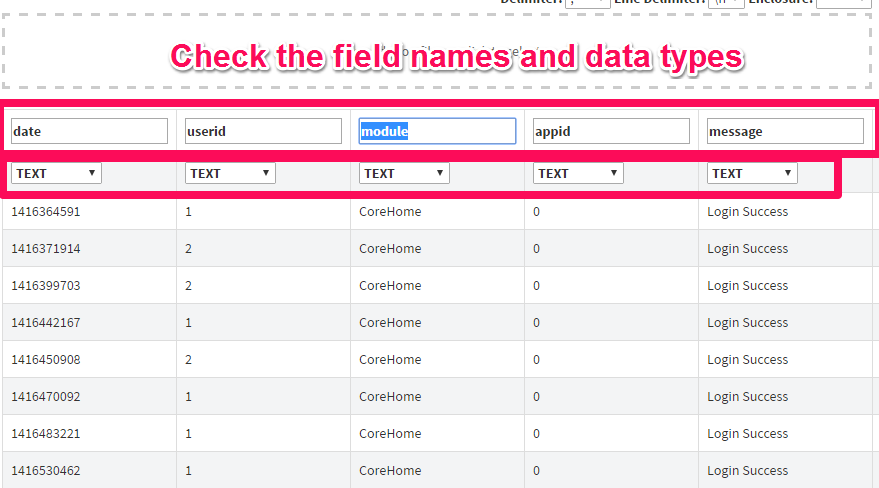
To change the name of the field go to the General tab and enter the Name as Num1 or any other name you want and click Close Double click the Text3 field to open its Properties In the Calculate tab choose Custom Calculation Script and then click Edit

Edit images or objects in a PDF Rotate move delete and renumber PDF pages Edit scanned PDFs Enhance document photos captured using a mobile camera Optimizing PDFs PDF properties and metadata Links and attachments in PDFs PDF layers Page thumbnails and bookmarks in PDFs

You can t actually edit a PDF though You d read in an existing PDF update your field names in memory and then write out your revised PDF To change a field name call the AcroFields RenameField method Here s a snippet
Hello everyone I was wondering if there was a way to make a label viewable in normal mode for a PDF text field form I am making my PDF a form with a fillable text box in it Well I d like the box name to show up when someone opens the PDF not just if they only go into the edit form view I hope I m making sense Add form fields to PDF Click on Forms in the top menu and select the type of form input you want to add Text Multiline Text Dropdown Checkbox Radio choices Click on the desired form field type and place it on the page Enter the new field s name and optionally the default value
FDF is the form data interchange format specific to Acrobat Some other PDF application vendors have adopted it XFDF is the XML based ISO equivalent If you want different field names to be used in the FDF you need to rename the fields in the PDF since that is what the names are based on joelgeraci