Dot Points In Excel Cell How To Remove Space In Excel Cell Trim Function In Excel Remove How To Add Bullet Points In Excel Noodls How To Insert Sheet In Excel Cell How To Insert Bullets In Microsoft Excel YouTube How To Create Bullet Points In Word 2010 Lasopatw Web Nov 15 2023 nbsp 0183 32 Method 1 Copying amp Pasting Method 2 Using Symbol Option Method 3 Using CHAR Function Method 4 Using Custom Format Method 5 Using Keyboard Shortcut Method 6 Using Special Fonts Method 7 Using Text Box Method 8 Using SmartArt Method 9 Using the Excel AutoCorrect Feature Method 1
Web Your Excel skills in inserting bullet points are on point You ve learned the 4 best different methods how to insert bullet points in Excel Organize your lists highlight main points and give out clear instructions with bullet points in Excel You can now even insert bullet points in multiple cells with the CHAR function Web Here are the steps to add bullet points to cells in your worksheet using a custom number format Select the cell s where you want to add bullet points Right click on your selection and click on Format Cells from the context menu that appears Alternatively you could simply use the shortcut CTRL 1
How To Create Bullet Points In Word 2010 Lasopatw How To Create A New Line In Excel Cell SpreadCheaters How To Put Two Bullet Points In A Cell In Excel YouTube How To Insert Picture In Excel Cell Automatically ExcelDemy How To Add A Bullet Point In Excel How To Insert Bullet Points In Excel In 8 Different Ways How To Indent Bullet Points Of A Cell In Excel 3 Effective Ways How To Insert Bullet Points In Excel Quick And Top Ways GeeksforGeeks Bullet Points In Excel 4 Easy Ways To Insert Bullet Points In Excel
Dot Points In Excel Cell
 Dot Points In Excel Cell
https://i.ytimg.com/vi/ctY5Pe0Bha8/maxresdefault.jpg
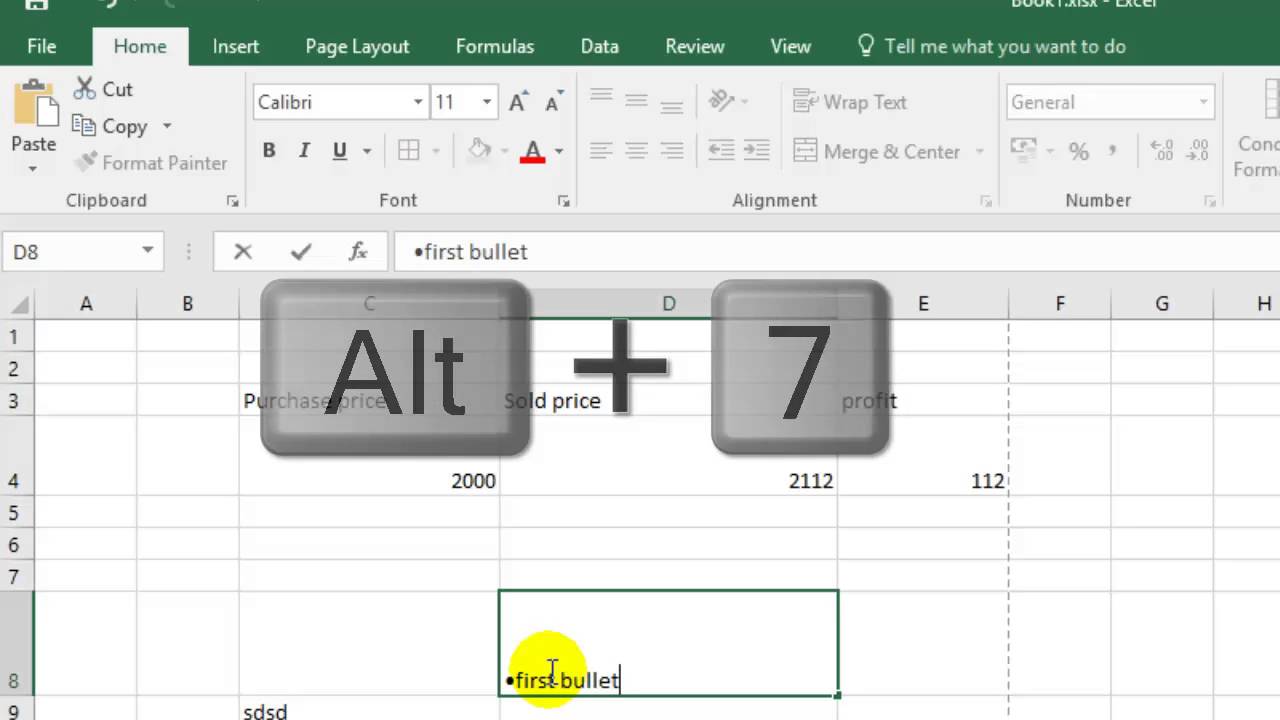
Web 1 Select the range A1 A3 2 Right click and then click Format Cells 3 Select Custom 4 In the Type box press Alt Numpad 7 to insert a bullet point or copy paste a bullet point enter a space and type 5 Click OK 6 You can now create a bulleted list by simply typing the list items Excel automatically adds the bullet points
Pre-crafted templates offer a time-saving option for creating a diverse series of files and files. These pre-designed formats and designs can be made use of for various individual and professional tasks, including resumes, invites, leaflets, newsletters, reports, discussions, and more, streamlining the content development process.
Dot Points In Excel Cell

How To Write Multiple Lines In Excel Cell MS Excel Tutorial Bangla
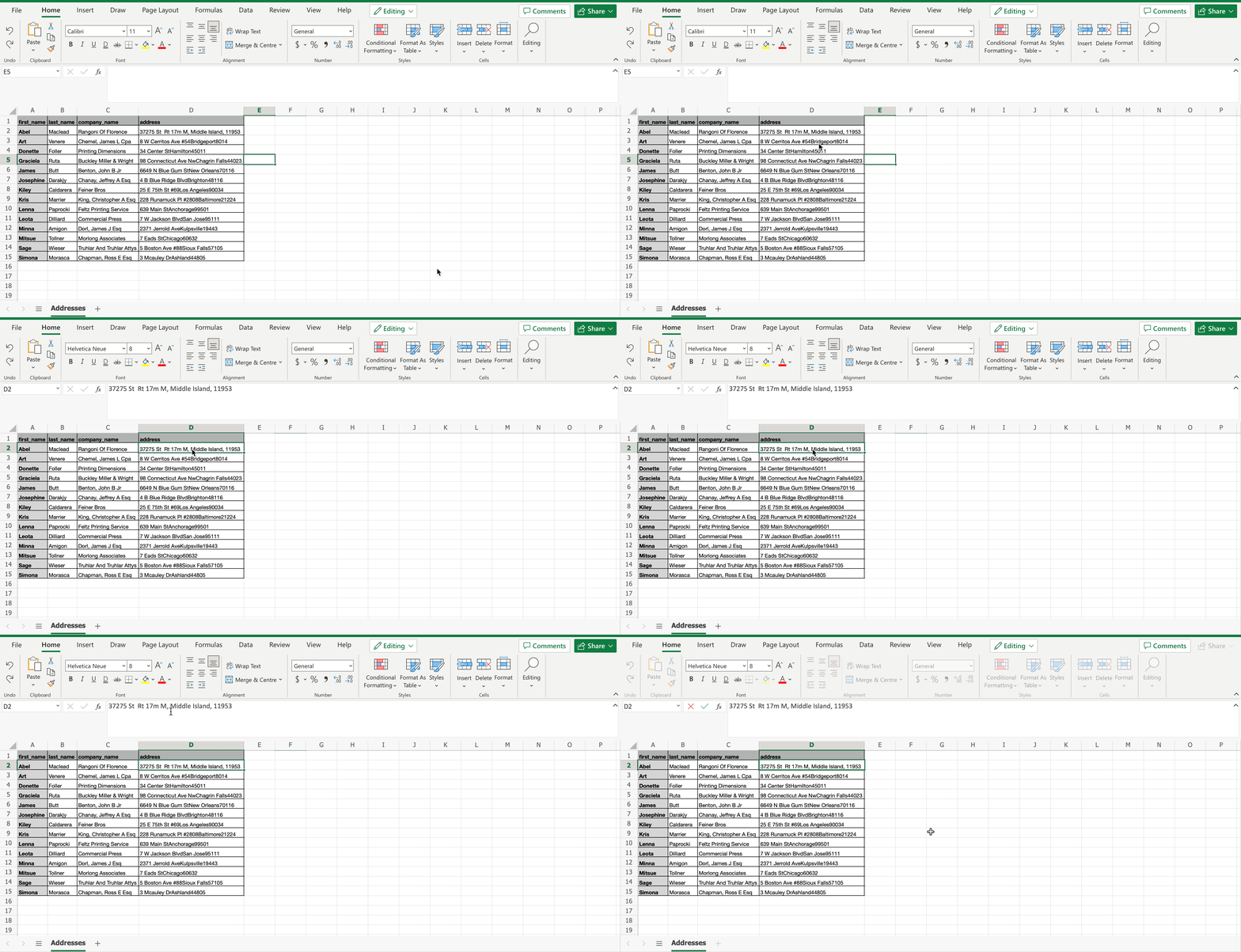
How To Create A New Line In Excel Cell SpreadCheaters
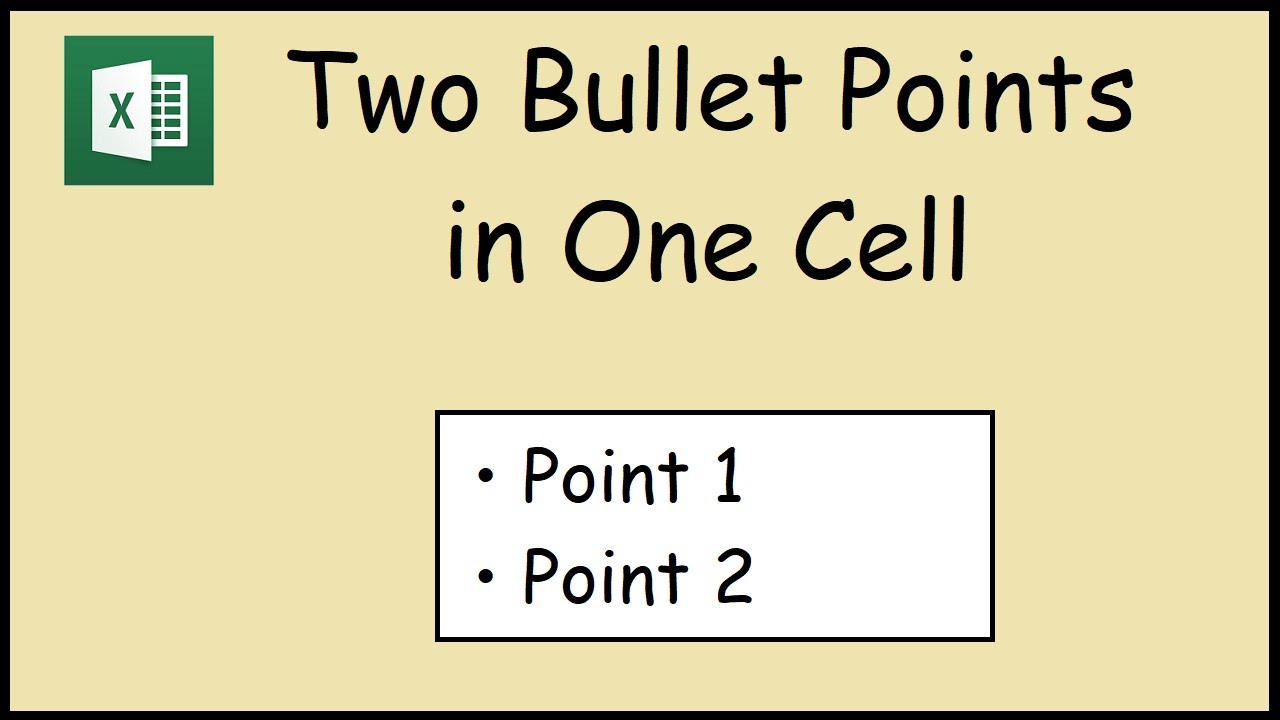
How To Put Two Bullet Points In A Cell In Excel YouTube

How To Insert Picture In Excel Cell Automatically ExcelDemy
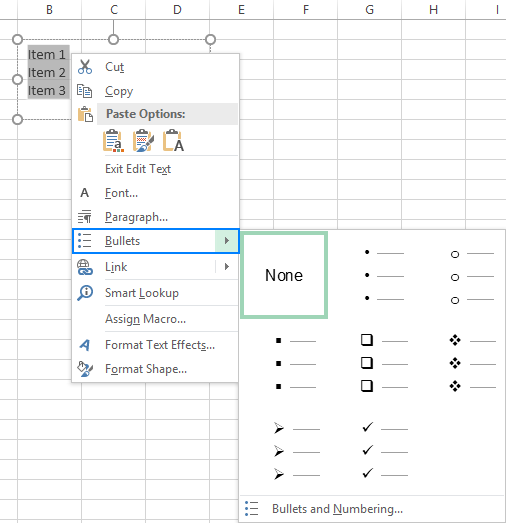
How To Insert Bullet Points In Excel In 8 Different Ways

How To Indent Bullet Points Of A Cell In Excel 3 Effective Ways
Web Add a bullet to a cell in a worksheet using character codes or symbols In addition to a round bullet you can choose to add a checkbox or other symbol

Web May 10 2024 nbsp 0183 32 Today I ll show you how to add bullet points in Excel with steps and illustrative images so you can also do the same to highlight key points in your Excel workbook reports for clarity and enhanced readability Bullet points enhance the visual appeal of a document or presentation by adding structure and white space

Web How to Add Bullet Points in Excel Using Keyboard Shortcut Using Insert Symbol Dialogue Box Using the CHAR Function Using Custom Number Formatting Copy Pasting a list from MS Word or PowerPoint How to Add Bullet Points in Excel In this tutorial you ll learn various ways to insert bullet points in Excel
Web Mar 21 2024 nbsp 0183 32 How To Add Bullet Points in Excel Select the cell or cells you want to add the bullet points in Go to the Insert tab Click on the Symbol icon in the toolbar In the Symbol dialog box select the desired font from the Font drop down menu Find the bullet point format you want to use

Web Nov 19 2020 nbsp 0183 32 Want to add bullet points to an Excel spreadsheet Here are three ways to do it Quick Links Insert Bullet Points From the Symbol Menu Insert Bullet Points in a Text Box Insert Bullet Points Using Keyboard Shortcuts Adding a bulleted list in an Excel worksheet isn t straightforward but it s possible
Web Jul 26 2020 nbsp 0183 32 Add Bullet Points in Excel With Shortcut Keys One of the easiest ways to add bullet points in Excel is using keyboard shortcut keys To add one bullet point per cell double click the first cell where you want a bullet point and press Alt 7 to insert the bullet Then type the item you d like to follow the bullet Web Apr 29 2024 nbsp 0183 32 1 Add A Solid Bullet Point in Excel Following are the steps to insert solid bullet points Step 1 Select the cell in which you want to add a bullet point Then double click on it Step 2 Press Alt 7 Now as soon as you will leave the Alt key a solid bullet point will appear 2 Add A Hollow Bullet Point in Excel
Web Mar 18 2022 nbsp 0183 32 1 Create a Bulleted List Using Keyboard Shortcuts The easiest way to create a bulleted list is to use the Alt key to add a bullet character into a cell If you hold down the Alt key and enter the Numpad code the code will convert into a symbol Select the cell where you want to add a bullet