Does Changing System Variables Require A Reboot QuickBooks Require Reboot To Complete Installation Does Changing The Primary DNS Suffix Of A Windows Server 2012 Machine How To Start A Service During A Server Restart On Linux Systran Box Solved Often The Impact Of Changing System Requirements Chegg Upgrading VSphere VMware To Reset PowerShell whenever there is a change in your Windows system environment variable edit your PowerShell profile First we need to open our PowerShell in any terminal If you re in Windows 10 or 11 you can use Windows Terminal Then let us open our PowerShell profile using Notepad
Actually every program that needs to see them has to be restarted The environment is copied into the process memory on startup and therefore has no connection whatsoever to the system defined envvars anymore Joey Sep 2 2009 at 5 58 21 after reading these I realized that there is no spoon in the real world you just restart cmd Open you Environment Variables Window Double Click on you Path if you want to just change you path for your login use the top one if you want to change it for all logins use the bottom one Append the path you would like to add separated with a semi colon Below I am adding C CmdShortcuts Now reboot your computer Argh J K
Upgrading VSphere VMware C ch Kh i ng L i Kh i ng L i M y T nh Windows ng C ch Taptin Blog Change Windows VPS Password Hostwinds Keep Windows 10 From Updating To Windows 11 5 Ways 4 1 Introduction And Functionality IBM System Storage DS6000 Series Installing VMC Software Bell AVR Documentation Schedule Reboot For Windows Devices Using Intune HTMD Blog How To Stop Windows 11 Update Pending Restart Effectively Fix Your Computer By Rebooting First IT Support Georgetown TX
Does Changing System Variables Require A Reboot
 Does Changing System Variables Require A Reboot
https://blogger.googleusercontent.com/img/b/R29vZ2xl/AVvXsEisG9nchZO0Ftc6aa1pAFrDxg8IcKUqMZlBM-QpKvh2R7XQaue5TY7uzqDcB8lUptOxE4pPswPGFOrFN2hP_KnuPvyr61792U5xpAjoX7th97XMLUFqQdcX8wgr3YQmZ6ugv92_0j0Q-QqN-BzyEsJoNWECJSo68UHRfR3NutwPh-ZSgGav7FV9pJAQ/w1200-h630-p-k-no-nu/Capture 1.PNG
Set New User Environment Variables in Command Prompt 1 Open a command prompt 2 Type the command below into the command prompt and press Enter see screenshot below setx variable name variable value Substitute variable name in the command above with the actual variable name ex Downloads you want to use
Pre-crafted templates use a time-saving option for creating a diverse series of documents and files. These pre-designed formats and layouts can be utilized for numerous individual and expert tasks, including resumes, invites, leaflets, newsletters, reports, discussions, and more, simplifying the material creation process.
Does Changing System Variables Require A Reboot
15 Independent And Dependent Variable Examples 2023

C ch Kh i ng L i Kh i ng L i M y T nh Windows ng C ch Taptin Blog
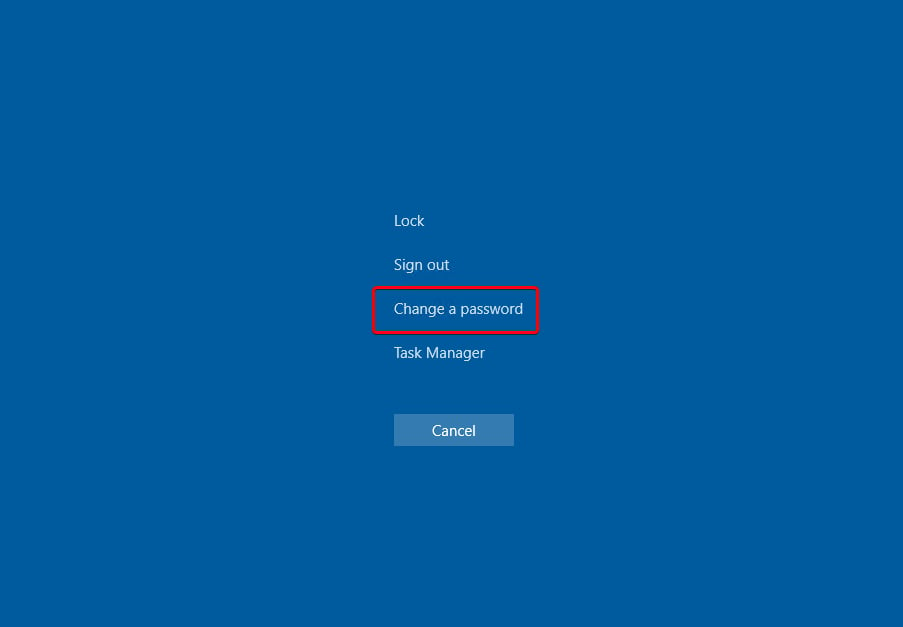
Change Windows VPS Password Hostwinds
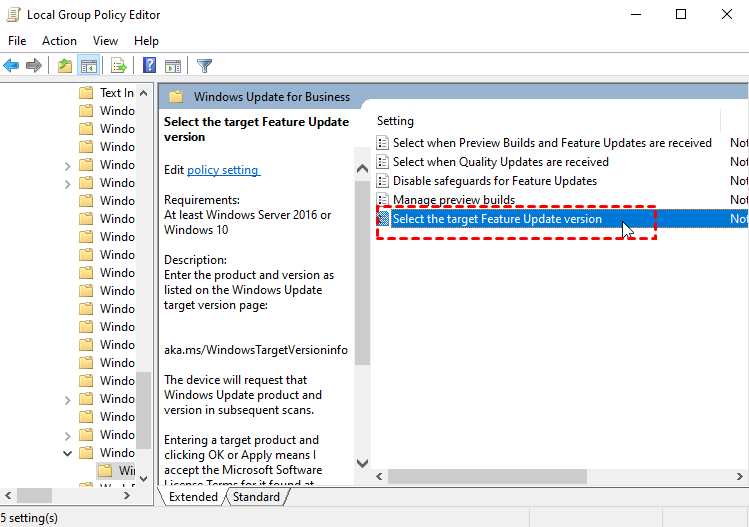
Keep Windows 10 From Updating To Windows 11 5 Ways

Installing VMC Software Bell AVR Documentation
Schedule Reboot For Windows Devices Using Intune HTMD Blog

1 Under Windows new processes pick up environment variable changes right away However your problem probably has nothing to do with environment variables The Windows version of JRE puts executables like java exe javaw exe in the system32 folder so unless you have your JDK before windir system32 in your PATH you ll always be running the JRE

Overview Environment Variables in Windows It seems that you re learning to program and trying to refresh environment variables in Windows 11 without rebooting your computer and restarting your project and disrupting the workflow The Windows OS provides a way for system administrators to change the values of environment variables in the registry

8 172 8 58 91 Is your installer 64 bit If it s not the update value for PATH maybe written into WOW64 branch of the registry instead of 64 bit one Alexey Ivanov Aug 8 2011 at 12 11 Thanks for your response The installer was built as 64 bit
etc environment is officially the correct place for system wide environment variables But how can I reload the assignments in this file without rebooting or relogging Interestingly enough google does not help me here aside from the dozens of blog posts suggesting to use source etc environment

3 superuser questions 312906 You need to write install a program that sends WM SETTINGCHANGE message Zoredache Feb 16 2012 at 21 40 Zoredache So that s not something that can simply be done from the command prompt Bummer Iszi Feb 16 2012 at 21 43
1 This is very unusual what is the exact method are you using to access that Environment Variables utility 2 is there a work or school account linked to your PC possibly for software installation Open the Settings App Go to Accounts Select Emails and Accounts is there is a work or school Email listed there 9 Answers Sorted by 173 Update After seeing lots of comments about setting environment variables without admin in Windows 10 I think I have found a way I was not admin and could use PowerShell
In the System Properties window click Environment Variables Click on the variable you d like to change click Edit Many environment variables will simply take a name and value like Number of processors All you have to do to edit them is to change the value and click OK Adding an environment variable works the exact same way