Display Path Terminal Mac What Is Terminal For Mac But To Windows Lasopaiheart What Does Path 1 And Path 2 Google Ads Display Path Mean Mac Os Create File Terminal Pickbinger How To Use Find Command Mac Terminal Hotlinedamer Oni Mac Os X Download Networktree Aug 31 2020 nbsp 0183 32 The Wireless Display optional feature adds the Connect app in Windows 10 allowing other devices on the same wireless network to use Connect to wireless display to
May 22 2020 nbsp 0183 32 How to Calibrate Display Color in Windows 10 Windows comes with the Display Color Calibration wizard tool You can improve the color on your display by using Display Color Nov 7 2021 nbsp 0183 32 How to Change Display Orientation in Windows 10 Published by Shawn Brink Category General Tips 07 Nov 2021 How to Change Display Orientation in Windows 10 In
Oni Mac Os X Download Networktree Which Command Can You Enter At The Command Prompt To List All Files And Add Directory To Path In Linux Linux Hint Sound WRX Open Terminal Questatila Mac Open Terminal Arcadedop Top Best Mac Terminal Commands That You Should Try QuickLockApp 10 Mac Terminal Commands You Should Try Nowbotcost blogg se Download File From Terminal Mac Lego Racers For Mac Download Networktree
Display Path Terminal Mac
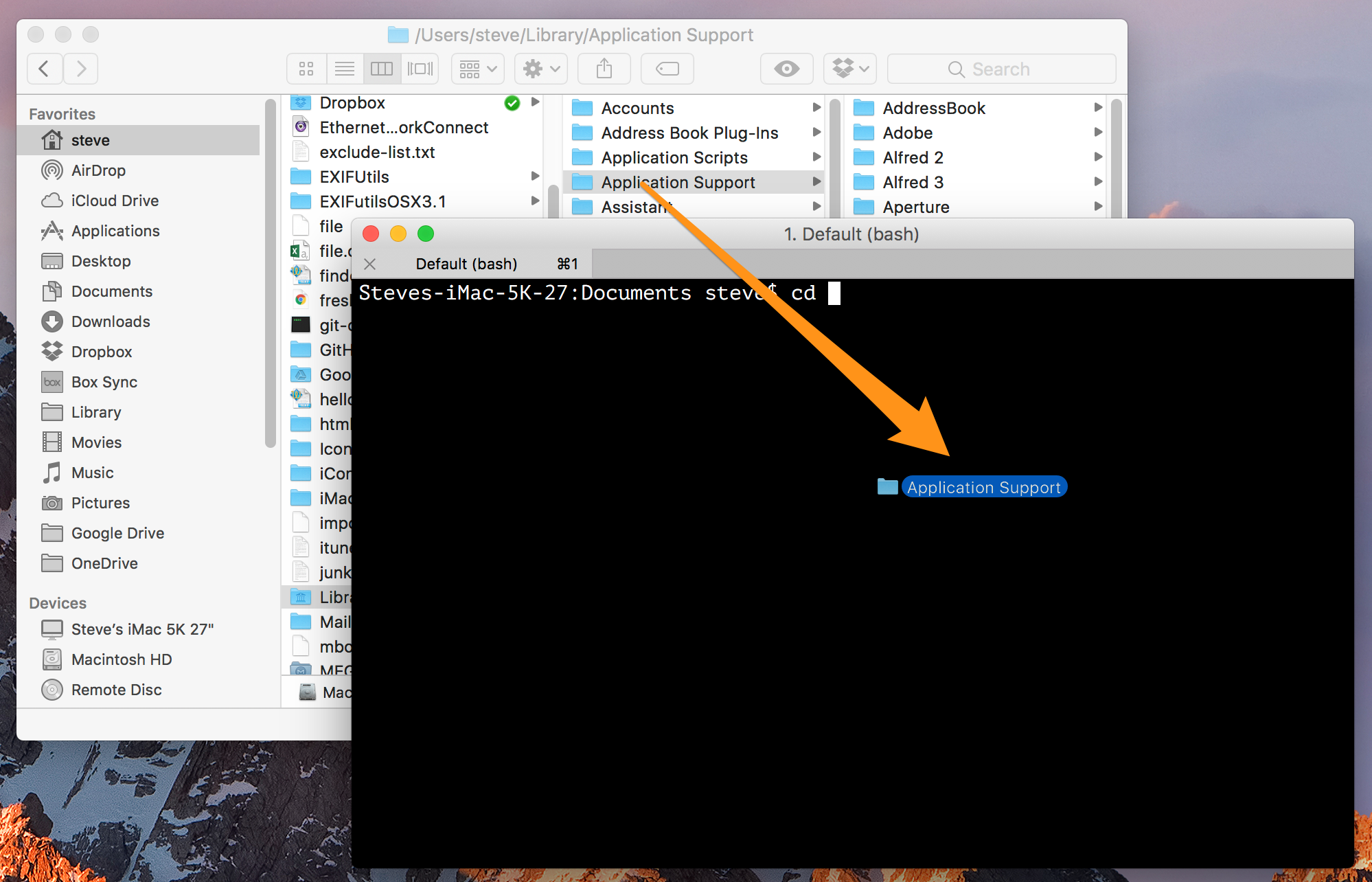 Display Path Terminal Mac
http://www.tech-otaku.com/wp-content/uploads/0940-03-dragging-an-item-from-the-finder-to-a-terminal-window.png
Training for Display amp Video 360 Google Marketing Platform Academy Sign up for Google Marketing Platform Academy and watch the Display amp Video 360 livestream series The series
Pre-crafted templates use a time-saving solution for creating a varied variety of files and files. These pre-designed formats and designs can be used for numerous personal and expert projects, consisting of resumes, invitations, leaflets, newsletters, reports, discussions, and more, improving the material production process.
Display Path Terminal Mac

Santiago Calatrava Valencia Voor Beginners
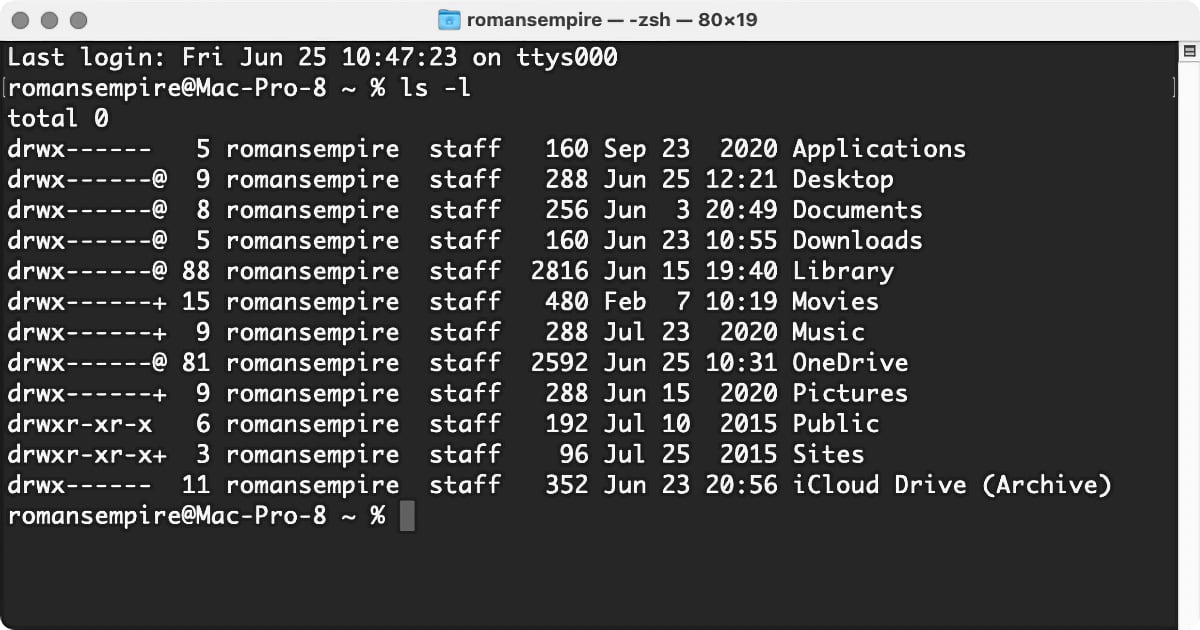
Which Command Can You Enter At The Command Prompt To List All Files And
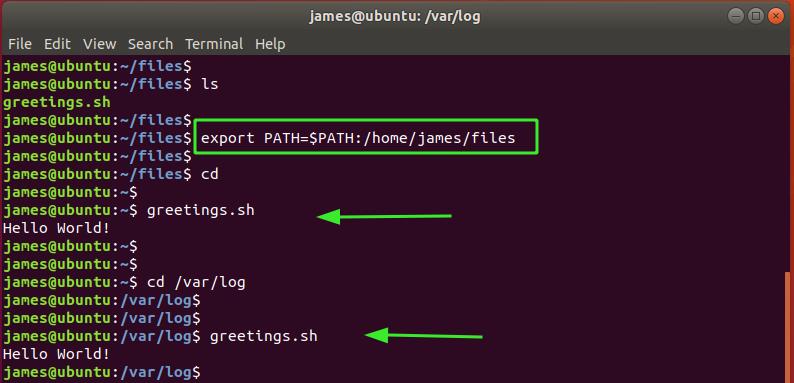
Add Directory To Path In Linux Linux Hint Sound WRX
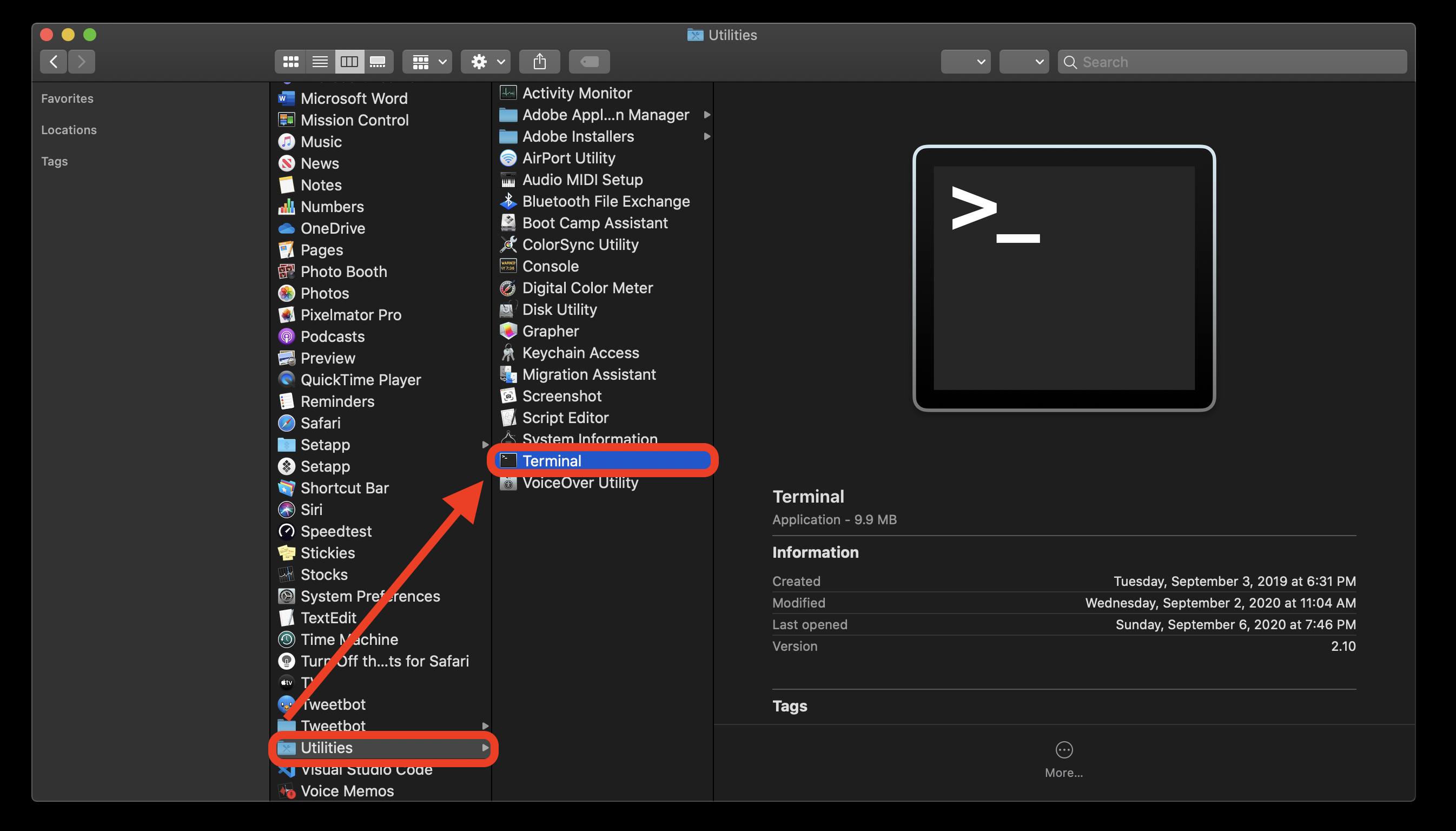
Open Terminal Questatila
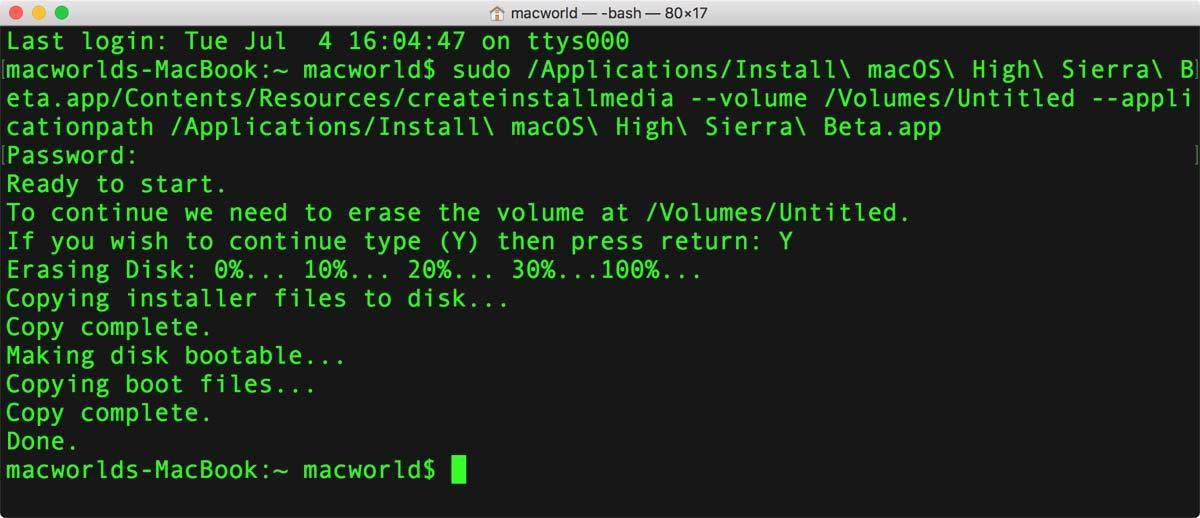
Top Best Mac Terminal Commands That You Should Try QuickLockApp
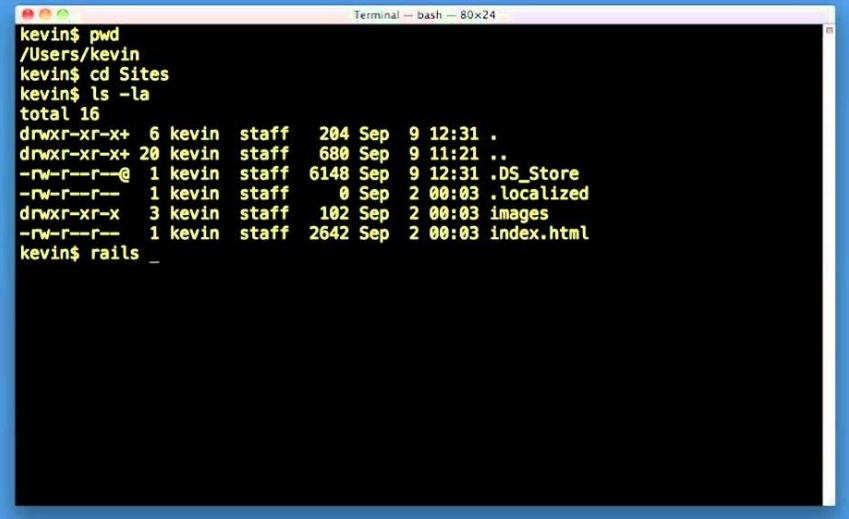
10 Mac Terminal Commands You Should Try
May 1 2021 nbsp 0183 32 How to Rearrange Multiple Displays in Windows 10 You will see the Rearrange your displays option available in Settings gt System gt Display when Windows 10 detects more than

Official Display amp Video 360 Help Center where you can find tips and tutorials on using Display amp Video 360 and other answers to frequently asked questions
Nov 8 2021 nbsp 0183 32 How to Enable or Disable Adaptive Brightness in Windows 10 Displays especially on laptops and tablets may utilize ambient light sensors to detect surrounding levels of light

HDMI

Oct 12 2017 nbsp 0183 32 External second display wrong size I have two extra displays connected to my laptop and my largest one technically a TV but whatever is appearing the wrong size relative
[desc-11] [desc-12]
[desc-13]