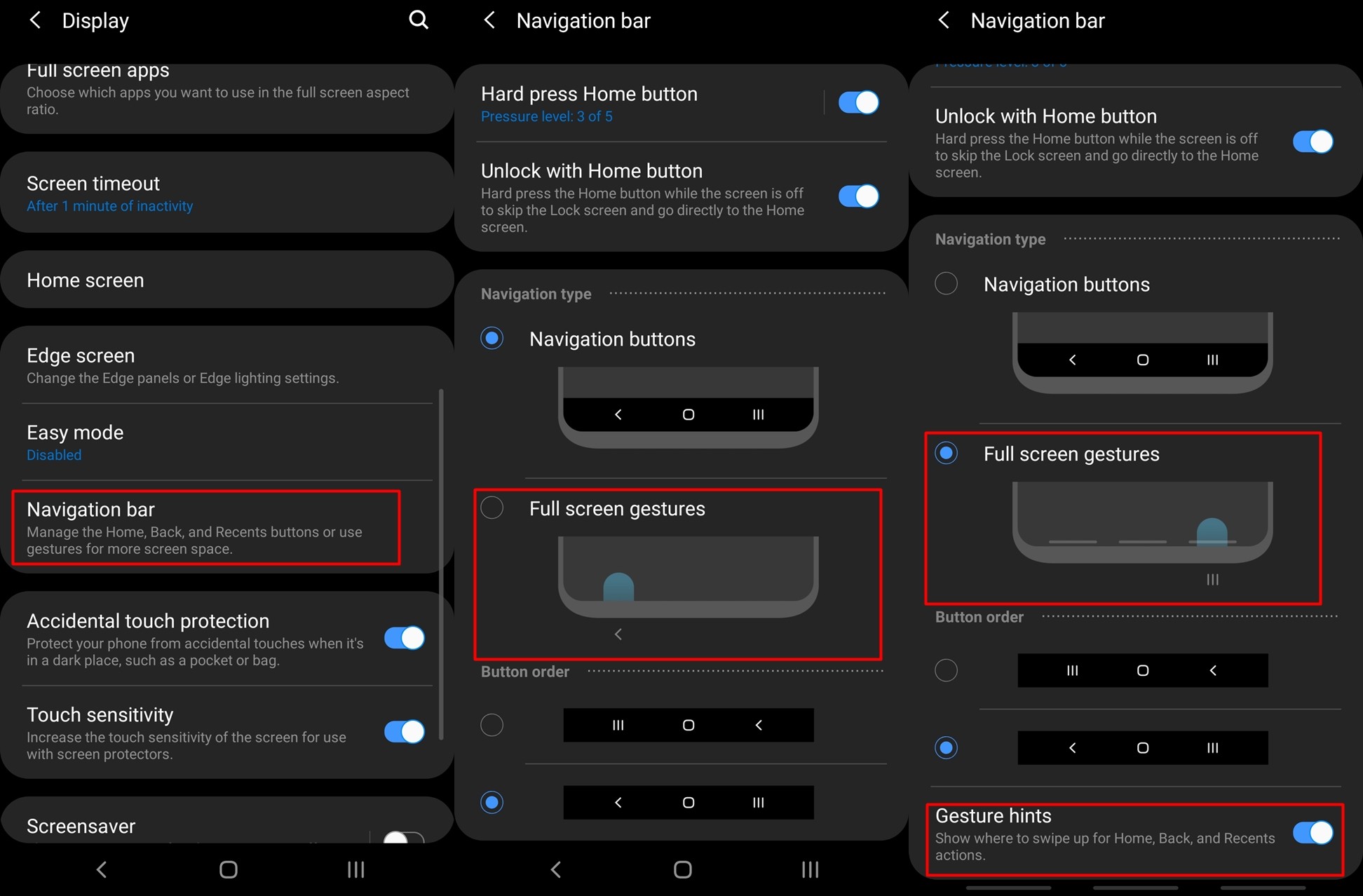
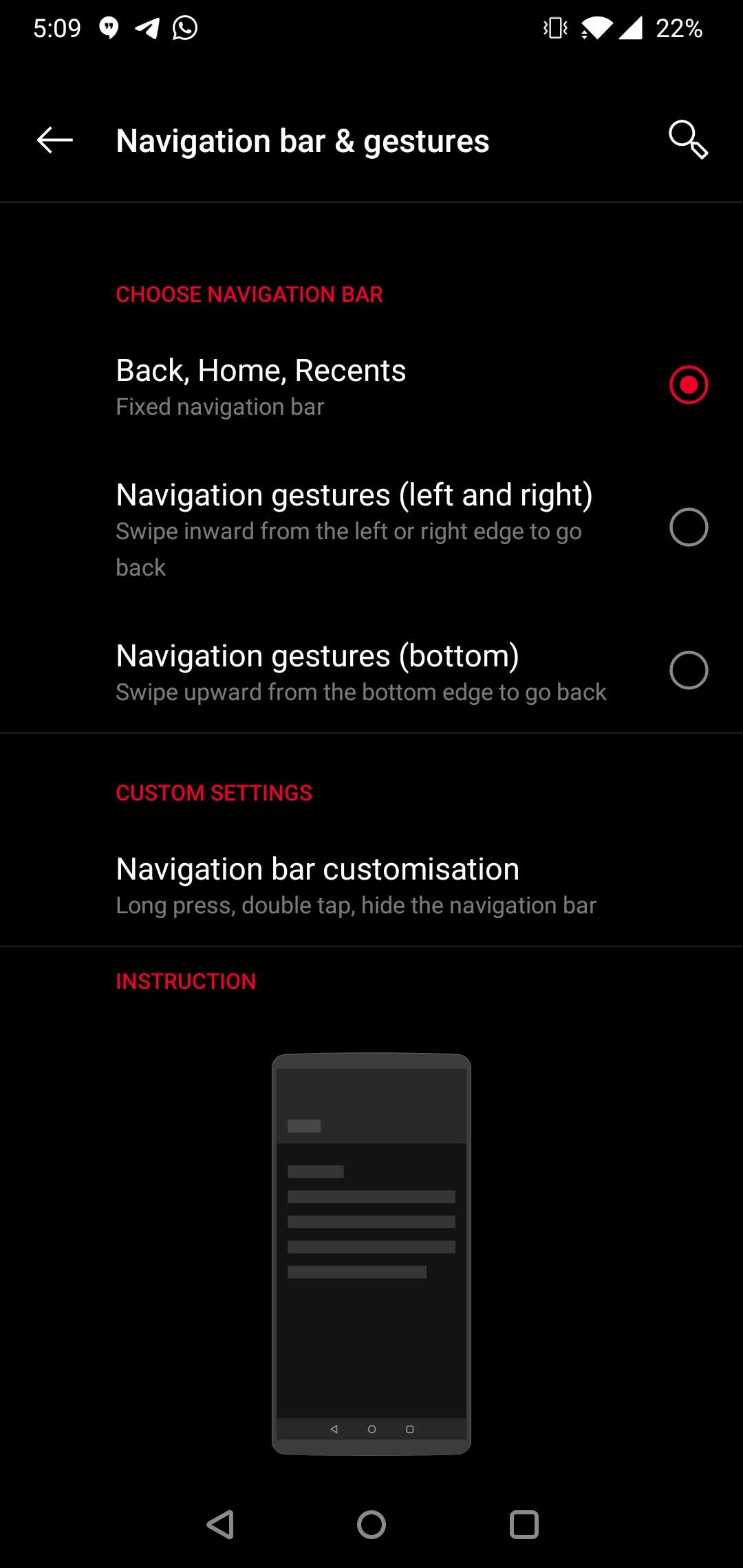
Disable Navigation Bar Android 11 How To Hide Navigation Bar On One UI Android 9 Pie Update On Galaxy S9 How To Disable Software Buttons On Android Devices Hexnode Help Center Solved How To Disable A Navigation Bar Button Item In 9to5Answer Android 10 Navigation Bar Quick Panel Button Removed GalaxyS9 How To Disable Navigation Gestures In Android Disable Navigation If you want to hide the navigation bar just follow these steps 1 From Settings choose Display 2 Scroll down to the Navigation bar option and tap on it 3 Here you can choose between Buttons and Swipe gestures Buttons are the default option 4 Select the Swipe gestures to show its options 5
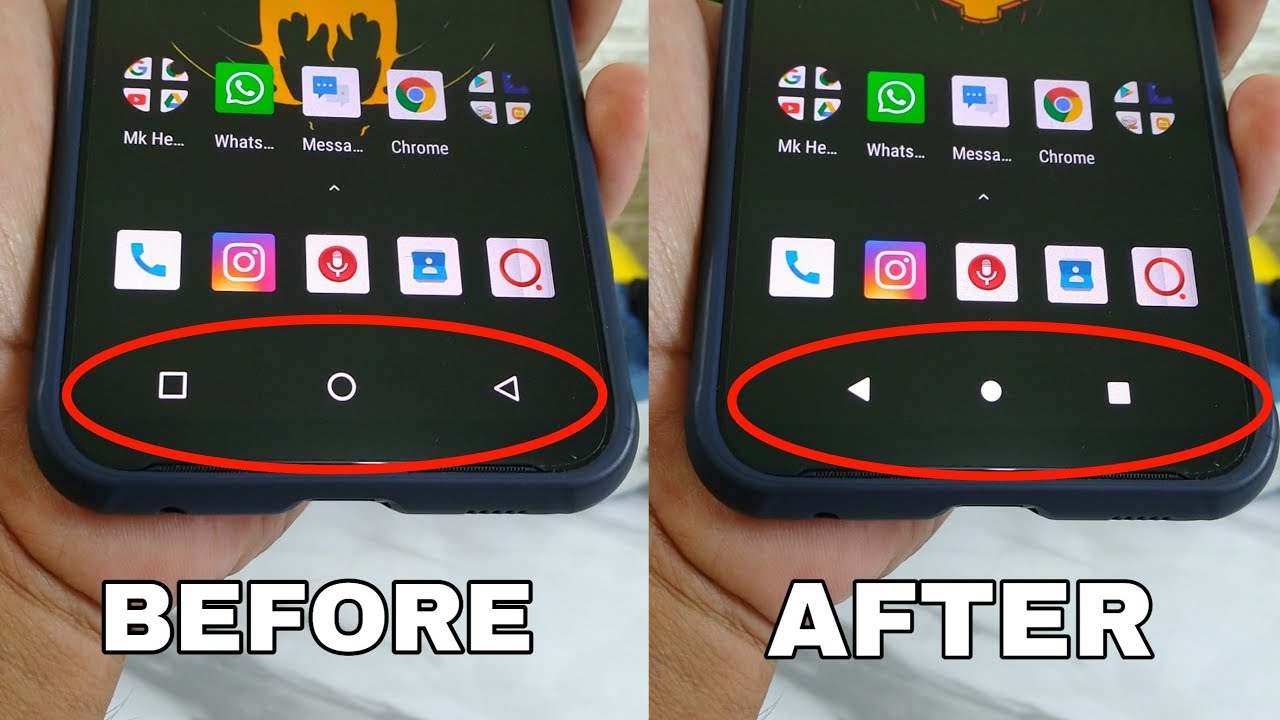
Connect your Android device to the computer using a USB cable Once your device is detected run in the following command adb shell wm overscan 0 0 0 0 If you are using Windows PowerShell to execute the command make sure that you type in the command in this format adb shell wm overscan 0 0 0 0 First swipe down once from the top of the screen and tap the gear icon Next select Display from the Settings menu Scroll through the settings and tap Navigation Bar toward the bottom With Buttons selected as the Navigation Type scroll down and choose the button order that you prefer Easy as that
How To Disable Navigation Gestures In Android Disable Navigation How To Enable 3 Button Navigation Bar In Android Android Bottom Navigation Bar Change Color Or Image Tutorial Using How To Change Navigation Bar Position On All Android Devices YouTube 20 Mobile Bottom Navigation Bar Figma Community Less Than Definitive Cut Bottom Navigation Bar Android Studio Social Enable Disable Navigation Bar On Treble Roms Hindi YouTube How To Disable Navigation Bar In Apps Xiaomi Manual TechBone Android How To Deal With Navigation bar Stack Overflow
Disable Navigation Bar Android 11
 Disable Navigation Bar Android 11
https://cdn.nerdschalk.com/wp-content/uploads/2019/02/One-UI-Navigation-Bar.jpg
But based on this tutorial you can do this in Android 11 you need to use WindowInsetsController and its hide method Like the other answer suggested you can use getWindow getDecorView getWindowInsetsController hide android view WindowInsets Type statusBars So this is for Android 11 and later other methods are for earlier
Templates are pre-designed files or files that can be utilized for different functions. They can save time and effort by offering a ready-made format and design for producing various kinds of material. Templates can be utilized for individual or expert projects, such as resumes, invites, flyers, newsletters, reports, discussions, and more.
Disable Navigation Bar Android 11

Theming Floating Action Button With Bottom Navigation Bar In Android
How To Enable 3 Button Navigation Bar In Android

Android Bottom Navigation Bar Change Color Or Image Tutorial Using
How To Change Navigation Bar Position On All Android Devices YouTube

Less Than Definitive Cut Bottom Navigation Bar Android Studio Social
Enable Disable Navigation Bar On Treble Roms Hindi YouTube

1 We are creating the app in an Android 11 environment To prevent app users from dropping the app or changing settings I would like to completely hide or disable the navigation bar and status bar View SYSTEM UI FLAG IMMERSIVE STICKY View SYSTEM UI FLAG FULLSCREEN View SYSTEM UI FLAG HIDE NAVIGATION View SYSTEM UI FLAG LAYOUT STABLE

11 1 Add a comment 1 Answer Sorted by 0 You can hide navbar and status bar by setting the height of these dimens to 0dp status bar height portrait navigation bar height navigation bar height landscape navigation bar width For disabling the keyguard by default you can set the following bool in Settings Provider to true def lockscreen disabled

As you may be aware in android 11 google has killed hiding the navbar the overscan feature that hundreds of apps relied on hiding the navbar this is a real PITA however i ve found a method for killing the navbar requires adb root

Hide Navigation Bar Using Third Party Apps You can use the Power Toggles app to enable immersive mode on your device which essentially hides the status bar and the navigation Bar thus giving you more screen space To do so follow the steps below Go to the Play Store and download Power Toggles from here

Figure 1 Navigation bar Hide the Navigation Bar You can hide the navigation bar using the SYSTEM UI FLAG HIDE NAVIGATION flag This snippet hides both the navigation bar and the status bar Kotlin Java window decorView apply Hide both the navigation bar and the status bar
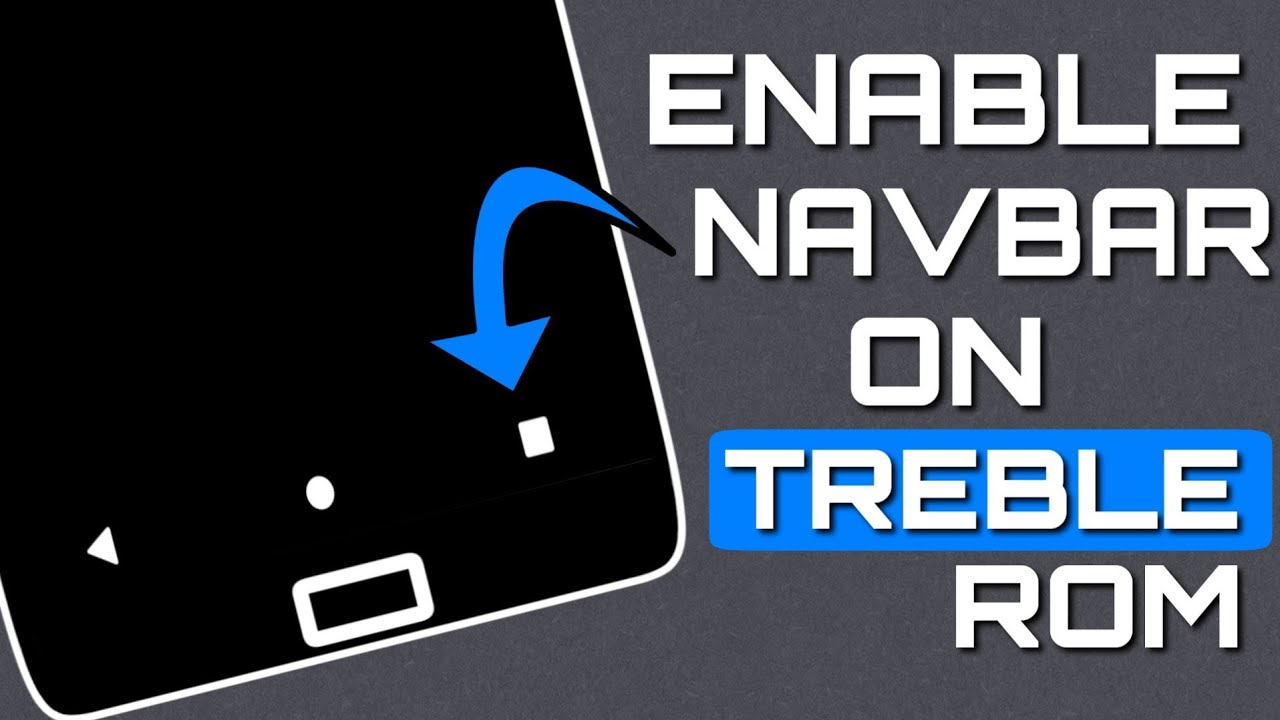
Switch nav to 3 button nav in settings Install the mod and reboot open up termux and type in su and hit enter and grant it root perms copy and paste this props qemu hw mainkeys 1 and hit enter enter y for each question until it reboot That s it the nav bar is now hidden and you can use your 3rd party nav app like you used to before 11 29 here s a quick and simple way to disable the Navigation Bar completely on Android It requires root but once you have your smartphone or tablet rooted then you can get rid of the annoying Navigation Bar aka Soft Keys
Type out the following command adb shell and then press Enter on the keyboard At the shell prompt type out the following command wm overscan 0 0 0 120 You will need to slowly increase decrease the negative number as shown in the video below until the top of the Navigation Bar goes away