Substance Designer Expose Gradient Stepped Gradients in Substance Designer Gradient (Dynamic) node usage (Allegorithmic Substance Designer 5) - YouTube ArtStation - Single Color Gradient Node - Free Substance Designer Utility | Resources Gradient Map [Atomic Nodes] - Substance Designer (showcase) - YouTube ArtStation - Single Color Gradient Node - Free Substance Designer Utility | Resources If you want to be able to do so in Ventuz you need to Expose them in Substance Designer To do so click the desired function on the parameter tab and hit Expose
Coming to the shape splatter node We can come to the X amount and click the manage functions bottom And from the list that appears you ll notice that we can With Gradient Map selected click the Gradation Editor button in the parameter window to open the editor Now prepare the image to make
ArtStation - Single Color Gradient Node - Free Substance Designer Utility | Resources Substance Designer 2020.2 - Substance Engine Version 8 Update - YouTube Solved: Gradient Map equivalent in Substance Painter? - Adobe Support Community - 13311473 Substance Designer Basics - Gradient Map - YouTube MV String to Color - Pattern Generator (Free) | Resources - ArtStation Substance compositing graphs and MDL materials | Substance 3D Designer Discovering the Curve Node in Substance Designer Stepped Gradients in Substance Designer ArtStation - Texturing an apple: An example of a simple organic substance
Substance Designer Expose Gradient
 Substance Designer Expose Gradient
https://olafhaag.com/blog/substance-stepped-gradients/img/stepped-gradient-transform.webp
Create your own Sbsar for Smode thanks Substance Designer and nodes of your materials you can right click on it and choose Expose Paramters
Templates are pre-designed files or files that can be used for different purposes. They can save effort and time by providing a ready-made format and design for creating different kinds of material. Templates can be utilized for individual or expert tasks, such as resumes, invitations, leaflets, newsletters, reports, presentations, and more.
Substance Designer Expose Gradient
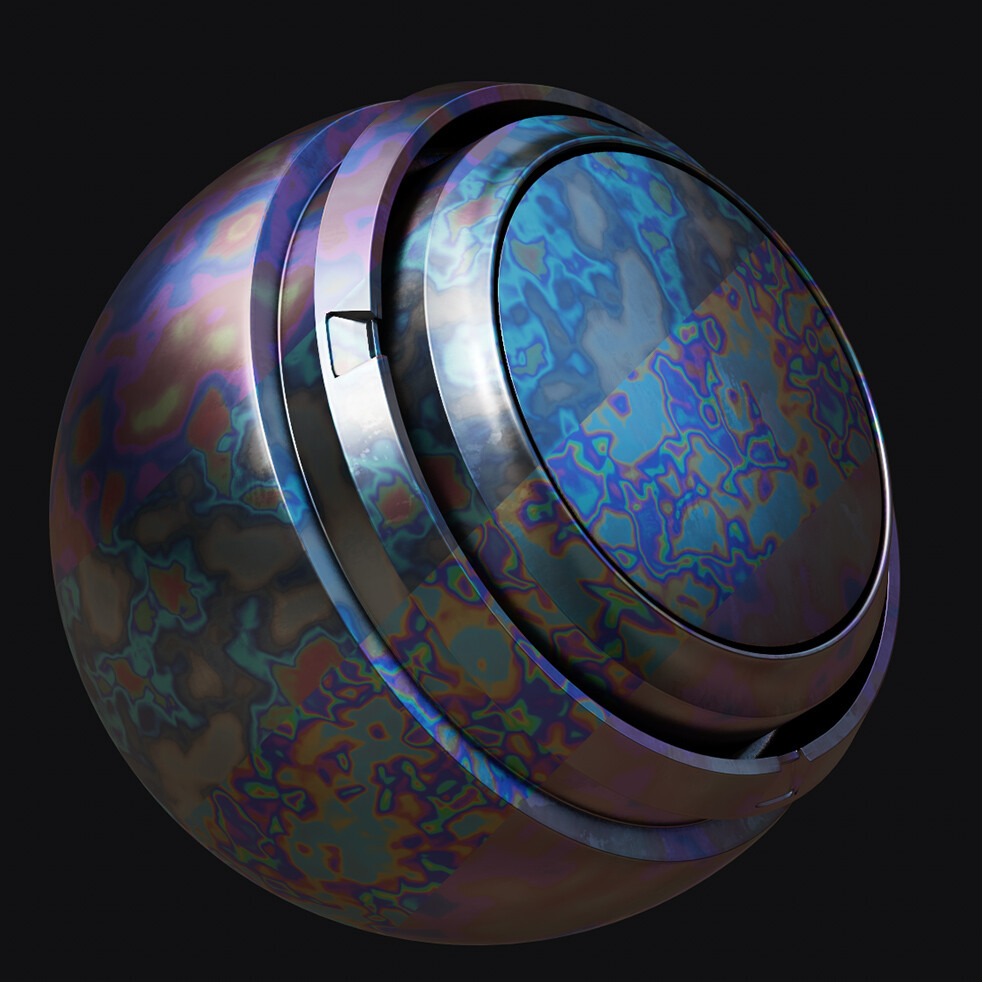
ArtStation - Gradient Presets (Substance)
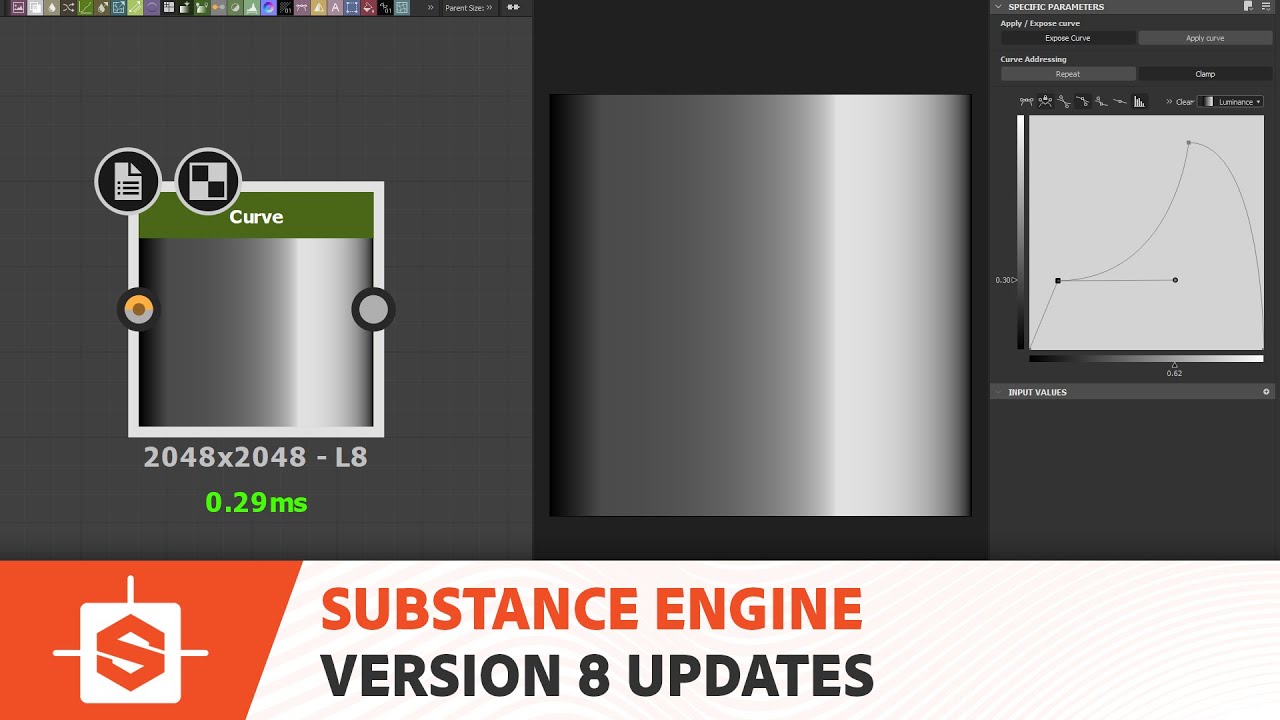
Substance Designer 2020.2 - Substance Engine Version 8 Update - YouTube

Solved: Gradient Map equivalent in Substance Painter? - Adobe Support Community - 13311473

Substance Designer Basics - Gradient Map - YouTube

Substance compositing graphs and MDL materials | Substance 3D Designer

Discovering the Curve Node in Substance Designer

The Gradient Dynamic or Dynamic Gradient node remaps a grayscale input to a new grayscale or color ramp It serves as a slight alternative to

In this video we look at using the Dynamic Gradient node to create a wood pattern
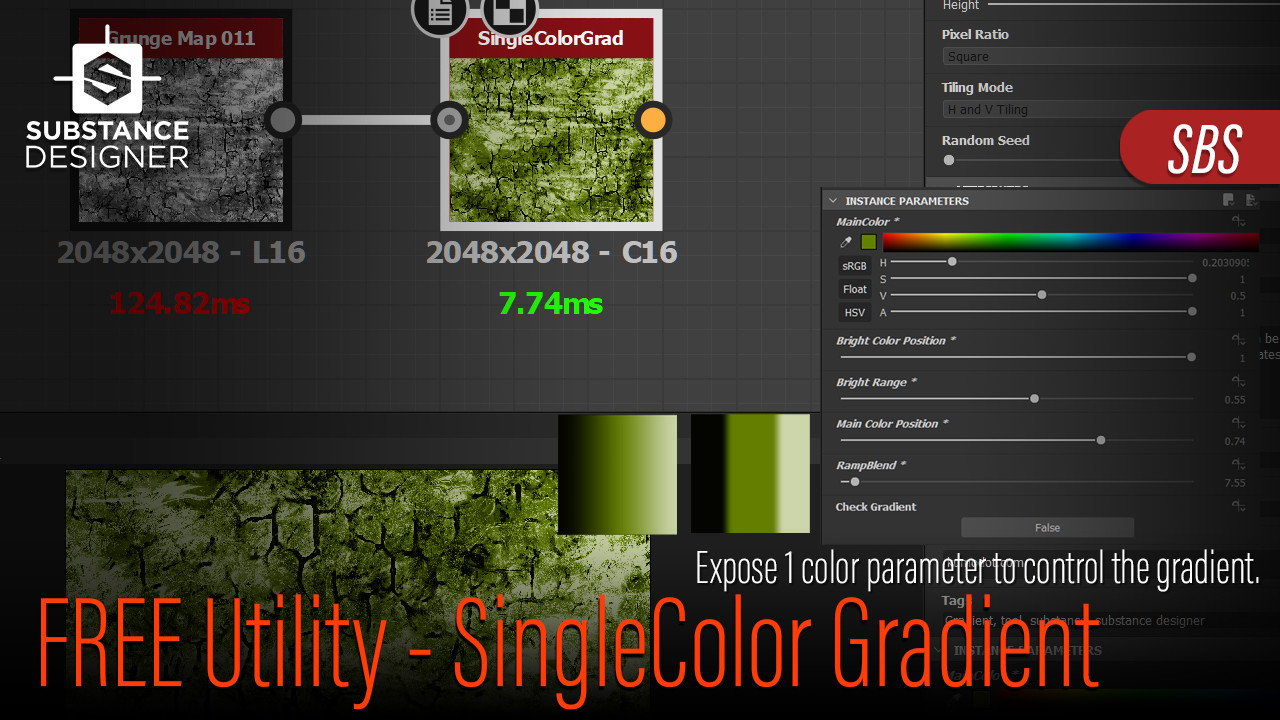
Sometimes you want to expose a color parameter but you are using a gradient So this utility come in handy for simple gradients same color from dark to bright

You start by placing a Gradient Linear 1 and setting its Output Size to Absolute Lower the Width and or Height to the number of steps you

Join Joel Bradley for an in depth discussion in this video Gradient map part of Substance Designer 2020 Essential Training
Gradient Mapping for Albedo Colors Much like Photoshop and gradient node in Substance Painter Answered Parameters are exposed for finer control over the end result Steel tempering and Iridescence filters for use with Substance Painter or Designer
While I was exposing parameters to make the dirt road customizable I realized that by blending the different elements of the substance together