Design Ideas Powerpoint Design Ideas Powerpoint Version DASIGNPRO Professional Powerpoint Templates Persurfer Powerpoint Slide Layout Design Creative Slides Templates Powerpoint Ideen Web Sep 27 2022 nbsp 0183 32 We ve explored how to get design ideas on PowerPoint for 2023 Now it s time to put them into practice using premium templates By turning to Envato Elements you get the ultimate in PPT designs in 2023 Elements has thousands of creative PowerPoint templates that you can use to find design ideas
Web Discover the best Google Slides themes and PowerPoint templates you can use in your presentations 100 Free for any use Web Use PowerPoint Designer Insert one or more pictures a list of items or a list of dates The Designer panel will open Select the design you want You can also bring up Designer by selecting a picture and then selecting Design gt Designer
Powerpoint Ideen Powerpoint Design Ideas Vermyi Powerpoint Design Ideas Auklo Creative Ideas PowerPoint Charts Powerpoint Charts Infographic Powerpoint Corporate Templates Verallthings Powerpoint Design Ideas Ludageek 35 Unique Ideas For A PowerPoint Presentation Cubicle Ninjas Microsoft Powerpoint Design Ideas Dashpikol Digital Architecture Ppt The Architect
Design Ideas Powerpoint
 Design Ideas Powerpoint
https://i.pinimg.com/564x/a1/c3/79/a1c379511ad2616d7283df43c45cd268.jpg
Web Mar 18 2021 nbsp 0183 32 How to Make a PowerPoint Template 1 Launch PowerPoint on your PC or Mac and open a blank presentation 2 At the top of the window click on Design and pick a theme and slide size If you wish you can use the Format Background button found on the right hand side to customize your theme
Templates are pre-designed files or files that can be used for various functions. They can save effort and time by offering a ready-made format and design for creating different kinds of material. Templates can be utilized for individual or professional tasks, such as resumes, invitations, leaflets, newsletters, reports, presentations, and more.
Design Ideas Powerpoint
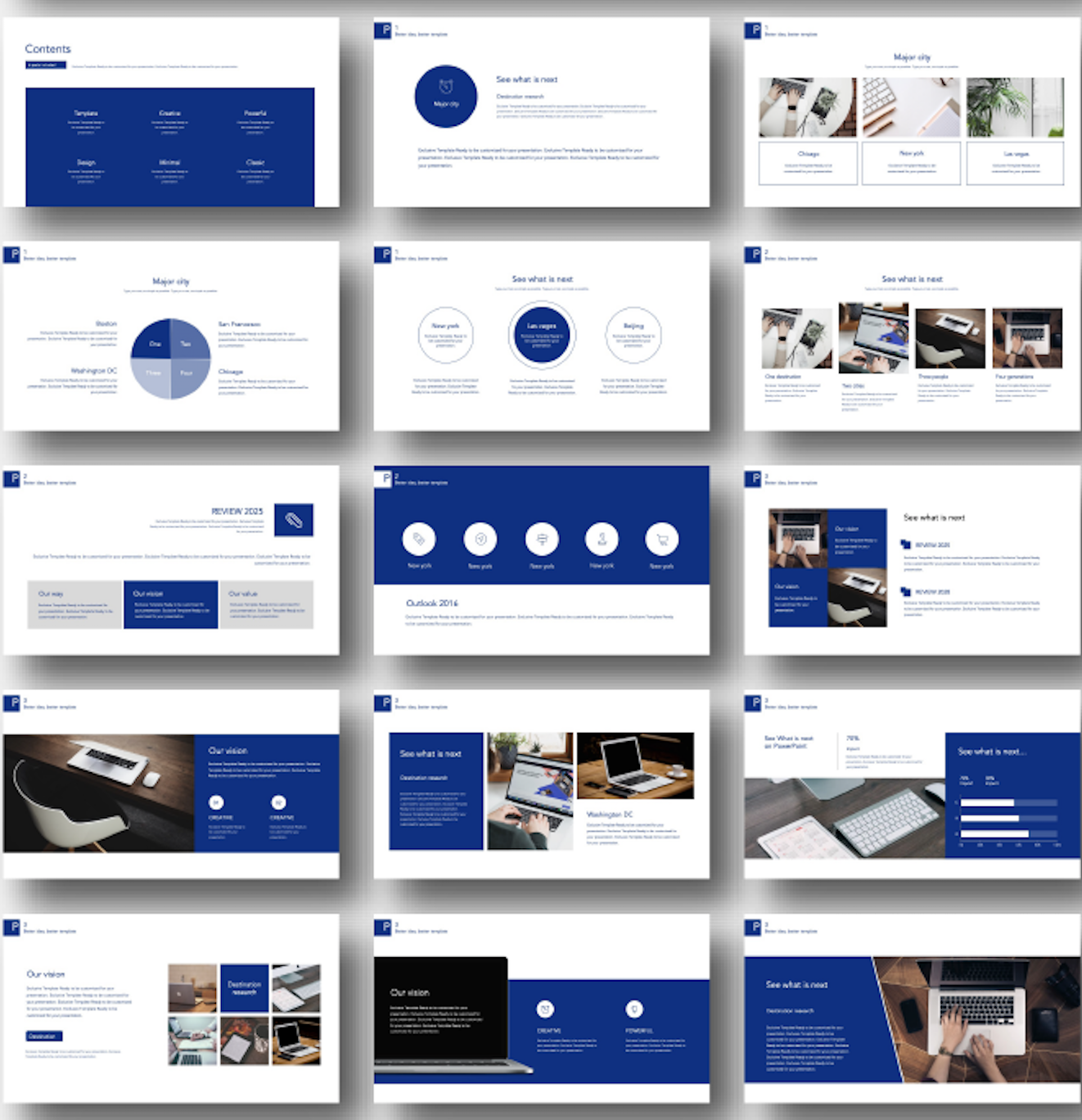
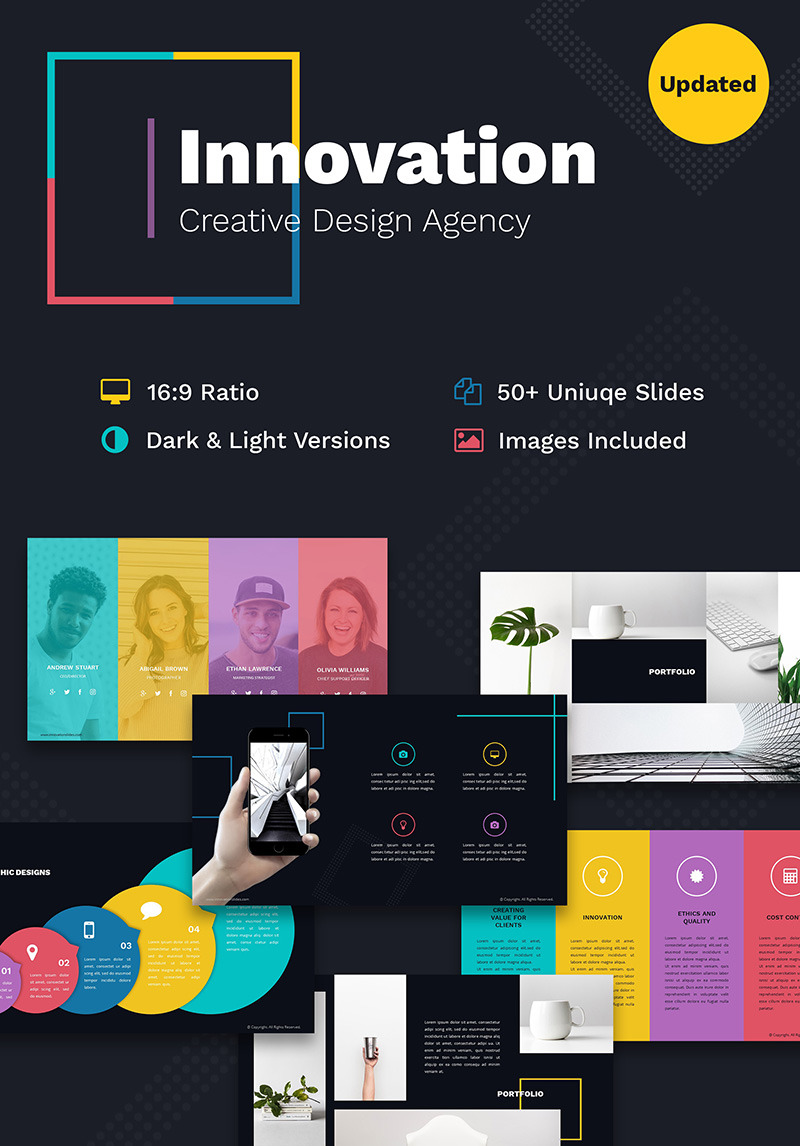
Blue Creative Design Premium PowerPoint Template Original And High

Powerpoint Design Ideas Vermyi
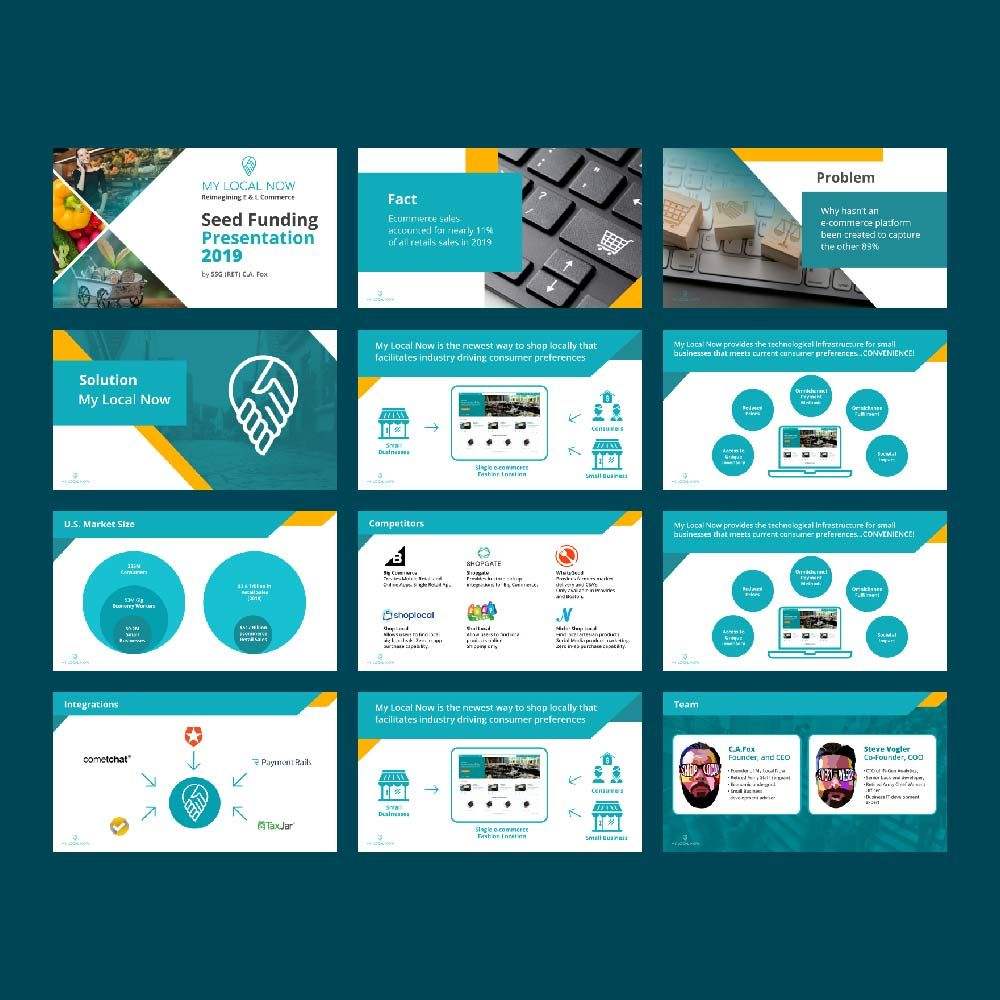
Powerpoint Design Ideas Auklo

Creative Ideas PowerPoint Charts Powerpoint Charts Infographic
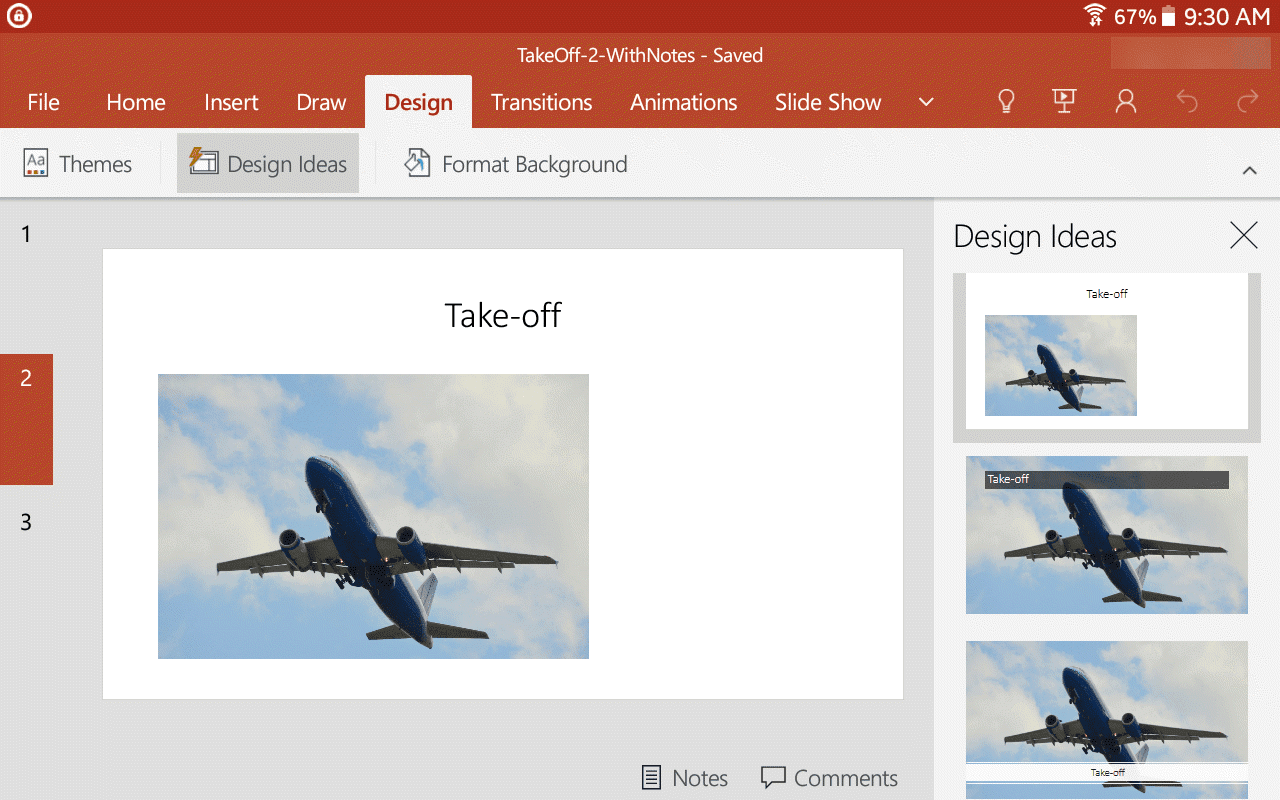
Powerpoint Design Ideas Ludageek

35 Unique Ideas For A PowerPoint Presentation Cubicle Ninjas

Web Create professional slide layouts with Designer Get design ideas Ask for design ideas any time by choosing Design gt Designer on the ribbon The first time you try out A title slide photo and a design scheme When you start a blank presentation and enter words on the slide Designer

Web Here s how 1 Find the perfect PowerPoint template Search for anything type of template image color or take a look around by 2 Customize your creation Use Microsoft PowerPoint to make your design unique Swap out fonts colors design elements 3 Show it
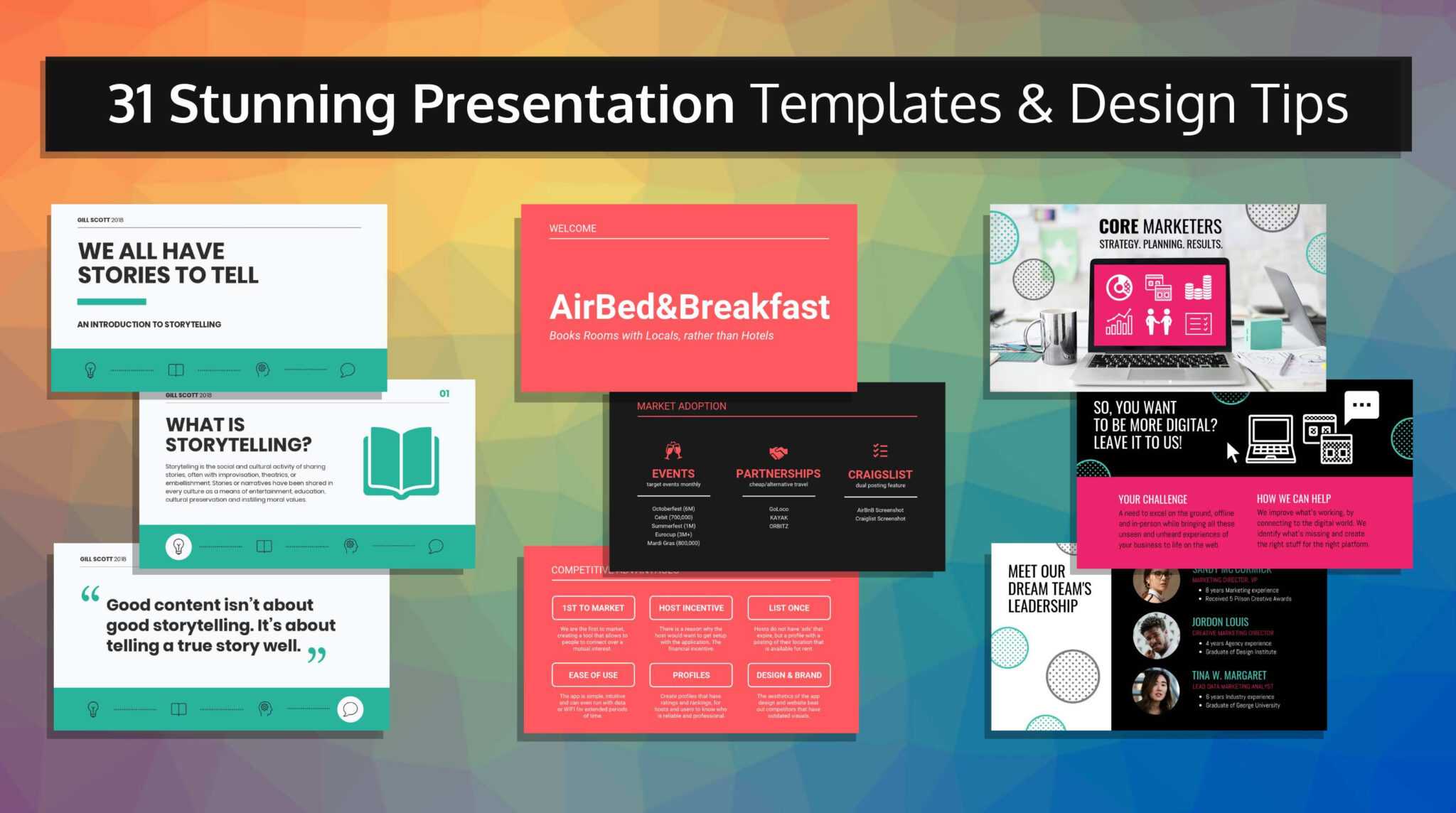
Web Apr 25 2023 nbsp 0183 32 How to use PowerPoint Slide Design Ideas to Enhance your Presentation 1 The Home Tab For both text and visual the Home tab has a number of fundamental features to create an attractive 2 The Insert Tab The Insert tab allows you to populate your slides with visuals from simple shapes to images
Web Aug 17 2020 nbsp 0183 32 Step 1 Open the PowerPoint app and select a relevant template Step 2 If you are using Design Ideas for the first time go with a simple template with a white background Step 3 Add a title and subtitle Now move to the Design menu and you will see a bunch of attractive themes and Step 4

Web Sep 9 2022 nbsp 0183 32 Simply add some text and an image to a blank slide and the Design Ideas tab on the far right will start suggesting different design layouts All you have to do is pick one This AI powered feature in PowerPoint works wonders when you have to quickly put together a slideshow
[desc-11] [desc-12]
[desc-13]