Delete Directory And Contents Linux Command Linux How To Remove All Files From A Directory or Remove A Directory And Its Contents YouTube Remove A Directory In Linux How To Delete Directories And Contents From The Command Line How To Remove Directory And Contents In Linux Linux Tutorials Learn Linux Configuration Linux Server Configuration How To Delete The Contents Of A Linux Directory CCM Change Auto delete settings By default your Gemini Apps activity older than 18 months is auto deleted You can turn off Auto delete or change the auto delete period to 3 or 36 months On
Access amp control activity in your account When you use Google sites apps and services a record of some of your activity is saved in your Google Account You can easily access and Check or delete your Chrome browsing history Websites that you ve visited are recorded in your browsing history You can check or delete your browsing history and find related searches in
How To Delete The Contents Of A Linux Directory CCM Linux Linux Remove Directory And Contents How Does It Works With Examples How To Remove Delete Directory In Linux TechOwns 4 Ways To Copy Directory And Contents To Another Location Linux EaseUS Linux Remove Directory And Contents How Does It Works With Examples Linux Remove Directory And Contents How Does It Works With Examples How To Remove Directory In Linux Linux Magazine Cmd Delete Folder Cara Untuk Menghapus File Dan Folder Di Windows
Delete Directory And Contents Linux Command
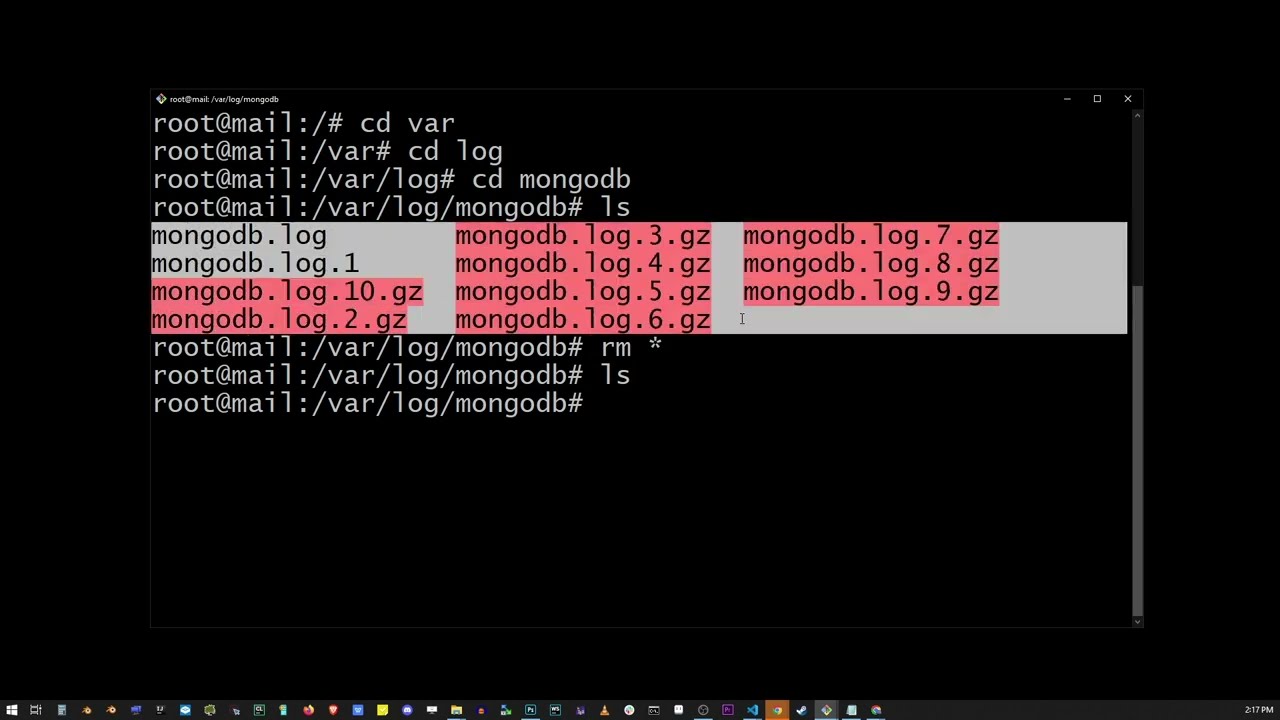 Delete Directory And Contents Linux Command
https://i.ytimg.com/vi/RebdJu5fn0M/maxresdefault.jpg
Delete your Google Account Y ou ca n delete your Google Account at any time If you change your mind you might not be able to recover it after a certain amount of time
Pre-crafted templates offer a time-saving service for creating a diverse series of files and files. These pre-designed formats and layouts can be made use of for different personal and expert tasks, consisting of resumes, invites, leaflets, newsletters, reports, discussions, and more, streamlining the content creation procedure.
Delete Directory And Contents Linux Command

How To Use The RM Command To Delete A Directory In Linux Systran Box
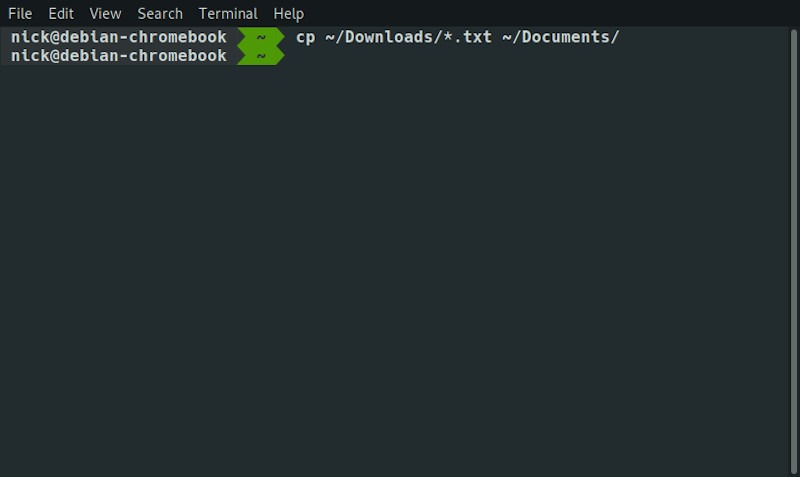
Linux
Linux Remove Directory And Contents How Does It Works With Examples
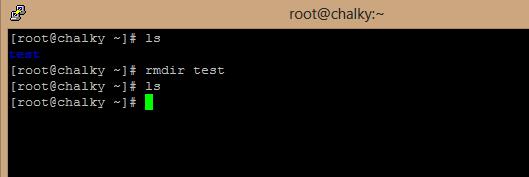
How To Remove Delete Directory In Linux TechOwns

Linux Remove Directory And Contents How Does It Works With Examples
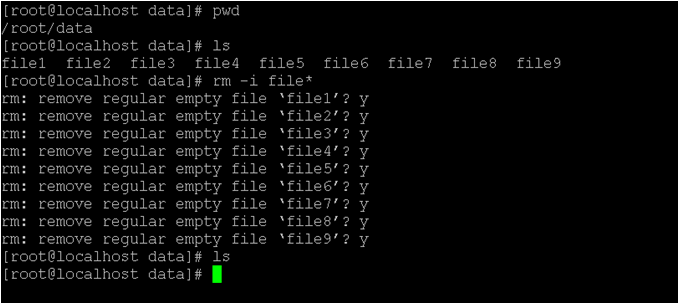
Linux Remove Directory And Contents How Does It Works With Examples

Delete messages in Gmail To clean up your inbox delete messages one at a time or by specific categories Deleted messages move from your inbox to your trash Important When you delete

Apr 21 2021 nbsp 0183 32 Mac Delete Mac Mac Delete Mac Delete MacBook Pro

On your computer open Chrome At the top right click More Delete browsing data Choose a time range like Last hour or All time Select the types of information you want to remove Click
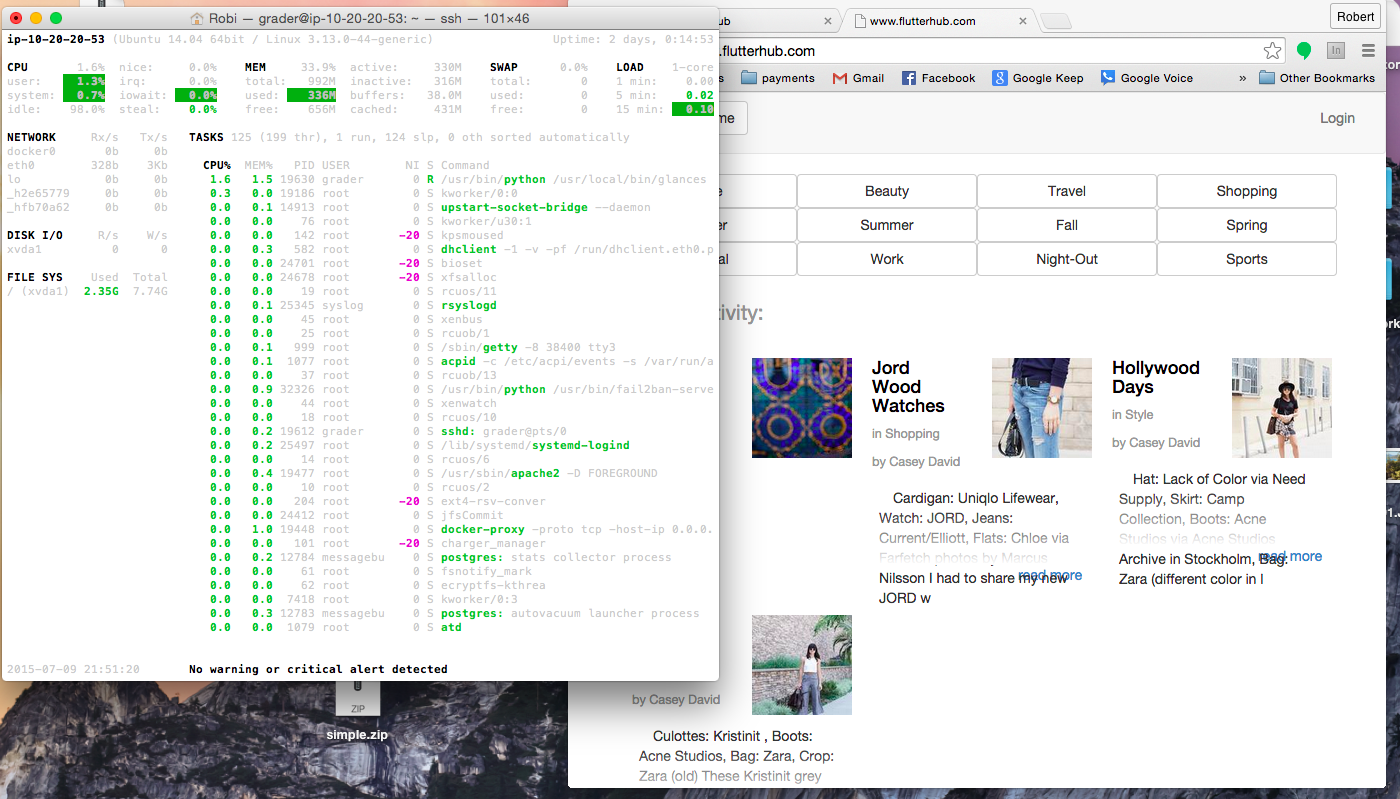
DEL DEL Delete DEL Delete backspace DEL
View delete or turn on or off watch history YouTube watch history makes it easy to find videos you recently watched and when it s turned on allows us to give relevant video
[desc-11] [desc-12]
[desc-13]