Debian Show Installed Package Version Debian 7 0 Wheezy Released Simonhoenscheid de Installed List Installed Packages Debian DebianArt Themes Debian3D Debian Wiki Debian 9 Complete Screenshot Tour Debian 9 Stretch Desktop LinuxBookPro Web Nov 11 2006 nbsp 0183 32 Install apt show versions in Debian apt get install apt show versions Install apt show versions in Ubuntu sudo apt get install apt show versions Examples If you want to run this command from the command line apt show versions output looks like below libdb1 compat testing uptodate 2 1 3 9 libhtml mason perl testing uptodate
Web Sep 22 2010 nbsp 0183 32 The simplest way is using dpkg but it might show a few extraneous packages and it truncates long package names and version numbers dpkg l To list only correctly installed packages and not truncate names dpkg l grep ii To get more control over the output format you can use dpkg query Web Sep 19 2013 nbsp 0183 32 11 Answers Sorted by 398 OK I found it apt cache policy lt package name gt will show the version details It also shows which version is currently installed and which versions are available to install For example apt cache policy hylafax edited Jul 6 2020 at 8 51 jotadepicas 2 443 2 27 48 answered Sep 19 2013 at 7 05 Yasiru G
Debian 9 Stretch Desktop LinuxBookPro Debian 6 In Finaler Version LinuxCommunity Debian Joins KDE s Advisory Board KDE news Debian 12 Bookworm Is Out As The Best Release To Date How To Install A Debian Package On Any Linux Distribution Debian 10 4 Buster ISO IGuRu How to Adding Debian Backports To Chrome OS How To Check Version Of Installed Package On Ubuntu And Debian Debian 9 Review Stable Like Ever Better Than Most
Debian Show Installed Package Version
 Debian Show Installed Package Version
https://www.simonhoenscheid.de/wp-content/uploads/2013/05/debian-logo-vertical.gif
Web Show the List of Installed Packages on Debian Linux by examples AptZip CategoryPackageManagement ListInstalledPackages last modified 2019 02 24 16 24 17
Pre-crafted templates offer a time-saving option for producing a varied series of documents and files. These pre-designed formats and layouts can be used for various personal and expert tasks, including resumes, invites, leaflets, newsletters, reports, presentations, and more, enhancing the content development procedure.
Debian Show Installed Package Version

Installing Debian Linux In A VirtualBox Virtual Machine Open Source

Debian 6 In Finaler Version LinuxCommunity

Debian Joins KDE s Advisory Board KDE news
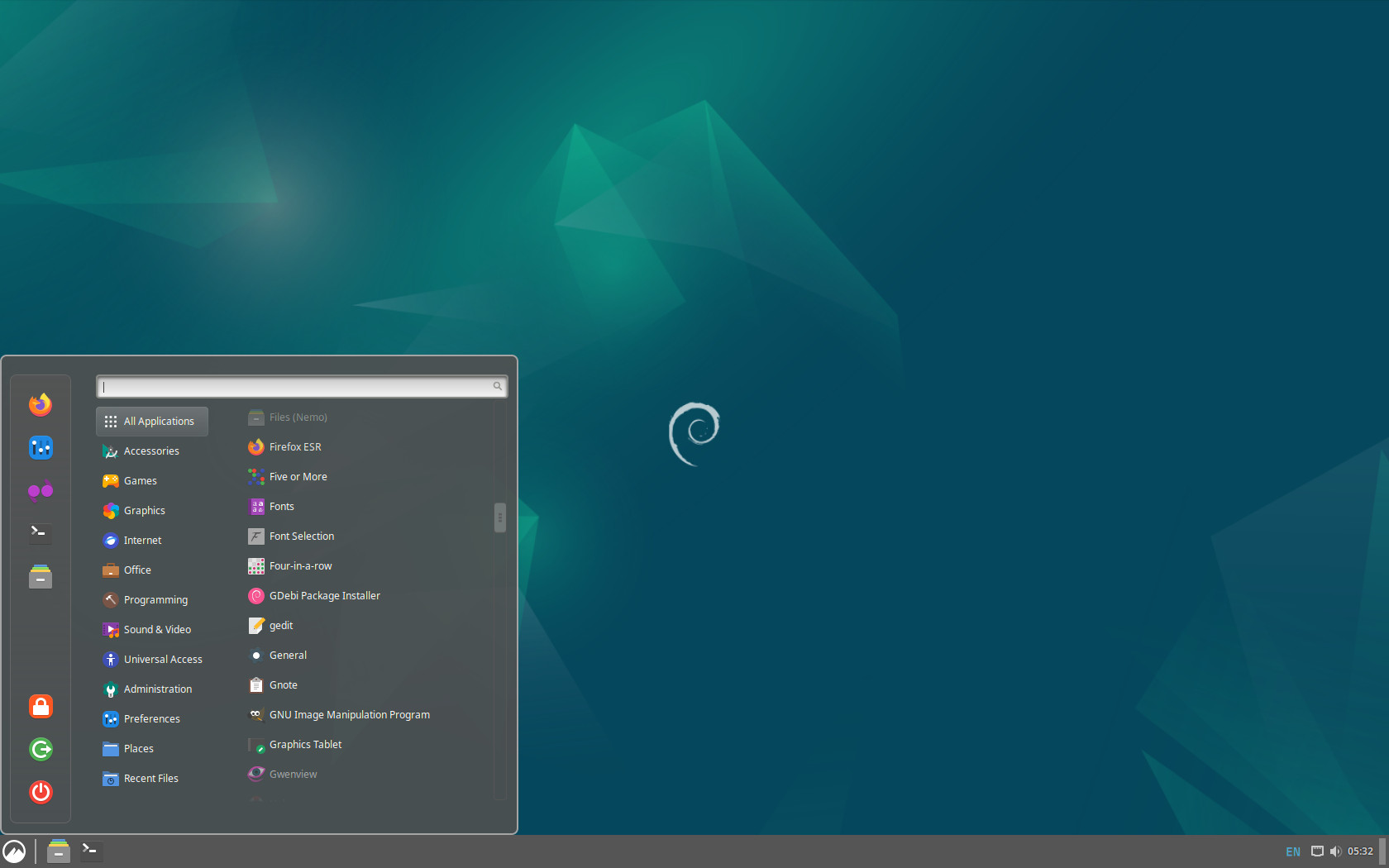
Debian 12 Bookworm Is Out As The Best Release To Date

Debian 10 4 Buster ISO IGuRu

How to Adding Debian Backports To Chrome OS

Web Feb 13 2019 nbsp 0183 32 The command will display a list of all installed packages including the packages versions architecture and a short description You can filter the dpkg query l output using the grep command sudo dpkg query l grep package name to search Create a List of all Installed Packages

Web Mar 31 2024 nbsp 0183 32 Use the following syntax apt show versions package name here OR dpkg s package name here dpkg s package name here grep i version To see version of install package called vim run apt show versions vim vim amd64 xenial 2 7 4 963 1ubuntu5 uptodate vim i386 not installed OR dpkg s vim grep i version

Web Mar 21 2021 nbsp 0183 32 apt get s install lt package gt To see all possible upgrades run an upgrade in verbose mode and to be safe with simulation press n to cancel apt get V s upgrade apt cache The option policy can show the installed and the remote version install candidate of a package apt cache policy lt package gt

Web Sep 29 2023 nbsp 0183 32 To check the version of a package installed on a Debian system you may also install the apt show versions command line tool with the following command sudo apt install apt show versions y To view a list of available packages use the apt show versions command with the package name apt show versions curl

Web Jan 31 2024 nbsp 0183 32 Method 1 Using dpkg Command Method 2 Using apt Command Method 3 Using aptitude Command Method 4 Using Synaptic Package Manager Method 5 Using snap Let s begin with the first one Method 1 List Installed Packages on Debian 12 Using dpkg Command The dpkg is a tool for managing Debian packages
Web Feb 24 2011 nbsp 0183 32 8 Answers Sorted by 13 According to this thread To list installed packages dpkg list wc lines To see if a package is installed dpkg list grep package Share Improve this answer edited Feb 24 2011 at 22 48 tshepang 65 8k 89 224 292 answered Feb 24 2011 at 22 15 Justin Ethier 16 8k 9 44 55 2 Web Oct 14 2022 nbsp 0183 32 496 5 23 Add a comment 3 Answers Sorted by 2 apt mark showmanual will list all manually installed packages i e packages which are explicitly installed rather than pulled in and kept installed as dependencies To get the corresponding versions use dpkg query W apt mark showmanual
Web apt get install myPackage 1 2 3 a specific version could be installed And with apt show versions a myPackage I would get a list of versions that are known by the system But how getting a list of all available versions I think that isn t possible using the apt tools because they are restricted to configured repositories