Creating Fillable Pdf From Word Document Convert A Word Document To A Fillable Form Create A Fillable PDF From Convert Word To Pdf Tanpa Mengubah Format Beinyu How To Convert A PDF To A Word Document And Edit It YouTube Free PDF Form Creator Create PDF Forms Online DocFly Create Fillable Form In Word Then Convert To Pdf Tastynsa Web Create Fillable PDF Online Free PDF forms creator Make existing PDF documents fillable Upload PDF file or start with a blank document Files stay private Automatically deleted after 2 hours Free service for documents up to 200 pages or 50 MB and 3 tasks per hour Terms of Use and Privacy Policy Offline Rather work offline Try Sejda Desktop
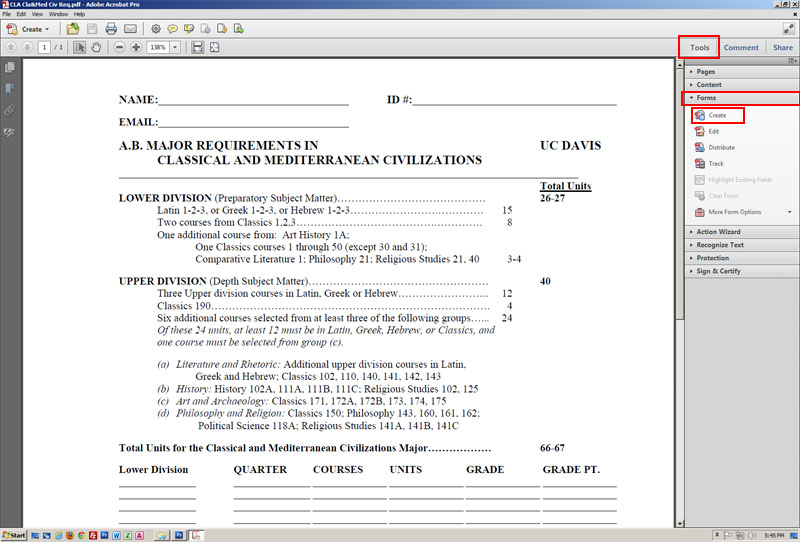
Web Dec 12 2023 nbsp 0183 32 You can use Foxit PDF Editor Suite to create editable fillable PDF fields with a Word document by following these steps Select File gt New Document in the Microsoft Word program You will have a blank template Create your form Enter text and details for your fillable form Web 4 days ago nbsp 0183 32 Here is the guide 1 How to create a fillable PDF from scratch Step 1 Open Adobe Acrobat From the top toolbar choose Edit gt Prepare a form In the Prepare a form tool select Start from blank page gt Create form Step 2 The form components are displayed on the left You can add text logos images and fields
Create Fillable Form In Word Then Convert To Pdf Tastynsa Fillable Form Template Word Printable Forms Free Online How To Insert A PDF Into A Word Document TechCult Create A Fillable PDF From Word Fillable Form 2023 How To Create Fillable Forms In Word 7 Easy Steps 2023 How To Create A Fillable PDF From Word In Easy Ways Convert Create A Fillable Pdf Form From A Pdf Document Printable Form How To Make A Free Fillable Form Printable Forms Free Online 3 Ways To Convert A PDF To A Word Document Wiki How To English
Creating Fillable Pdf From Word Document
 Creating Fillable Pdf From Word Document
https://oyfx.com/82185958/https/8349ac/www.docusign.com/static-c-assets/styles/hero_standard__2x_mobile/public/convert-word-document-fillable-form.jpg
Web May 24 2021 Tutorial Learn how to create fillable PDF forms in Microsoft 174 Word 174 Get a free Word template that demonstrates best practices for Adobe 174 Acrobat 174 Automatic Field Detection Fillable PDF forms are based on documents created in other software like Microsoft Word
Pre-crafted templates use a time-saving service for developing a varied series of documents and files. These pre-designed formats and designs can be used for various personal and professional tasks, including resumes, invitations, leaflets, newsletters, reports, discussions, and more, improving the material development procedure.
Creating Fillable Pdf From Word Document
Pdf Editor Fillable Forms Printable Forms Free Online
Fillable Form Template Word Printable Forms Free Online
How To Insert A PDF Into A Word Document TechCult

Create A Fillable PDF From Word Fillable Form 2023

2023 How To Create A Fillable PDF From Word In Easy Ways Convert
Create A Fillable Pdf Form From A Pdf Document Printable Form

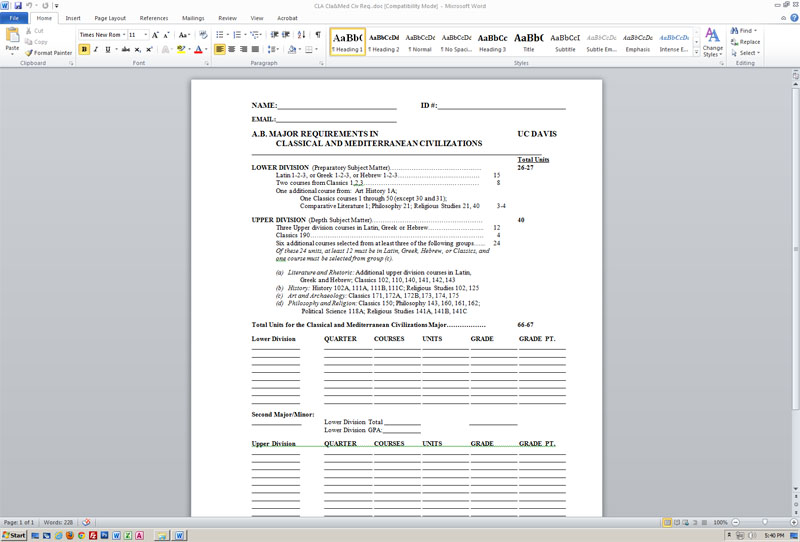
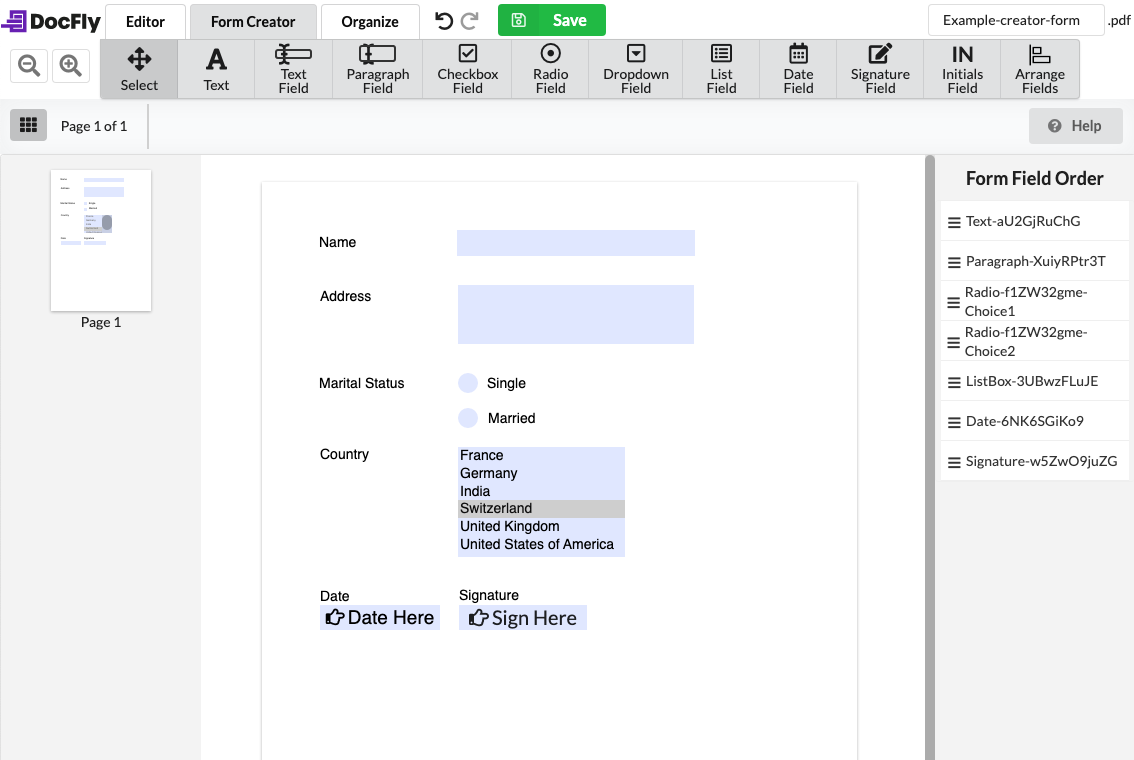
Web Here s the main way to generate a fillable PDF from Word Open Word click File and choose to create a new document Enter the questions sections and any other details you want to include on your form Enter underscores like this to help Acrobat identify where fillable fields should go
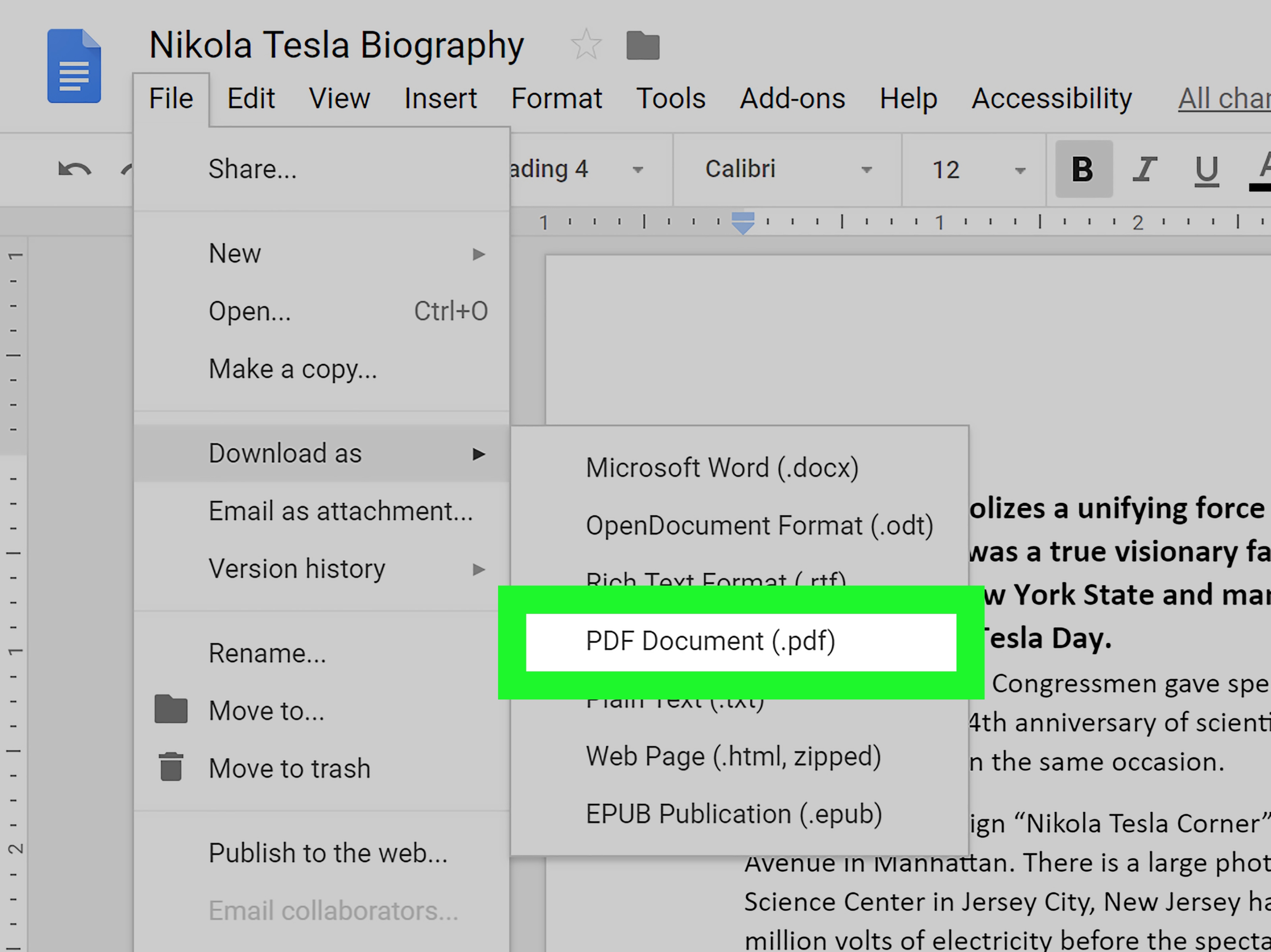
Web Steps to create a fillable PDF form from a Word document To create a fillable PDF form from a Word document first you will need to create your Word document with form fields and then convert it to PDF Step 1 Create and save a fillable form in Microsoft Word Open Word Create a new document in Word or open an existing document or Word
Web Apr 17 2024 nbsp 0183 32 Creating a fillable PDF in Word is a task that can be accomplished in a few simple steps First you need to design your form in Microsoft Word Then you convert your Word document to a PDF format After that using Adobe Acrobat or another PDF editing software you add fillable fields to your PDF Voila
Web Apr 23 2024 nbsp 0183 32 Step 1 Open the Word Document Open the Word document you want to convert This is the document that you will eventually turn into a fillable PDF Make sure it s the final version as you won t be able to edit the text after converting it Step 2 Save as PDF Click on File then Save As and choose PDF from the dropdown menu
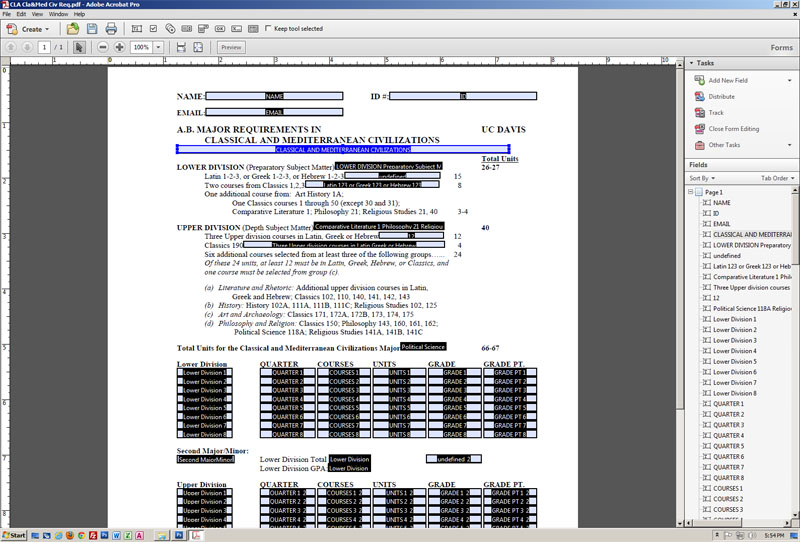
Web May 24 2021 nbsp 0183 32 92 35K views 2 years ago Learn how to create fillable PDF forms in Microsoft 174 Word 174 Get a free template that shows example best practices for Adobe 174 Acrobat 174 Automatic Field Detection
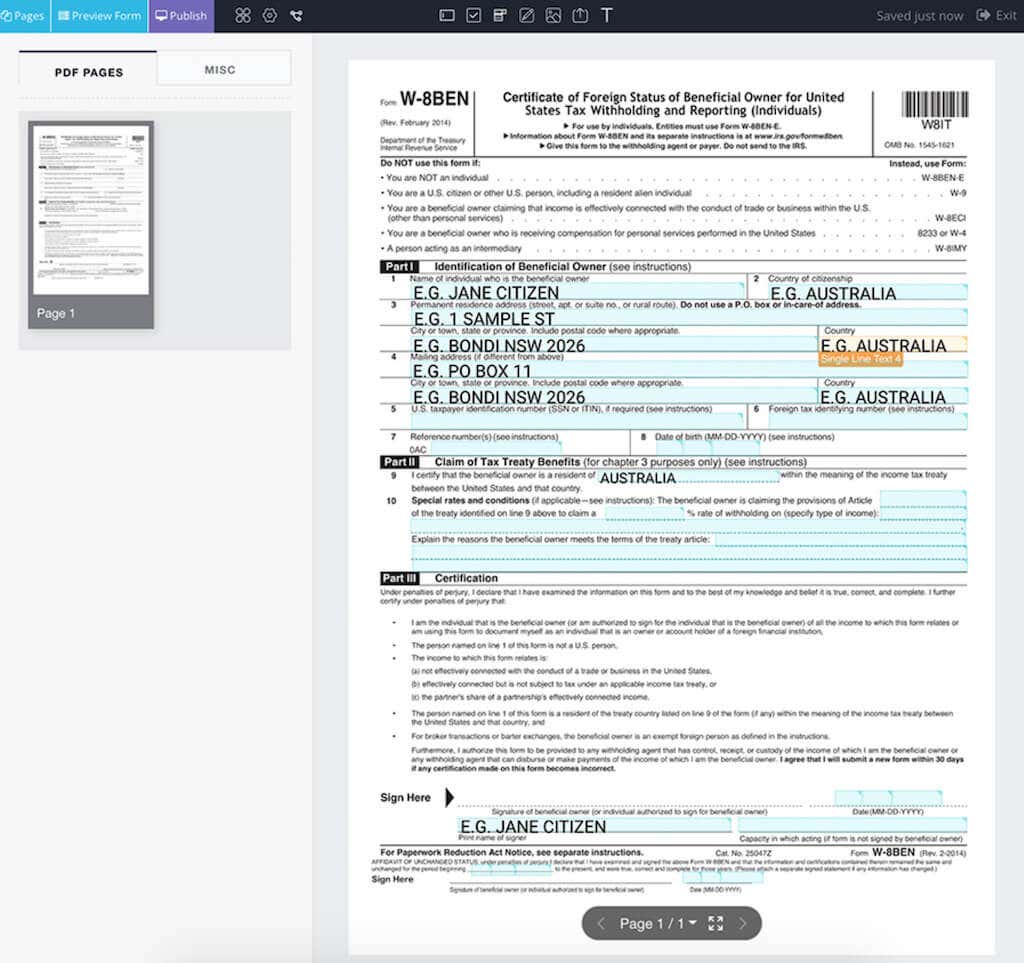
Web Create a fillable PDF from an existing PDF document If you already have existing documents you use that you d like to make fillable Acrobat can help with that too 1 Click the Tools tab and select Prepare Form 2 Select a file like a Word document Excel sheet or scan of a paper document Web Feb 26 2024 nbsp 0183 32 Create a fillable PDF form using your existing Microsoft Word Excel or scanned documents in a few simple steps Open Acrobat Create a blank PDF add form fields and save the form Can I create a fillable PDF form from scratch in Acrobat Yes you can simply create a blank PDF add labels and fields you need and save it
Web Oct 16 2021 nbsp 0183 32 1 Adobe Acrobat Pro DC for Windows amp Mac 2 JotForm for Windows Mac Android amp iOS 3 PDFescape for Windows Mac Android amp iOS 4 Platoforms for Windows Mac Android amp iOS 5 DocHub for Windows Mac Android amp iOS 6 Icecream PDF Editor for Windows Simplify Your Workflow With Fillable Forms 1 Adobe Acrobat Pro DC for