Creating Dynamic Tables In Excel Solved Creating Dynamic Tables In Word By C NET 9to5Answer Creating Dynamic Tables And Charts In Microsoft Excel YouTube Dynamic Tables In Excel Using Pivot Table And Formulas Handling Dynamic Data Fields Using Database Vertical Table Design In Training In A Minute Create A Table In Microsoft Excel Two formulas are used to create dynamic ranges OFFSET and INDEX This article will focus on using the INDEX function as it is a more efficient approach OFFSET
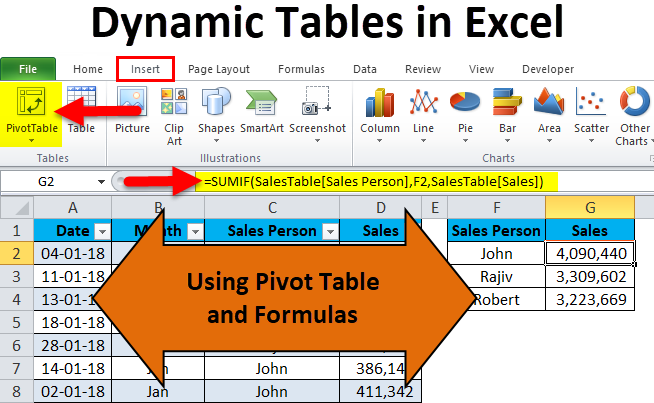
How to Create Dynamic Tables in Excel There are two basic ways to create dynamic tables in Excel 1 Using Pivot Table and 2 Using Formulas You can download this Dynamic Tables Excel The solution is to create a dynamic named range that expands and contracts as data is added or removed The easiest way to create a named range in Excel is to use the
Training In A Minute Create A Table In Microsoft Excel Remplir Nathaniel Ward Palpiter How To Link Tables In Excel Licencier Dynamic Tables In Excel The Ultimate Guide Projectcubicle How To Create Dynamic Table In Excel ExcelDemy Dynamic Tables In Excel Step By Step Examples How To Create How To Remove Multiple Subtotals In Pivot Table Excel Brokeasshome One Variable Data Table In Excel Techtites How To Create Dynamic List From Table In Excel 5 Quick Ways Dynamic Tables In Excel Using Pivot Table And Formulas
Creating Dynamic Tables In Excel
 Creating Dynamic Tables In Excel
https://sgp1.digitaloceanspaces.com/ffh-space-01/9to5answer/uploads/post/avatar/716639/template_creating-dynamic-tables-in-word-by-c-net20220604-2977264-axrdmq.jpg
Creating a dynamic table in excel In this example we will be creating a dynamic table in excel from a dataset The dataset has 3 columns out of these three 2 are categorical values while the third is numerical Now we
Pre-crafted templates provide a time-saving service for producing a varied range of documents and files. These pre-designed formats and designs can be made use of for numerous personal and professional projects, including resumes, invitations, flyers, newsletters, reports, presentations, and more, improving the material creation process.
Creating Dynamic Tables In Excel
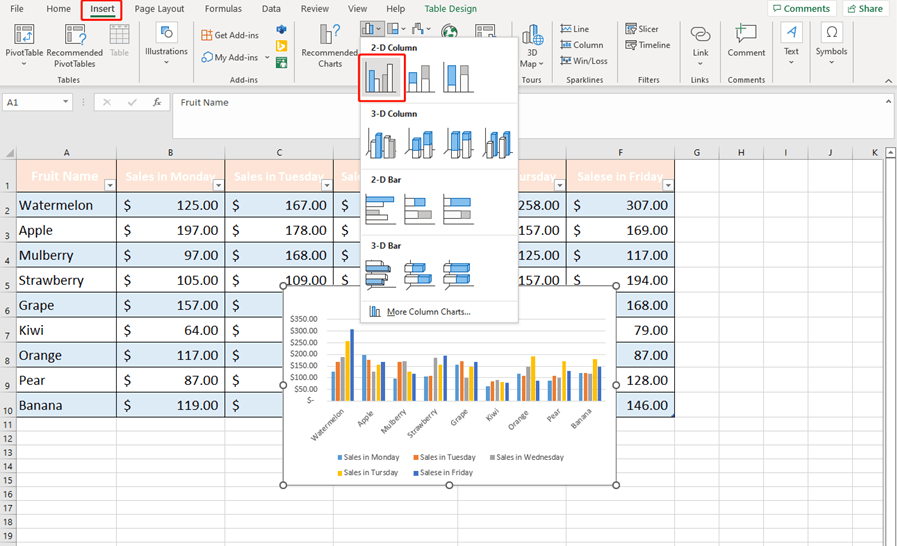
How To Create Dynamic Table In Excel My Microsoft Office Tips
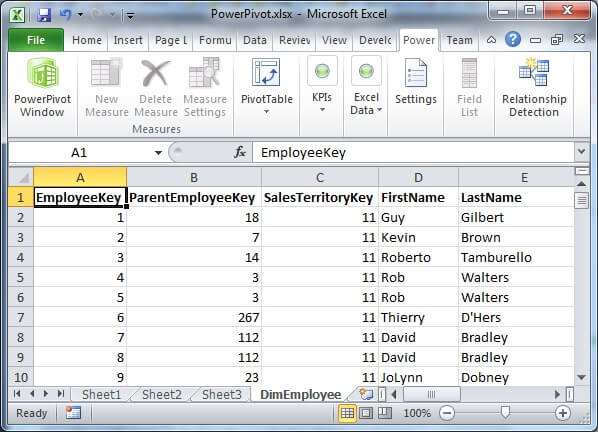
Remplir Nathaniel Ward Palpiter How To Link Tables In Excel Licencier

Dynamic Tables In Excel The Ultimate Guide Projectcubicle
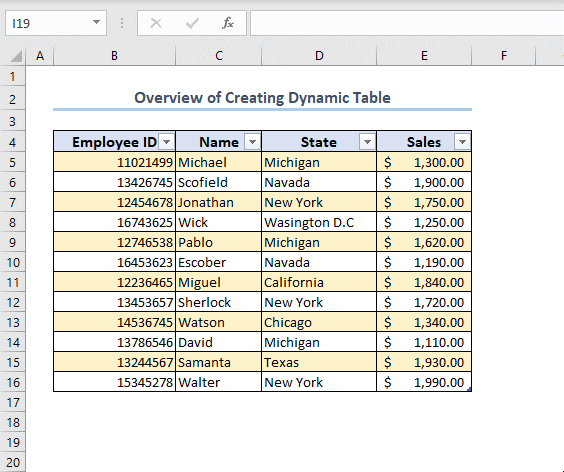
How To Create Dynamic Table In Excel ExcelDemy
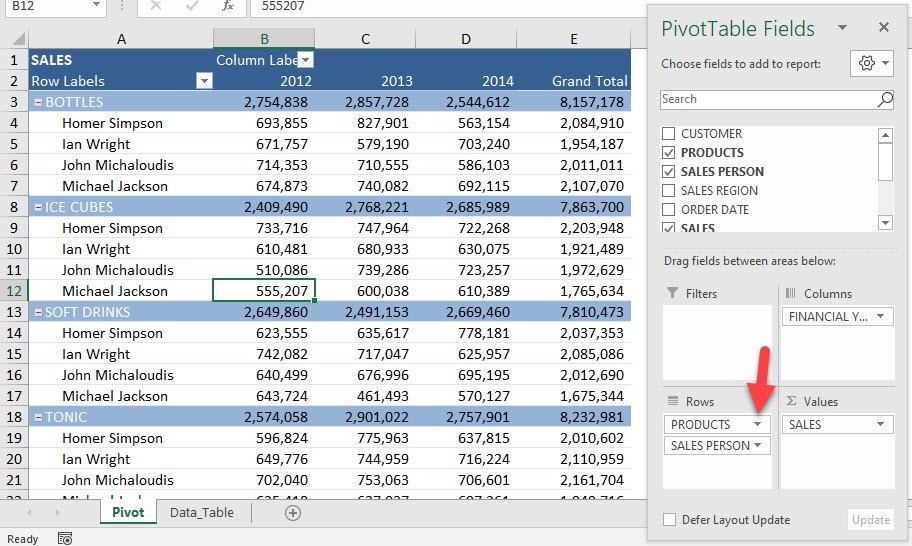
How To Remove Multiple Subtotals In Pivot Table Excel Brokeasshome
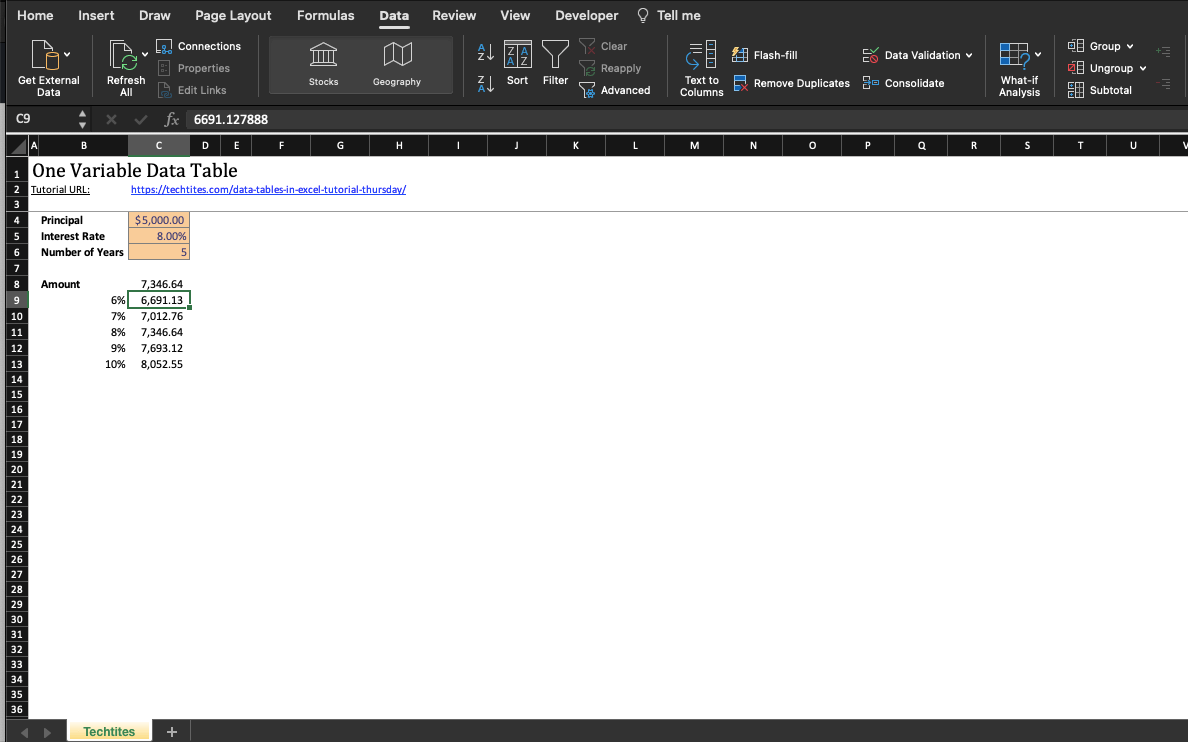
One Variable Data Table In Excel Techtites

What Is Dynamic Tables In Excel Dynamic Tables in Excel are the tables where we add or update new values in an existing dataset As a
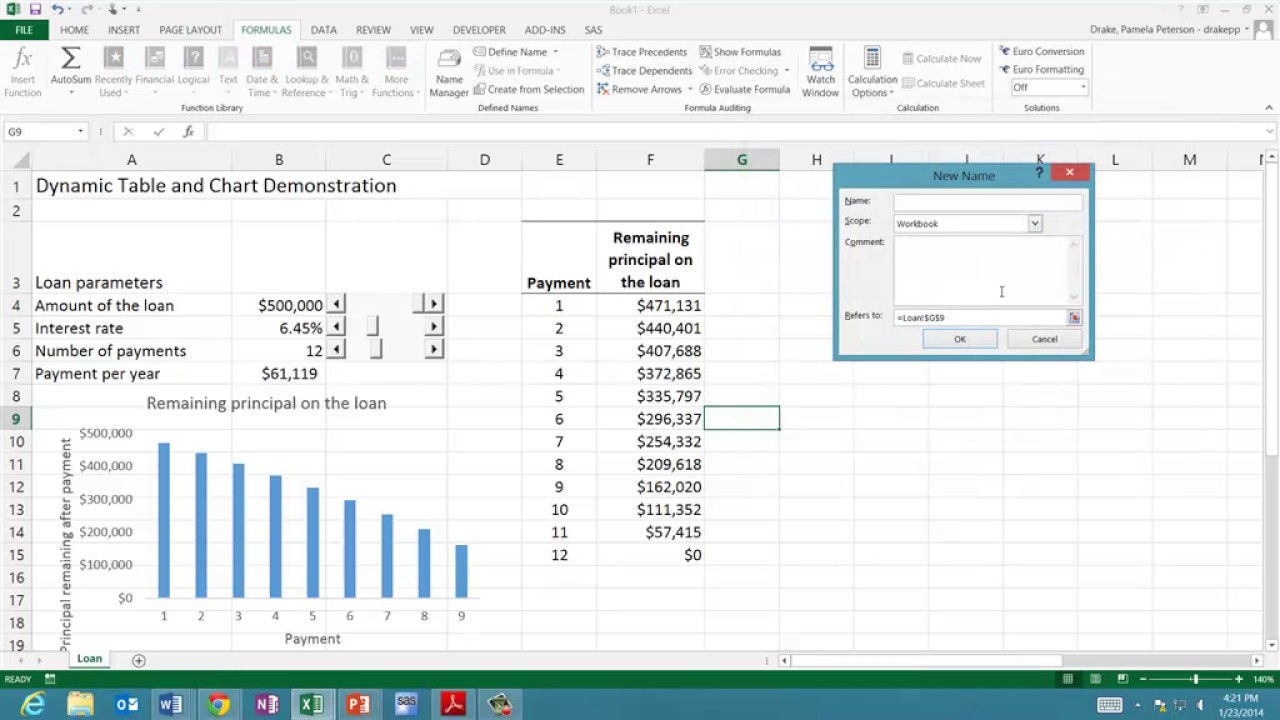
1 Using Excel Table and Named Range Feature to Create Dynamic Table One of the primary ways to create a dynamic table in Excel can be the use of different Excel
Creating a dynamic table in Excel involves defining the table range selecting the data and customizing the table using Table Tools Adding editing sorting and filtering data
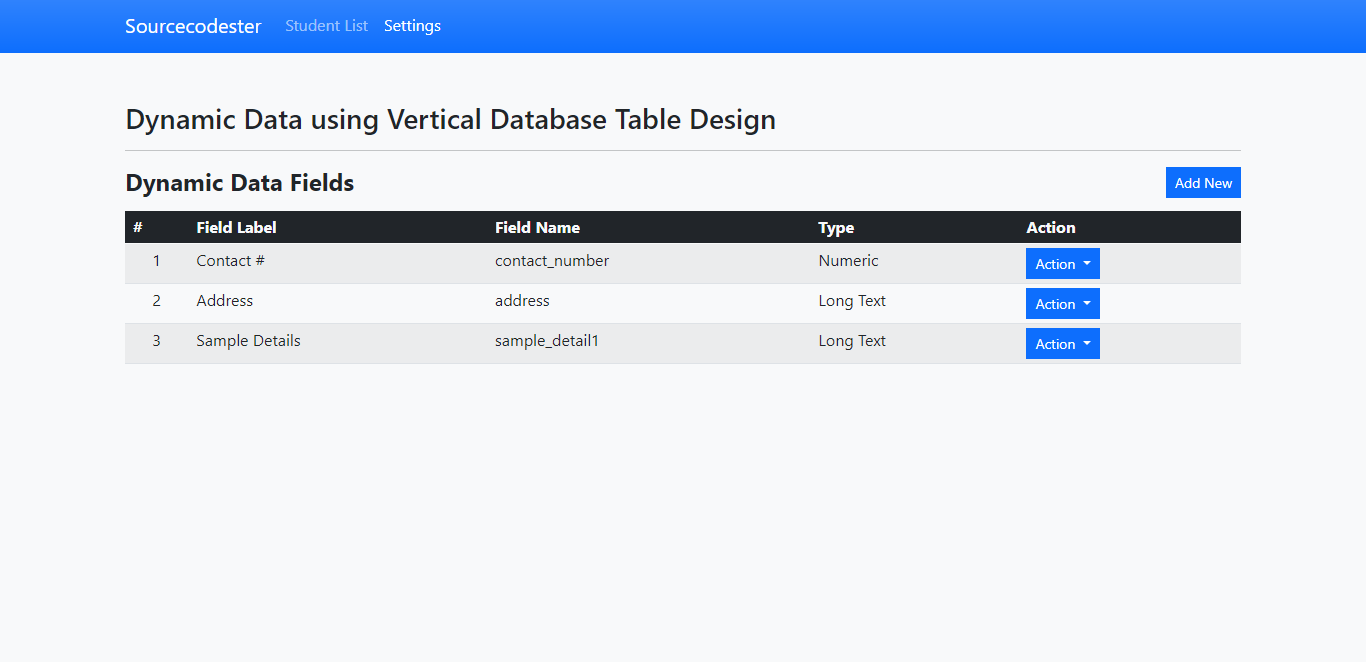
In this tutorial we will cover how to create a dynamic table in Excel as well as how to use structured referencing and table formulas to make the most of your dynamic tables
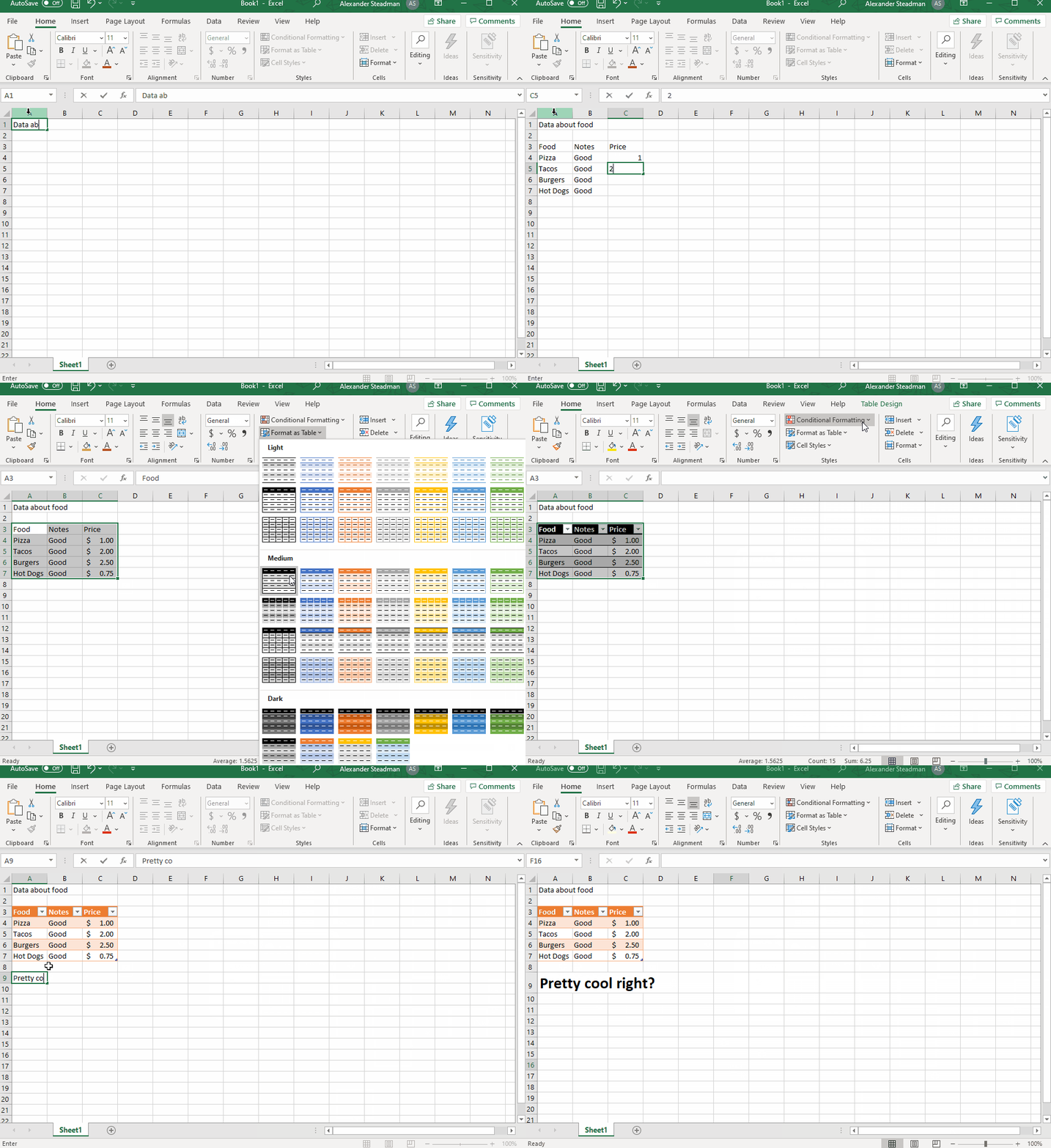
Creating Dynamic Tables in Excel Creating a Dynamic Table in Excel is a straightforward process Follow these steps Select the data range you want to include in the table Click the Insert tab in the
To create an Excel dynamic list or table we begin with the SEQUENCE function The SEQUENCE function is one of the dynamic array functions Microsoft Steps Initially enter the G5 cell enter the formula given below click the ENTER button INDEX OFFSET B 5 0 0 COUNTA B B 1 1 MATCH
Select the range of cells in your spreadsheet that you want to convert to a table and open the Home tab Click the Format as Table drop down box in the ribbon