Create Form In Google Docs How To Create Forms With Google Docs GHacks Tech News How To Create A Fillable Form In Google Docs Concesiune G leat Agend How To Create Form In Google Drive Inutil Free Newspaper Template For Google Docs Free Printable Templates Flow Chart Template Google TUTORE ORG Master Of Documents Get started Create a form as easily as creating a document Select from multiple question types drag and drop to reorder questions and customize values as easily as pasting a list Send
Create a form from your Documents List Click Create new Form In the form template that opens you can add any questions and options you like Click Email this form once you ve finished adding your questions Add the email addresses of the people to whom you want to send this form Click Send Create a form from a S preadsheet Google Forms is a free online form builder app that offers all the features you need to create a simple poll or dynamic survey you can add different question types use form logic customize the form to match your branding and thanks to its deep integration with Google Sheets you can gather data and mine it for insights without leaving Google
Flow Chart Template Google TUTORE ORG Master Of Documents How To Create A Fillable Form In Google Docs How To Download A Template To Google Docs Acatropical How To Create Google Form Contents101 How To Create A Form Using Google Docs Embed It How To Guide How To Create A Template In Google Docs 13 Steps with Pictures Google Docs How To Delete A Blank Page In Google Docs Skowronek Blog Archive Google Docs Spreadsheet Forms Skowronek C mo Hacer Una Encuesta Con Google Docs Forms Mundial Nuvo
Create Form In Google Docs
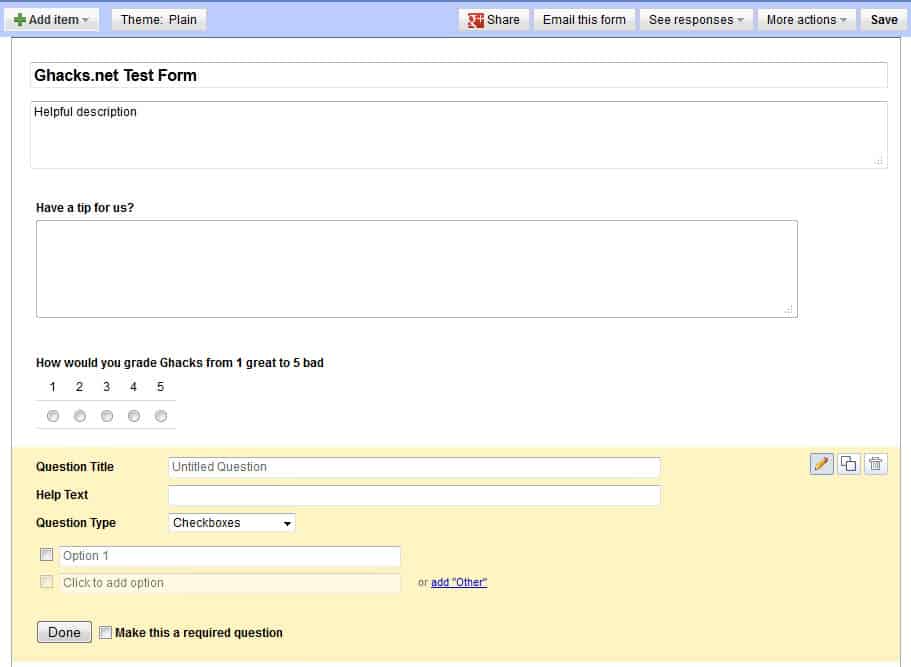 Create Form In Google Docs
http://cdn.ghacks.net/wp-content/uploads/2012/09/google-docs-form.jpg
Try Docs for Work Go to Docs Use Google Docs to create and collaborate on online documents Edit together with secure sharing in real time and from any device
Templates are pre-designed documents or files that can be utilized for various functions. They can conserve time and effort by offering a ready-made format and layout for creating different sort of material. Templates can be used for individual or expert tasks, such as resumes, invitations, flyers, newsletters, reports, presentations, and more.
Create Form In Google Docs

Google Docs For IOS Updated With Word Count And IPad Pro Support
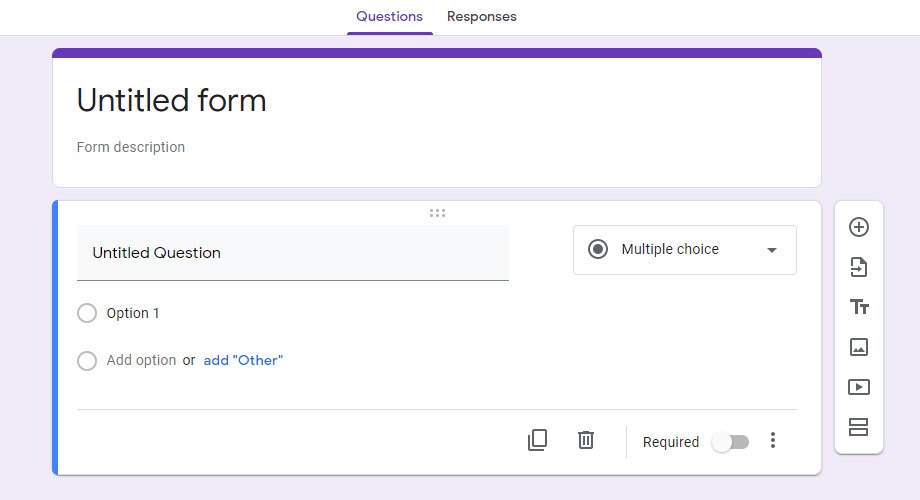
How To Create A Fillable Form In Google Docs
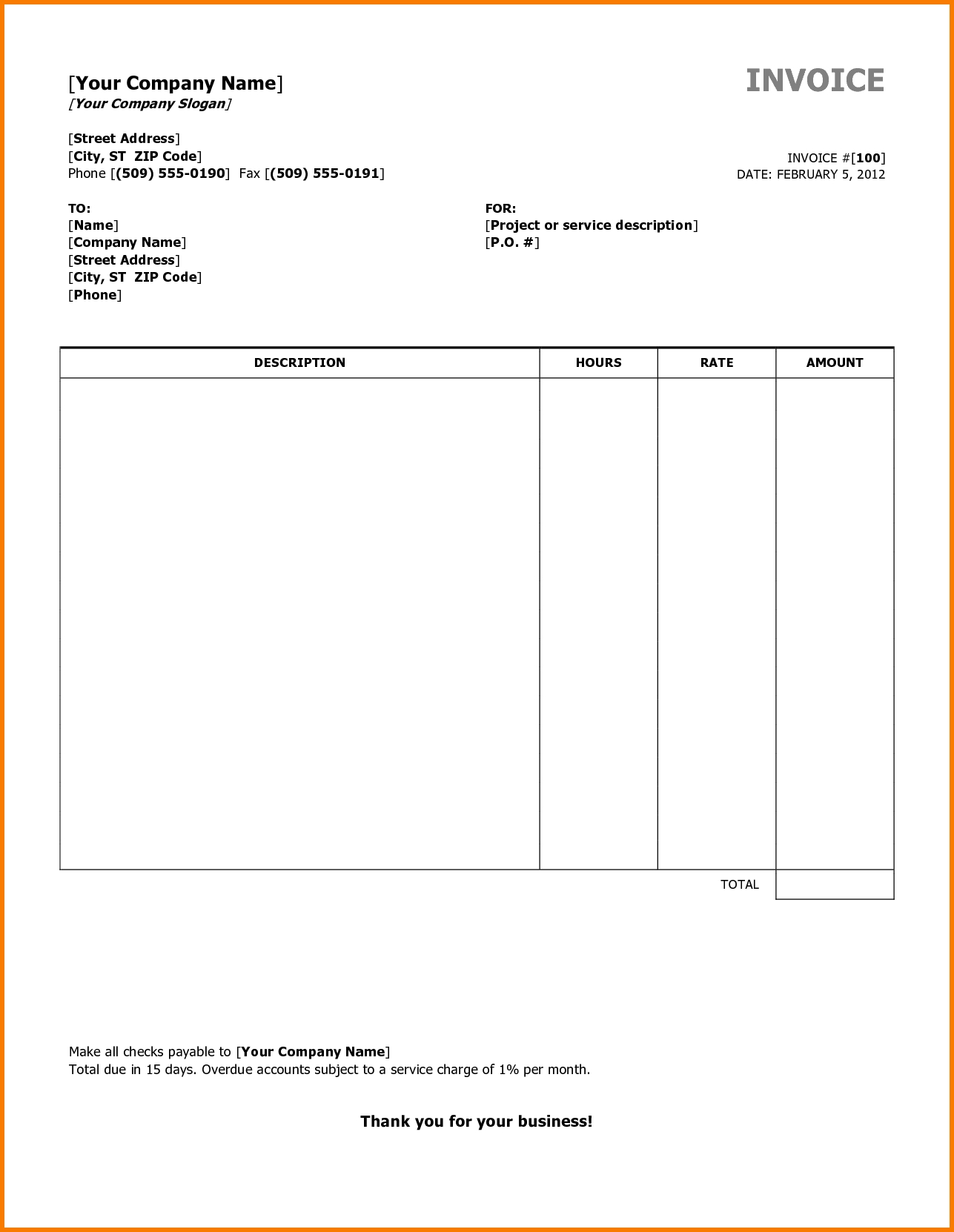
How To Download A Template To Google Docs Acatropical
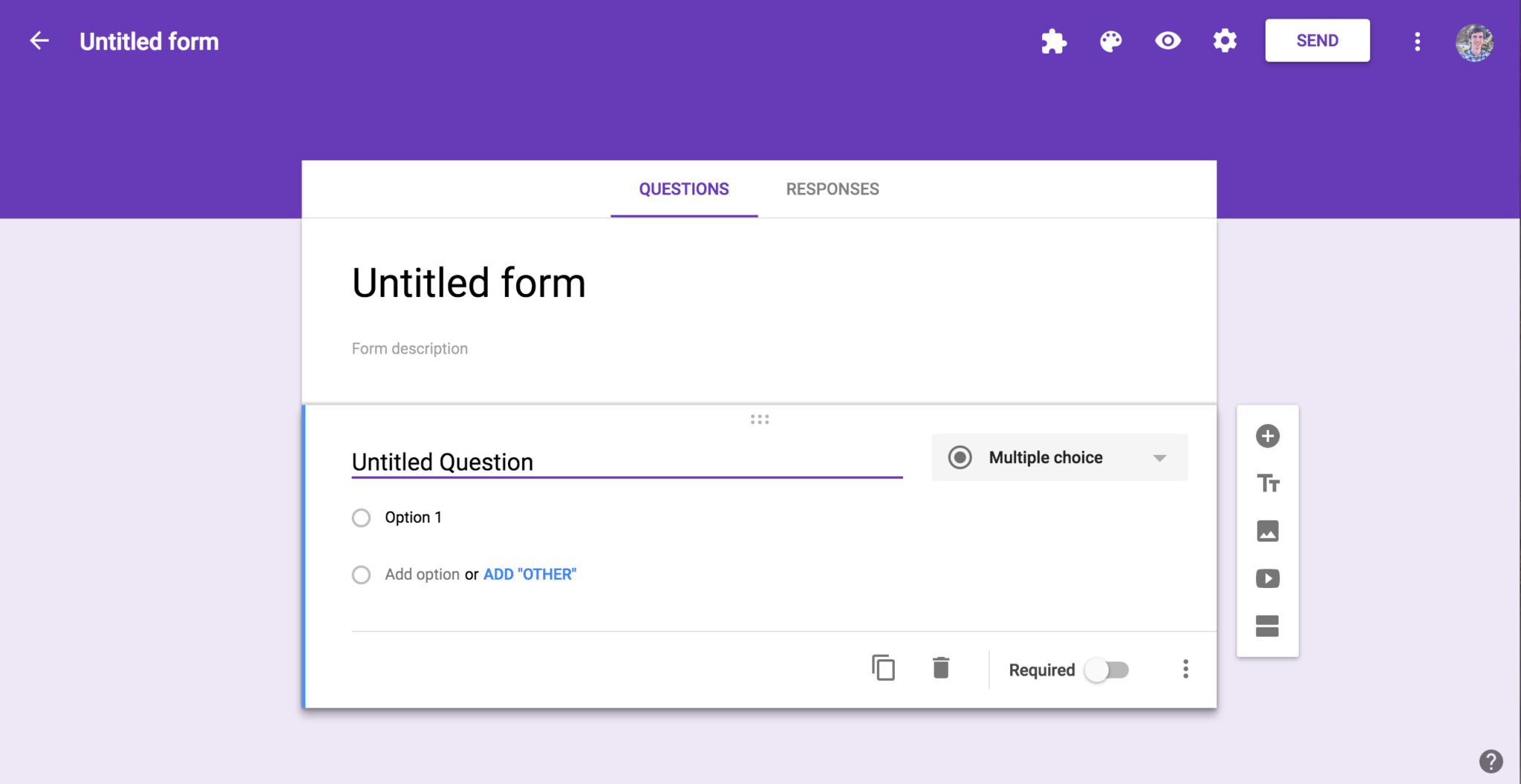
How To Create Google Form Contents101

How To Create A Template In Google Docs 13 Steps with Pictures

Google Docs How To Delete A Blank Page In Google Docs
Create a form Go to forms google Click Blank Name your untitled form Learn more at the Google Docs Editors Help Center Add questions If you re using a template you can skip

To create a form directly from Google Drive On a computer go to drive google In the top left click New Google Forms Create a form in Google Sheets When you create a

Create an online form as easily as creating a document Select from multiple question types drag and drop to reorder questions and customise values as easily as pasting a list

Sign in to continue to Forms Email or phone Forgot email Not your computer Use a private browsing window to sign in Learn more Next Create account Access Google

Visit docs google forms and select Blank or a template From Docs Sheets or Slides File New Form from Sheets Tools Create a Form to link it to a spreadsheet automatically Enter your questions and options This article explains how to create a Google Docs form Start a Google Form
In Google Forms open a form To add an image click Add image To add a video click Add Video Choose your image or video and click Select Add a section Sections can make Step 3 Change Title of Your Form Once your template is in place modify the title by clicking on the Untitled form text at the top This could be something specific like RSVP for John s Wedding or Feedback Form Furthermore you can detail your form with a description offering clarity to respondents
Step 1 Open a new document on Docs and click on Insert Table and select the number of rows and columns We have chosen to go with 4 columns and 5 rows in our case Next pull at the rows to