Create Fillable Form In Google Sheets Auto Resizing Text In Pdf Fillable Forms Printable Forms Free Online Create A Custom HTML Form For Google Sheets Using Google Apps Script Making A Fillable Form In Excel Printable Forms Free Online Word Document Form Fillable Printable Forms Free Online Create Fillable Form In Word Office 365 Mobile Legends Fillable Document add on opens Google Docs Slides and Sheets as LIVE FILLABLE FORM with the ability to store data into Google Sheets generate merged documents as Google
Step 1 Create a new Google Doc Open a new document or you can select a template from the Template gallery Besides you can also make a copy of your original document and place it in a new folder to know which one is a clone and which is original Right click on the document select the Make a copy option and move it to a new folder Method 1 Creating Fillable Forms in Google Docs by Adding Textboxes through Tables Unlike some tools like Canva where you can add a text box within the app Google Docs currently doesn t have that feature However a nifty way to work around this is to add tables within the document instead
Create Fillable Form In Word Office 365 Mobile Legends How To Create Google Form Contents101 How To Create A Fillable Form In Google Docs How To Quickly Create A Fillable Form In Microsoft Word Vrogue GOOGLETRANSLATE Function Google Sheets Tutorial How To Create A Google Form FROM A Google Spreadsheet 2017 YouTube Creating A Fillable Form In Excel Form Resume Examples xz204dG2ql Create A Registration Form Analyze Responses Google Forms Sheets Google Sheets Data Management Apps JotForm
Create Fillable Form In Google Sheets
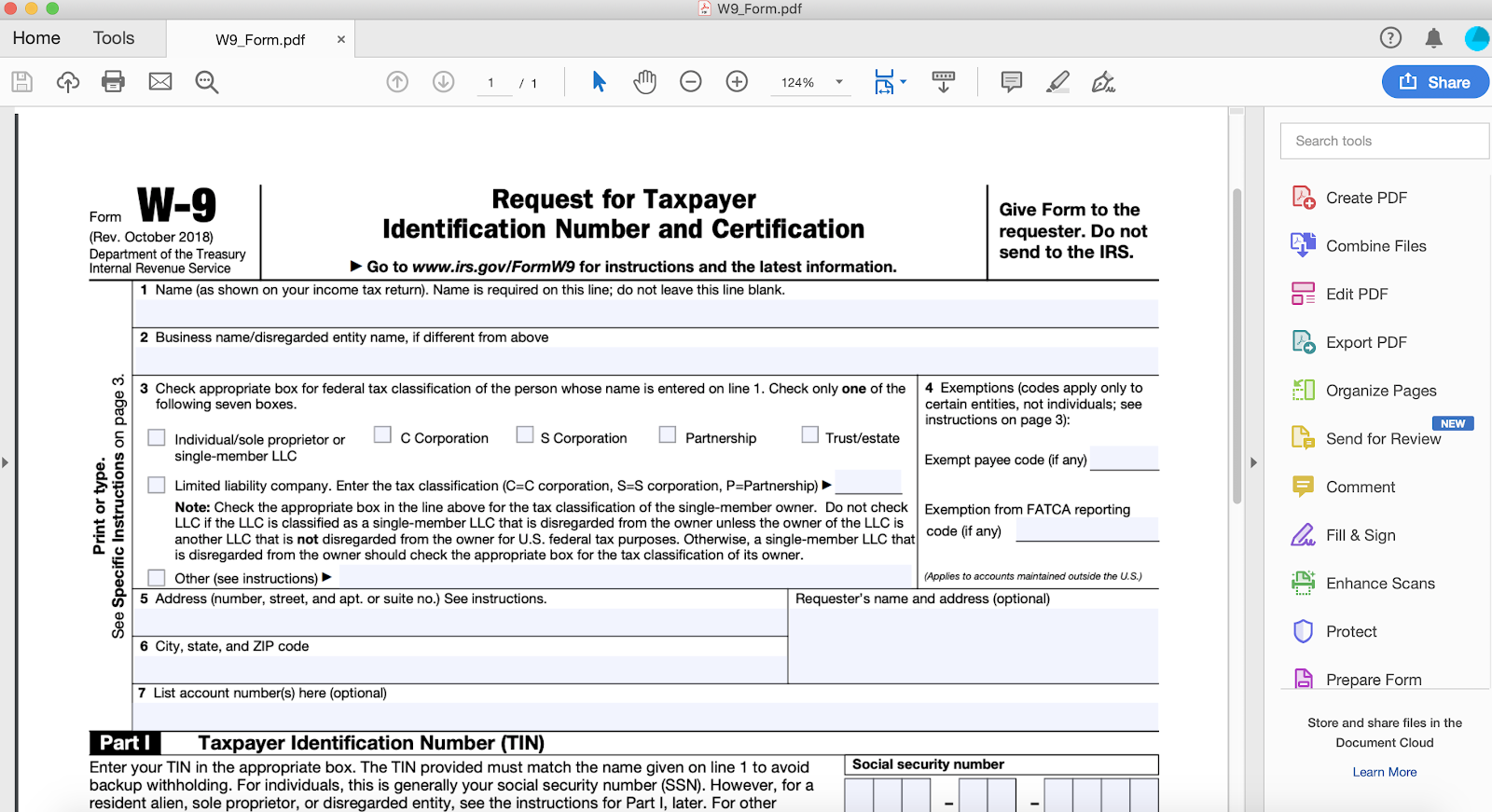 Create Fillable Form In Google Sheets
https://images.template.net/wp-content/uploads/2021/08/FPAM1.png
Subscribe 24K views 3 years ago Fillable Document for Sheets add on enhances the popular Fillable Document add on by utilizing data from existing Google Sheets Merge data from
Templates are pre-designed documents or files that can be used for various functions. They can save effort and time by providing a ready-made format and design for creating various sort of content. Templates can be used for personal or professional projects, such as resumes, invites, leaflets, newsletters, reports, discussions, and more.
Create Fillable Form In Google Sheets
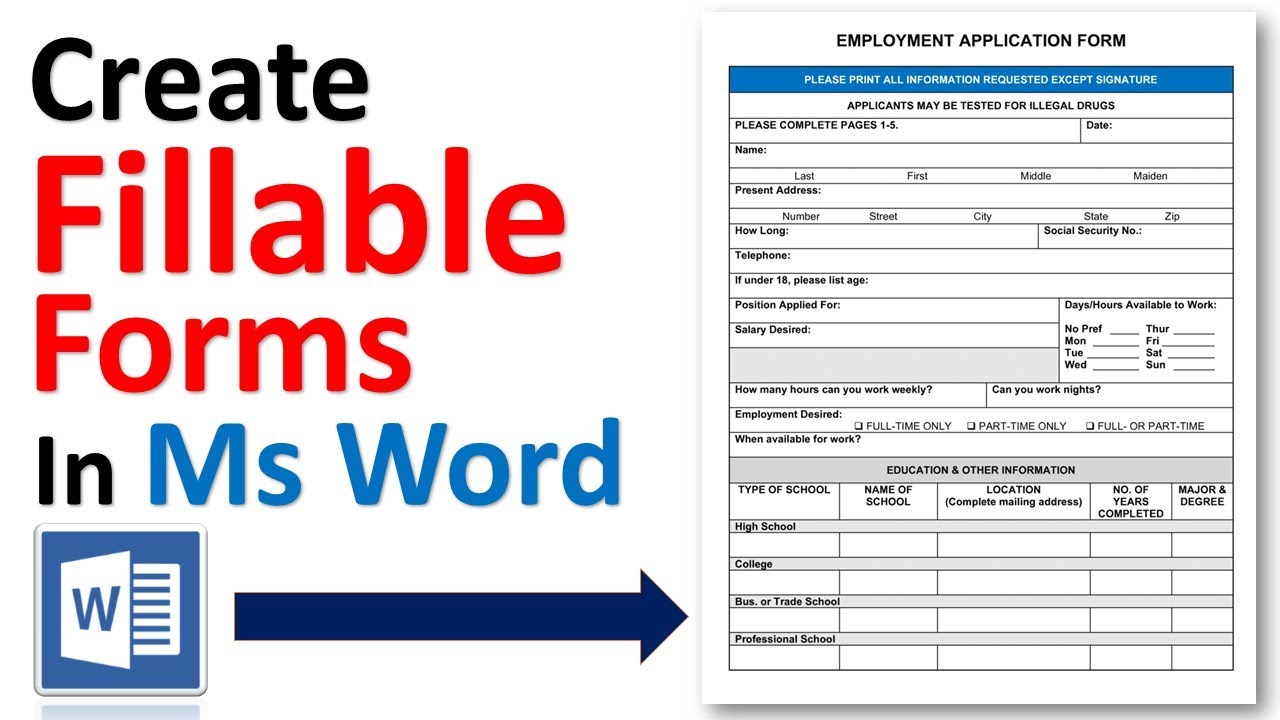
How To Create Fillable Form In Ms Word YouTube
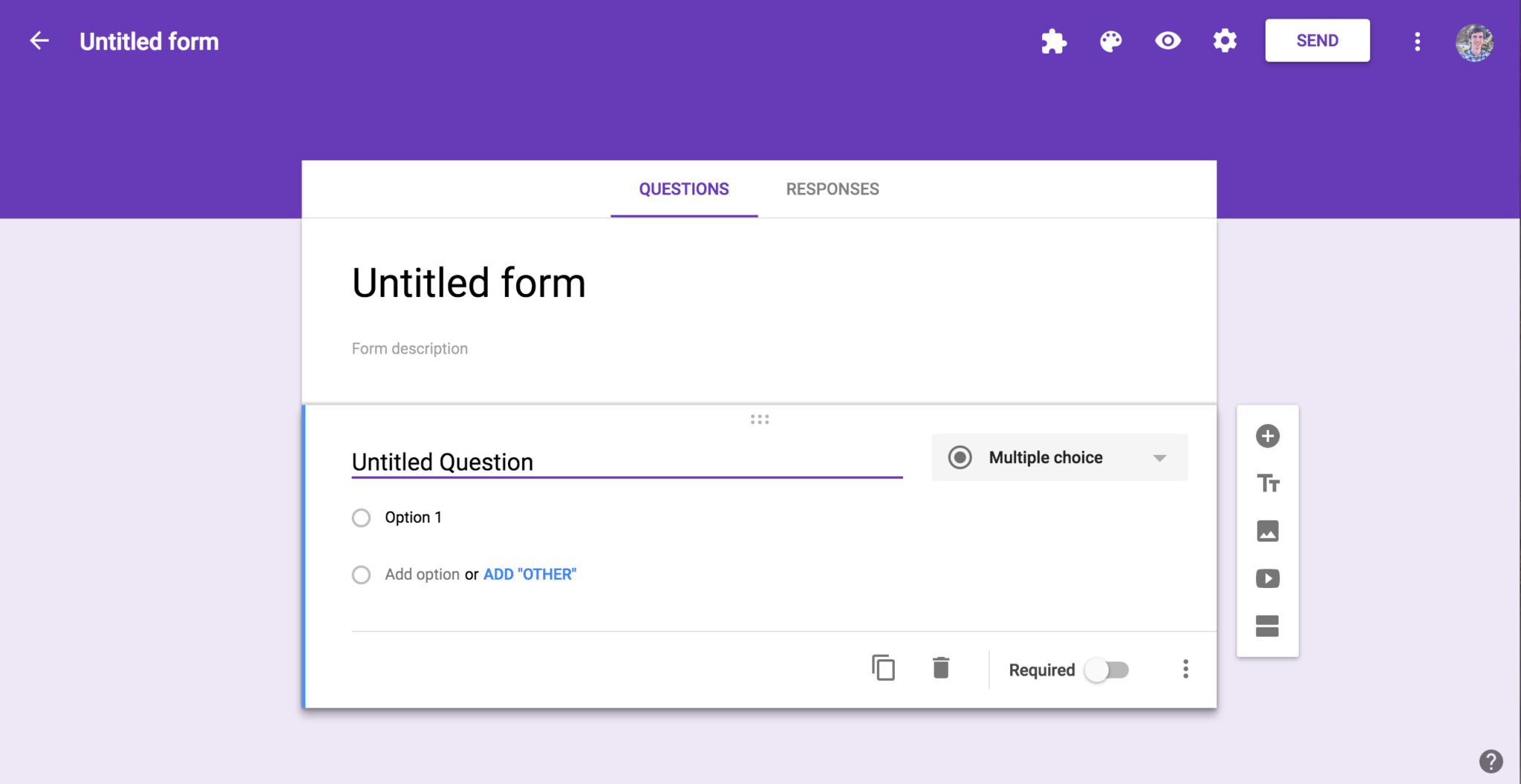
How To Create Google Form Contents101
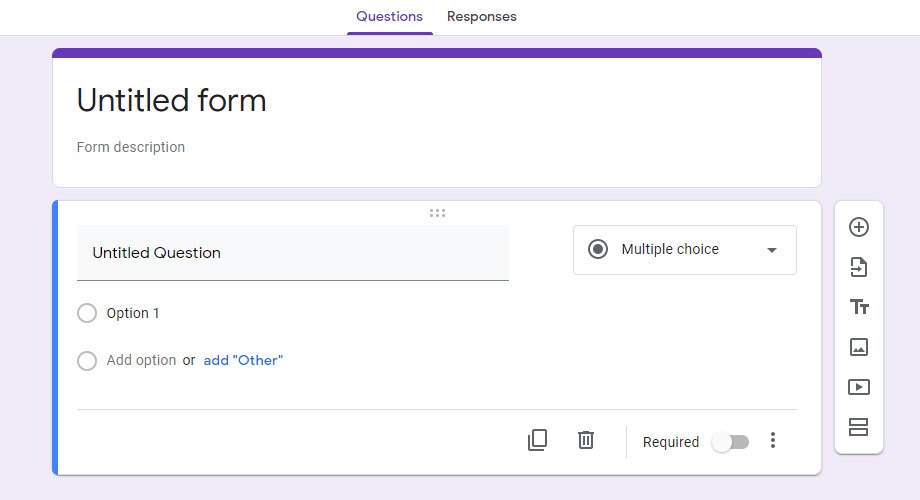
How To Create A Fillable Form In Google Docs
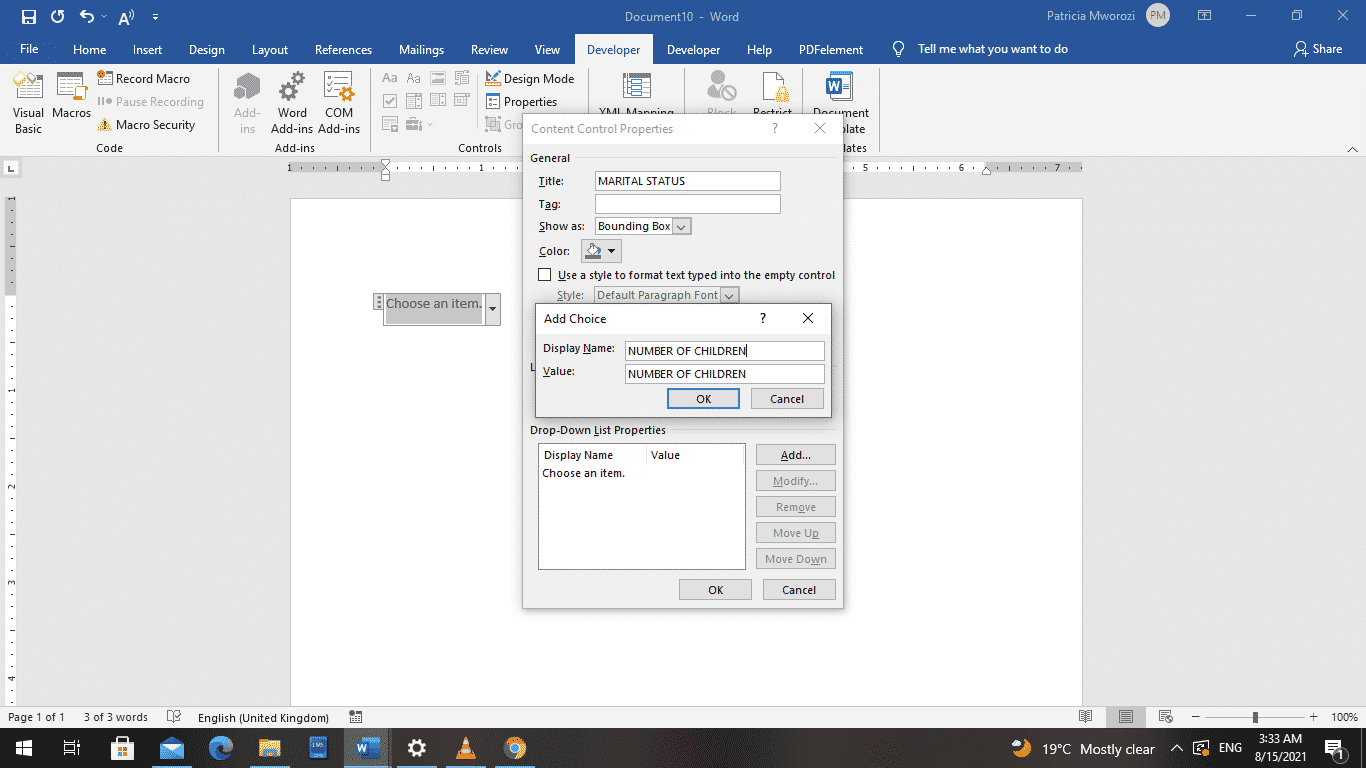
How To Quickly Create A Fillable Form In Microsoft Word Vrogue
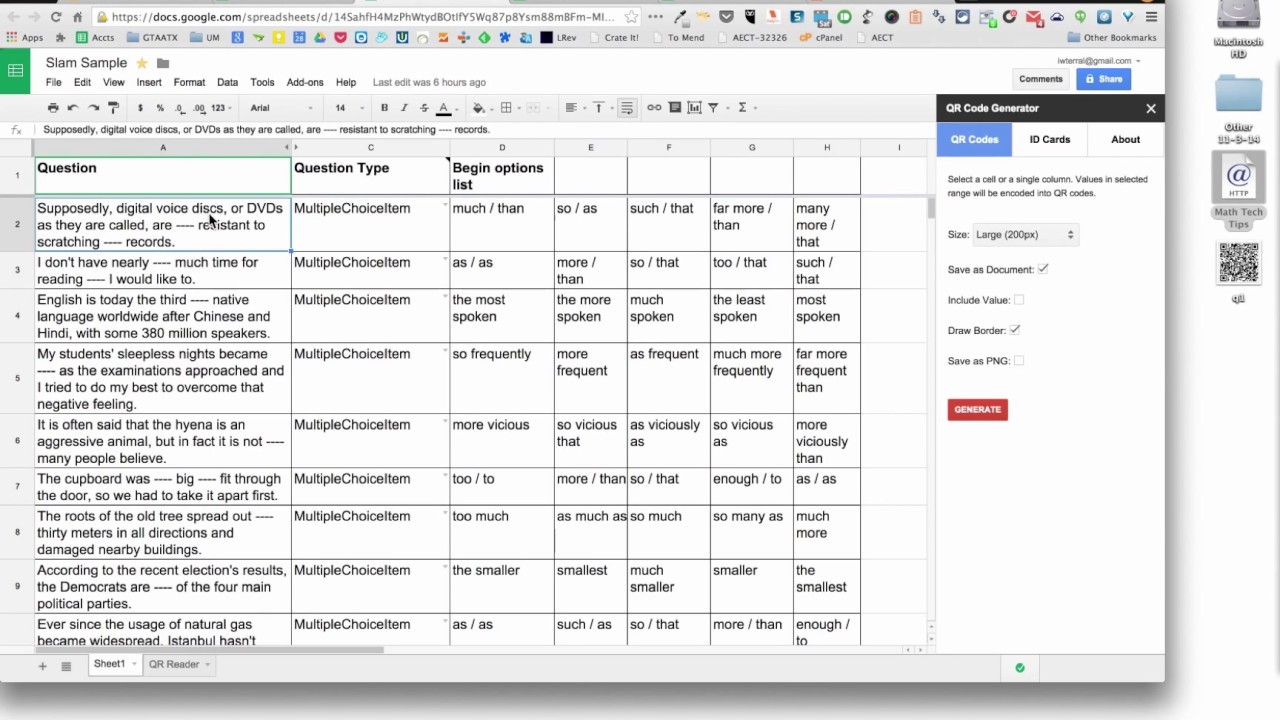
How To Create A Google Form FROM A Google Spreadsheet 2017 YouTube
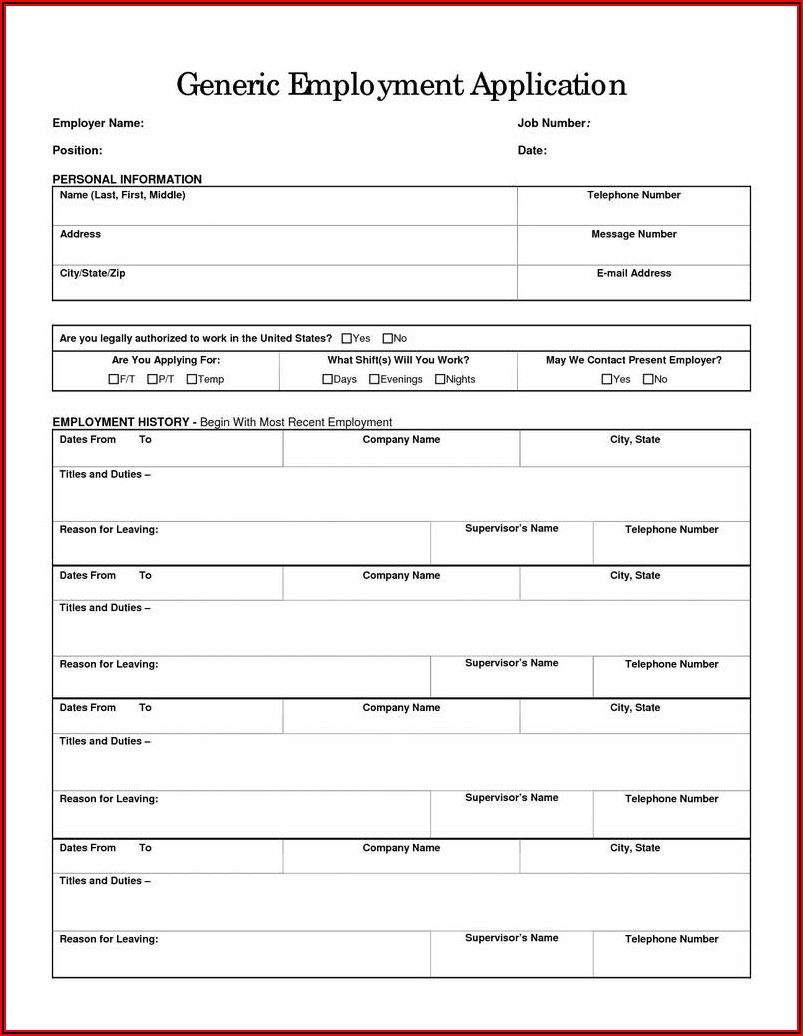
Creating A Fillable Form In Excel Form Resume Examples xz204dG2ql
Overview Fillable Document for Sheets add on enhances the popular Fillable Document add on by utilizing data from existing Google Sheets Merge data from Google Sheets into

Here s one way you can use forms to conduct peer reviews Create a new peer review form From your Docs list click the Create button then select Form From a spreadsheet click the

To create a form directly from Google Drive On a computer go to drive google In the top left click New Google Forms Create a form in Google Sheets When you create a

Use Google Forms to create online forms and surveys with multiple question types Analyze results in real time and from any device

After opening the blank spreadsheet look for the Insert tab located on the top menu Click on Insert and a dropdown menu will appear In the dropdown menu select Form to initiate the process of creating a new form C Name the form and choose the type of question you want to ask
Step 1 Set Up Your Google Doc Open your browser then head over to docs google Click on the Blank option represented by a colorful plus sign under the Start a new document section If you have an Step 1 Open a new document on Docs and click on Insert Table and select the number of rows and columns We have chosen to go with 4 columns and 5 rows in our case Next pull at the rows to
You can still create a Google Form from a excel Once you have the document you need selecting it should open this in a recent tab If you ve created a new Doc you ll have a blank document to fill out that will can titled Untitled document