Connect Vpn Ubuntu Command Line How To Set Up An OpenVPN Server On Ubuntu 20 04 All Things How Set Up Vpn On Ubuntu 6 Useful Linux Command Line Apps To Install Ubuntu 22 04 Connect To WiFi From Command Line Linux Tutorials How To Manually Install A Deb Package Using Command Line In Ubuntu VPN setup in Ubuntu General introduction VPN Virtual Private Network lets you establish a secure connection over the non secure Internet e g from a notebook to an office server Getting a VPN to work requires general knowledge on networks and it may require some specific knowledge on routers firewalls and VPN protocols
How to Setup OpenVPN Command Line on Linux Ubuntu We explain in detail how to configure the VPN connection Trustpilot 4 9 out of 5 Step 1 Choose Operating System Step 2 Choose Protocol Read The Instructions Step by Step Tutorial 1 When you have finished setting up the VPN open the system menu from the right side of the top bar click the VPN connection and select Connect You may need to enter a password for the connection before it is established Once the connection is made you will see a lock shaped icon in the top bar
How To Manually Install A Deb Package Using Command Line In Ubuntu HowTo Connect VPN With GNU Linux Ubuntu VPN Command Line YouTube Connect Wireless Router Via Ubuntu Command Line OpenVPN Setup In Ubuntu 20 04 LTS IPVanish How To Update Ubuntu In The Command Line Ubuntu Command Line Script Disk Operations User Linux Advance Simple Ubuntu Command Ubuntu Ixed ru
Connect Vpn Ubuntu Command Line
 Connect Vpn Ubuntu Command Line
https://i1.wp.com/allthings.how/wp-content/uploads/2020/05/allthings.how-how-to-install-openvpn-server-on-ubuntu-20-04-openvpn-server-ubuntu-20.04.png?resize=1200%2C675&ssl=1
Requirements Choosing an Ubuntu Linux VPN Are There Any Free VPNs for Ubuntu Set up Your VPN on Ubuntu No VPN Client Install OpenVPN on Linux How to Use OpenVPN on Linux Ubuntu Keep Your Activity Private Enable Your Ubuntu VPN Client Requirements There are many excellent VPNs that are perfect for Linux
Pre-crafted templates use a time-saving service for creating a diverse variety of files and files. These pre-designed formats and designs can be made use of for numerous personal and expert tasks, consisting of resumes, invites, leaflets, newsletters, reports, discussions, and more, streamlining the material development process.
Connect Vpn Ubuntu Command Line

Ubuntu 22 04 Network Setup Linux Tutorials Learn Linux Configuration
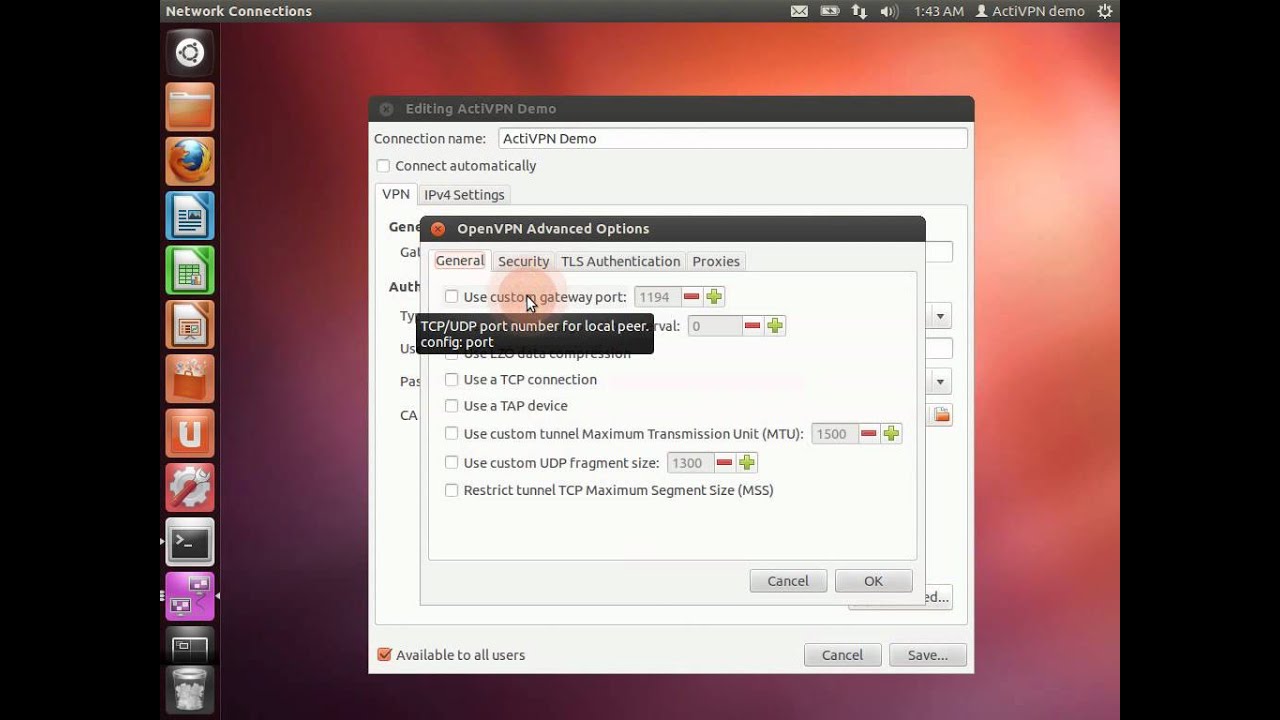
HowTo Connect VPN With GNU Linux Ubuntu
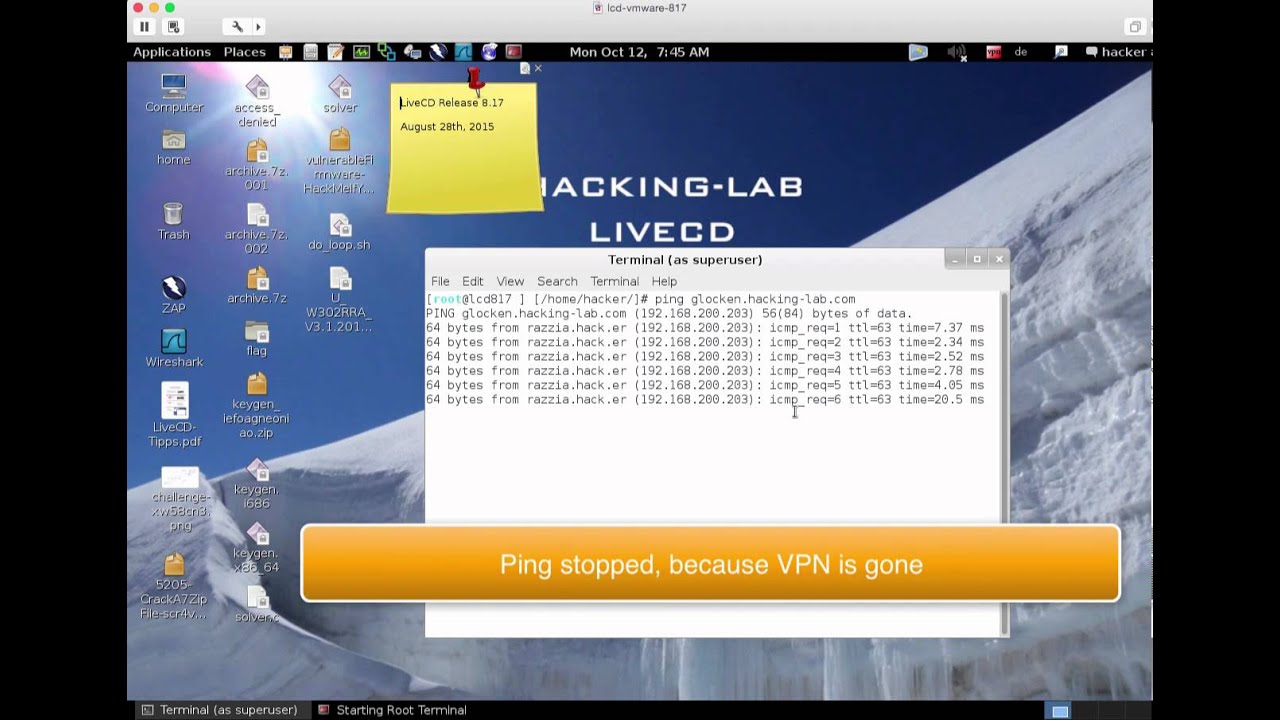
VPN Command Line YouTube

Connect Wireless Router Via Ubuntu Command Line

How To Update Ubuntu In The Command Line
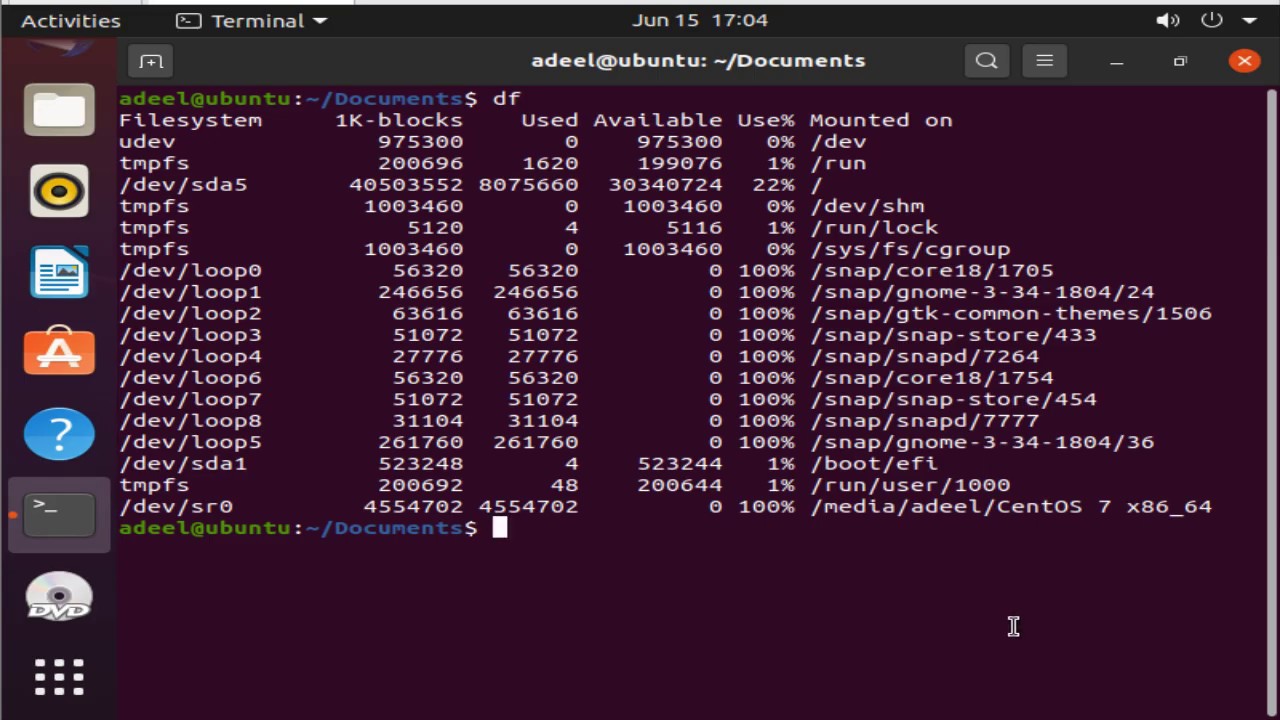
Ubuntu Command Line Script Disk Operations User Linux Advance

3 Answers Sorted by 4 So it turns out this is a duplicate of another question which I couldn t previously find Connect disconnect from VPN from the command line I would like to add though to install nmcli on my 10 04 machine I had to

4 Answers Sorted by 17 If you want to know if any VPN connection is active then the following invocation is useful nmcli con grep i vpn Depending of the connection status you will get either VPN099 vpn wlan0 if active or VPN099 vpn if inactive Share Improve this answer Follow answered Sep 23 2015 at 20 34 guntbert 13k 37 45 86
Start by opening a command line terminal and typing the following command to install OpenVPN Server sudo apt update sudo apt install openvpn Once OpenVPN is installed we need to generate a static key to be used for VPN tunnel encryption openvpn genkey secret static OpenVPN key

How to set up a VPN on Ubuntu with command line Sometimes when you are using GUI in Ubuntu Kubuntu system there is a VPN menu item but it doesn t allow to create a VPN connection For example it says Not sufficient rights Fortunately it s possible to create the connection using NetworkManager
Prerequisites To follow this tutorial you will need One Ubuntu 20 04 server with a sudo non root user and a firewall enabled To set this up you can follow our Initial Server Setup with Ubuntu 20 04 tutorial We will refer to this as the OpenVPN Server throughout this guide A separate Ubuntu 20 04 server set up as a private Certificate Authority CA which we will refer to as the CA
Go step by step through following instructions to set up OpenVPN on Ubuntu from command line Click on the Menu button and type Terminal in order to open the terminal In the terminal type sudo apt get y install openvpn unzip Create a folder and access it from the terminal mkdir CactusVPN cd CactusVPN Go to our Downloads page find the Step 2 Add and set up the VPN Once you click on the button you ll get a pop up window with 3 options OpenVPN PPTP Import from file The most commonly used options are OpenVPN and just importing from a file In most cases VPN providers have a file you can download and then import using the third option
Step 4 Add VPN After selecting the VPN add details about the VPN Once you ve completed filling out the VPN connection details click Add You can see that after setting up the information the connection is being added All you have to do is turn it on to connect to the VPN