Connect Pptp Vpn Ubuntu Command Line Unix Linux Start A VPN Connection With PPTP Protocol On Command Line Ubuntu PPTP VPN To Microsoft Server Command Line ONLY YouTube Set Up Vpn On Ubuntu PPTP VPN From Ubuntu Cannot Connect YouTube Pptp Vs Openvpn Powendashboard In this case we are using pptp client to establishes the client side of a Virtual Private Network VPN using the Point to Point Tunneling Protocol PPTP VPN SERVER COM is host name or IP address for the VPN server route add host 63 xxx xxx xxx dev ppp0 this will tell which hosts are on the other side of tunnel host name or IP address
Here is the quick way to troubleshoot a PPTP connection by way of emulation That means let s create a new connection and then run some debugging How to create a new VPN connection from the command line sudo pptpsetup create MYVPN server xxx xxx xxx xxx username username password password Linux can be set up as a PPTP Server easily and the following guide will outline how to do this Install the PPTP server package sudo apt get install pptpd Edit the chap secrets file which contains the usernames and passwords for the users that will connect to the VPN sudo nano etc ppp chap secrets
Pptp Vs Openvpn Powendashboard Ubuntu 22 04 Connect To WiFi From Command Line Linux Tutorials Connect VPN Using PPTP On Windows all Versions YouTube Ubuntu 22 04 Network Setup Linux Tutorials Learn Linux Configuration How To Update Ubuntu In The Command Line VPN PPTP Windows 10 Configuration TinyCP Ubuntu Command Line Script Disk Operations User Linux Advance OpenVPN Setup In Ubuntu 20 04 LTS IPVanish PPTP Setup Debian Ubuntu Mint Command Line Strong Technology
Connect Pptp Vpn Ubuntu Command Line
 Connect Pptp Vpn Ubuntu Command Line
https://i.ytimg.com/vi/vDkVTs7kFfU/maxresdefault.jpg
Step 1 Click on the Network icon and open the network settings Then click the sign next to VPN Step 2 Select Point to Point Tunneling Protocol Buy VPN for Ubuntu Linux Step 3 Click on Advanced Step 4 In Security select 128 bit most secure and click OK Step 5 Now on the Add VPN Window enter the following details
Templates are pre-designed files or files that can be utilized for various purposes. They can conserve effort and time by offering a ready-made format and design for developing various sort of material. Templates can be utilized for personal or professional projects, such as resumes, invites, leaflets, newsletters, reports, discussions, and more.
Connect Pptp Vpn Ubuntu Command Line

PPTP Setup Debian Ubuntu Mint Command Line Strong Technology
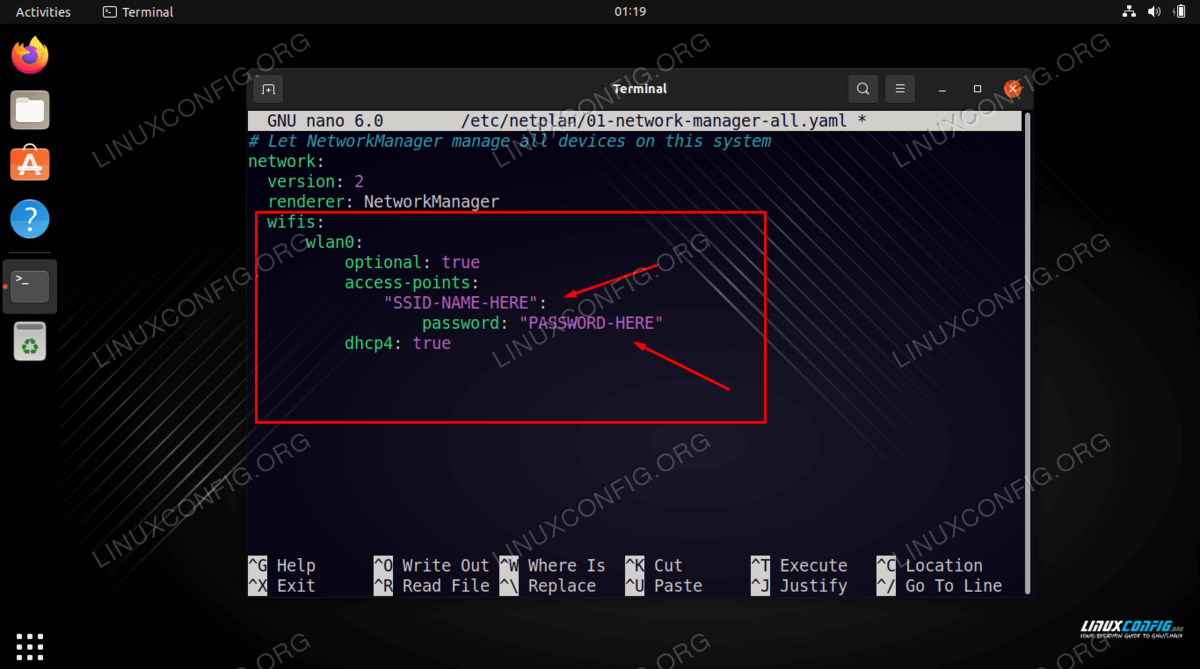
Ubuntu 22 04 Connect To WiFi From Command Line Linux Tutorials
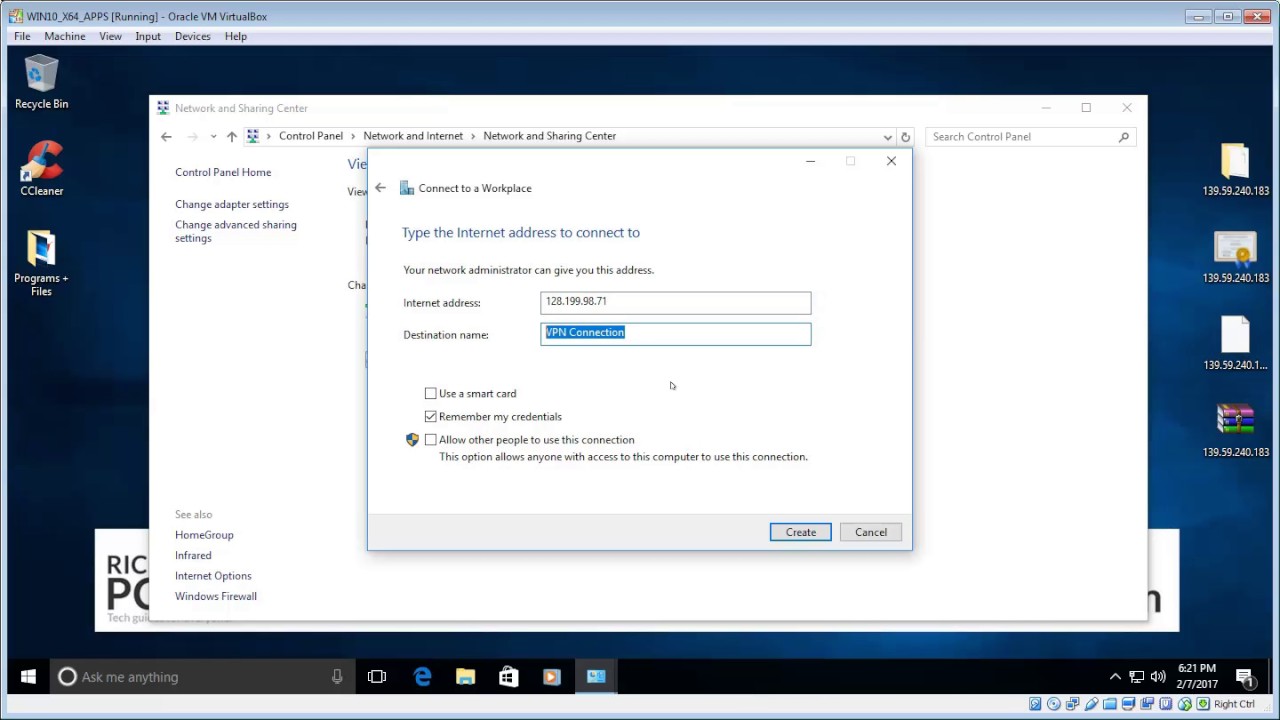
Connect VPN Using PPTP On Windows all Versions YouTube

Ubuntu 22 04 Network Setup Linux Tutorials Learn Linux Configuration
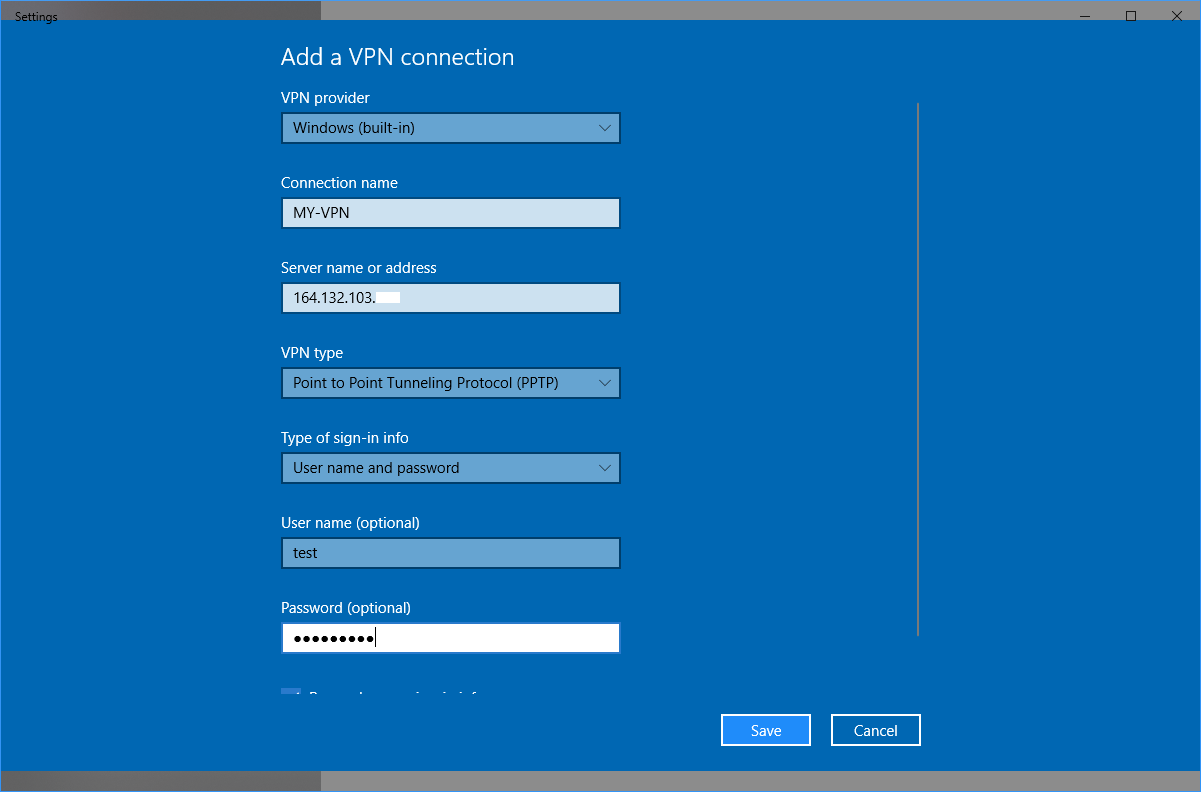
VPN PPTP Windows 10 Configuration TinyCP
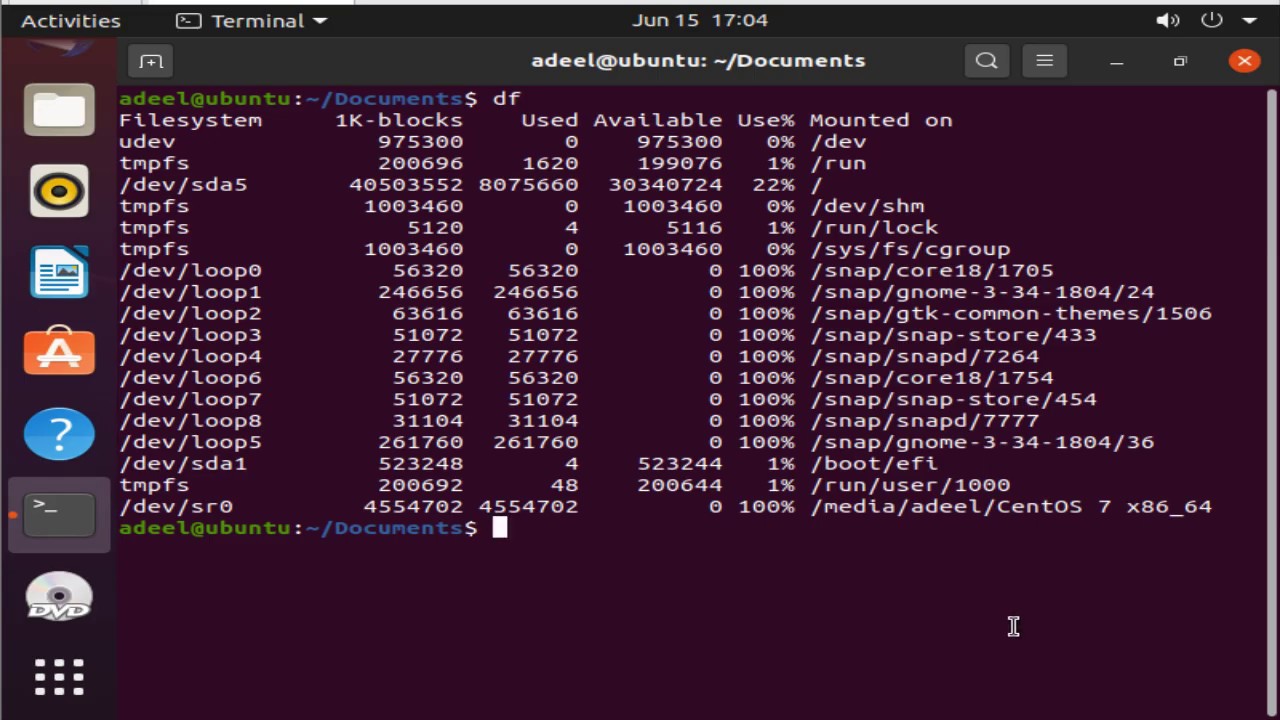
Ubuntu Command Line Script Disk Operations User Linux Advance

29 50 The Absolute Minimum Server Setup What follows are the absolute minimum instructions that you need to get a basic PPTP VPN server running under Ubuntu Clients will then be able to VPN into the server and route their internet traffic so that it goes through the server to the internet

Option 1 Use the Network Manager GUI to set up PPTP on Linux manually Option 2 Use the command line CLI for more control on the PPTP setup Option 3 Install a VPN client app for Linux

1 Open the Terminal window from your device s screen 2 Log in as a root user If you are not a root user then run the following command and tap the Enter key sudo s 3 Type your root password and tap the Enter key 4 Ensure that the PPTP linux package is already installed on your device

To connect pon PPTP And disconnect poff PPTP Or Ctrl C Installing PPTP VPN connection on Ubuntu 20 x Find how to create PPTP VPN connection on Ubuntu step by step at RapidVPN

The Point to Point Tunneling Protocol PPTP is a method for implementing virtual private networks It works on Data link layer 2 layer on TCP IP model Personally I prefer IPSEC PPTP Client is a Linux FreeBSD NetBSD and OpenBSD client for the proprietary Microsoft Point to Point Tunneling Protocol PPTP
To configure pptpclient you will need to collect the following information from your network administrator The IP address or hostname of the VPN server The username you will use to connect The password you will use to connect The authentication Windows domain name This is not necessary for certain networks To connect using the newly created VPN connection use the following command pppd call vpnconnection1 Take a peek into the messages log file using the following command tail f var log messages you should see something similar to this Nov 27 13 46 20 server1 kernel 800 071028 PPP generic driver version 2 4 2
Click on Advanced On the Advanced Options window check the first checkbox for the MPPE option then the second checkbox to allow stateful encryption and click OK On the routes configuration window check the checkbox of Use this connection only for resources on its network Activate the VPN connection client by clicking on the Network