Command To Check Mysql Version Mysql Windows How To Check Mysql Version Thingeasysite How To Find MySQL Version In Linux Using The CLI NixCraft Simplest Way To Reset MySQL Root Password MySQL Data Types Know The Ones To Use And How FOSS Linux The common Linux way of finding the MySQL version is by running the status command mysqld version in the shell prompt
Using STATUS Command in MySQL Command Line You can see along with the other details like the current user connection details etc the Open the shell prompt and type the following SQL query using the mysql command mysql e SHOW VARIABLES LIKE version Look like I am
MySQL Data Types Know The Ones To Use And How FOSS Linux How To Check MySQL Server Version In Laravel How To Check MySQL Version In Ubuntu ItSolutionStuff How To Check MySQL Version Globo Tech How To Check MySQL Version TecAdmin Phpmyadmin Command Line Xampp Mysql Mysql Command Line Mysql Query FIX Your PHP Installation Appears To Be Missing The MySQL Extension H ng D n How Do I Find Mysql Version In Mysql Workbench L m C ch Testing MySQL From The Command Line Window YouTube
Command To Check Mysql Version
 Command To Check Mysql Version
https://i.stack.imgur.com/YN22H.jpg
Open the command line and enter this command Log in via SSH Server and Enter However you can also run a simple command to find out more
Templates are pre-designed files or files that can be utilized for different functions. They can conserve time and effort by supplying a ready-made format and design for producing different type of material. Templates can be utilized for individual or expert jobs, such as resumes, invites, leaflets, newsletters, reports, presentations, and more.
Command To Check Mysql Version
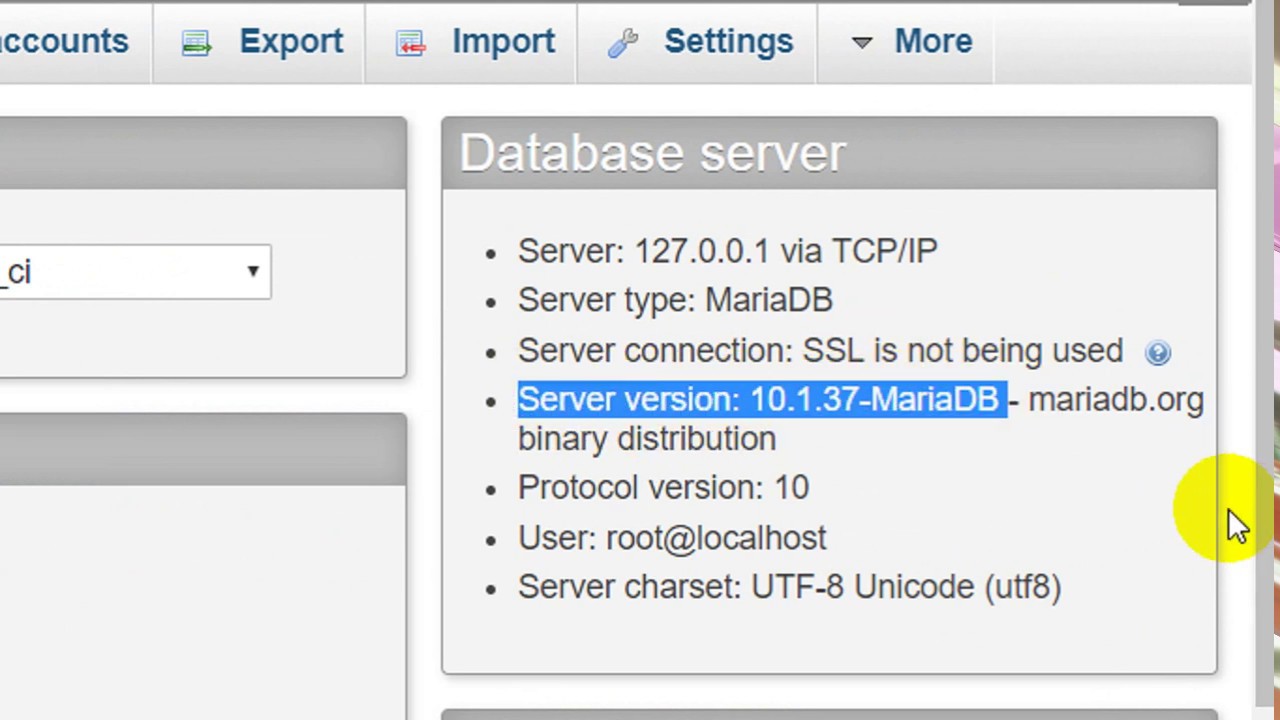
How To Check Your MySQL Version In PHPmyAdmin YouTube

How To Check MySQL Server Version In Laravel

How To Check MySQL Version In Ubuntu ItSolutionStuff
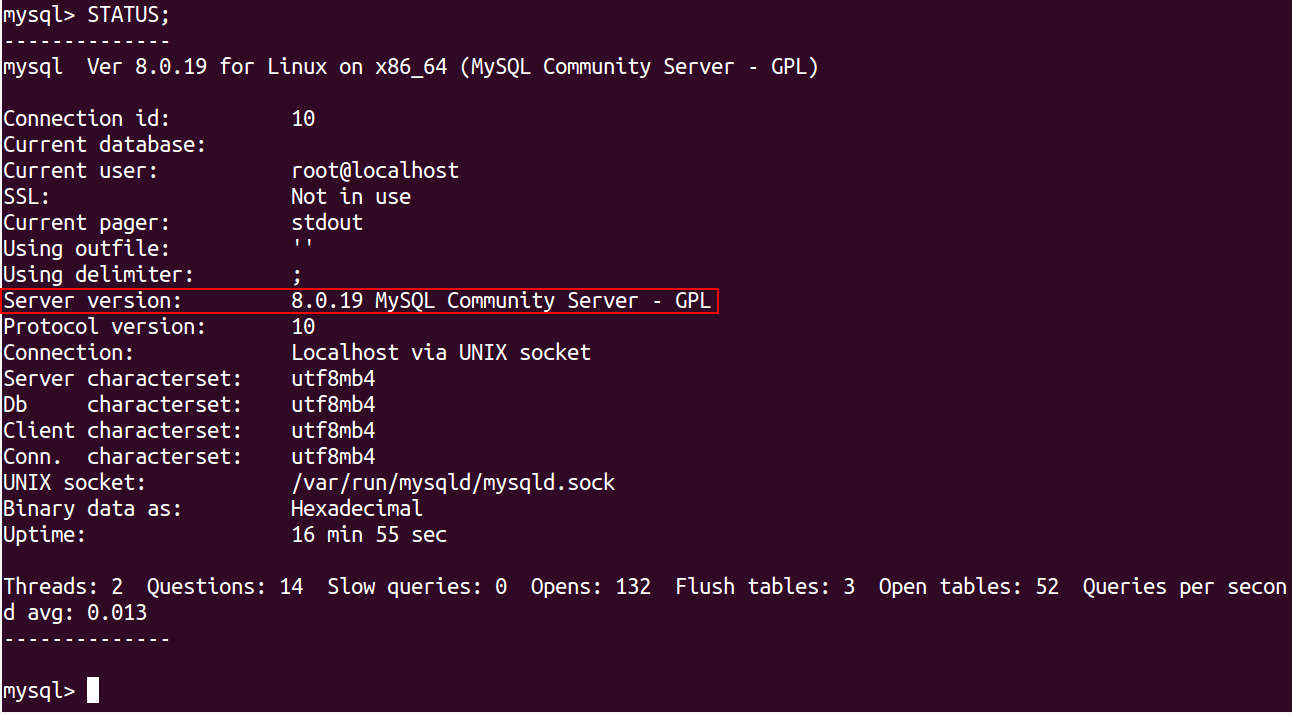
How To Check MySQL Version Globo Tech
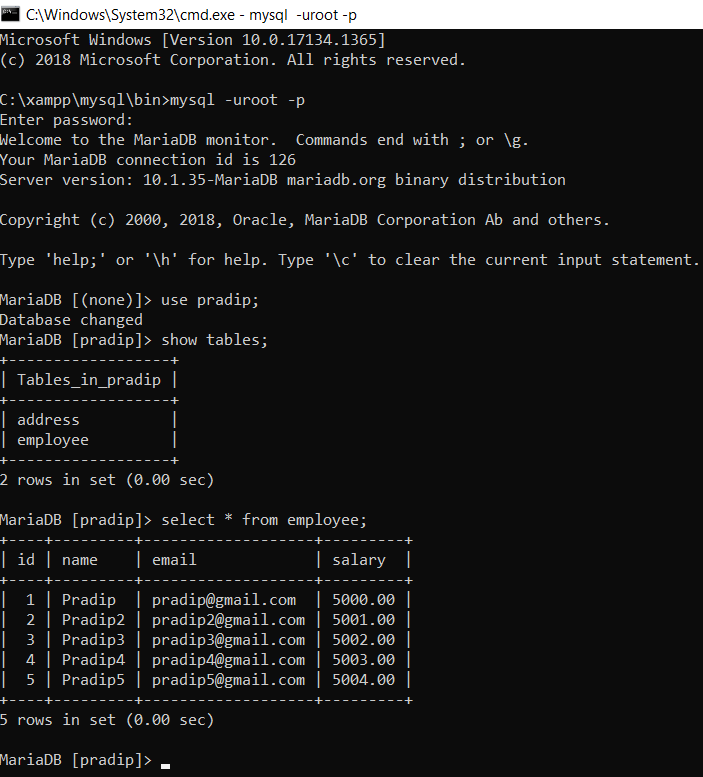
Phpmyadmin Command Line Xampp Mysql Mysql Command Line Mysql Query
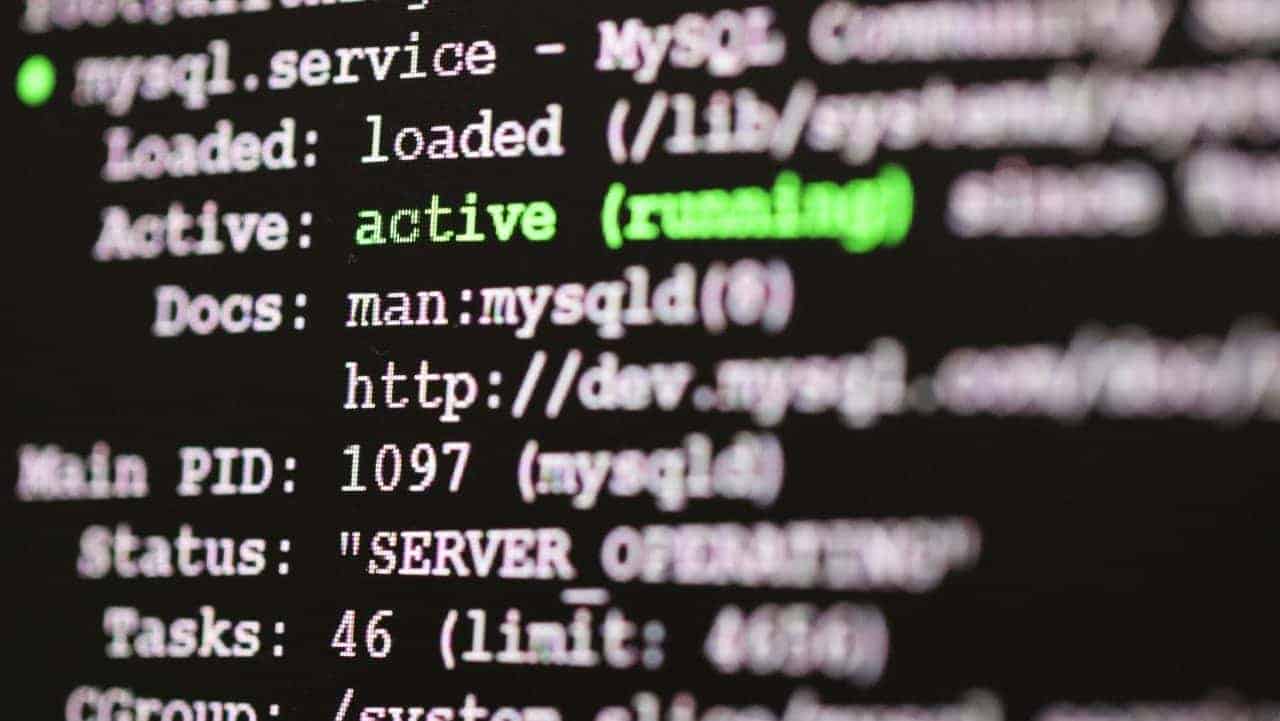
FIX Your PHP Installation Appears To Be Missing The MySQL Extension

MySQL Client allows getting the version info by running the SELECT VERSION command in the MySQL database Here is the syntax for MySQL SELECT

Click on Server Status and find out the version enter image description here Or else go to following location and open cmd C Windows System32 cmd exe

Check MySQL Version with V Command The command mysql V is not OS specific This command works on Windows OS X and Linux distributions

OR if you have access to MySQL Administrator and you are connected to the server Just click on Server Information on the left side pane The version

You can also check the version number from within the MySQL Command Shell by connecting to your MySQL server To do so enter the command mysql and hit Enter
A command client utility such as mysql can also be used to determine the version of the MySQL server There are also some other statements There are several ways to do so as detailed above but the easiest two are using phpMyAdmin or connecting with the command line You can find
You can also use the MySQL command line utility to check the MySQL version First connect to the MySQL server with the following command mysql