Command To Check Mysql Version In Mac How To Check The MySQL Version On Linux ImagineLinux How To Check The MySQL Version On Linux ImagineLinux Check MySQL Version From Command Line Comment Connaitre Version Mysql Tutomunity How To Check MySQL Version Globo Tech Learn key command line and CMD commands for file handling navigation and environment setup Master redirection search aliases and more
Apr 22 2025 nbsp 0183 32 In this step by step Windows Command Prompt tutorial we ll cover everything from basic commands like cd dir and mkdir to advanced functions such as network Mar 8 2024 nbsp 0183 32 Command Prompt offers 280 commands for navigation troubleshooting and performing different tasks Explore this guide to unleash the full potential of Command Prompt
How To Check MySQL Version Globo Tech Checking The Version Of MySQL Installed On Your Linux System Systran Box Como Recuperar O Mysql Da Linha De Comando Em Rela O Ao Windows Hot Sex Picture How To Check MySQL Version Installed On Your Terminal Check Your Current MySQL Version In 6 Ways Devart Blog How To Check MySQL Version In Linux Including Ubuntu Linux Tutorial Hub How To Check MySQL Version 5 Easy Commands Ubuntu Linux How To Find Your MySQL Server s Instance Name Systran Box How To Check MySQL Version Using Workbench Linux Consultant
Command To Check Mysql Version In Mac
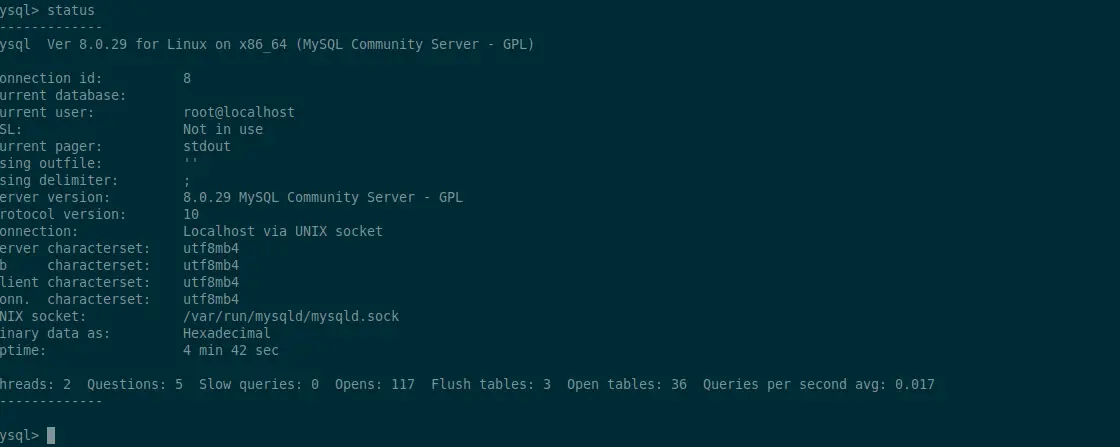 Command To Check Mysql Version In Mac
https://www.imaginelinux.com/wp-content/uploads/2022/06/mysql-status-1120x447.png
A new CMD exe session can be instantiated in several ways explicitly starting a new CMD session from an existing CMD shell CALLing a batch file or implicit instantiation caused by
Templates are pre-designed documents or files that can be used for numerous functions. They can save time and effort by offering a ready-made format and design for producing various sort of content. Templates can be utilized for individual or professional jobs, such as resumes, invites, flyers, newsletters, reports, presentations, and more.
Command To Check Mysql Version In Mac
How To Check The Version Of MySQL In Windows StackHowTo

Checking The Version Of MySQL Installed On Your Linux System Systran Box
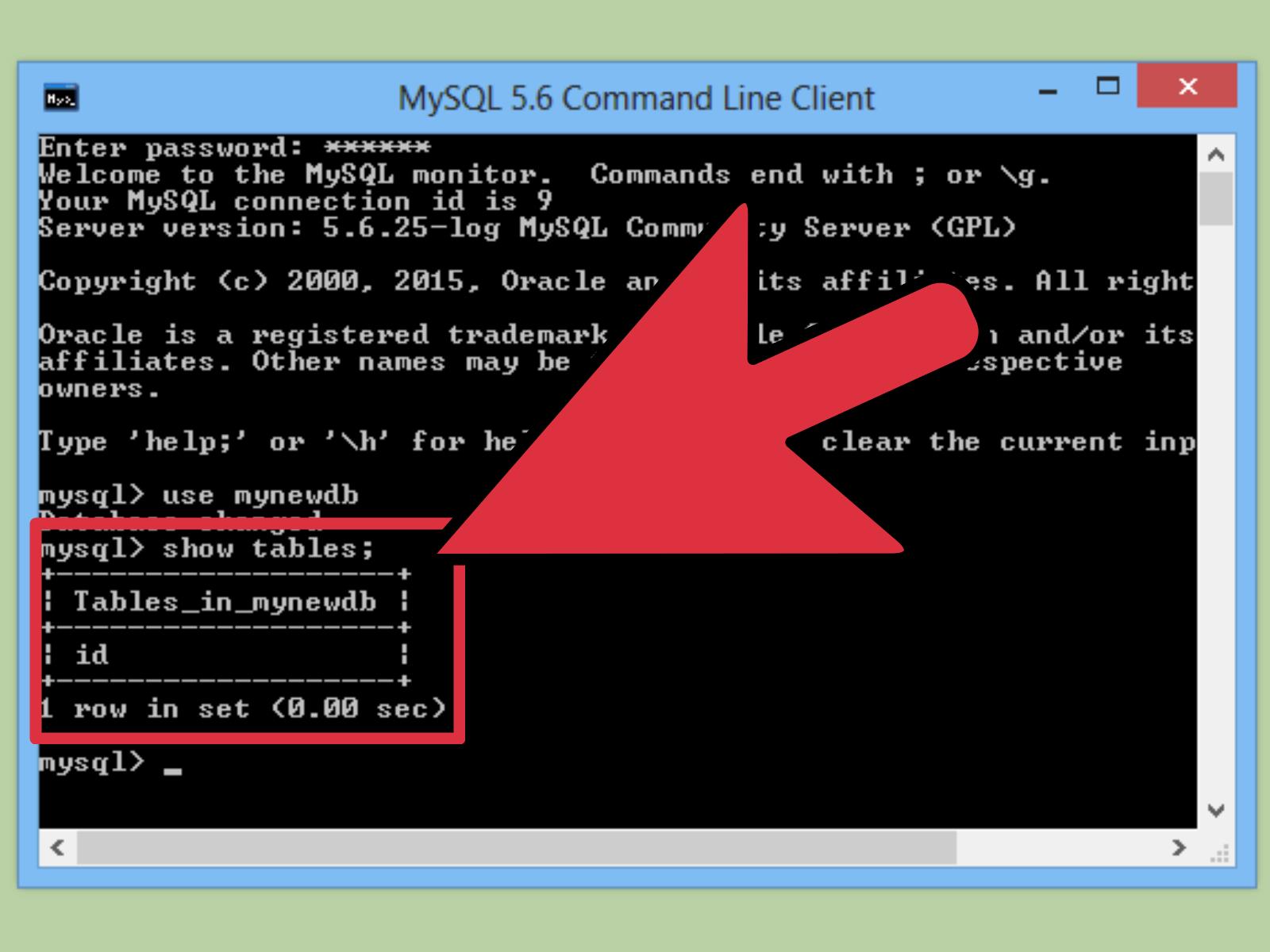
Como Recuperar O Mysql Da Linha De Comando Em Rela O Ao Windows Hot Sex Picture

How To Check MySQL Version Installed On Your Terminal
How To Check MySQL Version In Linux Including Ubuntu Linux Tutorial Hub
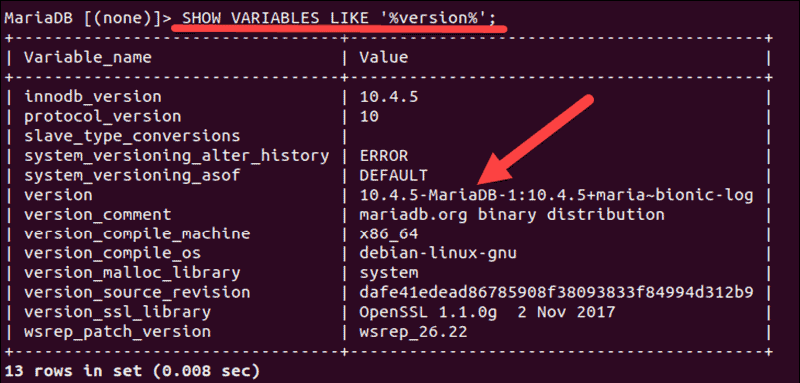
How To Check MySQL Version 5 Easy Commands Ubuntu Linux

COMMAND definition 1 an order especially one given by a soldier 2 control over someone or something and Learn more

Mar 4 2025 nbsp 0183 32 The command prompt can be used to execute specific commands and perform advanced functions If you need to troubleshoot your Windows laptop or computer you may

Dec 15 2022 nbsp 0183 32 This guide contains the complete list of nearly 300 Command Prompt commands you can use to perform various tasks on the computer

Command line shells Windows has two command line shells the Command shell and PowerShell Each shell is a software program that provides direct communication between you
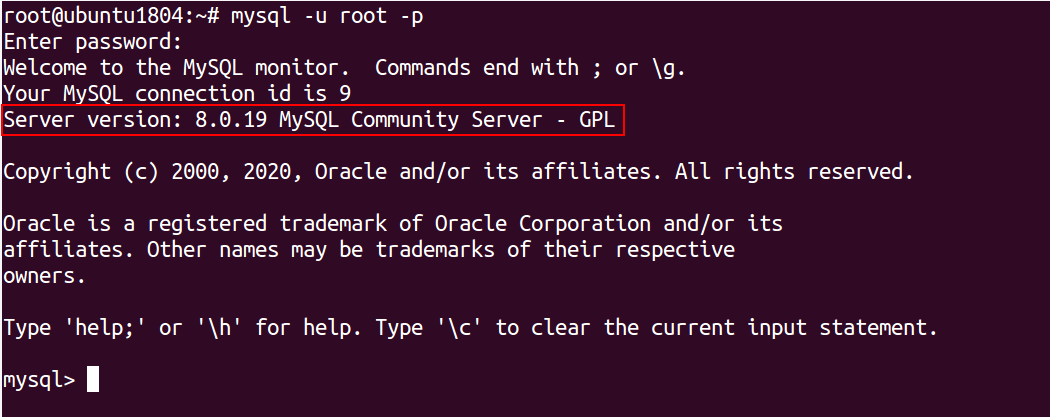
Oct 14 2020 nbsp 0183 32 If you need to run commands like mkdir ping and netstat in Windows you ll need to open the Command Prompt program Turns out that there are a bunch of ways to do that
[desc-11] [desc-12]
[desc-13]