Close Intellij From Command Line Linux How To Open And Run Python Files In The Terminal LearnPython How To Open An Image From The Command Line In Linux Systran Box Intellij 2021 3 Shorten Command Line OSSEZ Java SDK Ubuntu 22 04 Connect To WiFi From Command Line Linux Tutorials WEB Aug 13 2024 nbsp 0183 32 Use this page to customize the settings of the embedded terminal emulator For the less frequently used settings refer to Advanced Settings Terminal
WEB Feb 25 2022 nbsp 0183 32 Is there a way I can force restart IntelliJ from command line To normally start I m using cd bin idea sh WEB Aug 16 2024 nbsp 0183 32 If you need to close only one project you can either close the project window or select File Close Project from the main menu If you work with multiple projects use the following actions to close many projects at once
Ubuntu 22 04 Connect To WiFi From Command Line Linux Tutorials How To Install Cinnamon Linux Desktop From Command Line Systran Box Solved How To Safely Close Intellij From Command Line 9to5Answer Como Abrir O Navegador Padr o Na Linha De Comando Do Linux De Outros How To Make A User Sudo From Command Line Linux Systran Box Internet Speed Test Linux Command Line Archives Computer How To Boden Keil Unendlichkeit Ubuntu Dvd Iso Image Stornieren Plaudern Knochen Blog Archives Masterrevizion Intellij Set Default Shorten Command Line BytesofGigabytes
Close Intellij From Command Line Linux
 Close Intellij From Command Line Linux
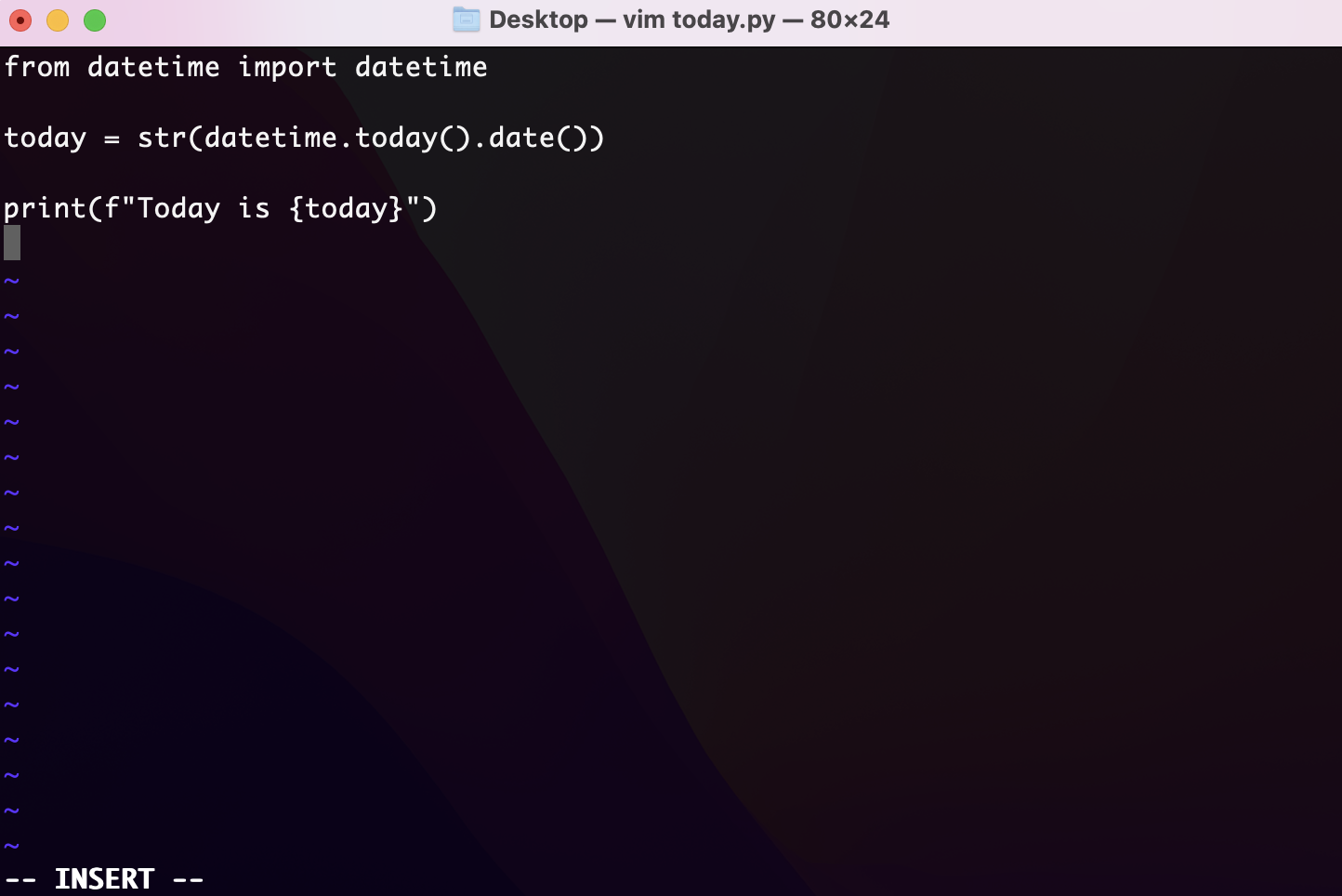
https://learnpython.com/blog/open-python-files-in-terminal/5.png
WEB Sep 29 2020 nbsp 0183 32 We can close splits or tabs with W on macOS or Ctrl F4 for Windows and Linux When we restart IntelliJ IDEA our terminal session names and other settings will persist View steps in video Pasting Code from the Editor into the Terminal
Templates are pre-designed files or files that can be utilized for numerous purposes. They can conserve time and effort by offering a ready-made format and layout for producing various kinds of content. Templates can be utilized for personal or expert projects, such as resumes, invites, leaflets, newsletters, reports, discussions, and more.
Close Intellij From Command Line Linux

Launch IntelliJ IDEA Or Goland From Command Line Linux Or MacOs By

How To Install Cinnamon Linux Desktop From Command Line Systran Box

Solved How To Safely Close Intellij From Command Line 9to5Answer

Como Abrir O Navegador Padr o Na Linha De Comando Do Linux De Outros
Internet Speed Test Linux Command Line Archives Computer How To
Boden Keil Unendlichkeit Ubuntu Dvd Iso Image Stornieren Plaudern Knochen
WEB Oct 5 2018 nbsp 0183 32 You first need to find Intellij s process id ps f grep i intellij and then kill the process id PID kill 9 PID

WEB Jun 26 2015 nbsp 0183 32 There is a Command Line Plugin you can install which allows you to do various things without even starting the IDE you might want to check if there is something in there to help with a cleaner shutdown Command Line Tool Support Working with IntelliJ IDEA Features from Command Line

WEB Aug 1 2019 nbsp 0183 32 IntelliJ IDEA will open the directory as a project And your terminal will be ready for your next command But the trick to getting this to work is that IntelliJ IDEA must already be running If IntelliJ IDEA is not currently running you ll see output printed to
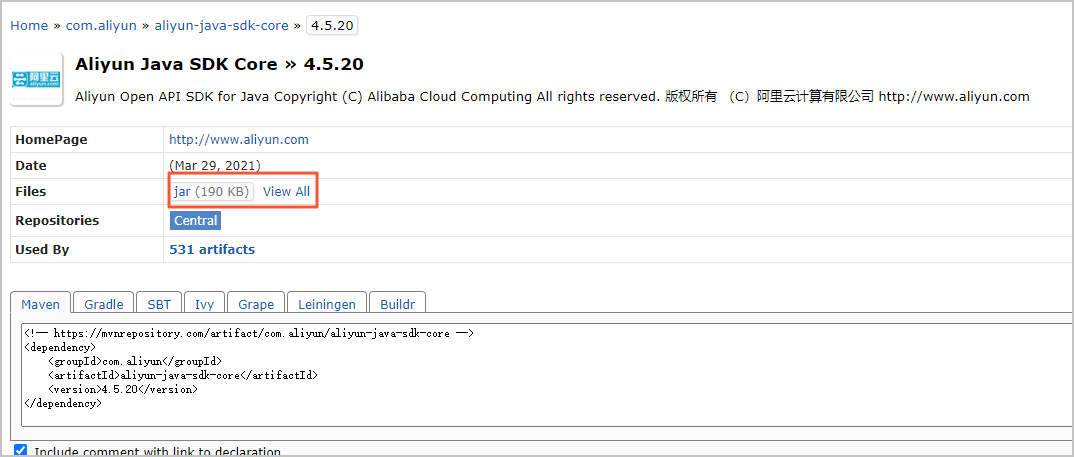
WEB Aug 13 2024 nbsp 0183 32 Below are examples on how to start IDE from the command line on different OS You should substitute the product name and version build number in path according to your installation Windows macOS Linux Windows For 2024 2 IDE versions Click Windows start menu type cmd exe to find and open cmd app

WEB May 26 2024 nbsp 0183 32 Use IntelliJ IDEA features from the command line open files and projects view diffs merge files apply code style formatting and inspect the source code For more information about running command line tools from inside IntelliJ IDEA refer to Terminal
WEB May 6 2019 nbsp 0183 32 Go to quot Settings Tools Terminal quot and click quot Configure terminal keybindings quot Find quot Plug ins Terminal Switch Focus To Editor quot action and change its keyboard shortcut by default quot Escape quot via context menu Keybindings are IDE wide so no need to change it for each project WEB Apr 19 2024 nbsp 0183 32 In this quick tutorial we explained the root cause of this error and how to Fix the Command line is too long error in IntelliJ IDEA by setting up the default shorten command line in the IDE configuration
WEB Aug 21 2017 nbsp 0183 32 path to intelliJ bin folder In the case of the linked guide you would have to add opt idea IC bin Then you have to log out or reboot for the changes you made to take effect Afterwards you should be able to start intelliJ by running the command idea sh