Clean Terminal Vs Code Windows10 WSL WSL2 Windows Terminal VS Code YouTube Terminal VS Code N o Abre Funciona Programa o Solucionado How To Run C C File In VSCode Terminal VS Code Visual Studio VS Code Quickly Move Focus Between Code File And Terminal KindaCode Installing Lua On Windows Terminal VS Code YouTube Web Aug 2 2023 nbsp 0183 32 1 Use the Keyboard Shortcut Ctrl L The easiest and quickest way to clear the terminal in VS Code is to use the keyboard shortcut Ctrl L By pressing Ctrl and L
Web Jul 31 2023 nbsp 0183 32 We ll start from setting up VS Code understanding its interface accessing the terminal and then delve into the different ways of clearing the terminal Moreover we ll Web Sep 26 2021 nbsp 0183 32 1 Go to File gt Preferences gt Keyboard Shortcuts and find the mapping for Clear workbench action terminal clear then change it to Ctrl K unless you want to use
Installing Lua On Windows Terminal VS Code YouTube How To Set Default Terminal In VS Code Erro Terminal Vs Code Assuntos Gerais GUJ Ligne De Commande Dans Terminal VS Code Infinie Purple Giraffe Ligne De Commande Dans Terminal VS Code Infinie Purple Giraffe Ligne De Commande Dans Terminal VS Code Infinie Purple Giraffe Terminal VS Code IT Make Your VS Code Terminal Look Awesome By brahim BABAL Medium Setup Instructions For Windows Terminal And VS Code GitHub
Clean Terminal Vs Code
 Clean Terminal Vs Code
https://i.ytimg.com/vi/g0cFVUhSp_4/maxresdefault.jpg
Web When using VS Code as your development environment you may encounter situations where you need to clear the terminal While the commonly used cmd k key combination
Templates are pre-designed documents or files that can be utilized for different purposes. They can save effort and time by supplying a ready-made format and design for producing different kinds of content. Templates can be used for individual or professional tasks, such as resumes, invitations, leaflets, newsletters, reports, discussions, and more.
Clean Terminal Vs Code
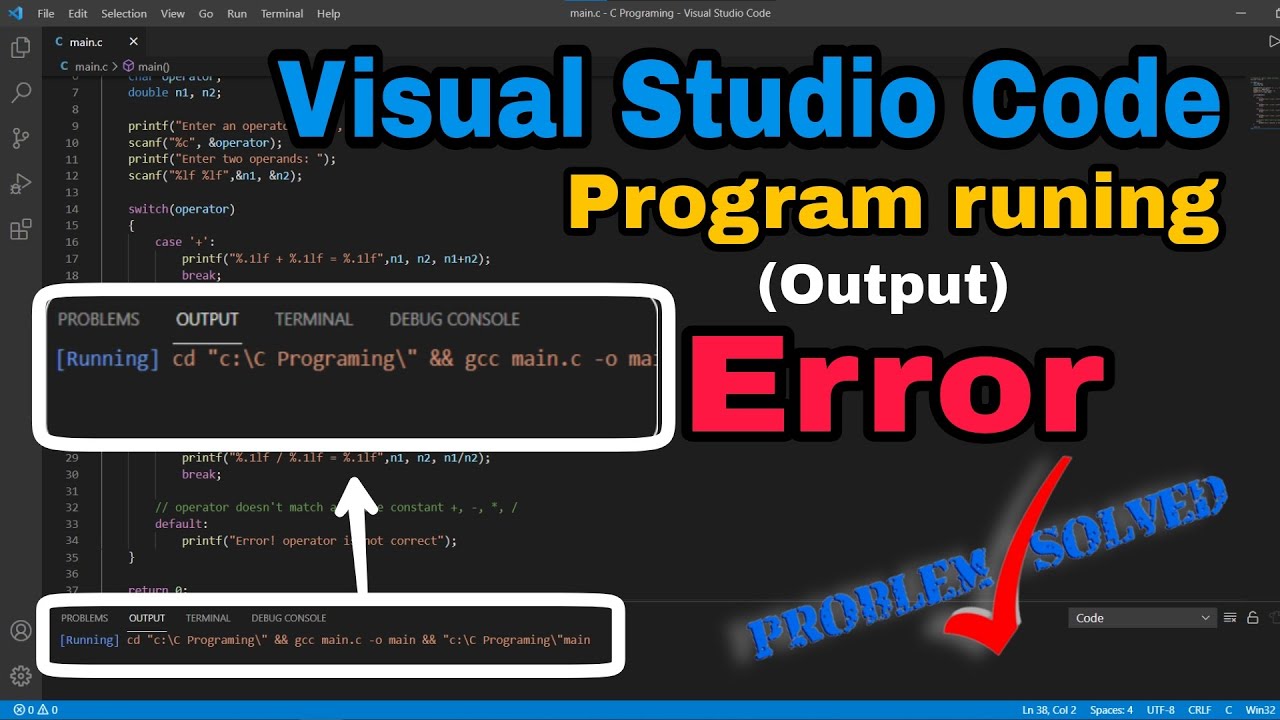
Solution To Run Program In VS Code Terminal Vs Code Output Problem

How To Set Default Terminal In VS Code
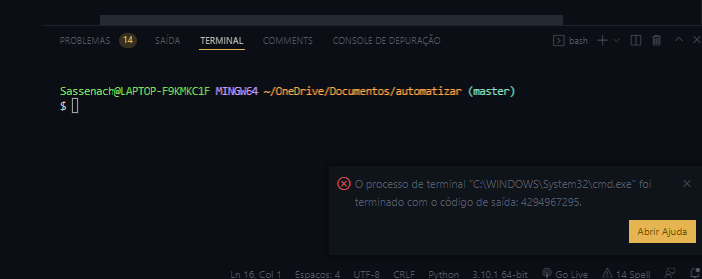
Erro Terminal Vs Code Assuntos Gerais GUJ
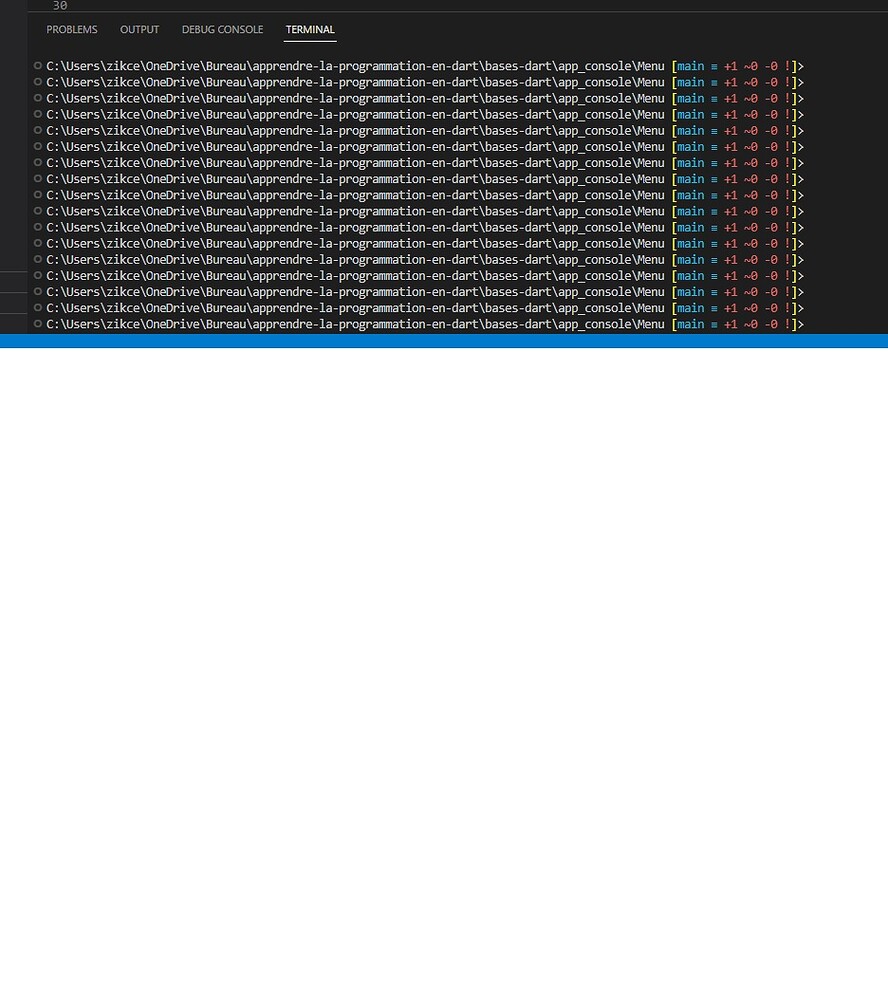
Ligne De Commande Dans Terminal VS Code Infinie Purple Giraffe

Ligne De Commande Dans Terminal VS Code Infinie Purple Giraffe

Terminal VS Code IT
Web Jan 9 2021 nbsp 0183 32 To clear Terminal in VS Code simply press Ctrl Shift P key type command Terminal Clear go to View in taskbar upper left corner of vs code and open
Web Jul 10 2023 nbsp 0183 32 Clearing the terminal in VS Code is as simple as it gets All you need to do is press a keyboard shortcut Ctrl K if you re on Windows or Linux or Cmd K if you re on

Web Jul 22 2021 nbsp 0183 32 Clear the terminal in VS Code Jul 22 2021 I usually clear the terminal with cmd k but in VS Code this key combination didn t work I had to use cmd shift P and search the Terminal Clear command Turns

Web Feb 21 2023 nbsp 0183 32 Difference between clear terminal and kill terminal in VS Code Ask Question Asked 8 months ago Modified 8 months ago Viewed 177 times 3 I am

Web Terminal Basics Visual Studio Code includes a full featured integrated terminal that starts at the root of your workspace It provides integration with the editor to support features like links and error detection The
Web Aug 31 2021 nbsp 0183 32 0 You can clear your Terminal after each run by typing clear in Terminal To have it done automatically check Clear Before Reusing or Clear Previous Output if Web Jun 8 2019 nbsp 0183 32 I am trying to compile a Python file in VS Code I have setup Ctrl Shift F10 as the keys for the quot Python Run file in terminal quot command Once the file runs in the
Web Launching from command line You can launch VS Code from the command line to quickly open a file folder or project Typically you open VS Code within the context of a folder