Check Windows Server Activation Status Cmd Windows Server Activation Status Blank How To Check Windows 11 Download Progress Profileroom File Windows Server Core CMD png BetaWiki What To Do When Windows 10 Deactivated Itself After Update Windows Server Activation Keys With Full ISO Setup Updated 2022 Web Nov 8 2019 nbsp 0183 32 Yep I have access to CMD is it possible to create a script utilizing slmgr xpr to run on all 200 servers at once and provide a 2 column output with server name and activation status Thanks
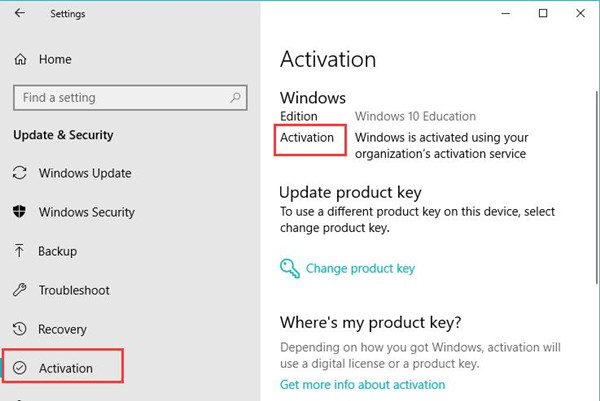
Web Aug 22 2023 nbsp 0183 32 1 Open your Windows Settings It s the gray gear icon in your Start menu You can also launch the Settings app quickly by pressing Windows key i at the same time 2 Click System at the top left corner 3 Click Activation It s toward the bottom of the right panel 4 Click the activation status Web Mar 8 2022 nbsp 0183 32 KMS clients connect to a KMS server also called the KMS host on the network for activation A KMS host can be a VM or physical machine To activate a computer running Windows Server 2019 the KMS host must use one of the following OSes Windows Server 2012 R2 Windows Server 2016 or Windows Server 2019
Windows Server Activation Keys With Full ISO Setup Updated 2022 Windows 2003 Server R2 Activation Crack Windows Server Activation Status Blank Microsoft Community Windows Server Activation Status Blank Microsoft Community Mylus Systems MonitorMesh Mylus Systems MonitorMesh Windows Server 2022 Crack Activation Key Free Download Latest Activate Windows 10 Cmd Slmgr Key Woofalas How To Check Activation Status Using Cmd In Windows 11 Technoresult
Check Windows Server Activation Status Cmd
 Check Windows Server Activation Status Cmd
https://content.spiceworksstatic.com/service.community/p/post_images/attached_image/f0770838-a15b-4a22-bf1e-8c98a8f6f33e-slmgr_-ato.png
Web Sep 8 2014 nbsp 0183 32 There are numerous ways to access Windows Management Instrumentation WMI information by using Windows PowerShell The best way is to use the CIM cmdlets The CIM cmdlets shipped in Windows PowerShell 3 0 with Windows 8 and Windows Server 2012 so they have been around for a while
Pre-crafted templates use a time-saving service for creating a varied range of files and files. These pre-designed formats and designs can be utilized for numerous individual and professional tasks, including resumes, invitations, flyers, newsletters, reports, presentations, and more, simplifying the material production process.
Check Windows Server Activation Status Cmd
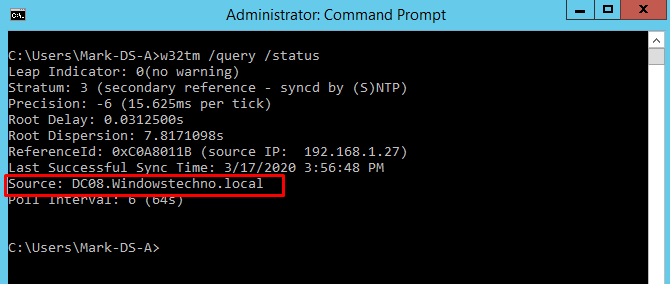
How To Check System s Current NTP Configuration
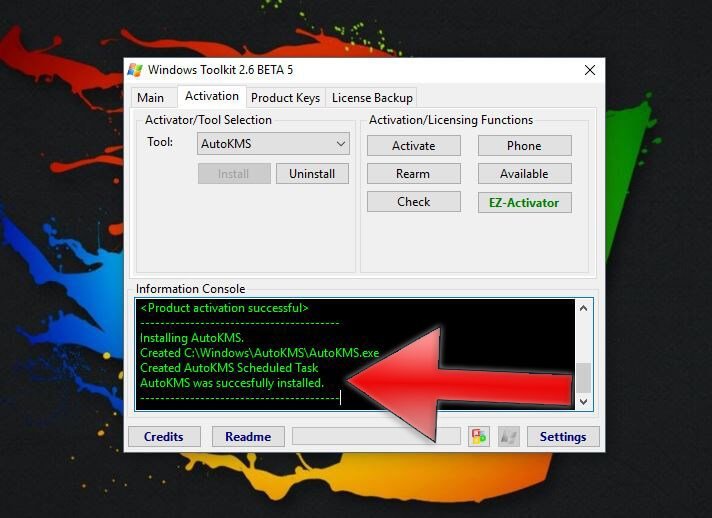
Windows 2003 Server R2 Activation Crack

Windows Server Activation Status Blank Microsoft Community

Windows Server Activation Status Blank Microsoft Community
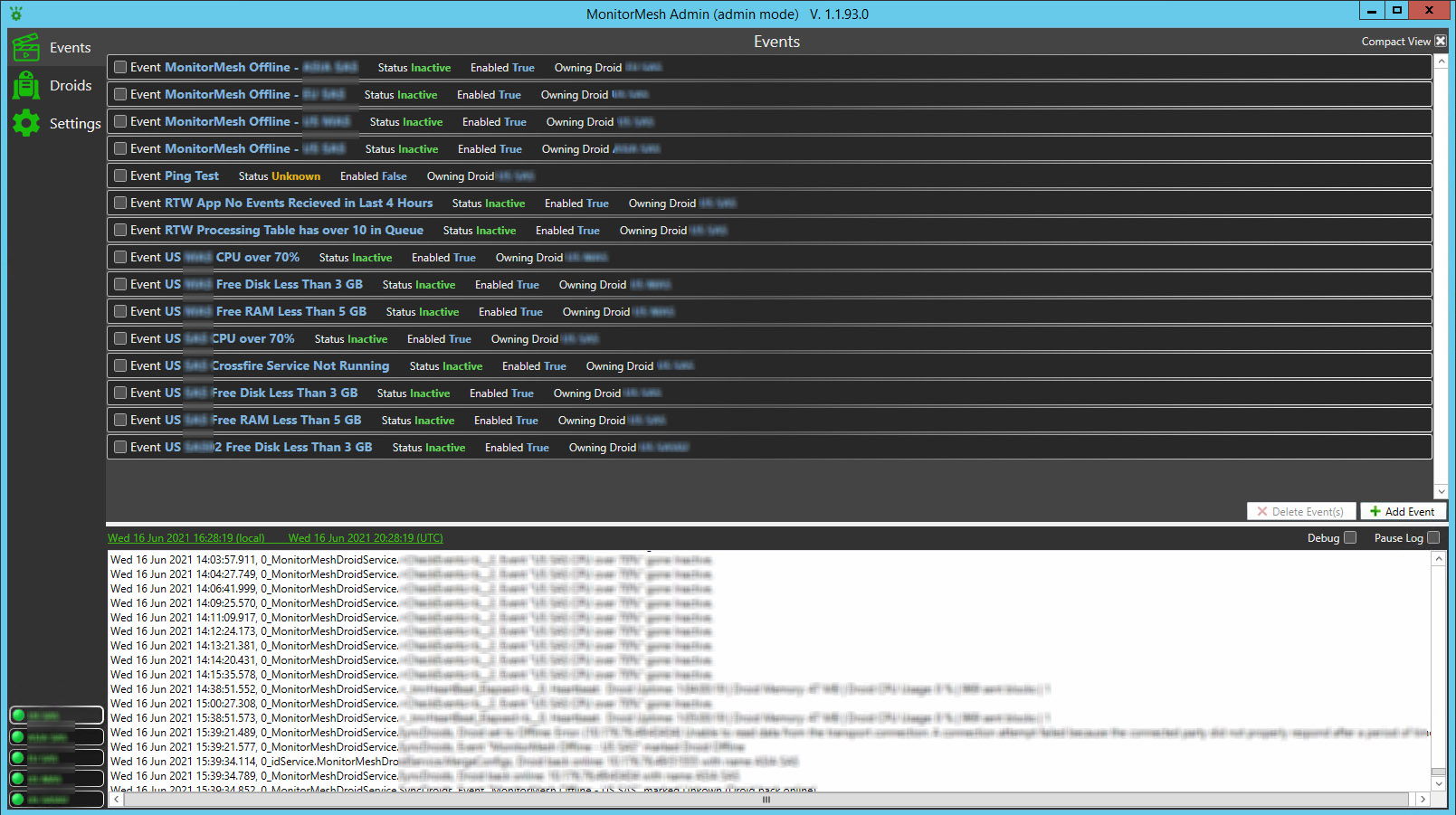
Mylus Systems MonitorMesh

Windows Server 2022 Crack Activation Key Free Download Latest

Web Jun 14 2023 nbsp 0183 32 Open Command Prompt and enter the desired slmgr command Check activation status slmgr xpr View license info slmgr dlv Reset timers slmgr rearm Several other slmgr commands also exist Use a similar format for those This article explains how to enter slmgr commands in Windows to turn on advanced Windows
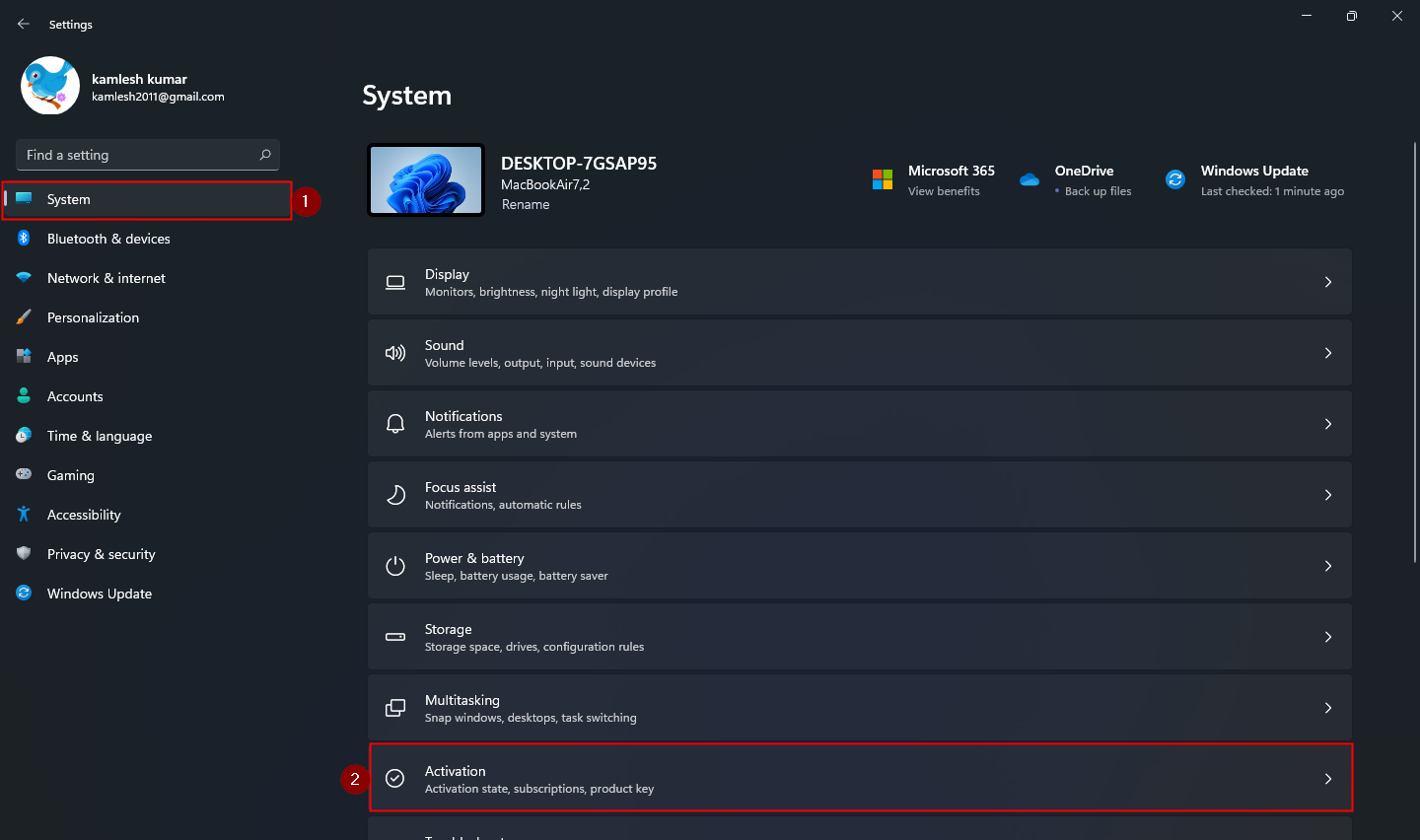
Web Jun 27 2022 nbsp 0183 32 Check Windows Activation Using PowerShell You can use PowerShell to get Windows activation information on a local or remote computer Run the following command to get data from CIM WMI Get CimInstance SoftwareLicensingProduct Filter quot Name like Windows quot where PartialProductKey select Description

Web Nov 13 2021 nbsp 0183 32 Execute the following command slmgr dli The dli parameter will display current license information with activation status The result will also include the type of key Retail OEM MAK or KMS key If the License status says Licensed then you do not have a problem If the reply is helpful please Upvote and Accept it as an answer
Web Check the status of the host software license service using the slmgr vbs command in a command line prompt Check the Event Viewer for events related to licensing or activation

Web Oct 26 2021 nbsp 0183 32 Go here to find out how to check the activation status amp type of Microsoft Office Windows Software Licensing Management Tool slmgr vbs is a licensing tool to help configure Licensing amp view
Web To display very basic license and activation information about the current system run the following command This command tells you the edition of Windows part of the product key so you can identify it and whether the system is activated slmgr vbs dli Web Jun 6 2017 nbsp 0183 32 To display very basic license and activation information about the current system run the following command This command tells you the edition of Windows part of the product key so you can identify it and whether the system is activated slmgr vbs dli
Web Nov 29 2021 nbsp 0183 32 To check run Slmgr vbs with the dli command line option slmgr vbs dli It will give you details about the Windows installation and its activation and licensing status The admin also gets