Check Time Server Command Line How Do I Ping A SQL Server Command Line Android Consejos How To Use Net Use Command In Windows Command Line LaptrinhX Change NTP server In Windows WindowsMGMT How To Check Time Synchronization Preferenceweather Mac OS X Server Command Line Administration Web To verify the NTP server list Hold the windows key and press X to bring up the Power User menu Select Command Prompt In the command prompt window enter w32tm query peers Check that an entry is shown for each of the servers listed above To manually configure the list of NTP servers
Web Jul 5 2019 nbsp 0183 32 Choose Run as administrator Then enter the following command to register your system w32tm register Once you hit enter you will find out if the registration was a success Now start things up by issuing this command sc start w32time Web Here s how to check if a NTP Server is reporting the correct time and date using the Windows command line Open a command prompt and type the following w32tm stripchart computer IPADDRESSORDNSNAME dataonly samples 5 Where IPADDRESSORDNSNAME equals the IP Address or DNS name of the NTP time server
Mac OS X Server Command Line Administration Sql Command Line Client Download Aslsoc Windows Time Sync Command Sync Windows Time From Command Line How To Access The Web Server Command Line Through CPanel MilesWeb Resuelta Windows Eliminar La Solicitud De Reinicio Para Ubuntu How To Check Mac Address Plannerlasopa TightVNC For Windows Server Command Line Options PDF Enabling Net Framework 3 5 In Windows Server 2012 Using Command Prompt Start Appium Server From Command Line Windows Lopperu
Check Time Server Command Line
 Check Time Server Command Line
https://androidconsejos.com/wp-content/uploads/2022/04/How-do-I-ping-a-SQL-Server-command-line-1024x585.png
Web Jul 25 2017 nbsp 0183 32 Open Control Panel Click on Clock Language and Region Click on Date and Time Click on the Internet Time tab Click the Change settings button Check that the Synchronize with an internet
Templates are pre-designed documents or files that can be utilized for different functions. They can conserve effort and time by providing a ready-made format and layout for producing various sort of content. Templates can be used for personal or professional tasks, such as resumes, invitations, flyers, newsletters, reports, discussions, and more.
Check Time Server Command Line

Check Time Timer Zone Server Card Difference Icon Download On
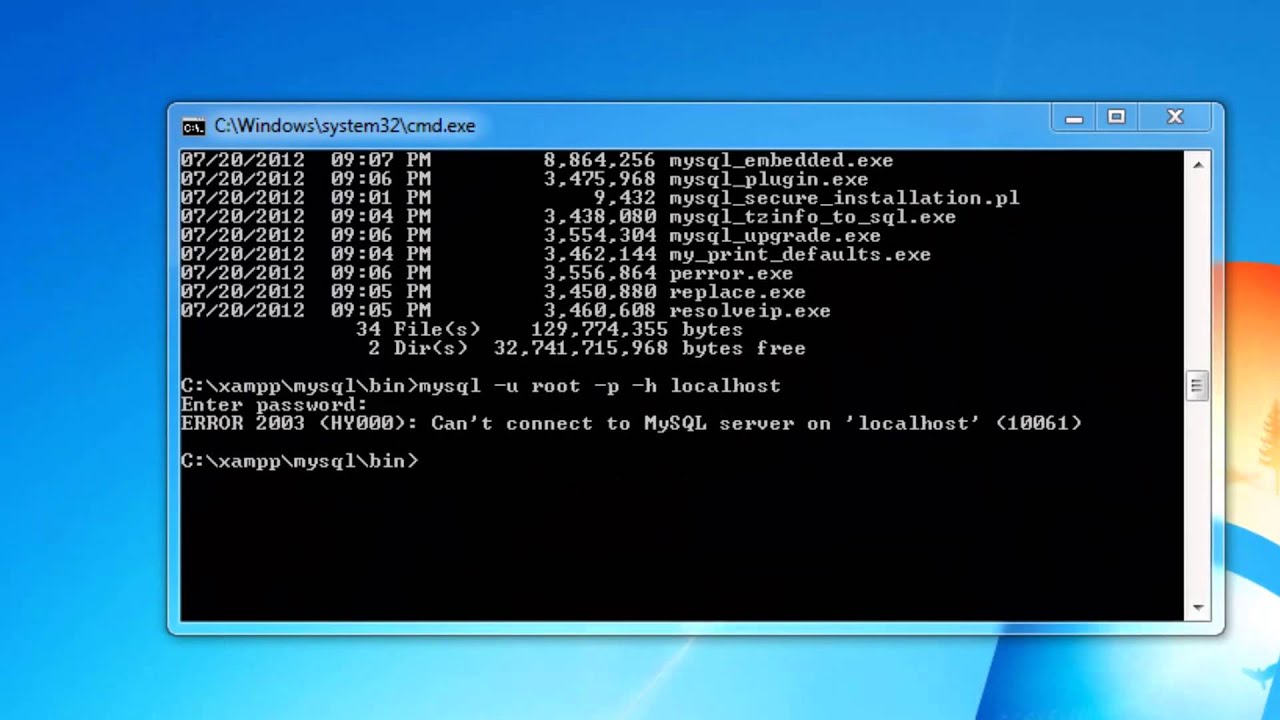
Sql Command Line Client Download Aslsoc

Windows Time Sync Command Sync Windows Time From Command Line

How To Access The Web Server Command Line Through CPanel MilesWeb

Ubuntu How To Check Mac Address Plannerlasopa
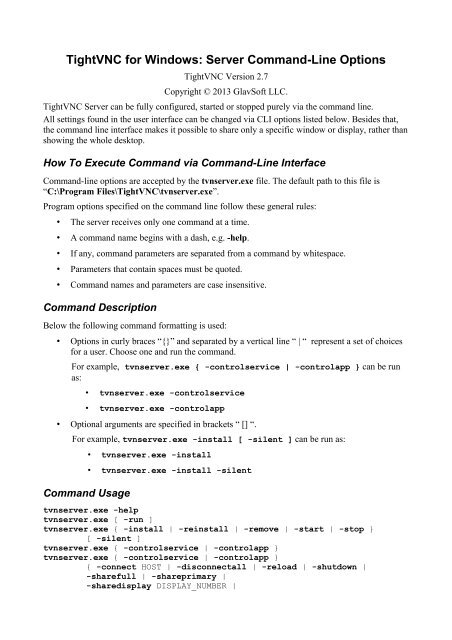
TightVNC For Windows Server Command Line Options PDF

Web May 31 2023 nbsp 0183 32 Command line parameters for W32Time You can use the w32tm command to configure Windows Time service settings and diagnose computer time problems W32tm is the preferred command line tool for configuring monitoring and troubleshooting the Windows Time service

Web Asked 11 years 2 months ago Modified 5 months ago Viewed 326k times 70 I am not interested in synchronizing my local clock with the remote server I only want to query it and print the result I would have assumed that there is a port of ntpq for Windows but was unable to find any

Web 1 What does this have to do with the MS DOS operating system Ramhound Aug 7 2020 at 22 15 2 Please see this script on TechNet You can then include this into your powershell script and use it like this NTPTime Get NtpTime NtpTime This will store the time returned from the default ntp server pool ntp in a DateTime data type

Web Feb 3 2023 nbsp 0183 32 time 17 30 00 time 5 30 pm To display the current system time followed by a prompt to enter a new time type The current time is 17 33 31 35 Enter the new time To keep the current time and return to the command prompt press ENTER

Web Apr 27 2021 nbsp 0183 32 Here s a quick and easy way to verify they are reporting the correct time Open a command prompt and type the following w32tm stripchart computer IPorHostname dataonly samples 5 IPorHostname is the IP address or Hostname of the NTP Server dataonly returns the time date only
Web Oct 11 2017 nbsp 0183 32 Here s a quick and easy way to verify they are reporting the correct time Open a command prompt and type the following w32tm stripchart computer IPorHostname dataonly samples 5 IPorHostname is the IP address or Hostname of the NTP Server dataonly returns the time date only Web Jul 16 2019 nbsp 0183 32 Ask Question Asked 4 years 2 months ago Modified 4 years 2 months ago Viewed 13k times 4 Query the time zone from the command line I want to print the a bottom line with the echo command this is my try but i get the error echo off set a quot tzutil g quot echo a exit please help
Web Jul 25 2019 nbsp 0183 32 Ask Question Asked 4 years 1 month ago Modified 4 years 1 month ago Viewed 13k times 1 Actually i have a list of 150 server IP where one of that servers have a wrong date time set is there a way to check from my PC the date time of all of them like by pinging or something like that the servers windows Share Improve this question Follow