Check Service Status From Powershell PowerShell Service Restart Status Lethe HeloCheck Get Service Status From Remote Computer Using PowerShell Delft Stack PowerShell Script To Check Windows Update Status Check Service Status With PowerShell YouTube How To Check Server Health Status Check Using PowerShell In SharePoint Web Dec 9 2022 nbsp 0183 32 With Windows PowerShell you can use the ComputerName parameter of the Get Service cmdlet to get the services on remote computers The ComputerName parameter accepts multiple values and wildcard characters so you can get the services on multiple computers with a single command
Web Oct 23 2023 nbsp 0183 32 To get a list of the cmdlets you can open PowerShell and use the command Get Help Service We will be using the Get Service cmdlet to display the status of a service named Microsoft Remote Access Service RasMan For example let s say that currently RasMan is down Run the following command Web Nov 30 2022 nbsp 0183 32 PowerShell offers simple ways to perform administrative tasks such as checking the status of a service This can be combined with an if statement to act on a stopped service automatically These commands can be incorporated into a much larger script to check multiple services
How To Check Server Health Status Check Using PowerShell In SharePoint Check Windows Service Status PowerShell Script Syspanda How To Install Windows Features With Powershell Powershell Script To Validate SQL Servers SQLGeeksPro What Are PowerShell Commands Code Examples Tutorials More How To Use PowerShell To Disable And Enable Webcam On Windows 10 PowerShell Export The MFA Status Of Office 365 Users How To Check Windows Service Status With Get Service Command In Microsoft PowerShell Check Windows License Activation Status VGeek
Check Service Status From Powershell
 Check Service Status From Powershell
https://helocheckblog.files.wordpress.com/2014/04/powershell-service-status.jpg?w=648
Web Nov 15 2022 nbsp 0183 32 After we have waited for enough time we can check the status of the service To update the service to its current state we can use the Refresh method to get the latest state of the service A simple comparison check after that can confirm whether the service is running or not
Pre-crafted templates provide a time-saving solution for producing a varied range of files and files. These pre-designed formats and designs can be used for various personal and expert jobs, including resumes, invites, leaflets, newsletters, reports, discussions, and more, simplifying the content development process.
Check Service Status From Powershell

Medya Kaptan Brie Olas l k Hyper V Monitoring Powershell
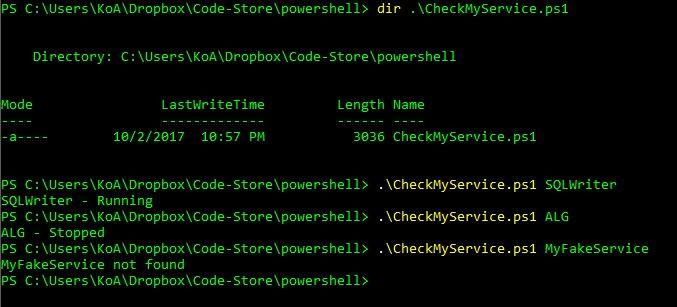
Check Windows Service Status PowerShell Script Syspanda
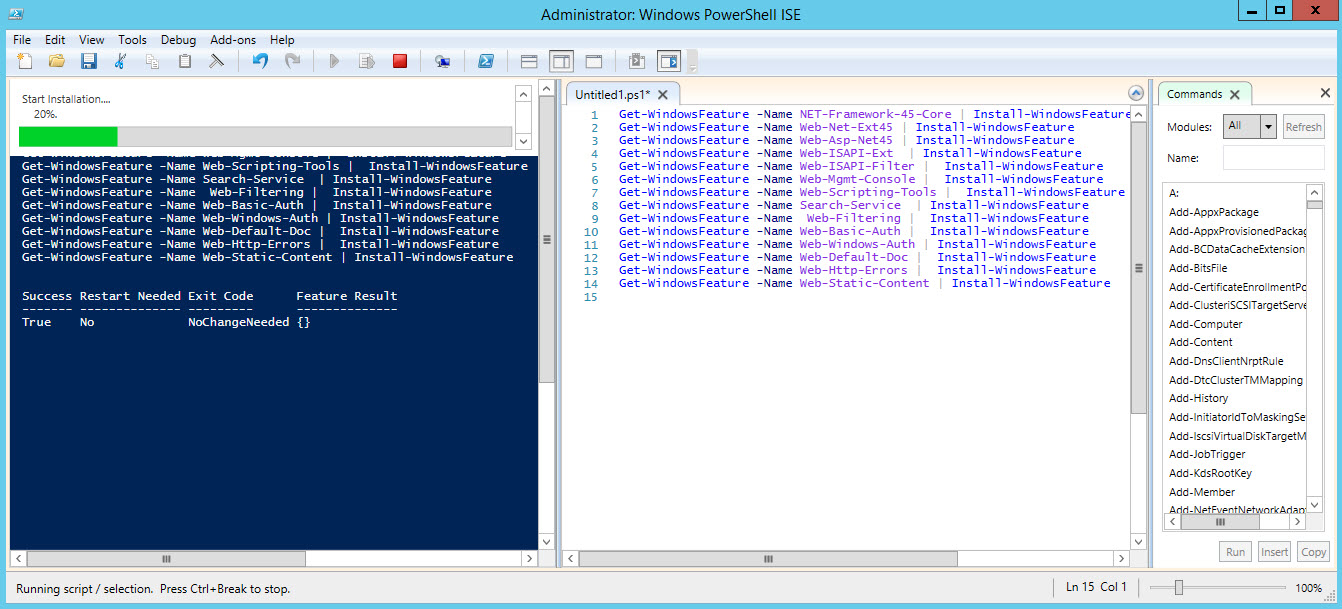
How To Install Windows Features With Powershell
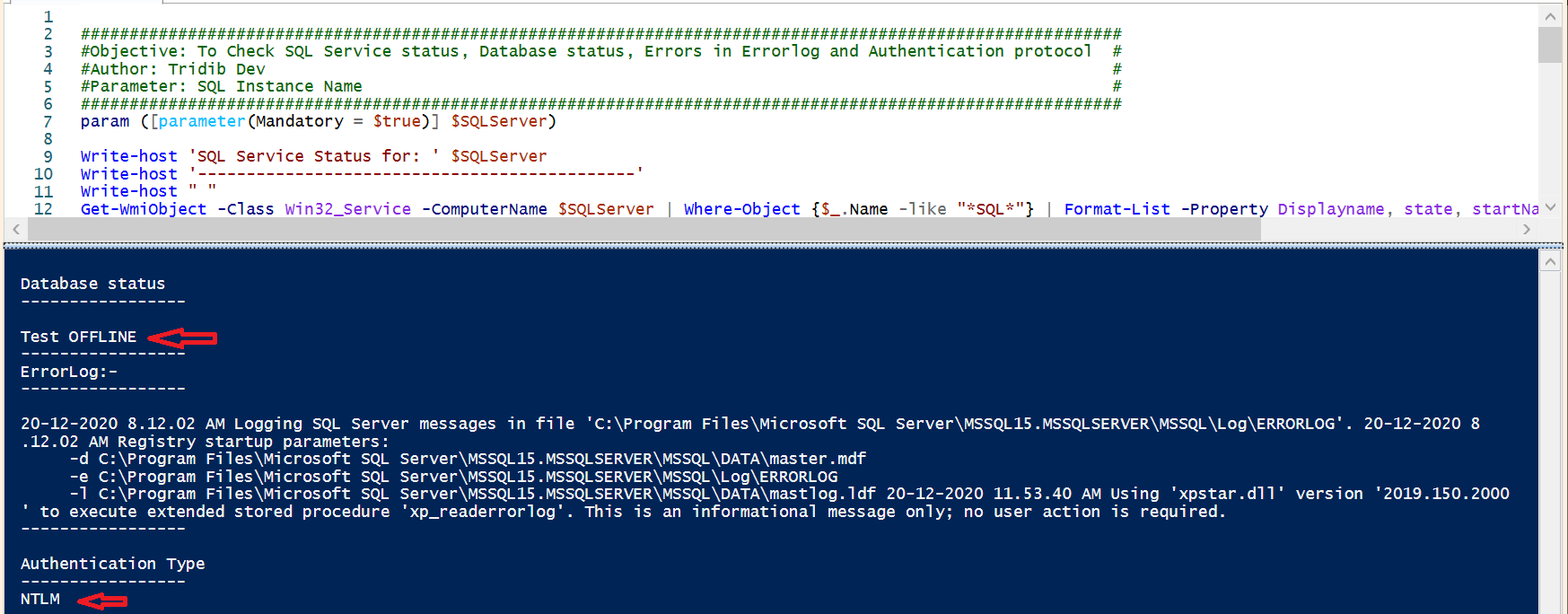
Powershell Script To Validate SQL Servers SQLGeeksPro
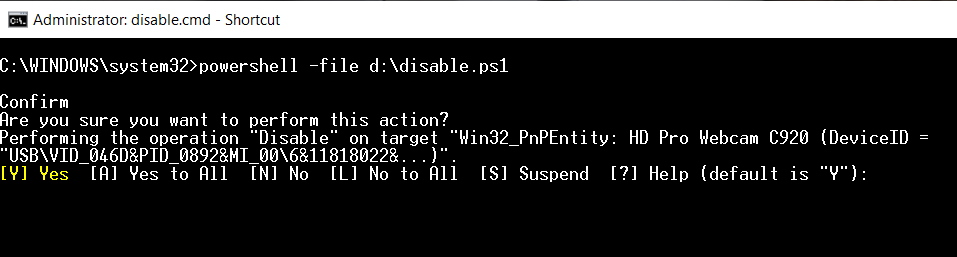
How To Use PowerShell To Disable And Enable Webcam On Windows 10
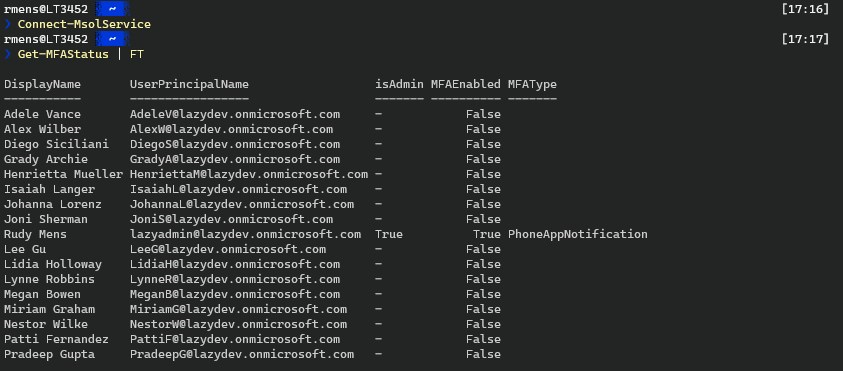
PowerShell Export The MFA Status Of Office 365 Users

Web Get Service gets all the services on the computer and sends the objects down the pipeline The Where Object cmdlet selects only the services with a Status property that equals Running Status is only one property of service objects To see all of the properties type Get Service Get Member

Web Jun 20 2014 nbsp 0183 32 If all you want to see from Write Host is the status you could use this Write Host service Status Or you could do something like this Write Host quot service Name is service Status quot
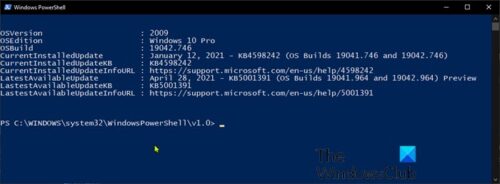
Web May 2 2014 nbsp 0183 32 Modified 3 years 6 months ago Viewed 93k times 12 How to get the service status for a remote computer that needs a user name and password to log in I am trying to find a solution using the following code serviceStatus get service ComputerName machineName Name service

Web Sep 10 2020 nbsp 0183 32 Get Service Where status eq running Checking the Status of Multiple Services In case you would like to get a list of all Windows Services that are running on a target system execute the following PowerShell command Get WMIObject Win32 Service Computer Where State eq quot Running quot FT Auto
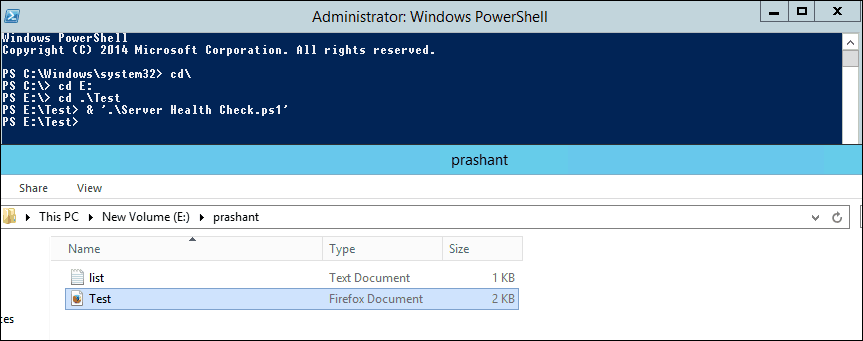
Web Jan 28 2016 nbsp 0183 32 ServiceName Serenade arrService Get Service Name ServiceName if arrService Status ne Running ServiceStarted false Else ServiceStarted true while ServiceStarted ne true Start Service ServiceName write host arrService status write host Service started Start Sleep seconds 60
Web According to this documentation it is possible to check which services have been stopped on Windows by executing the following command Get Service Where Object status eq quot stopped quot in PowerShell Question Which command needs to be issued in PowerShell in order to check whether a certain service e g tomcat8 exists Web Nov 13 2020 nbsp 0183 32 The command as below get service select object property DisplayName Status The position of property in the command play an important role on displaying the information The first property input will be listed first on the left Select Service By Property Value By Status get service where object Status eq Running
Web Dec 7 2021 nbsp 0183 32 The Get Service cmdlet is pretty straight forward you enter the computer name and the name of the service you would like to see displayed By using this basic command we get a list of all of the services regardless of their status or startup Get service ComputerName VMServer01