Check Service Running On Linux Find Processes Using Most CPU Linux Look Up Ip Bezymodel Linux Apache 3 Como Ter Certeza De Que O Servi o Apache Continua Rodando No Ubuntu How To Show Running Services In Linux Layne Mosty1989 The easiest way to list services on Linux when you are on a systemd system is to use the systemctl command followed by list units You can specify the type service option in order to restrict the results to services only systemctl list units type service
Knowing the running services on your Linux system is vital for several reasons It enables you to monitor resource utilization troubleshoot issues and manage system performance efficiently Systemd simplifies this task by offering powerful commands to gather information about active services The service status all command will list all services on your Ubuntu Server both running services and not running services service status all Using the grep command we can filter the output to show only the running services service status all grep To list Ubuntu services that are not running type
How To Show Running Services In Linux Layne Mosty1989 Clasificacion De Software Segun Su Funcion Mind Map Linuxteaching C mo Encontrar La Versi n De Ubuntu El Nombre En Clave 3 Fa ons De V rifier L tat Et La Disponibilit Du Serveur Apache Sous How To Kill Service Running On Port Using Terminal Command Code2care Linux Running On The Wii Video Dailymotion C mo Comprobar Las Conexiones De Red Activas En Windows Barcelona Geeks Smartsynchronize Command Line Args Nipodsen Mysql Management Studio Tidemay
Check Service Running On Linux
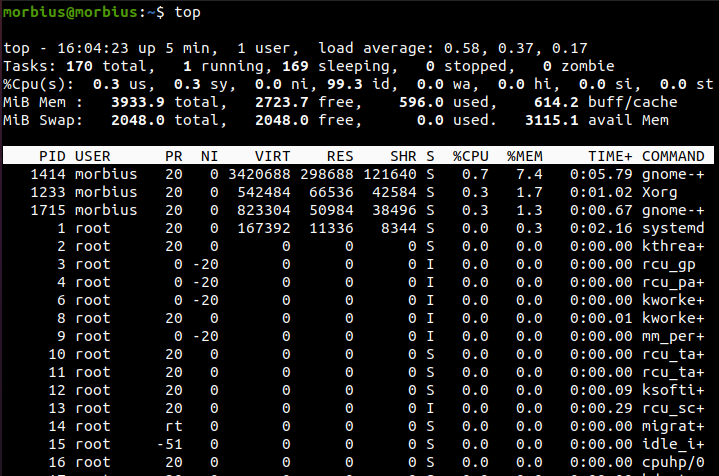 Check Service Running On Linux
https://linuxhint.com/wp-content/uploads/2021/10/Find-Processes-Using-Most-CPU-Linux-1.png
First open the terminal and run service status all This will list sysvinit services all of them running stopped etc List All Services in SysVinit The above command runs all init scripts in etc init d in alphabetical order with the status command Here the services are listed with some preceding symbols
Templates are pre-designed files or files that can be used for different purposes. They can save time and effort by supplying a ready-made format and layout for producing various sort of material. Templates can be used for personal or expert tasks, such as resumes, invitations, leaflets, newsletters, reports, discussions, and more.
Check Service Running On Linux

How To Install Apache Web Server On Ubuntu 20 04 Linuxhowto

Clasificacion De Software Segun Su Funcion Mind Map

Linuxteaching C mo Encontrar La Versi n De Ubuntu El Nombre En Clave

3 Fa ons De V rifier L tat Et La Disponibilit Du Serveur Apache Sous
Linux Running On The Wii Video Dailymotion
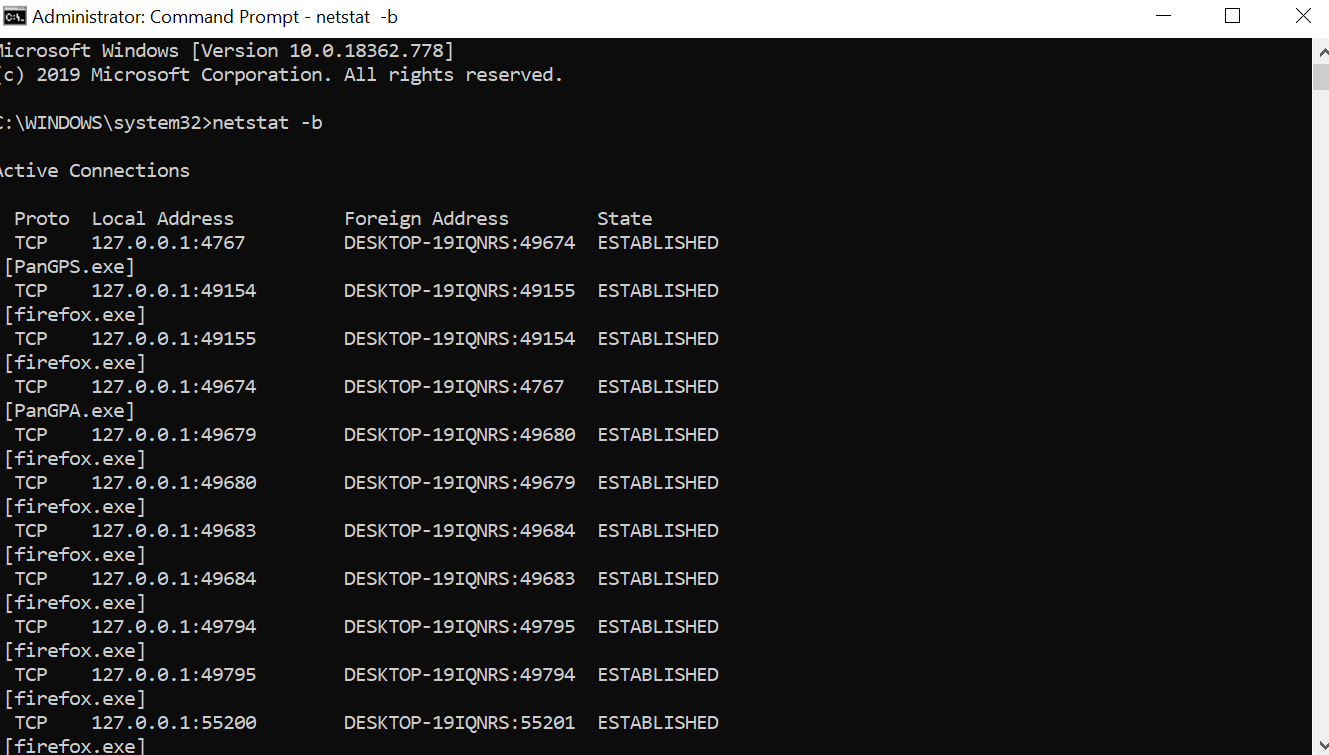
C mo Comprobar Las Conexiones De Red Activas En Windows Barcelona Geeks
Method 1 Listing Linux Running Services with service command To display the status of all available services at once in the System V SysV init system run the service command with the status all option If you have multiple services use file display commands like less or more for page wise viewing

Use Systemctl Status Command to Check Service Status You d find systemd in almost every popular distro and to control the services you use the systemctl command And to check the current status of the service you d have to use the systemctl command in the following manner systemctl status service name

Aug 04 04 29 19 utls bash wiki systemd 1 Started Lighttpd Daemon The dot uses color on supported terminals to summarize the unit state at a glance White color indicates an inactive or deactivating state Redcolor indicates a failed or error state
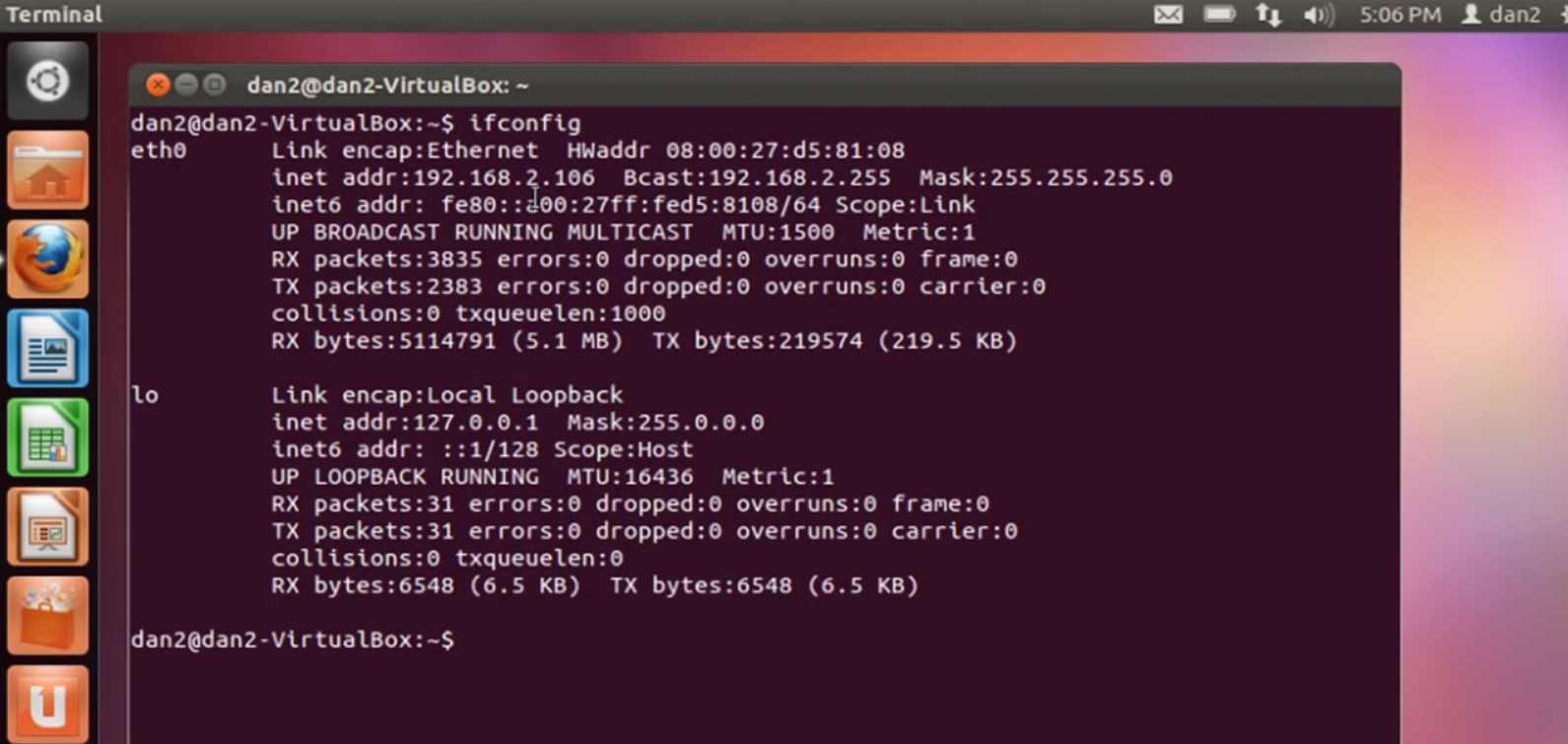
Service command to start stop and check the status of the service This command references a service by using its init script which is stored in the etc init d directory for Debian based distributions and the etc rc d init d directory for Red Hat based distributions If you don t know the name that the system uses for a service check either

Check Running Services To display all the running services use the command systemctl list units type service state running All the services in a running state will be displayed on the screen List Down the Loaded Services Similarly to display all the loaded services simply use the command systemctl list units type service
Also I noticed that querying for non existing services returns output therefore this could be misinterpreted as some queried service running as root or owning user yet such service doesn t exist e g systemctl show pUser UID doesntexist returns UID not set LF User There are various ways and tools to find and list all running services under a Fedora RHEL CentOS Linux systems nixCraft Privacy First Reader Supported nixCraft is a one person operation I create all the content myself with no help from AI or ML I keep the content accurate and up to date Your privacy is my top priority
How can I find out what service is runnning in a partcular port number P S I used netstat command but that shows all the services occupying all ports here I am interested in a particular port only command line networking process ip netstat Share Improve this question Follow edited Jan 23 2013 at 22 09 Gilles SO stop being evil