Change Text Size Apple Notes How To Change Text Size In Windows 11 How To Change Individual App Text Size On IPhone Guiding How Do I Change The Font Size In Notes Apple Community How To Change Font Size In VSCode Visual Studio Code Bear Notes Vs Apple Notes Which Note Taking App Should You Choose For all text in a note use the keyboard shortcut Command A Then right click move down to Font in the shortcut menu and do one of the following Choose Show Fonts to change the style format size and color You ll see the Fonts window appear and can choose from the various options
Store notes on your computer using the On My Mac account Default text size Set the preferred text size in notes Locked notes Select your iCloud or On My Mac account if both accounts are enabled and choose whether to use the login password for your Mac or a custom password to lock or unlock notes in the selected account If you want to increase the font size for select text or a single note highlight specific text or select all for the note Then right click mouse Font then select Bigger OR Alternatively to increase text size select text and press down COMMAND and keys To decrease text size COMMAND and keys
Bear Notes Vs Apple Notes Which Note Taking App Should You Choose Apple Notes As A Second Brain Good Idea Or Not How To Change Text Size On IPhone Series How To Change Text Size In Windows 11 10 Best IPad Note Taking Apps With Pencil Support In 2023 20 Best Apple Notes App Tips And Tricks For IPhones And IPads TechPP Change The Size Of Text In Windows 10 Hot Sex Picture Note taking Apps For Students Best 10 Apps The Entrepreneur Review How To Change Text Size On Apple Watch Complete Steps Geeknism
Change Text Size Apple Notes
 Change Text Size Apple Notes
https://cdn.statically.io/img/winaero.com/blog/wp-content/uploads/2021/10/Windows-11-Change-Text-Size.png
Customization Your notes your rules Tailoring the font size can make the note taking experience more personalized Steps to Change Font Size Use Keyboard Shortcuts Select Text First highlight the text you want to modify Increase Size To increase the font size press Command and plus simultaneously Decrease Size To decrease the
Pre-crafted templates use a time-saving service for producing a diverse range of files and files. These pre-designed formats and designs can be utilized for numerous personal and professional projects, consisting of resumes, invites, leaflets, newsletters, reports, presentations, and more, improving the material creation process.
Change Text Size Apple Notes
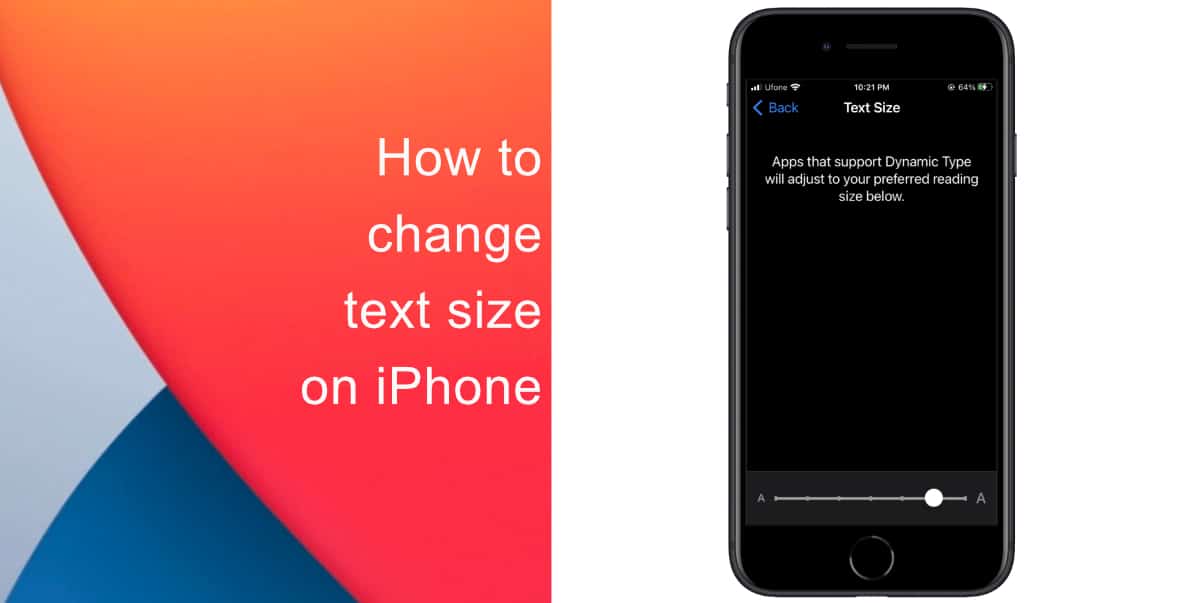
How To Change Text Size On IPhone

Apple Notes As A Second Brain Good Idea Or Not

How To Change Text Size On IPhone Series
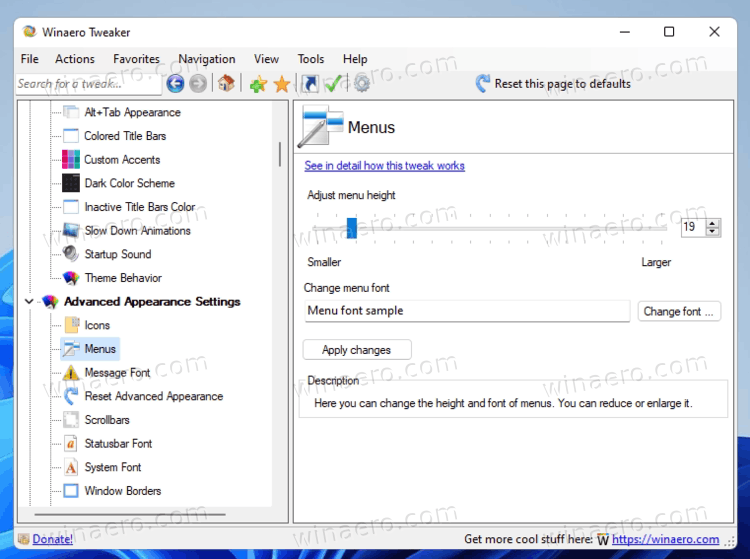
How To Change Text Size In Windows 11

20 Best Apple Notes App Tips And Tricks For IPhones And IPads TechPP

Change The Size Of Text In Windows 10 Hot Sex Picture

Step 1 Open the Notes app on your iPhone or iPad Step 2 Open the Note whose font style you want to change Step 3 Long press on the text to select it Step 4 Tap on Format You can make the

Change font size of notes How do I change the font size of the actual notes I followed the instructions below but this only increases the size of the headings Go to Settings Display Brightness Text Size Drag the slider to select the font size you want Apple disclaims any and all liability for the acts omissions and conduct of any
Customize your Notes settings From the Home Screen or App Library go to Settings Notes then adjust any of the settings For example Default Account Choose the default account for Siri and the Notes widget Password Lock important notes Sort Notes By Choose Date Edited Date Created or Title Save to Photos Save photos and videos

In the Notes app on your Mac click a note in the notes list or double click a note in gallery view To format text do any of the following Change the formatting of selected text such as changing a phrase to bold Select some text click the Format button then choose an option or use the Touch Bar Change text alignment Click anywhere in the text you want to change choose Format

Posted on May 29 2017 1 07 PM You highlight the font you want to be dilated right click or press control click Go to Size or Font and change the size number Another option is to go up to the top of the notes on the right and click the two A s that are both capitalized but ones bigger than the other and change it that way
You can only change the text size by pressing the Aa icon in the keyboard toolbar Choose between Title which is the largest down to Body It is not possible to change the text size further as it affects the entire iOS user interface Alternatively you must use Apple s own writing app Pages You can change the text size across all of iOS To change the font size open the Notes app and observe the current size of the type That s pretty small and could really stand to be larger Next open the preferences by either clicking on the Notes menu and selecting Preferences or pressing Command on your keyboard As you can see there along the bottom of the Preferences panel is a
Make a new note Open the Notes app on your iPad Tap then enter your text The first line of the note becomes the note s title To change the formatting tap You can apply a heading style bold or italic font a bulleted or numbered list and more To save the note tap Done Tip You can quickly create a note or resume work on your last