Change Sources List Ubuntu Ubuntu Orange By PrimoTurbo On DeviantArt Understanding And Using Sources list For Ubuntu Ubuntu Free Stock Photo Public Domain Pictures Canonical Outs Major Kernel Security Updates For All Supported Ubuntu How To Change Sources List Repository In Kali Linux YouTube Procedure will be like this Have packages in desktop with sources list information of packages directory anywhere change default directory to desktop synaptic or apt will read from desktop and save information in another place install packages restore back previous directory information installation Share
To start editing your sources list on Ubuntu with Software Updates launch the app by searching for Software Updates in the app menu Once the program is open follow along below Adding new repos If you want to add a new repo to Ubuntu by editing your sources list here s how to do it with the Software Updates app After changing sources list on ubuntu how do I make him reload refresh So new packages in the new sources will be found Stack Exchange Network Stack Exchange network consists of 183 Q A communities including Stack Overflow the largest most trusted online community for developers to learn
How To Change Sources List Repository In Kali Linux YouTube Understanding The Sources list File In Ubuntu Ubuntu Core 20 Released Technology News Information Jobs Ubuntu 20 04 Myfreax File Ubuntu Alternative Background svg Wikimedia Commons Settings Where Does One Set The Extent Of The Desktop In Ubuntu Unable To Locate Etc apt sources list Ubuntu 16 04 Ask Ubuntu Make Ubuntu 20 04 LTS Look Like MacOS Technology News Information Jobs At First Glance Not Much Has Changed In 16 10 The Wallpaper Is
Change Sources List Ubuntu
 Change Sources List Ubuntu
http://fc01.deviantart.net/fs21/f/2007/234/5/e/Ubuntu_Orange_by_PrimoTurbo.jpg
In this article we ve seen several command line methods for selecting the fastest apt mirror for Ubuntu netselect uses several parameters to select mirrors but doesn t measure bandwidth apt mirror selects geographical mirrors based on the client s source IP
Pre-crafted templates provide a time-saving service for creating a varied range of files and files. These pre-designed formats and layouts can be utilized for different personal and professional jobs, including resumes, invitations, flyers, newsletters, reports, discussions, and more, simplifying the content production process.
Change Sources List Ubuntu
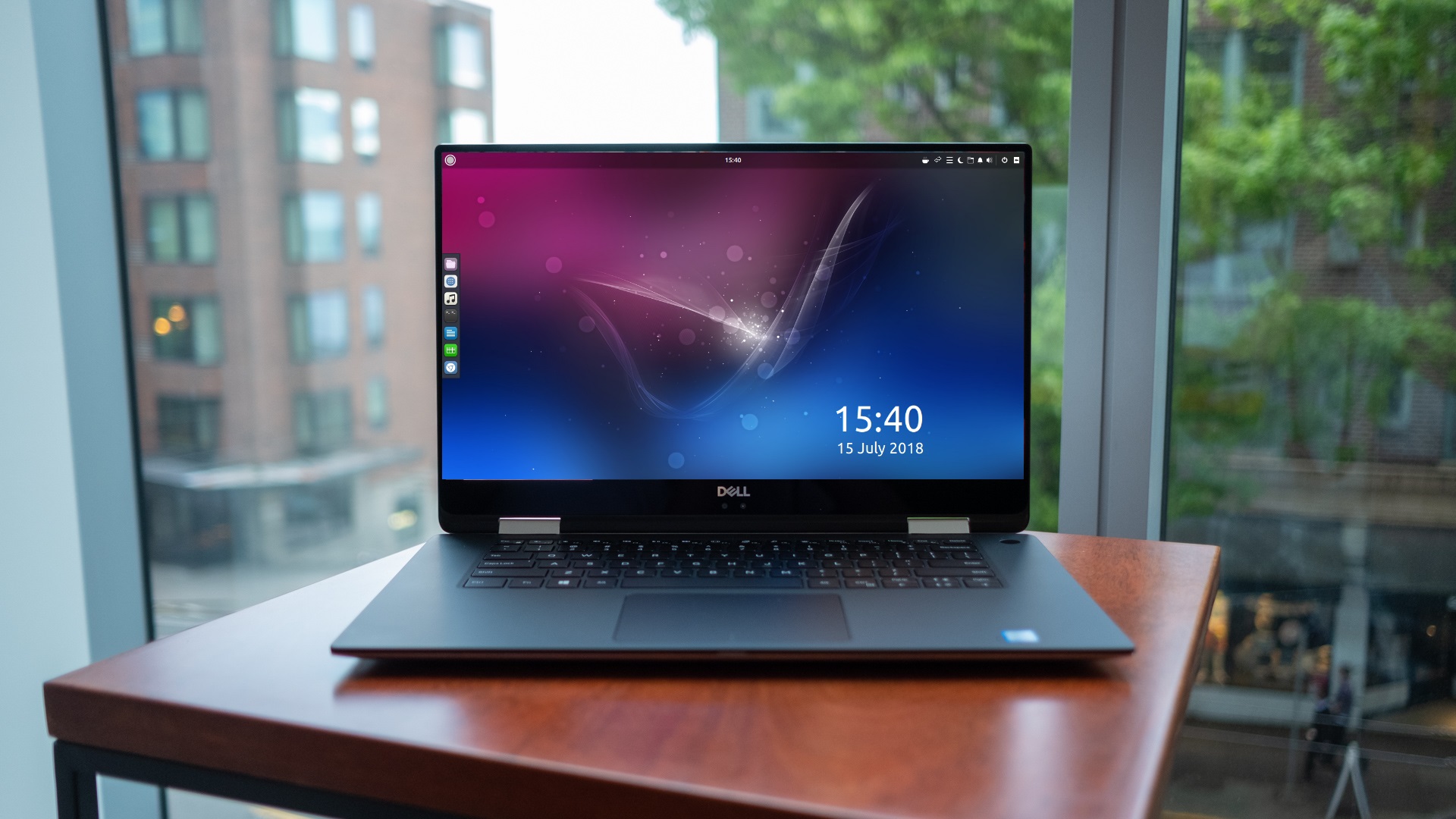
How To Speed Up Ubuntu 18 04 TechRadar

Understanding The Sources list File In Ubuntu

Ubuntu Core 20 Released Technology News Information Jobs

Ubuntu 20 04 Myfreax

Settings Where Does One Set The Extent Of The Desktop In Ubuntu

Unable To Locate Etc apt sources list Ubuntu 16 04 Ask Ubuntu

There is no command line GUI program like Software Center that can change in sources list You need to look into replacement via sed or adding to end of sources list via cat There are multiple questions here that helps with that Of course you can also edit manually via a text editor like nano nano has search and replace functions as well Share
Open the Software Updates application then click on the Download From drop down box Open the download from box inside the Software Updates application Manually scroll through the list and select your desired mirror or alternatively just click the Select best server button to let Ubuntu do the work for you

186 Open your sources list file using your favorite text editor e g sudo nano etc apt sources list Locate the text http us archive ubuntu ubuntu and replace it with http archive ubuntu ubuntu Share Improve this answer Follow edited Jul 23 2017 at 13 16 user364819 answered Feb 16 2012 at 10 01 Jakob

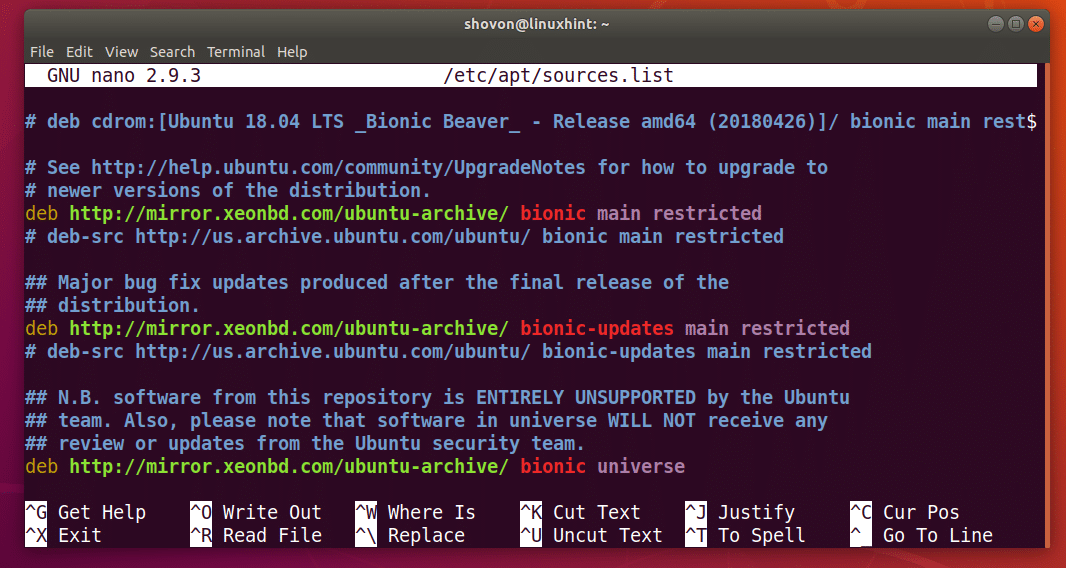
To do so issue the following command sudo cp etc apt sources list etc apt sources list backup Typically the beginning of the file etc apt sources list looks like this

Login to edit SourcesList The sources list file is a key factor in adding or upgrading applications to your Ubuntu installation This is also used by your system for system updates The file is basically the roadmap for your system to know where it may download programs for installation or upgrade
How to add repo in sources list using add apt repository Ask Ubuntu Ubuntu 22 04 How to add repo in sources list using add apt repository Ask Question Asked 1 year 5 months ago Modified 1 year 5 months ago Viewed 43k times 2 System is clear and only installed and updated The problem is I clean etc apt sources list etc apt sources list Open the terminal and type sudo nano etc apt sources list
Bash How can I append text to etc apt sources list from the command line Stack Overflow I am new to linux and just beginning to learn bash I am using Ubuntu 9 04 and would like to add repositories to etc apt sources list from the command line Stack Overflow About Products For Teams Stack OverflowPublic questions answers