Change Default Keyboard Layout Windows 10 Powershell How To Change Keyboard Layout Windows 11 Guide YouTube Change Keyboard Layout Windows 10 Thumb800 Learn Solve IT How To Change Keyboard Layout Windows 10 Remove InputMethodTips From Keyboard Layout PowerShell 2 1 MB Download Lagu Windows 11 How To Enable Or Disable Touch Web Apr 1 2023 nbsp 0183 32 3 Answers Sorted by 3 This option is well hidden in Windows 11 so you will have to go into the registry Find your Keyboard identifier in the list and note it down Run regedit Position to the registry key HKEY USERS DEFAULT Keyboard Layout Preload You will see your two keyboard layout listed where your layout is in the item named 2
Web May 3 2012 nbsp 0183 32 Solution for my problem is to import the WASP module when powershell is starting then select powershell window using WASP and send Alt Shift keystroke to it using WASP Here is the code to include to the powershell profile ps1 file in order to change language to the next one Web Nov 8 2018 nbsp 0183 32 Hi all Since this forum was my last attempt at solving this problem I have to conclude that Windows 10 doesn t allow you to force setting the keyboard layout for a specific machine You can t do this using a local configuration nor can you do
2 1 MB Download Lagu Windows 11 How To Enable Or Disable Touch Change Default Keyboard Shortcuts In Windows 10 How To Change Keyboard Layout In Windows 10 YouTube Windows 11 How To Change Keyboard Layout YouTube Change Default Keyboard Layout On Lubuntu 16 04 YouTube Korean Keyboard Layout Windows 10 Korean Styles How To Change Default Keyboard Shortcuts In Windows 10 Make Tech Easier How To Change Default Keyboard Shortcut Keys Of Game Bar In Windows 10 Set Default Keyboard Layout In Windows 10 Windows 10 Tutorials
Change Default Keyboard Layout Windows 10 Powershell
 Change Default Keyboard Layout Windows 10 Powershell
https://i.ytimg.com/vi/45JtSAPaPsk/maxresdefault.jpg
Web When you change the locale eg en US or en GB you get the default keyboard layout s for that locale region language combination See the list here https docs microsoft en us windows hardware manufacture desktop default input locales for windows language packs You can select any keyboard regardless of
Pre-crafted templates use a time-saving solution for producing a diverse series of documents and files. These pre-designed formats and layouts can be used for numerous personal and expert tasks, including resumes, invitations, leaflets, newsletters, reports, presentations, and more, enhancing the material creation procedure.
Change Default Keyboard Layout Windows 10 Powershell
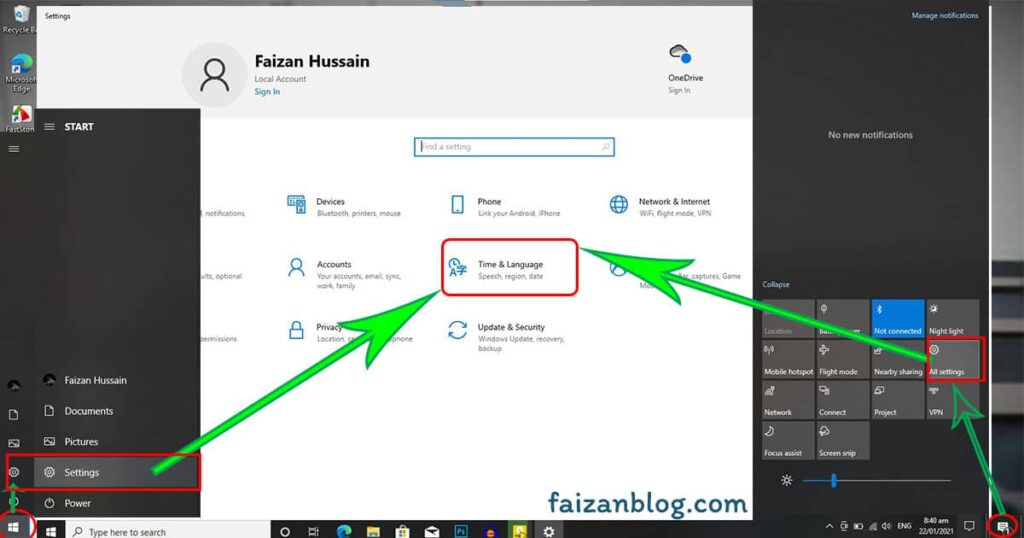
How To Change Keyboard Setting And Keyboard Layout Windows 10
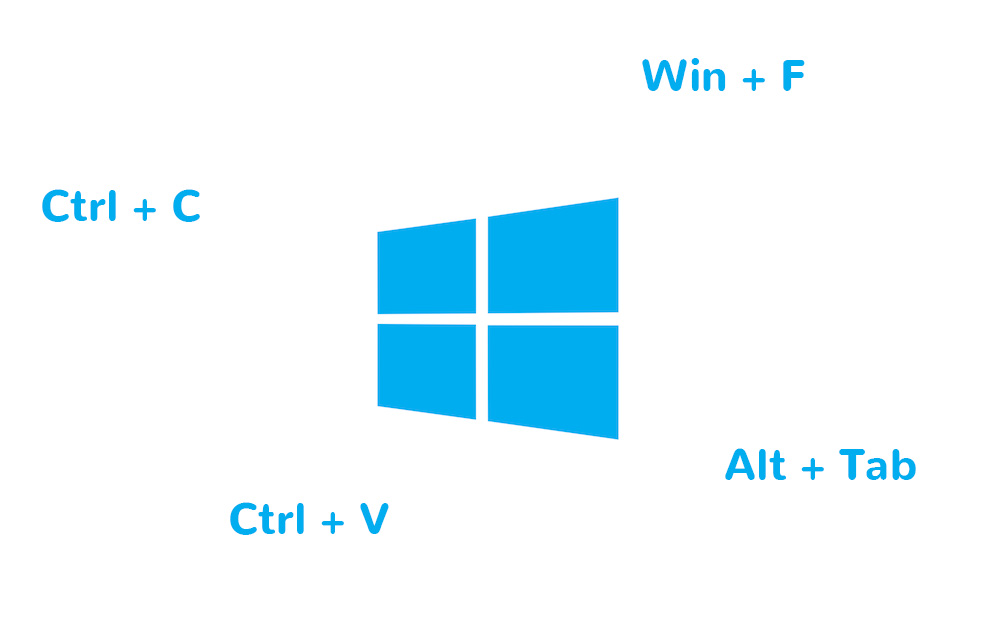
Change Default Keyboard Shortcuts In Windows 10
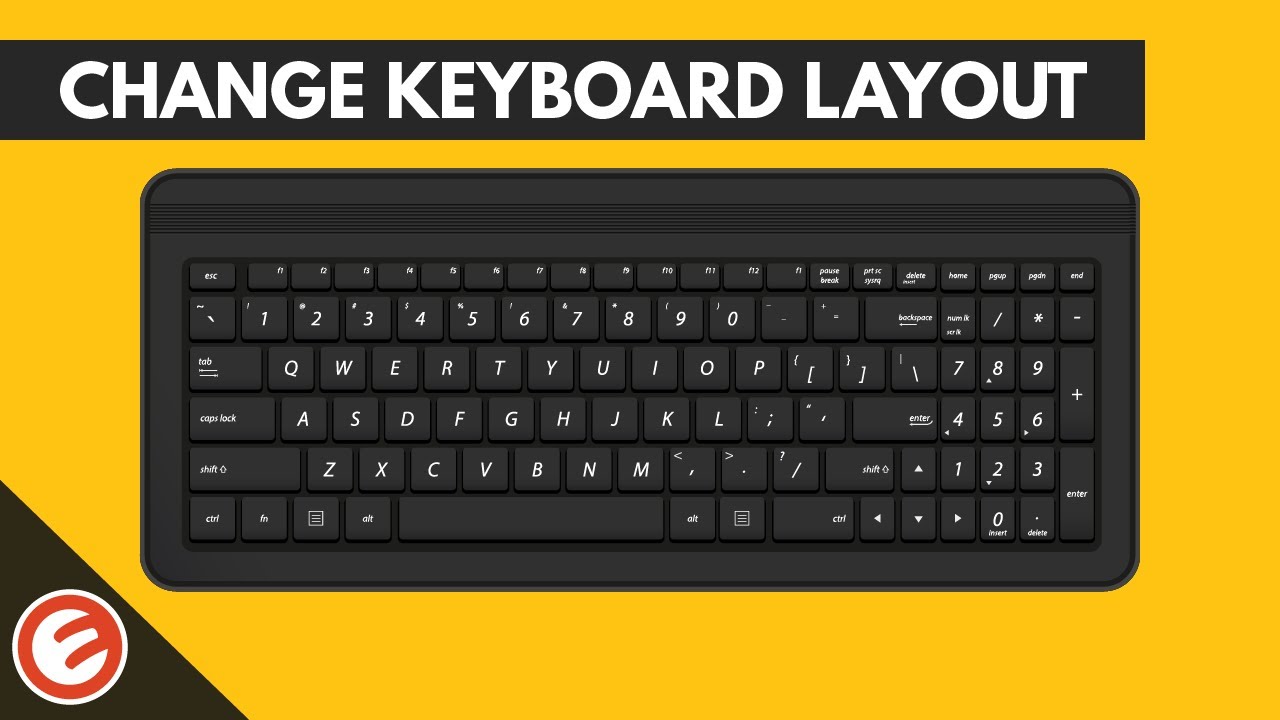
How To Change Keyboard Layout In Windows 10 YouTube

Windows 11 How To Change Keyboard Layout YouTube
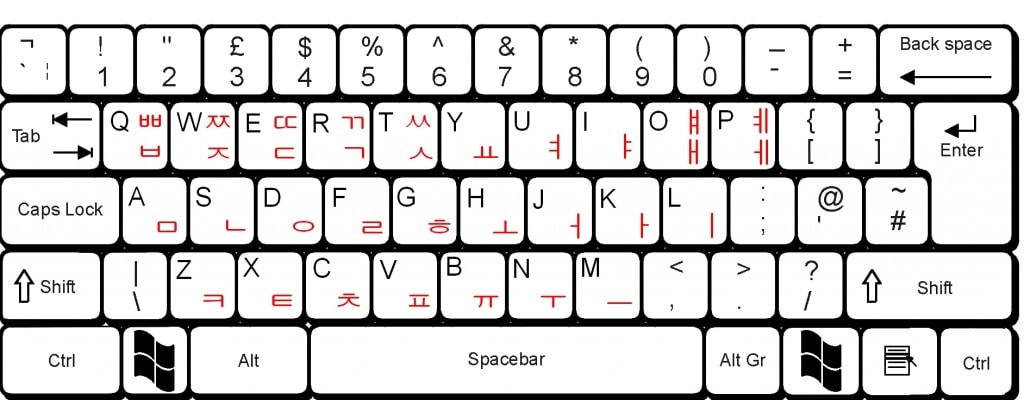
Korean Keyboard Layout Windows 10 Korean Styles

How To Change Default Keyboard Shortcuts In Windows 10 Make Tech Easier

Web Jun 29 2019 nbsp 0183 32 When I open CMD in Windows 10 I get the wrong keyboard layout Same with WSL bash When powershell is used it displays the correct one This is a screenshot when pressing the key in a standard US keyboard layout I have no idea how to change it there s nothing in settings for the console

Web Aug 12 2015 nbsp 0183 32 How can I change the default input method keyboard layout for the login screen in Windows 10 windows keyboard windows 10 keyboard layout input languages Share Improve this question Follow asked Aug 12 2015 at 7 04 Peanut 555 1 4 12 Add a comment 8 Answers Sorted by 66 50
Web Feb 2 2018 nbsp 0183 32 Alternatively you can use PowerShell to set the default keyboard layout in Windows 10 Here s how it can be done Set Default Keyboard Layout with PowerShell Open PowerShell To get the list of the available languages type or copy paste the following command Get WinUserLanguageList See the LanguageTag value for each of

Web All we need to do is apply the Add method to our LanguageList object to add the locale of the keyboard language we want to use For instance if we want to add Lithuanian to the keyboard list we d add lt LT first to our object LanguageList Add quot lt LT quot If we now view the contents of this it should look like the following

Web Feb 21 2018 nbsp 0183 32 How does one remove a keyboard layout in Windows 10 Pro using PowerShell You can use Set WinUserLanguageList Sometimes I need to type in German or in Russian Often enough every week I type something Meanwhile it bugs me to find the right layout every time
Web Jan 4 2023 nbsp 0183 32 I have a Server with Windows Server 2022 Core Standard and I set the language and time to US but the keyboard layout to German during installation However the keyboard layout is US by default for Stack Overflow Here is a qick way to change the keyboard layout to a German keyboard using powershell in Server Core Web Mar 15 2015 nbsp 0183 32 3 I want to change the default layout of Window s Powershell so that it can expand to entire screen I tried from properties option But when I click the ok button I am getting below error in Windows 8 1 Unable to modify the shortcut Check to make sure it has not been deleted or renamed
Web Oct 31 2019 nbsp 0183 32 b Go into Advanced Keyboard Settings and set a default input method Then when using Get WinUserLanguageList your default will be the first entry in the InputMethodTips property c Use the following NET static method to