Change Keyboard Layout Windows 10 How To Change Keyboard Setting And Keyboard Layout Windows 10 Change Keyboard Layout Windows 10 Nuseka Change Keyboard Layout In Windows 10 Tutorials Vacation I m Sleepy Write Windows Change Keyboard Layout Importance Inefficient Premature How To Change Keyboard Setting And Keyboard Layout Windows 10 Web Feb 10 2021 nbsp 0183 32 Use Windows Spacebar to change the keyboard language or layout Press Windows Spacebar and the next keyboard layout in the list becomes active briefly displaying the Windows 10 language bar Continue to hold down the Windows key afterward and the language bar remains on your screen Each time you press Spacebar
Web Nov 9 2021 nbsp 0183 32 Open Power Toys and select Keyboard Manager in the left sidebar Select Remap a Key If the keyboard options are grayed out select the Enable Keyboard Manager switch Select the Plus under Key Under Key choose the key you want to reassign from the drop down menu or select Type and enter a key Under Mapped To Web Mar 15 2021 nbsp 0183 32 This tutorial will show you how to add change or remove keyboard input language and layout shortcut hot keys to switch between in Windows 10 Here s How 1 Open Settings and click tap on the Devices icon 2 Click tap on Typing on the left side and click tap on the Advanced keyboard settings link on the right side under More keyboard
How To Change Keyboard Setting And Keyboard Layout Windows 10 Change Keyboard Layout Windows 10 CallsLasi How To Change Keyboard Layout On Windows 10 YouTube Change Keyboard Layout In Windows 10 Tutorials Us Keyboard Layout Windows 10 How To Get Help In Windows 10 Keyboard Remove Lates Windows 10 Update How To Change Keyboard Layout On Windows 10 TECHTELEGRAPH Is The Language Options From The Legacy Control Panel Gone In Windows 10 R Windows10 Change Keyboard Layout In Windows 10 Tutorials
Change Keyboard Layout Windows 10
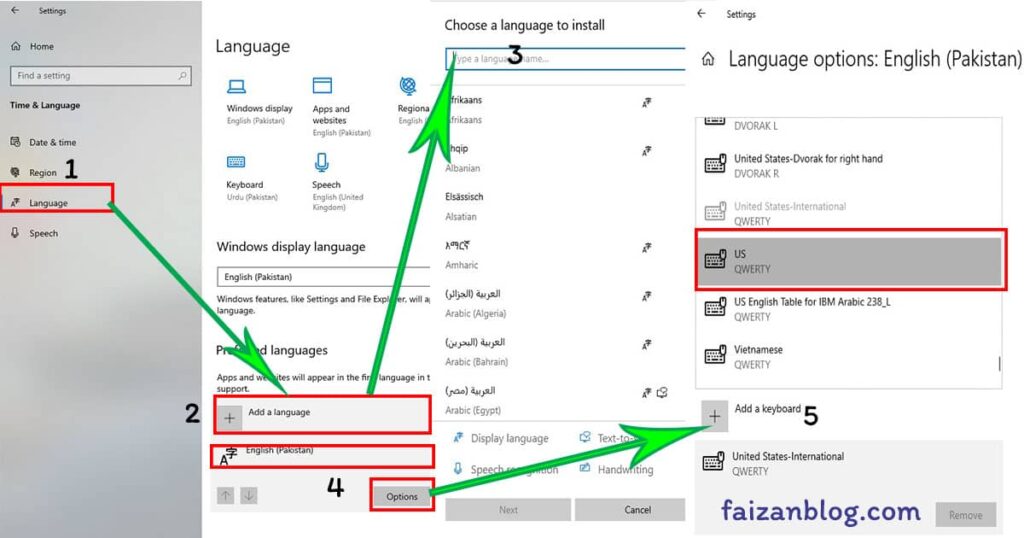 Change Keyboard Layout Windows 10
https://faizanblog.com/wp-content/uploads/2021/01/how-to-change-keyboard-layout-windows-10-1024x538.jpg
Web Use the Windows key Space shortcut to change the keyboard layout Pressing the shortcut multiple times cycles through the available keyboard layouts Use the language bar to switch keyboard layout Alternative to the keyboard shortcut you can also switch the keyboard layout using the language bar icon
Templates are pre-designed documents or files that can be utilized for numerous functions. They can save effort and time by supplying a ready-made format and design for developing various type of material. Templates can be utilized for personal or professional projects, such as resumes, invitations, leaflets, newsletters, reports, presentations, and more.
Change Keyboard Layout Windows 10
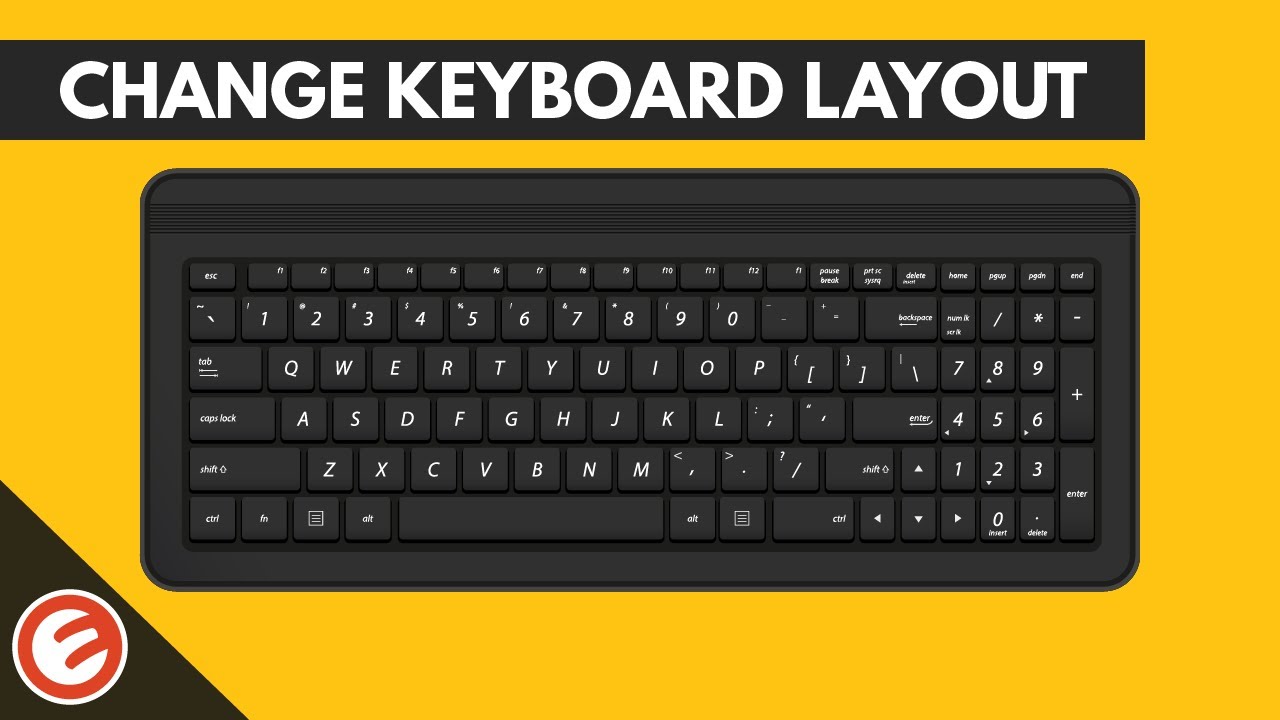
How To Change Keyboard Layout In Windows 10 YouTube

Change Keyboard Layout Windows 10 CallsLasi
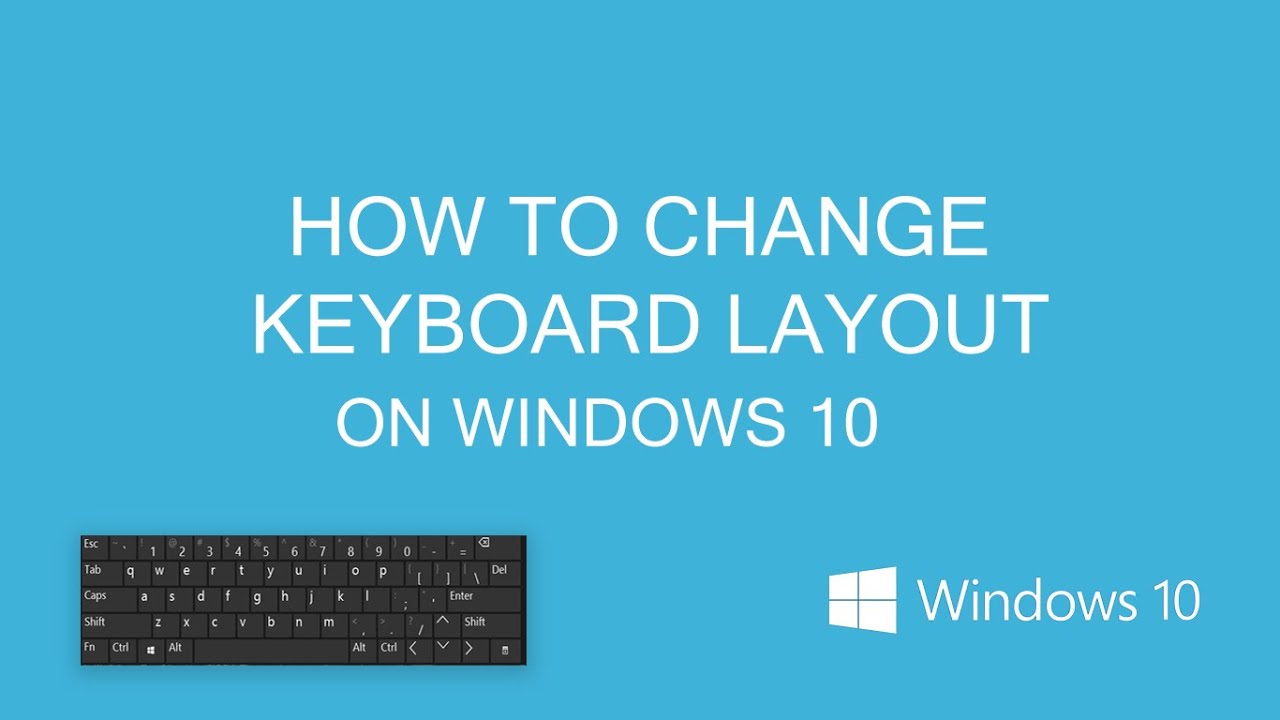
How To Change Keyboard Layout On Windows 10 YouTube

Change Keyboard Layout In Windows 10 Tutorials
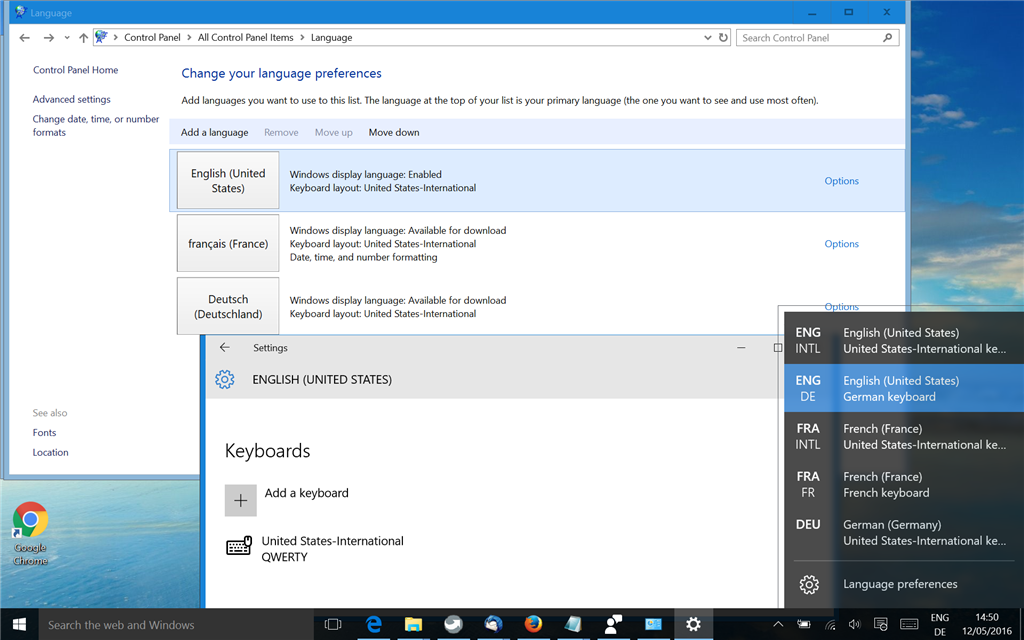
How To Get Help In Windows 10 Keyboard Remove Lates Windows 10 Update

How To Change Keyboard Layout On Windows 10 TECHTELEGRAPH

Web Change the keyboard layout or other method you use to type Whenever you add a language a keyboard layout or input method is added so you can enter text in the language If you want to use a different keyboard layout or input method you can add a new one or switch between the ones you have

Web To switch the keyboard layout you re using in Windows 10 press and hold the Windows key and then repeatedly press the Spacebar to cycle through all your installed keyboards If this doesn t do anything it means you have only one installed

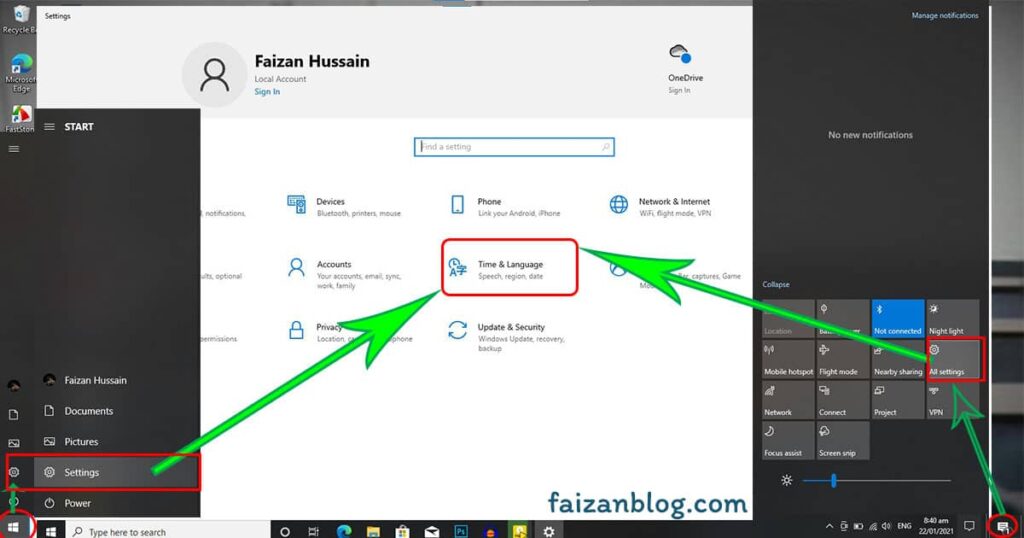
Web Apr 25 2021 nbsp 0183 32 Here are a few simple steps showing you how to change the keyboard layout in Windows 10 1 Click start the Windows icon in the bottom left corner 2 Click the gear icon to open the

Web Mar 13 2021 nbsp 0183 32 Option One Change Keyboard Layout using Keyboard Shortcut Option Two Change Keyboard Layout from Input Indicator Option Three Change Keyboard Layout from Language Bar Docked in Taskbar Option Four Change Keyboard Layout from Language Bar Floating on Desktop Option Five Change Keyboard Layout from
Web Jul 21 2017 nbsp 0183 32 How to change the keyboard layout in Windows 10 Press and hold the Windows key Press spacebar keep pressing to scroll through options Alternatively click the icon next to the keyboard icon in the system tray and choose the layout you want
[desc-11] [desc-12]
[desc-13]