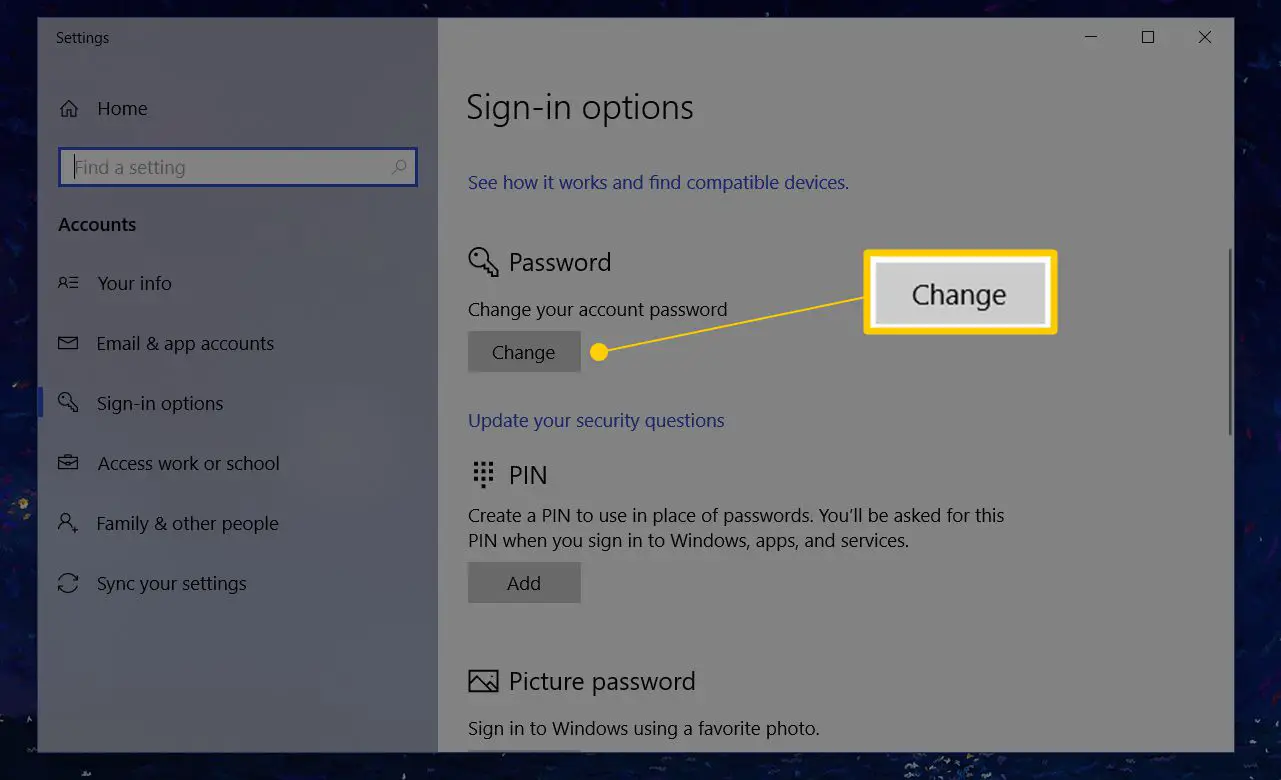
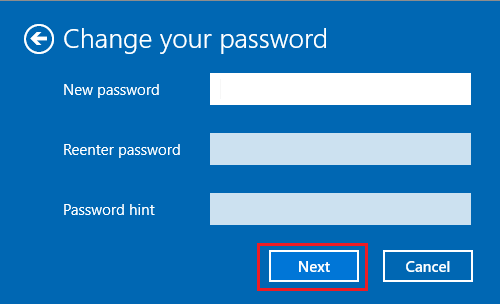
Change Computer Password How To Change Password On Line App On PC Or Mac 7 Steps Hur Du ndrar Ditt L senord I Windows 2021 How To Change Your Computer Password In Windows 10 PC Or Laptop In 2020 Computer Password So ndern Sie Das Passwort In Windows 11 Futuriq de Come Cambiare La Password Di Windows 8 10 Passaggi Web Dec 16 2022 nbsp 0183 32 How to change set a password in Windows 10 1 Click the Start button at the bottom left of your screen 2 Click Settings from the list to the left 3 Select Accounts 4 Select Sign in options from the menu 5 Click on Change under Change your account password 6 In order to change your
Web Windows 11 Windows 10 Use the following instructions to reset your local account password Your local account signs you in on your device offline but it doesn t link to your other devices For a more complete experience we recommend you sign in with a Microsoft account to access services like Outlook Skype and OneDrive on any of your Web May 17 2022 nbsp 0183 32 Open Settings Click on Accounts Click on Sign in options Under the quot Manage how you sign in to your device quot section select the Password option Click the Change button Source Windows
Come Cambiare La Password Di Windows 8 10 Passaggi Change Computer Password YouTube How To Change Computer Password For Windows 8 7 XP Vista How To Change Your Computer Password YouTube How To Change Computer Password 2020 In Windows 10 Ll Change My PC Password In Windows 10 YouTube How To Change Computer Password YouTube Microsoft Remote Desktop Mac Ctrl Alt Delete Heavyjoin How To Change Computer Password YouTube How To Change Computer Password Without Knowing Old Password YouTube
Change Computer Password
 Change Computer Password
https://www.wikihow.com/images/b/be/Change-Password-on-Line-App-on-PC-or-Mac-Step-7.jpg
Web Jul 17 2023 nbsp 0183 32 Click the quot Manage another account quot link Select the user account you wish to edit Click on Change the Password and set a new password for the account You should now be able to login to your account with the new password
Pre-crafted templates provide a time-saving option for creating a diverse range of files and files. These pre-designed formats and designs can be used for different personal and expert tasks, consisting of resumes, invites, leaflets, newsletters, reports, presentations, and more, enhancing the content development procedure.
Change Computer Password
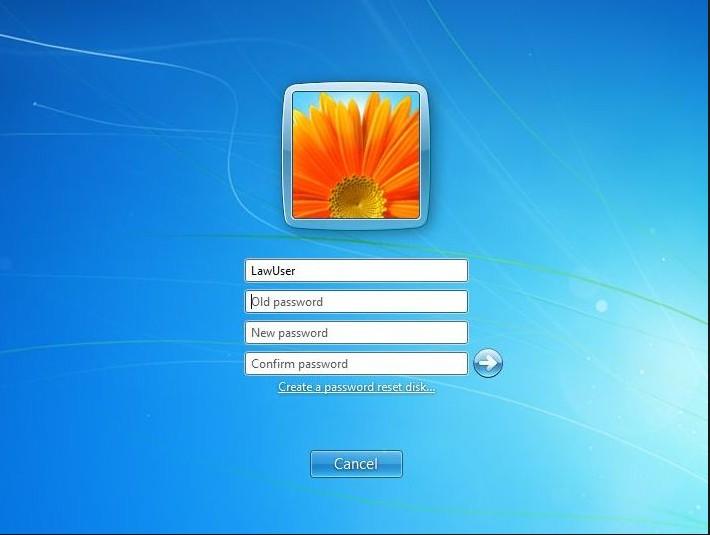
How To Change Computer Password For Windows 8 7 XP Vista
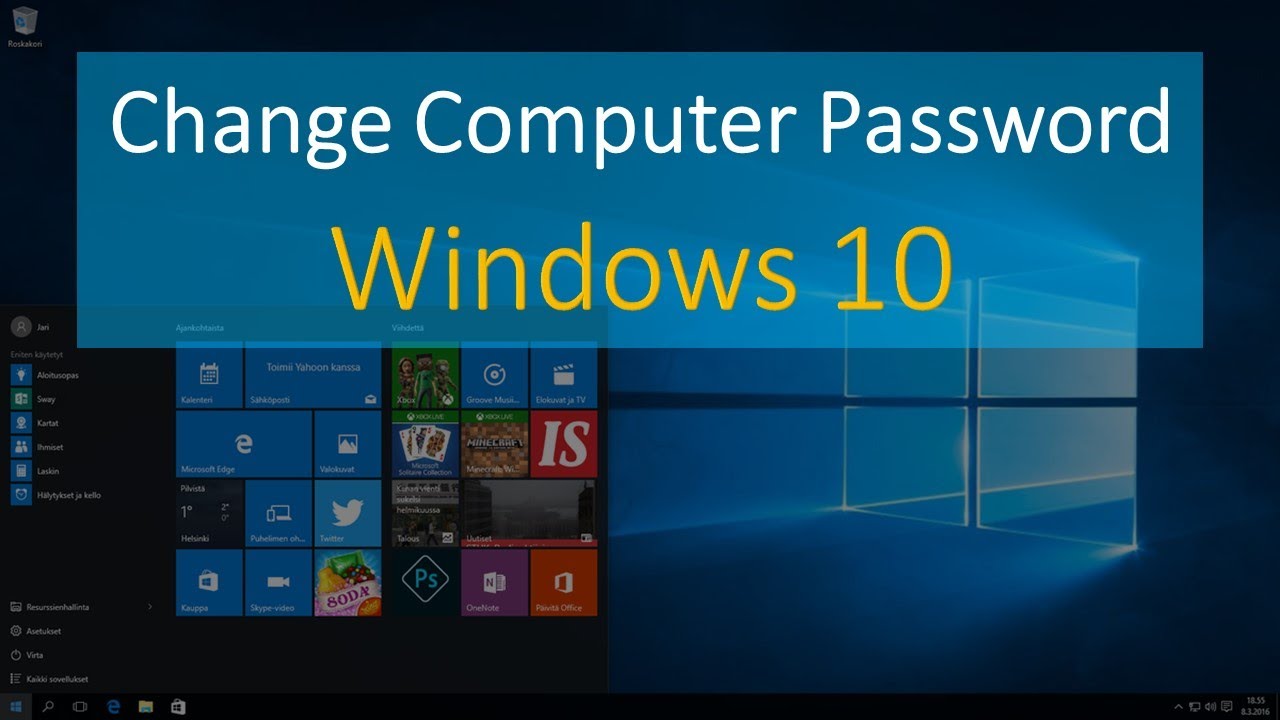
Change Computer Password YouTube
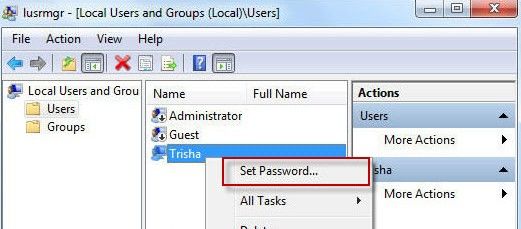
How To Change Computer Password For Windows 8 7 XP Vista

How To Change Your Computer Password YouTube

How To Change Computer Password YouTube
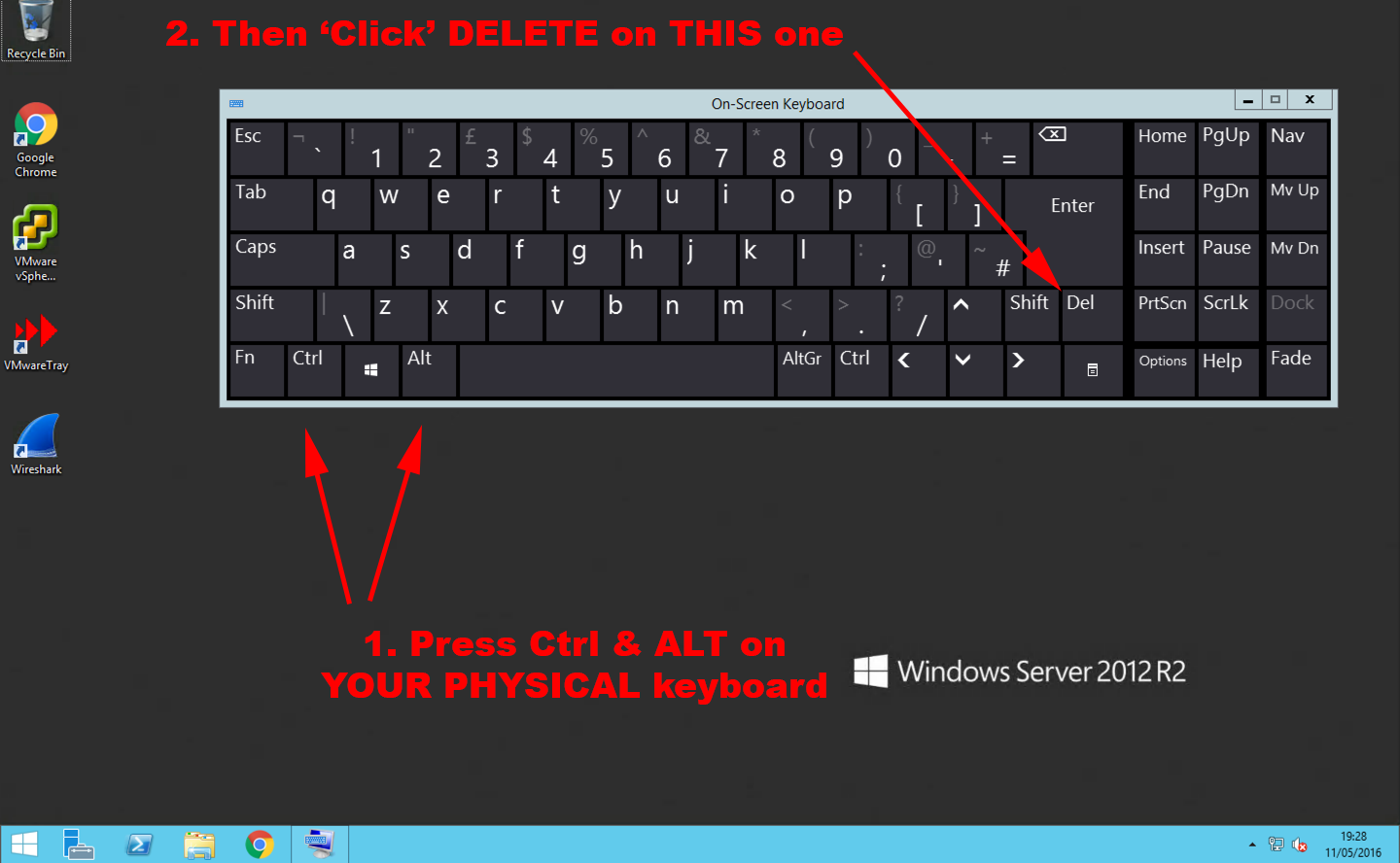
Microsoft Remote Desktop Mac Ctrl Alt Delete Heavyjoin

Web Change your local password when you know your current password In Windows search for and open Sign in options Under Password click Change and then follow the on screen instructions to create a new password and hint
Web Oct 10 2019 nbsp 0183 32 Change Your Microsoft Account Password Online The Sign in Options windows Settings gt Accounts gt Sign In Options in the Settings app provides a quot Change Your Microsoft Account Password quot link It essentially sends you to Bing which provides instructions on how to change your password online

Web Here s How Click on Start and then Control Panel Click on the User Accounts and Family Safety link Note If you re viewing the Classic View of Control Panel you won t Click on the User Accounts link In the Make changes to your user account area of the User Accounts window click the Change
Web Windows sign in options and account protection Change or manage your password or PIN To change your password or PIN go to Start gt Settings gt Accounts gt Sign in Windows Hello Windows Hello lets you sign in to your devices apps online services and networks using your face Using a security

Web Aug 22 2022 nbsp 0183 32 What to Know Windows 11 10 and 8 Type sign in options in the search bar select Sign in options gt Password gt Change Earlier versions Go to Start gt Control Panel gt User Accounts gt User Accounts gt Change your password
[desc-11] [desc-12]
[desc-13]