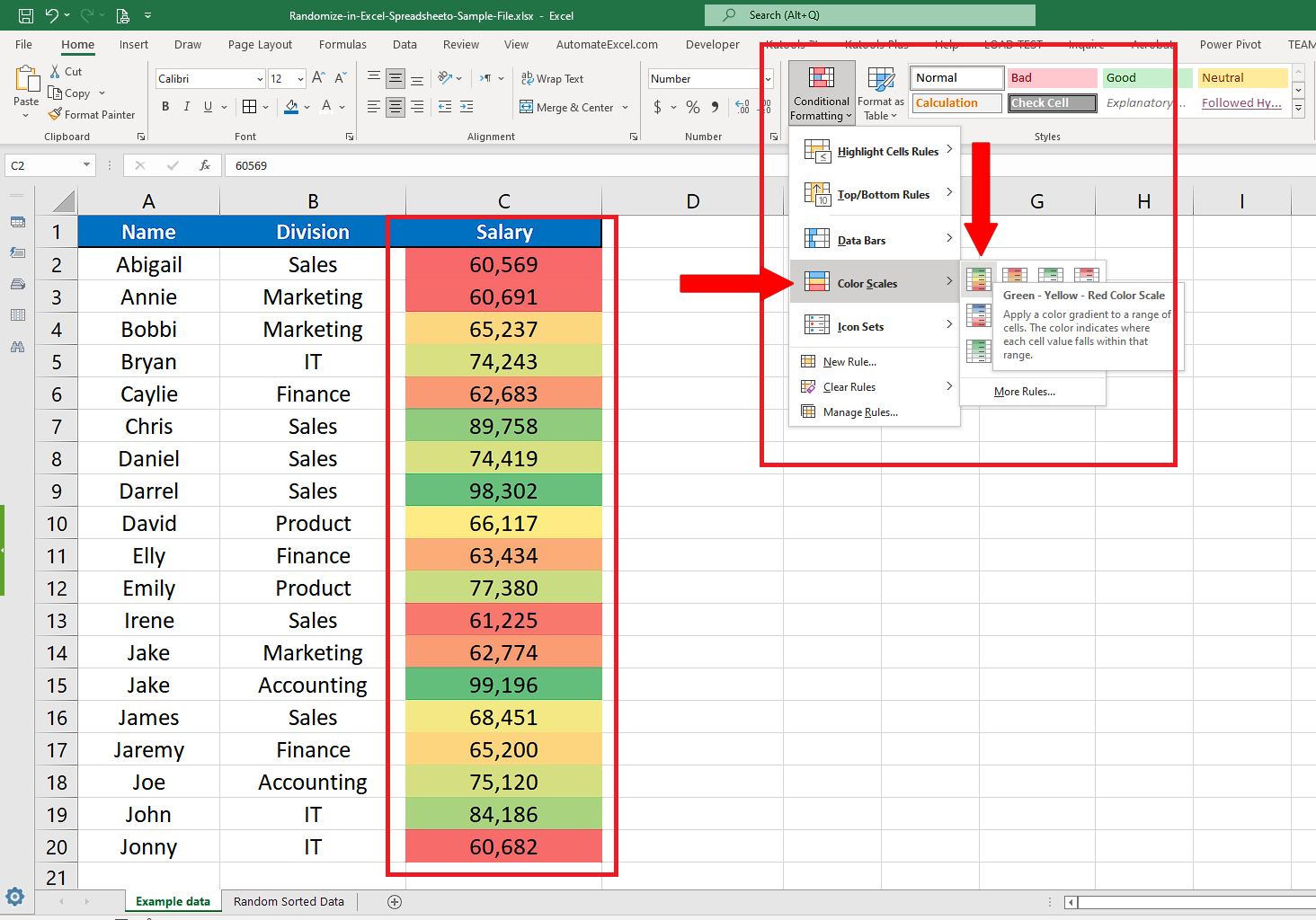
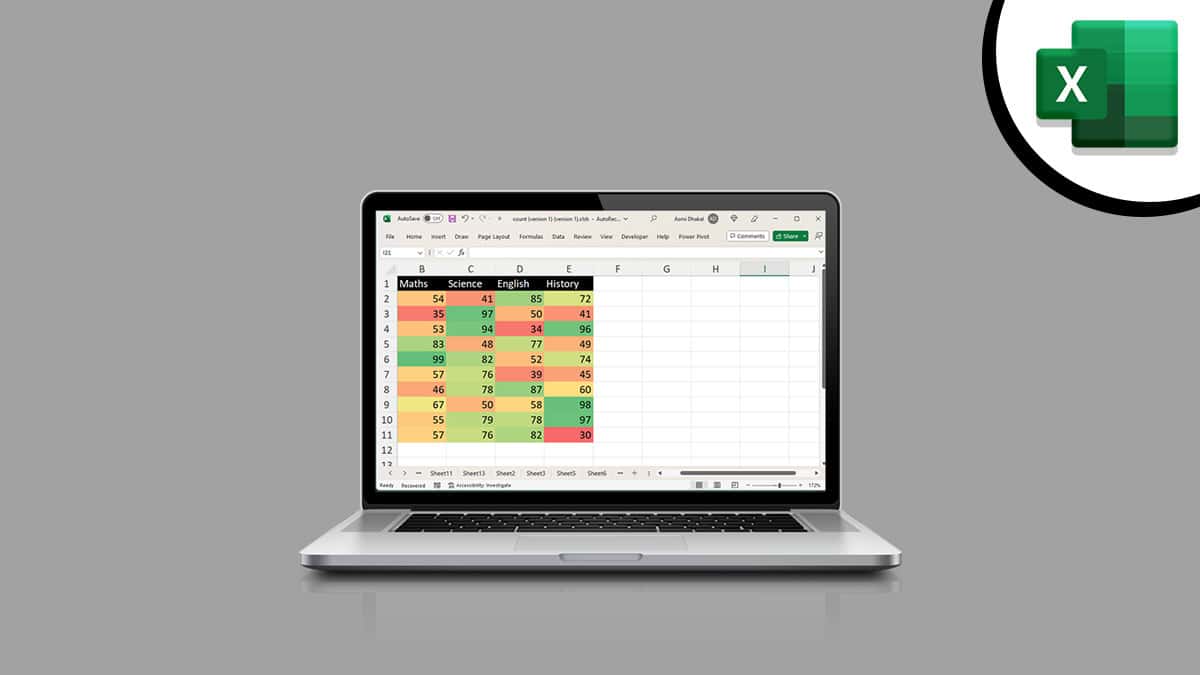
Can You Color Code In Excel Can You Color Code In Excel Psoriasisguru Color Coding Your Special Education Classroom Can Be A Complete Game Chocolate traditional 7b3f00 Hex Color Code In 2021 Hex Color How To Insert QR Code In Excel Sheet YouTube How To Create Automatically Color code In Excel YouTube For example in a green yellow and red color scale you can specify that higher value cells have a green color middle value cells have a yellow color and lower value cells have a red color Tip You can sort cells that have this format by their color
How to Color Code in Excel If we desire to change Excel color code based on the values in the cells we must apply conditional formatting Since we sometimes want to highlight an entire column or row instead of just a cell or two this is why we will base the color code in Excel on matching values within the cells Color coding is an excellent way to make data more easily readable and visually appealing in Excel With this feature you can quickly identify trends or outliers in large amounts of data In this tutorial we will show you how to color code your Excel document using three different methods
How To Create Automatically Color code In Excel YouTube How To Color Code In Excel Zebra BI How To Automatically Color Code In Excel YouTube How To Color Code In Excel How To Color Code In Excel Based On Text Grady Cindy Color Number In Excel Color Code Wikiwand Ann K Emery How To Enter Your Custom Color Codes In Excel Rgb Color Numbers Rgb Color Codes Web Safe Colours Color Coding
Can You Color Code In Excel
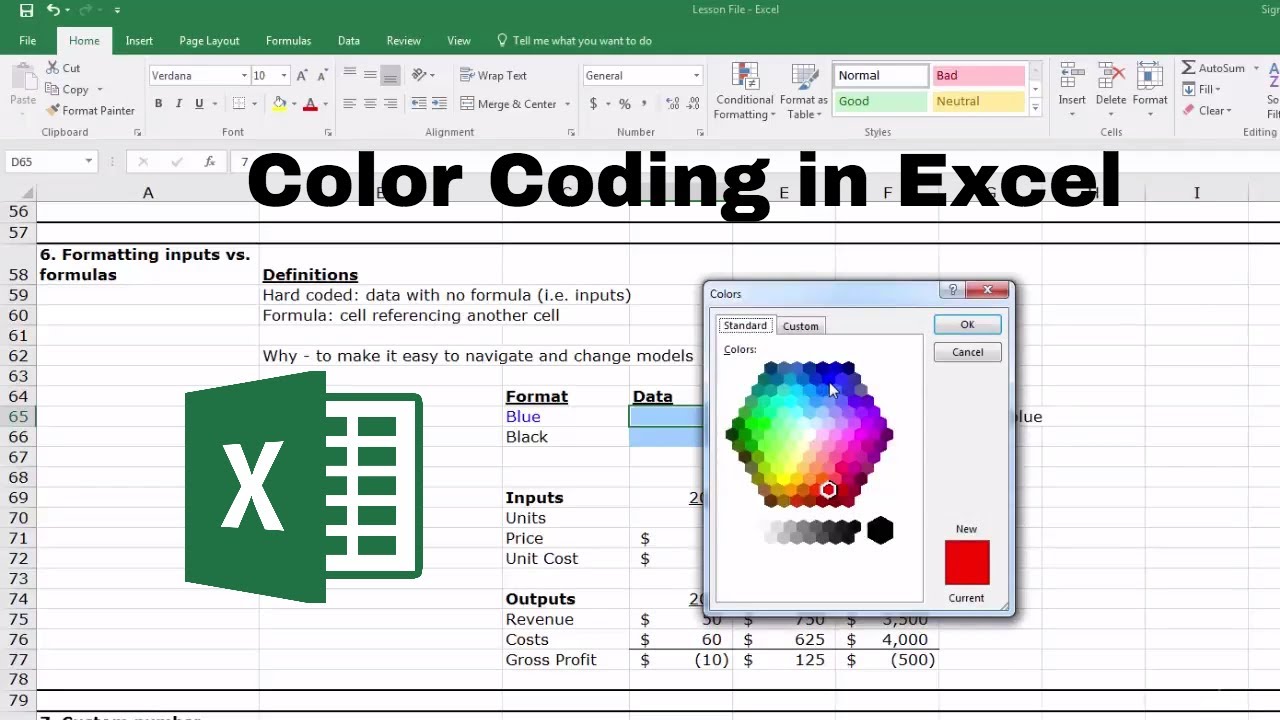 Can You Color Code In Excel
https://i.ytimg.com/vi/8MsTxqj1qJQ/maxresdefault.jpg
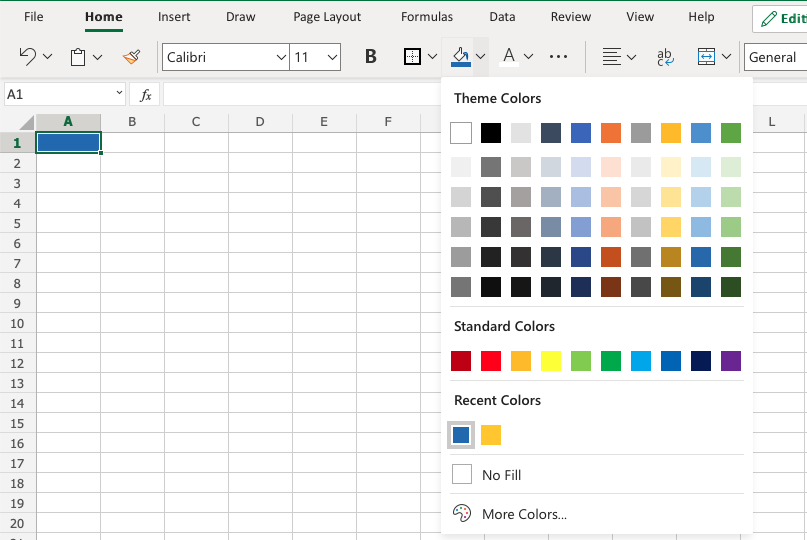
If you want to use custom colors select More Colors to add them using RGB values or Hex codes You ll then see a preview of your color scale at the bottom of the window If you re happy with the result click
Pre-crafted templates use a time-saving option for creating a varied variety of files and files. These pre-designed formats and designs can be utilized for numerous personal and expert jobs, consisting of resumes, invites, flyers, newsletters, reports, discussions, and more, streamlining the material production process.
Can You Color Code In Excel
How To Colour Code In Excel SpreadCheaters

How To Color Code In Excel Zebra BI

How To Automatically Color Code In Excel YouTube
How To Color Code In Excel
Color Number In Excel

Color Code Wikiwand
To color code in Excel choose the data range you want to color click Conditional Formatting then select Color Scales and pick the desired color scheme Source Microsoft Support Excel offers various other formatting options to enhance data visualization such as data bars icon sets and highlight cells rules

Color coding in Excel means applying specific color to cells depending upon a specific condition Sometimes we wish to apply specific colors to some cells that contain certain text words or phrases This can help in making the data easier to read and interpret as the color coding draws attention to specific values or categories

How to color code in Excel 1 Input your data on an Excel spreadsheet The first step to using the color code formatting in Excel is to input the data you want to format Typically you can organize your data into rows or columns so it is easier to select the entire range of data you want to format

Color coding cells in Excel can help you visually organize and analyze your data Here s how to efficiently select cells for color coding A How to select a range of cells for color coding To select a range of cells for color coding simply click and drag your mouse to select the desired cells

Conditional Formatting essentially allows you to set specific rules in an if then sort of language Using our spreadsheet below we can create easy rules to color code bills that have yet
The most basic way to color code in Excel is by manually selecting cells or data points and changing their background or font color In short you can use the SpecialCells Union and Intersect commands to find the appropriate cells loop through them and change the colors appropriately You can get the full Excel file xlsm or just the xlam file for the VBA code itself below Full Excel File with Color Code Macro Color Code Macro VBA Code
Say we want to color code the cell E3 as follows 0 10 We want the cell color to be Blue 11 20 We want the cell color to be Red 21 30 We want the cell color to be Yellow Any other value or Blank No color or No Fill We can